Process Gear Shapes for PowerPoint– Professional PowerPoint template featuring PowerPoint shapes and clip art related to processing ideas and technology. Generate remarkable presentations using creative objects from Process Gear Shapes for PowerPoint.
Gears are toothed machine parts designed to transmit motion or change direction. They are assembled to perform a specific task in a larger machine. They are wheels that alter the speed and mechanism of a particular vehicle. They can be small or big parts of a whole. Either way, they are essential in completing the system of an engine.
The gears can be associated to multiple concepts like business planning, engineering process and brainstorming. The PowerPoint template is ideal in making quick points for the audience to remember. The gear shapes can be used to supplement personal reports. They can decorate new layouts and PowerPoint diagrams. The slides can act as dashboards for Q&A or FAQ.
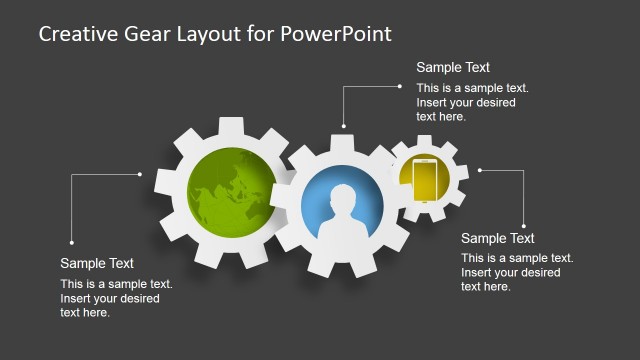
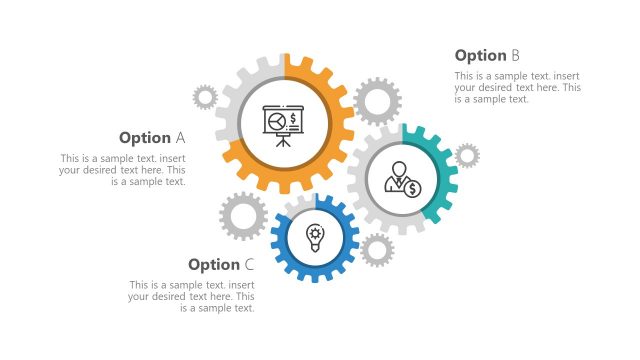
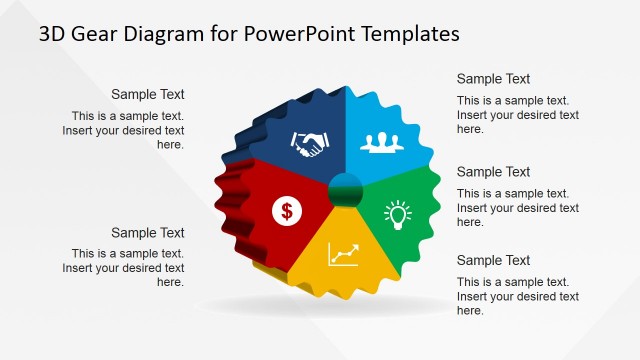
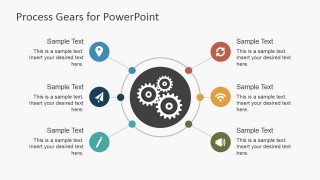
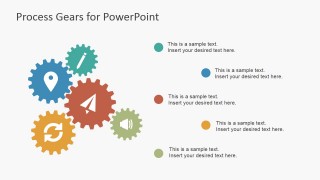
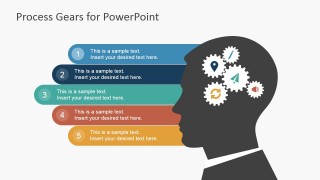
The PowerPoint template consists of 8 unique slide designs. Most slides display colorful gear shapes. The first slide has a blue background with block white gears. The user can include the Title and subtitle in this area. Useful icons- landmark marker, paper airplane, pencil, refresh, WiFi and speaker, can be found on the remaining slides. In the 3rd and 4th slides, colored text boxes correspond to the colors of each icon. The presenter can see a man’s outline with gears in his head on the fourth slide. This can metaphor perspective. The last slide shows a collection of the white icons in blue background. The user can copy and paste the icons to emphasize on certain subjects.
Boost process presentations and impress professional audiences with Process Gear Shapes for PowerPoint. The user can fully personalize the report to suit the report’s needs. Traditional Product Development Process for PowerPoint is downloadable at the SlideModel gallery.
What’s inside this template
Example presentation scenarios
- An operations manager can explain workflow dependencies by assigning each activity to the circular hub diagram and using the gear-to-step process slide for the execution path.
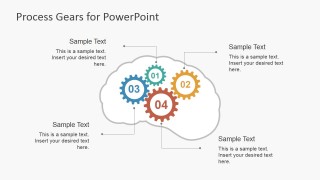
- A product lead can present brainstorming results by grouping ideas in the numbered idea list and showing how concepts connect inside the brain gear diagram.
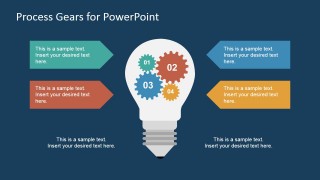
- A consultant can introduce a transformation initiative by using the lightbulb concept layout to connect four workstreams to a single improvement idea.
- A trainer can teach process improvement terminology by copying the reusable vector icons from the icon slide into exercises, examples, and section dividers.
Features
- 100% editable presentation template
- Compatible with Microsoft PowerPoint and Google Slides
- 16:9 aspect ratio slides
- Scalable vector shapes, icons and illustrations
- AI-Ready for Microsoft Copilot and Claude
- Instant access and download
Frequently asked questions
Q: How should I present a process with the gear metaphor without making it feel decorative?
A: Start by defining what each gear represents before adding detail. Use the circular hub diagram for the overall system, then move to the gear-to-step process slide for four specific actions. Keep icon labels short, and reserve longer explanation for speaker notes so the audience sees cause, dependency, and sequence clearly.
Q: Who is this template best suited for in a business presentation?
A: This template fits presenters who need to explain how separate ideas or tasks work together, such as operations managers, product leads, consultants, and trainers. The brain gear slide is useful for brainstorming outcomes, while the lightbulb diagram works well for concept proposals or process improvement recommendations.
Q: Why do the gear, brain, and lightbulb visuals improve the message?
A: The visual metaphors make abstract process thinking easier to follow. Gears imply interdependence, the brain outline signals thinking or planning, and the lightbulb frames a central idea. Because the slides pair these metaphors with numbered points and callouts, the presenter can move from concept to structure without adding visual clutter.




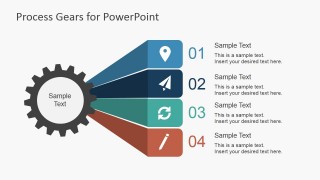

Process Gear Shapes for PowerPoint
8-slide presentation template with gear diagrams, idea process steps, and vector icon layouts
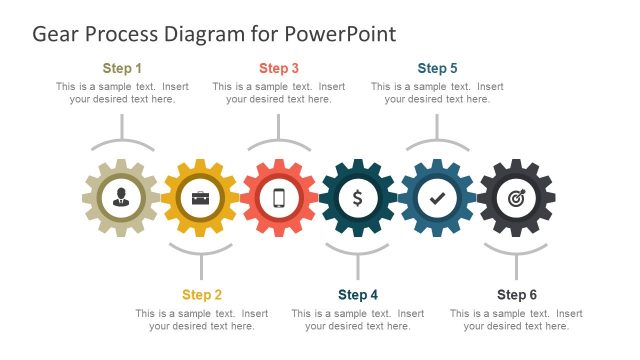
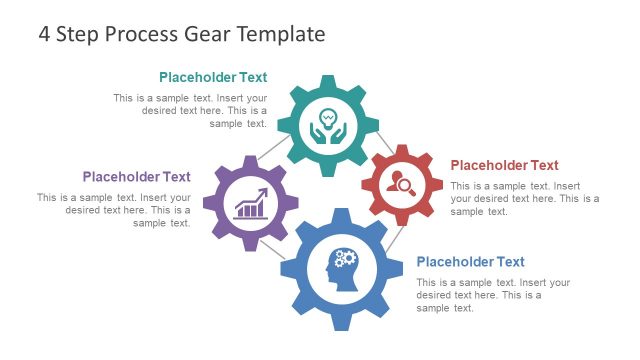
Process Gear Shapes for PowerPoint is an 8-slide gear-themed shapes template for process, brainstorming, and idea presentations. It includes a title slide, circular hub diagram, icon legend, numbered idea list, brain gear diagram, lightbulb concept diagram, and gear-to-step process. Built for business presenters in Microsoft PowerPoint and Google Slides.
- Category
- Shapes
- Rating


 Loading...
- Aspect ratio
- 16:9
- Item ID
- 6873-01
- Colors
 Microsoft PowerPoint
  Microsoft Copilot
  Claude for PowerPoint
 Other formats supported
Subscribe today and get immediate
access to download our PowerPoint templates.