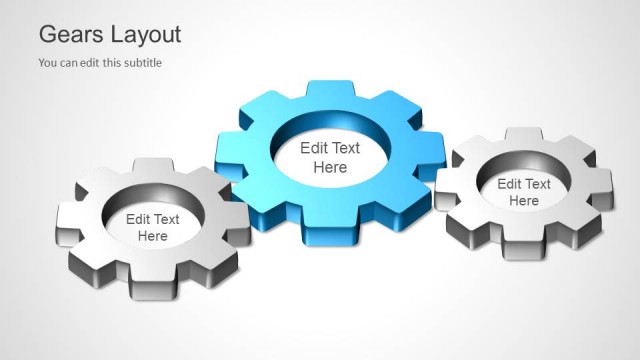
Creative Gear Layout PowerPoint Template is a presentation design containing awesome gear illustrations that you can use to prepare a slide with a custom layout describing a process concept or make PowerPoint presentations describing a mechanical process.
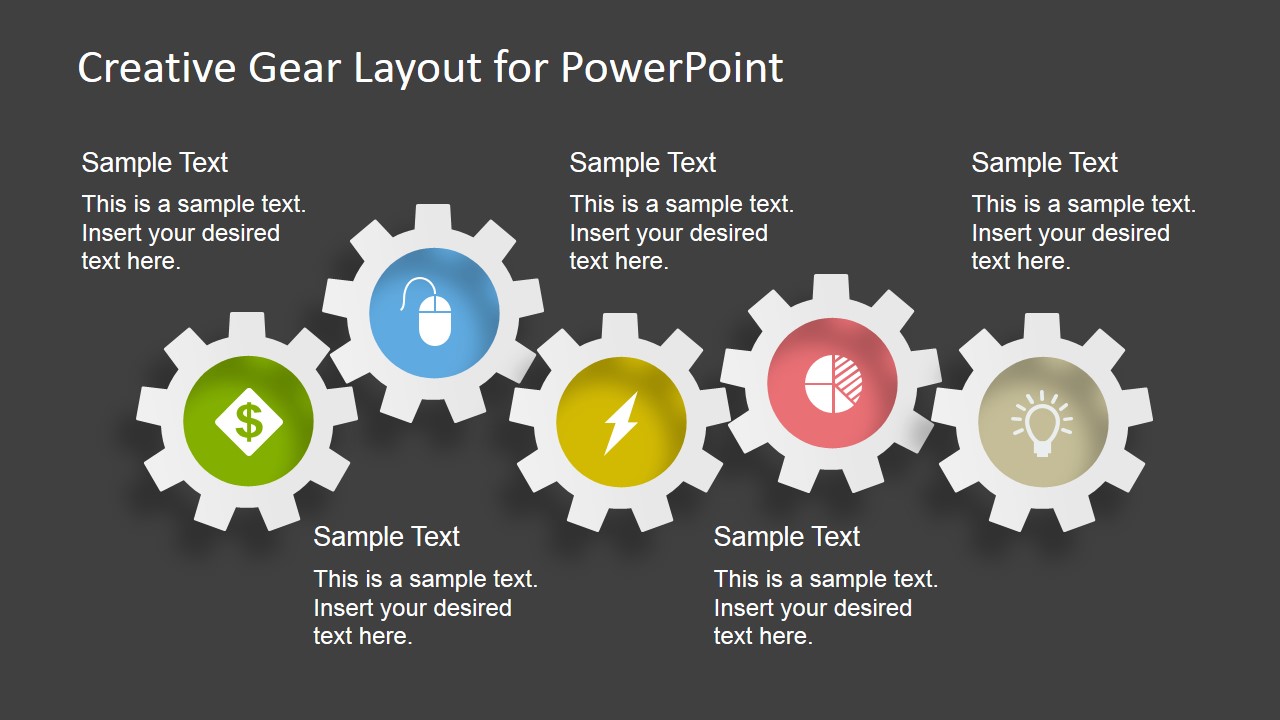
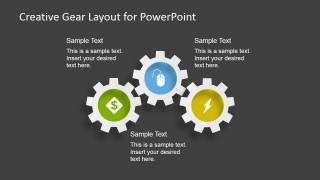
This presentation template contains multiple PowerPoint layouts with gear shapes that you can use to prepare PowerPoint presentations. The gears in the first slide contains a nice background design created with PowerPoint icons and subtle gradient style in the gear border.
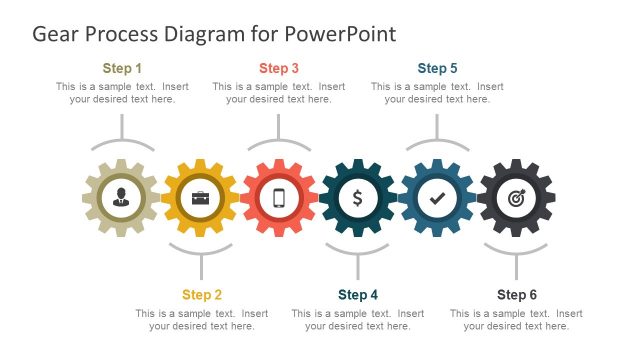
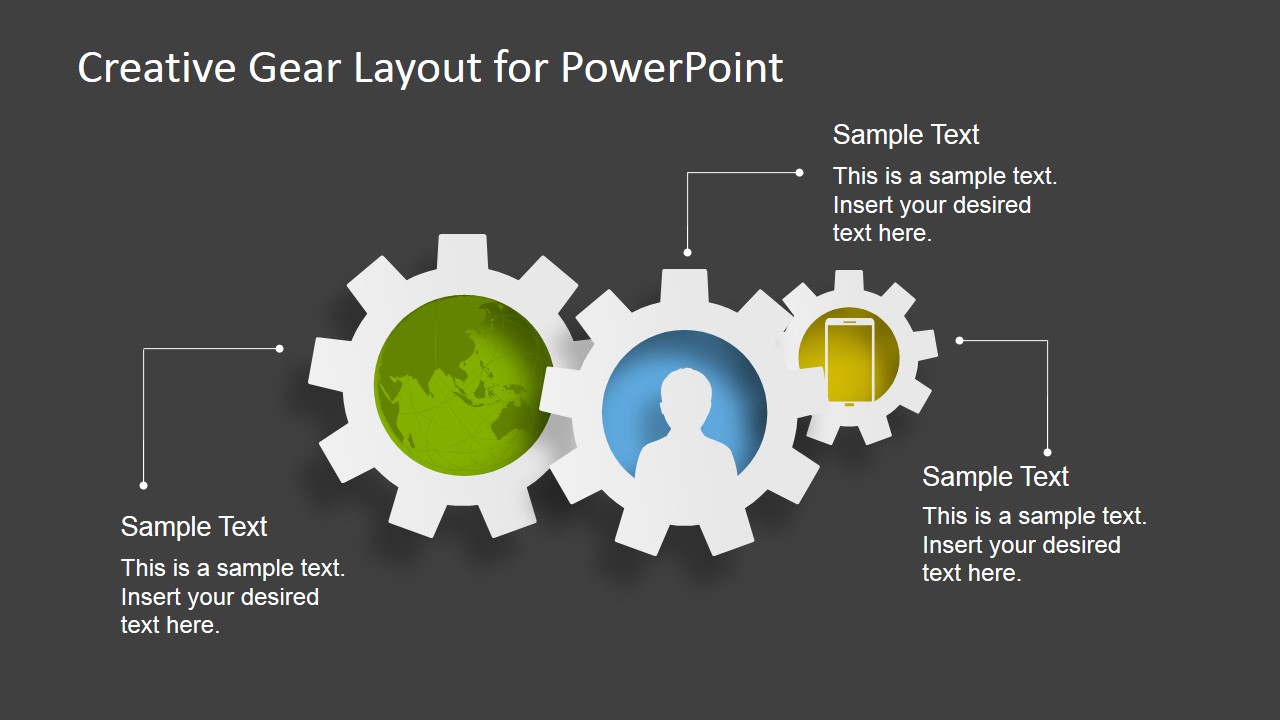
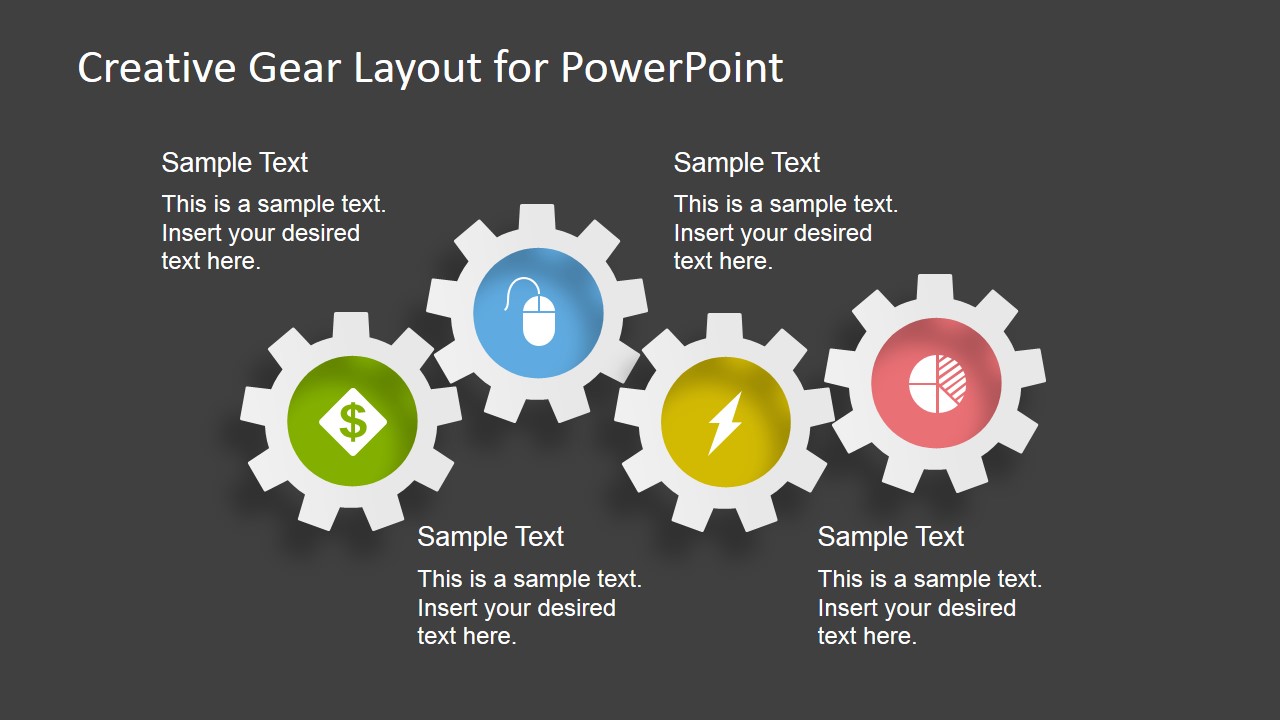
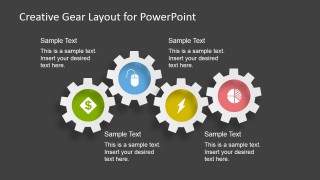
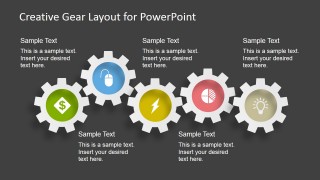
We have prepared this gears PowerPoint template to include 3 gears per slide, 4 gears and 5 gears in the same slide so you can choose the slide that best fit your presentation needs. Additionally, you can modify the layouts replacing the icons by any other icon in our PowerPoint templates gallery. Alternatively you can download our free bundle for PowerPoint containing examples of our editable PowerPoint presentation templates.
What’s inside this template
Example presentation scenarios
- An operations manager can present a production workflow by using the five-gear horizontal process layout to show each function and its effect on the next step.
- An engineering consultant can explain how system components interact by using the interlocking three-gear diagram with leader-line callouts for each component.
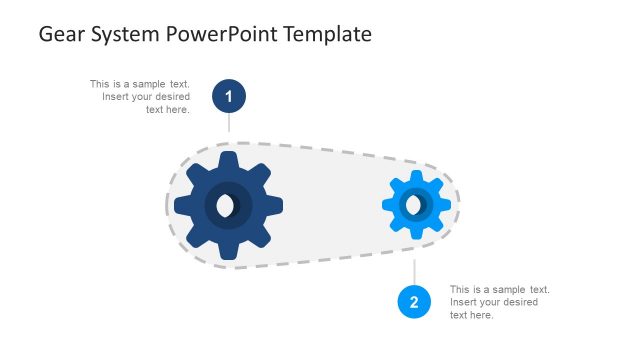
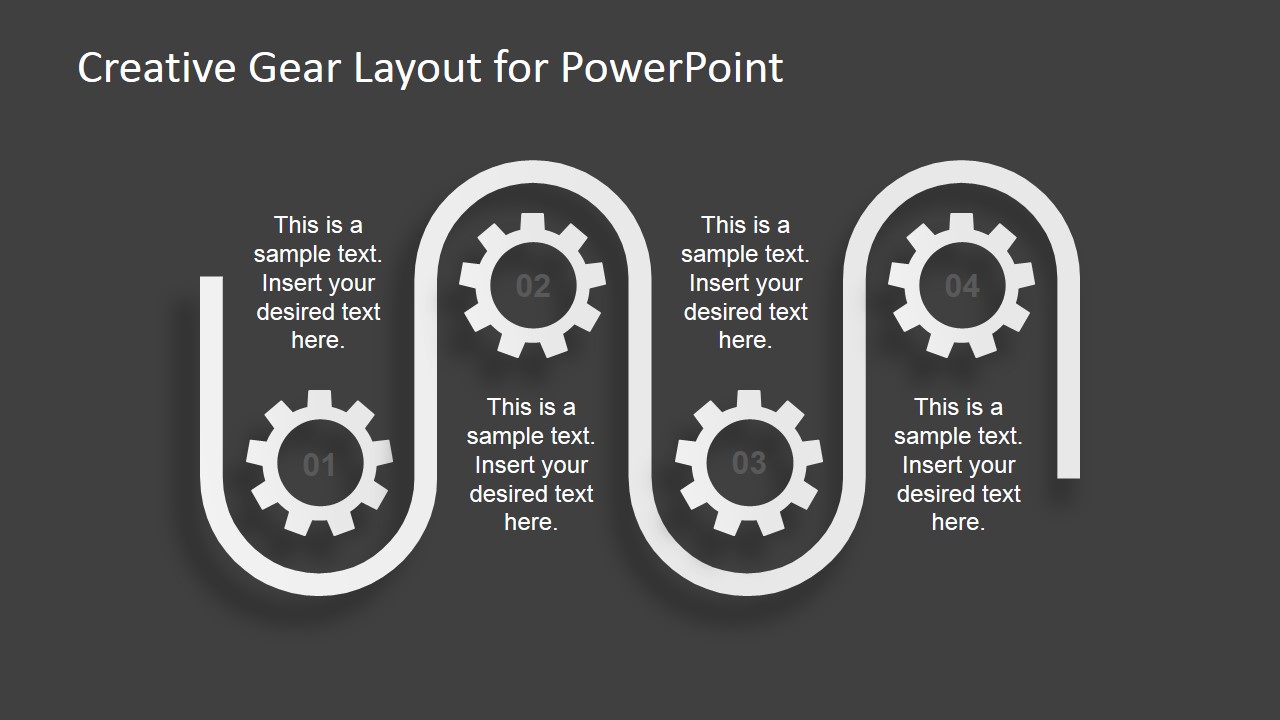
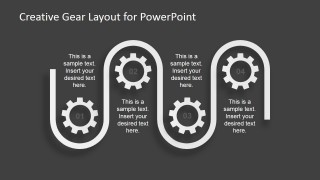
- A process improvement team can compare current and future workflow loops by using the two vertical loop lanes with numbered gear steps.
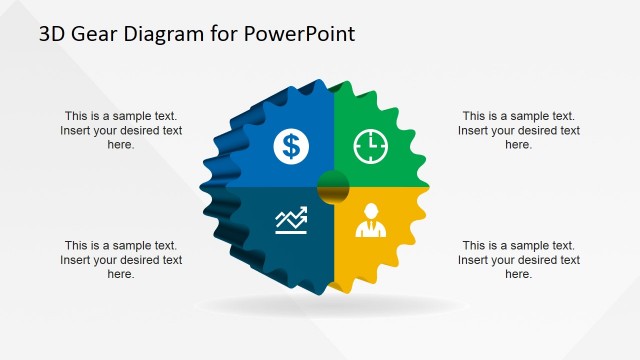
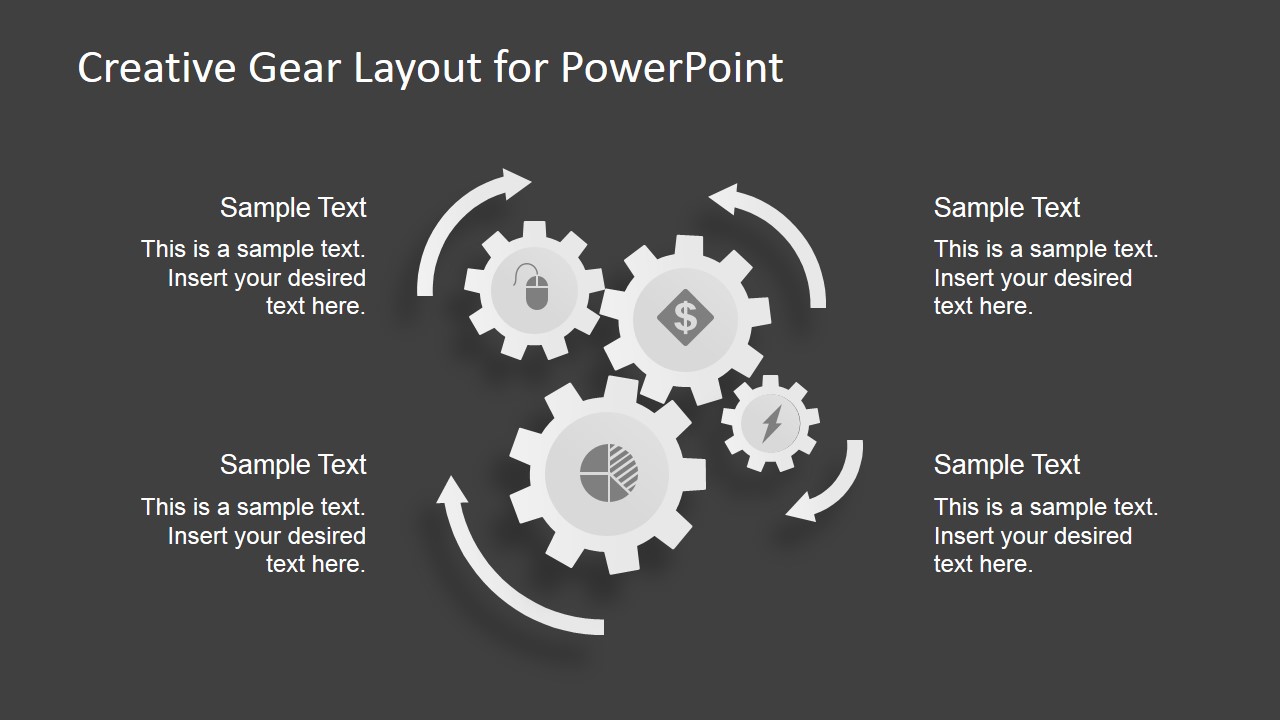
- A product manager can describe a repeating service cycle by using the circular gear cycle layout with four callout areas around the gear cluster.
Features
- 100% editable presentation template
- Compatible with Microsoft PowerPoint and Google Slides
- 16:9 aspect ratio slides
- Scalable vector shapes, icons and illustrations
- AI-Ready for Microsoft Copilot and Claude
- Instant access and download
Frequently asked questions
Q: How should a presenter assign meaning to the gears without making the slide feel decorative?
A: Start by naming what each gear represents before adding detail: a department, system component, process step, or decision point. Then use the nearby text blocks to explain the effect of each part on the next. The gear metaphor works best when the presenter connects movement, dependency, and sequence in spoken narration.
Q: Who is this template best suited for in a business presentation?
A: It fits presenters who need to explain how parts of a workflow affect one another, especially operations, engineering, manufacturing, technology, or consulting teams. The three-, four-, and five-gear layouts are useful when the audience must understand relationships between process stages rather than memorize a long list of bullets.
Q: Why use gears instead of a standard timeline or checklist?
A: Gears imply interdependence: when one part turns, another part moves with it. That metaphor helps communicate connected processes, mechanical logic, handoffs, and feedback cycles. The circular gear slide also suggests repetition, while the horizontal gear chains show progression from one stage to the next.

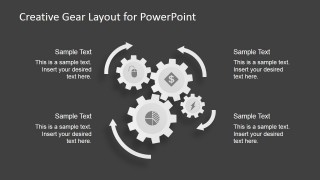
Creative Gear Layout PowerPoint Template
6-slide presentation template with gear process diagrams and mechanical workflow layouts for PowerPoint and Google Slides
Creative Gear Layout PowerPoint Template is a 6-slide diagram set for showing mechanical processes, linked workflows, or operational dependencies. It includes three-, four-, and five-gear process layouts, a two-lane gear sequence, and a circular gear cycle. The template is built for Microsoft PowerPoint and Google Slides.
- Category
- Shapes
- Rating


 Loading...
- Aspect ratio
- 16:9
- Item ID
- 6744-01
- Colors
 Microsoft PowerPoint
  Microsoft Copilot
  Claude for PowerPoint
 Other formats supported
Subscribe today and get immediate
access to download our PowerPoint templates.