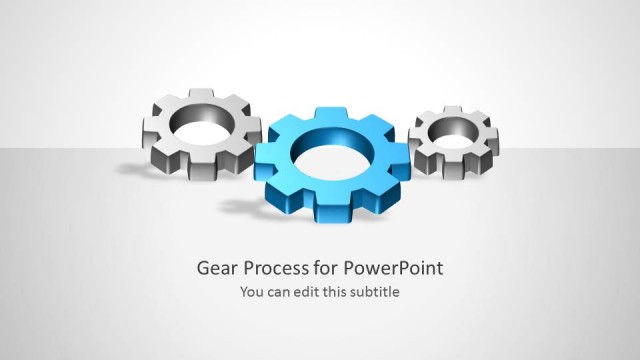
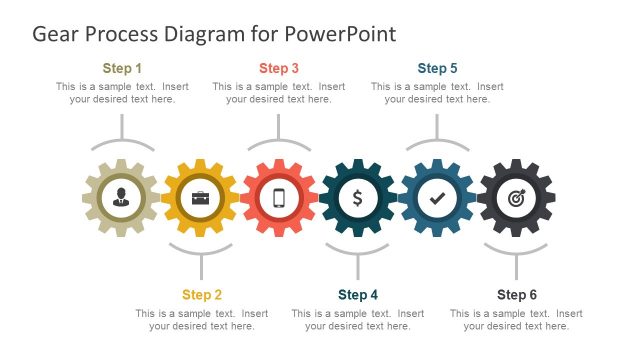
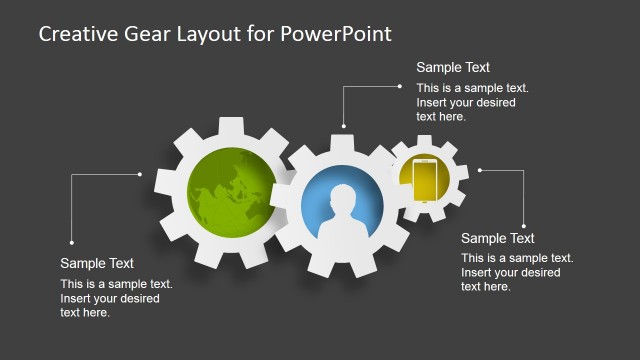
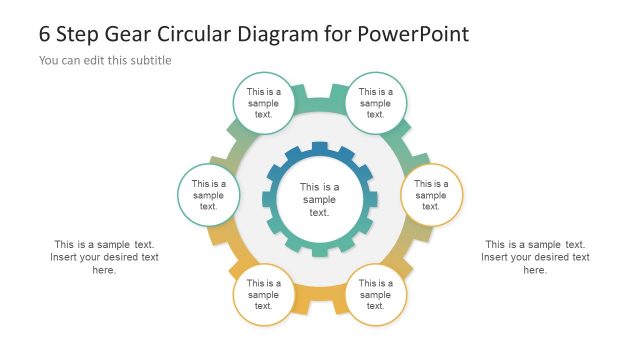
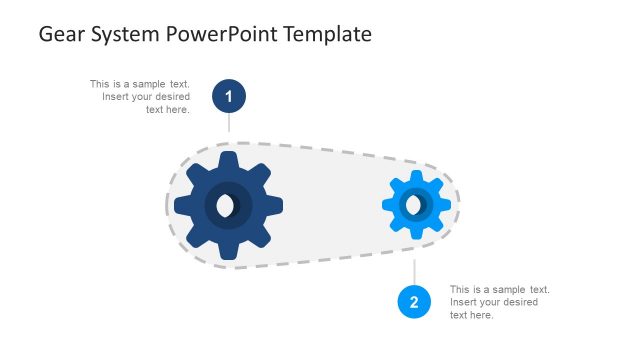
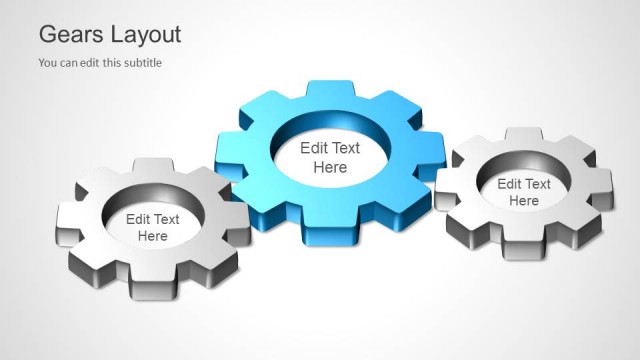
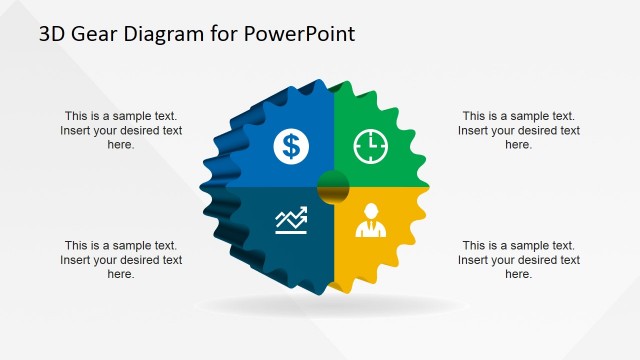
Gear Shape for PowerPoint is a presentation design including a gear illustration in PowerPoint. You can use the gear design for PowerPoint to make presentations on Six Sigma, Quality Management as well as describing complex processes.
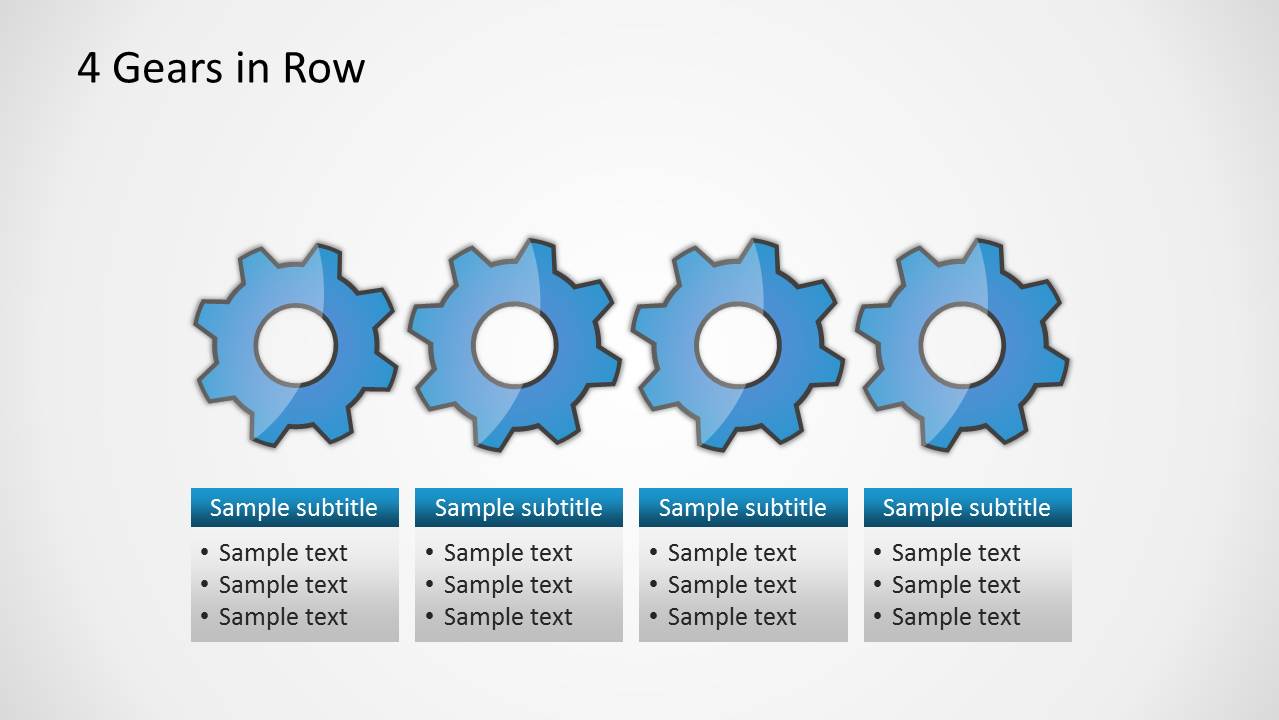
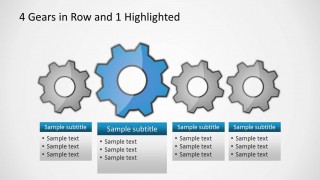
The presentation template contains multiple slide designs prepared to accomplish different diagram needs, for example the 4 gears in row slide let you describe a process of four steps using gear illustrations. There are textboxes that you can edit with the process title and description for each step.
What’s inside this template
Example presentation scenarios
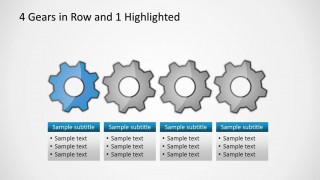
- A quality manager can use the four-gear highlighted layout to explain which process stage needs attention during a Six Sigma review.
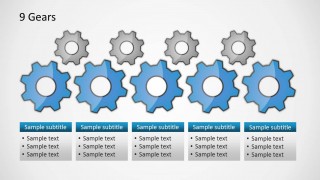
- An operations presenter can use the five-gear row to walk leadership through a five-step production or service workflow.
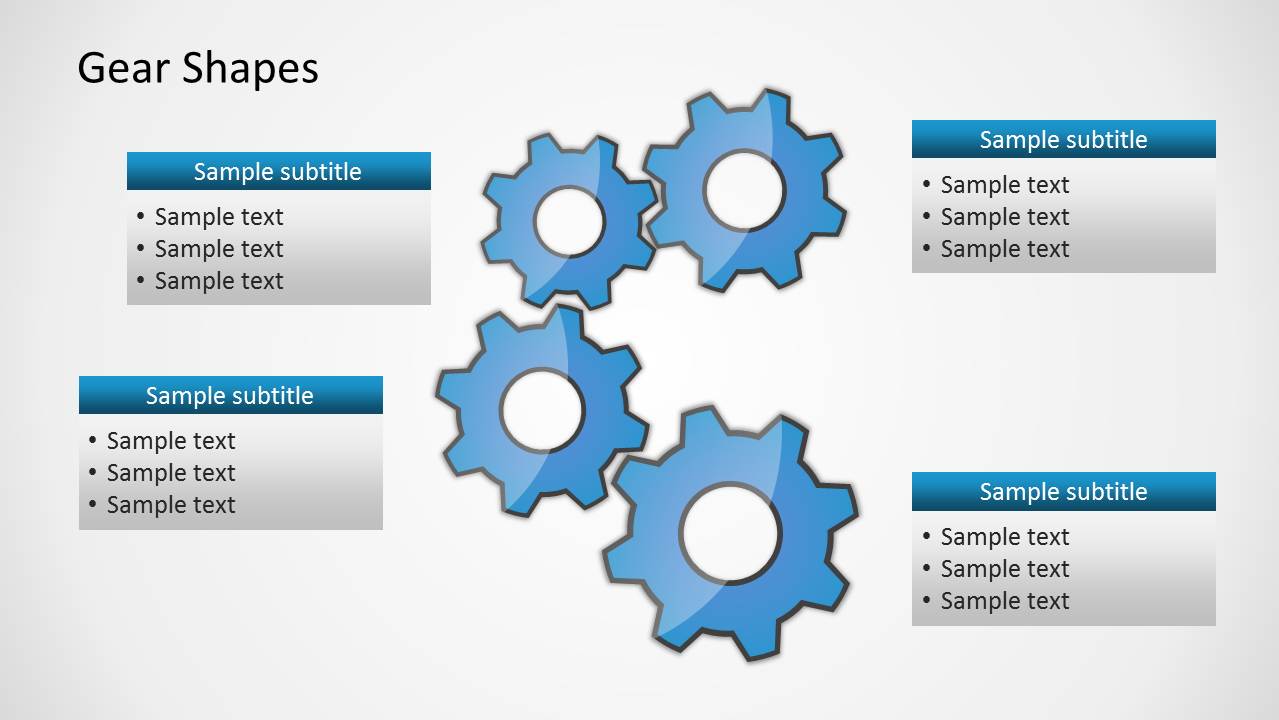
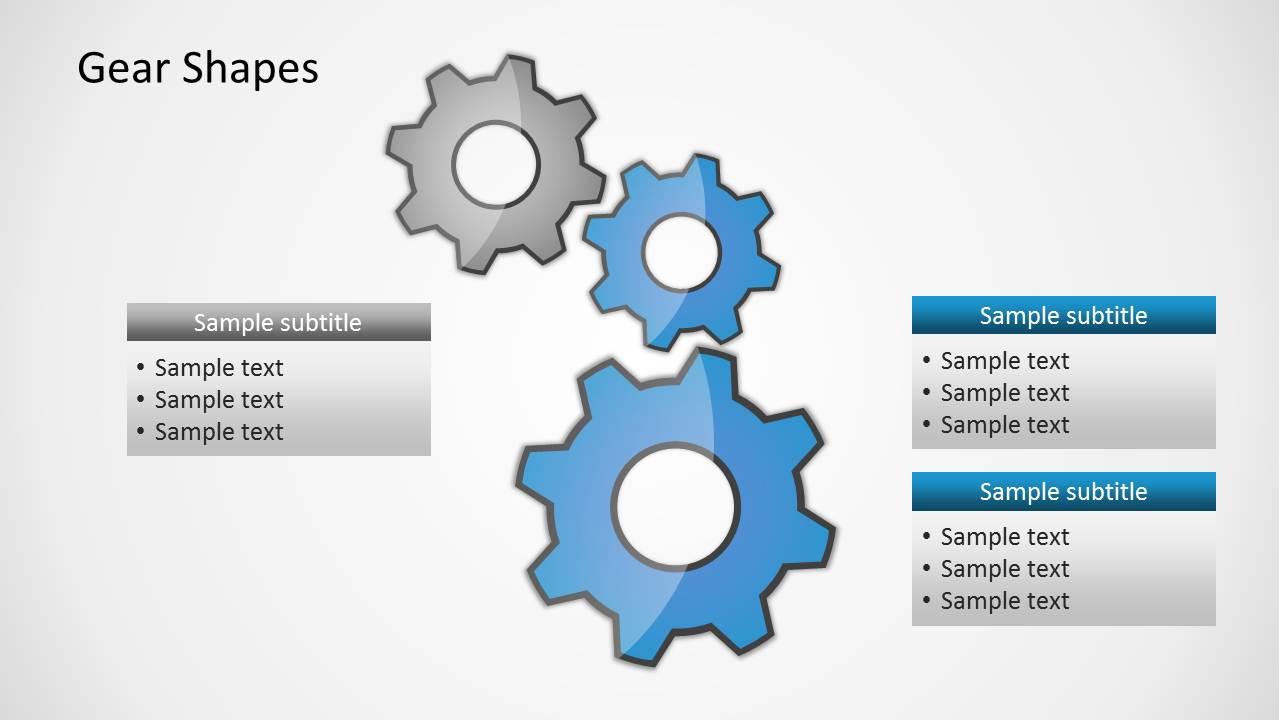
- A consultant can use the clustered gear diagram to show how teams, inputs, and controls interact in a client process assessment.
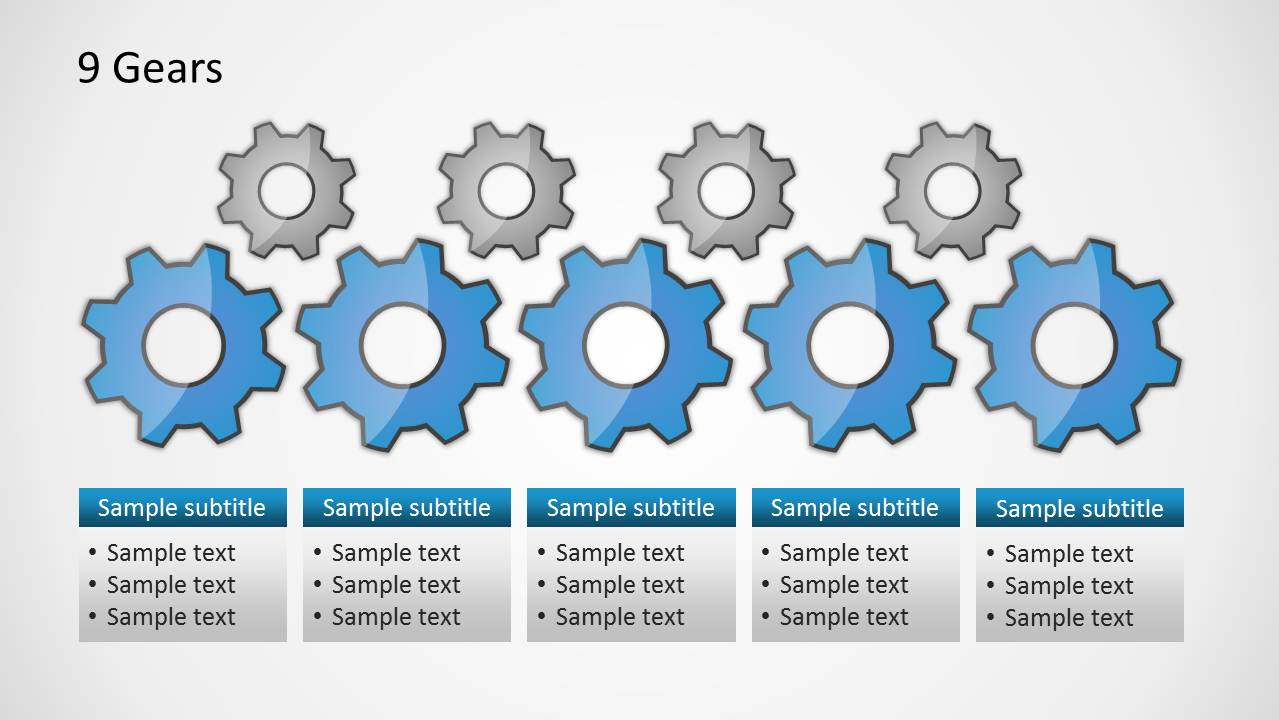
- A business analyst can use the nine-gear layout to compare primary process drivers with supporting dependencies in a process improvement workshop.
Features
- 100% editable presentation template
- Compatible with Microsoft PowerPoint and Google Slides
- Scalable vector shapes, icons and illustrations
- AI-Ready for Microsoft Copilot and Claude
- Instant access and download
Frequently asked questions
Q: How should a presenter structure a process explanation with these gear diagrams?
A: Start with the gear metaphor as the system view, then move into the row layouts to explain each process step in order. Use the highlighted four-gear slides when one stage requires extra focus. Keep each text box to one idea, such as input, activity, owner, or expected output.
Q: Who is this template best suited for in a business presentation?
A: It fits operations, quality, and process improvement presenters who need to explain how activities depend on one another. The visible four-step, five-step, and nine-gear layouts are especially useful for Six Sigma updates, quality management briefings, workflow reviews, and internal training where relationships matter more than numeric detail.
Q: Why use gears as the visual metaphor for this message?
A: Gears quickly suggest interdependence: when one part changes, the whole mechanism is affected. That metaphor supports process and quality topics because it frames each step as part of a connected system. The highlighted gear slides help isolate one component without losing the broader operating context.









Gear Shape for PowerPoint
8-slide PowerPoint presentation template with editable gear diagrams for process steps and quality management
Gear Shape for PowerPoint is an 8-slide PowerPoint template built around editable gear illustrations for explaining process relationships. Visible layouts include a title cover, clustered gear diagram with text boxes, four-gear row with one highlighted gear, five-gear row, and nine-gear comparison. It suits quality, Six Sigma, operations, and process improvement presenters.


 Loading...
 Microsoft PowerPoint
  Microsoft Copilot
  Claude for PowerPoint
 Other formats supported
Subscribe today and get immediate
access to download our PowerPoint templates.