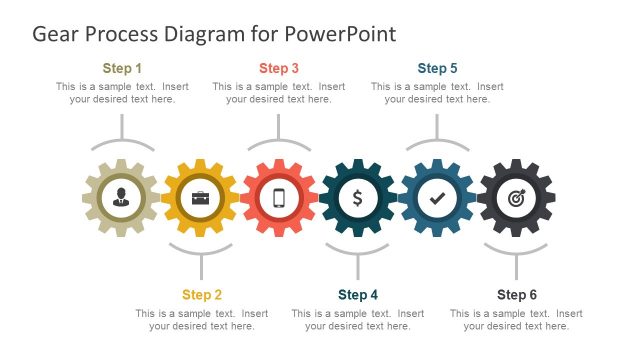
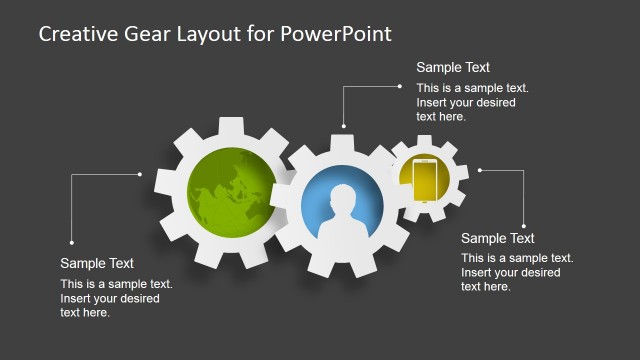
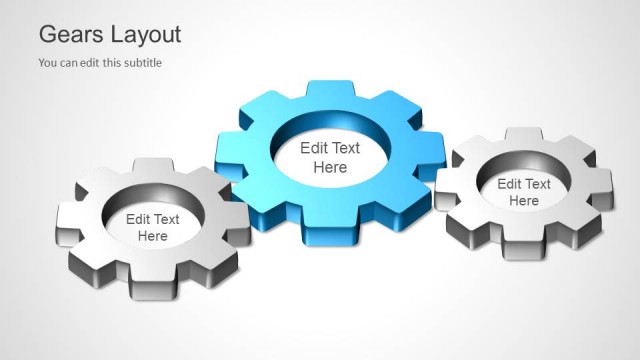
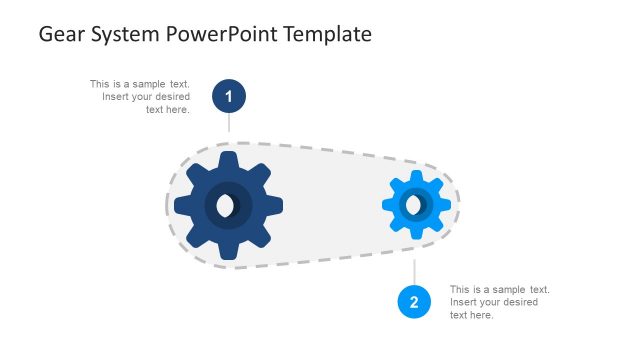
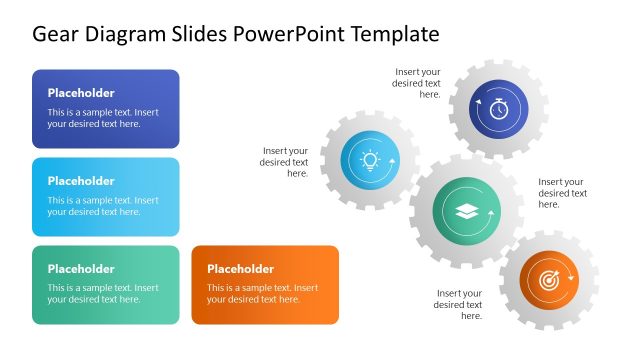
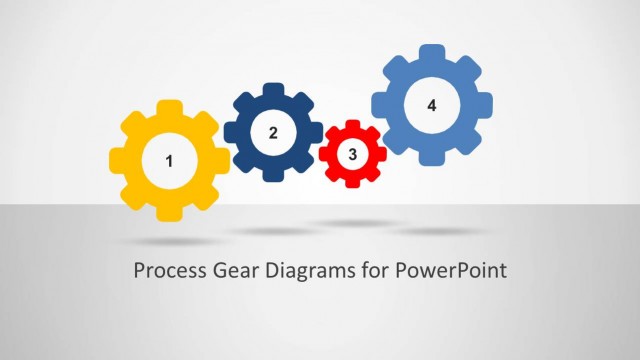
Gear Process Shapes for PowerPoint is a nice presentation design containing gear shapes for PowerPoint presentations.
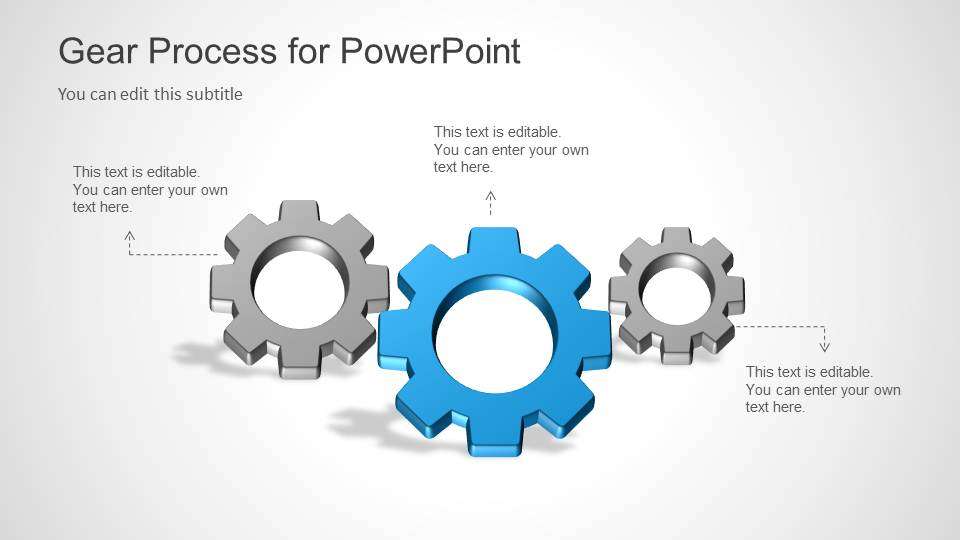
The gear shapes let you create awesome presentations on many different topics for example to model an engine or describe a process in presentations on Lean Manufacturing and Production.
You can also use this presentation design to prepare awesome presentation slides for Management and Business presentations on logistics and Supply Chain Management.
What’s inside this template
Example presentation scenarios
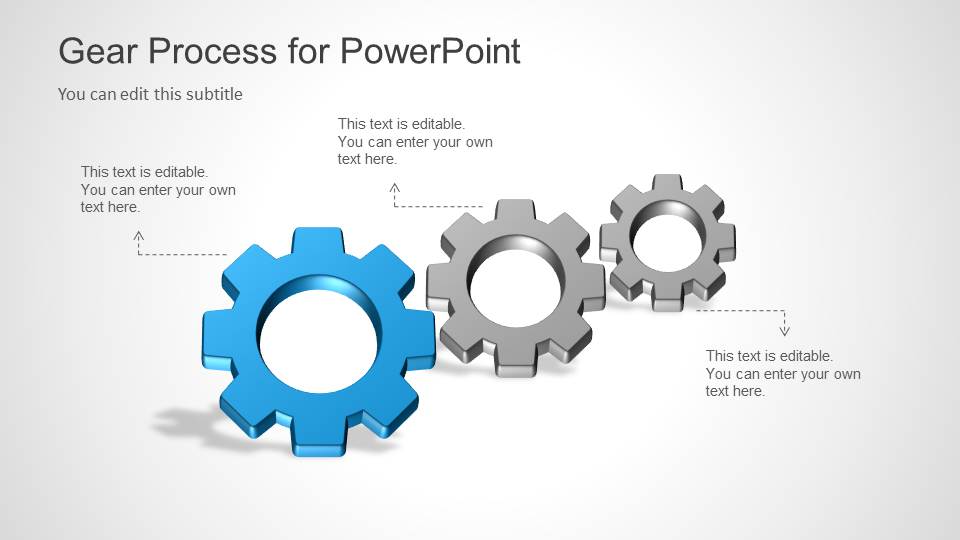
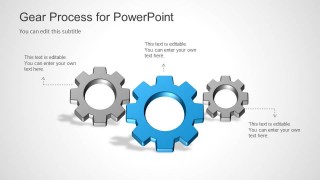
- An operations manager can use the horizontal gear process diagram to show how production, quality control, and distribution depend on each other.
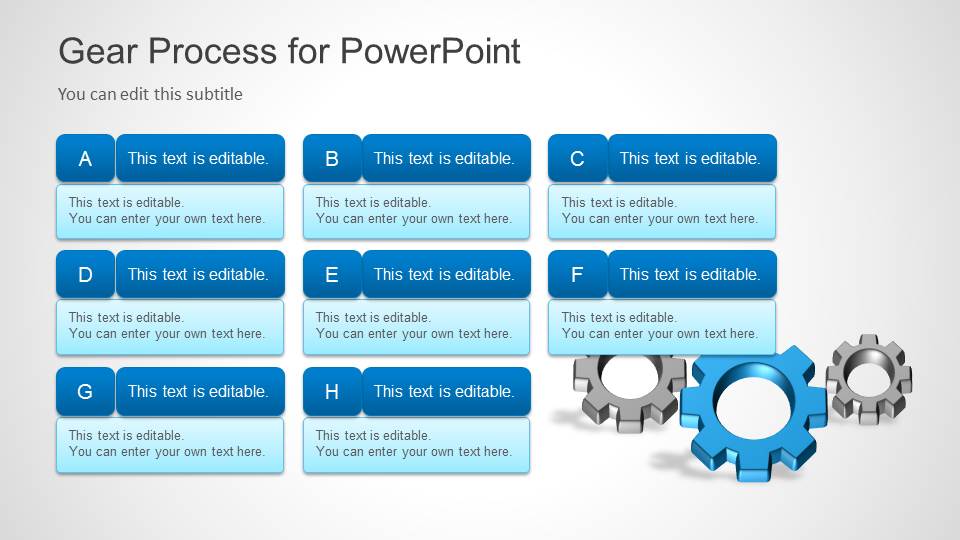
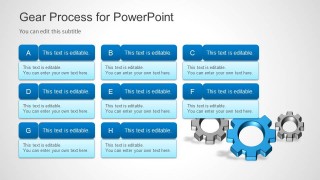
- A lean manufacturing consultant can use the A-H process card grid to explain improvement actions, ownership, and sequence during a process review.
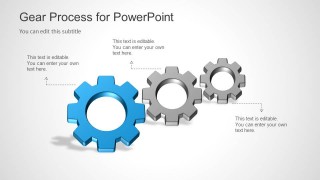
- A supply chain presenter can use the dashed callout slides to map how procurement, warehousing, transport, and fulfillment interact.
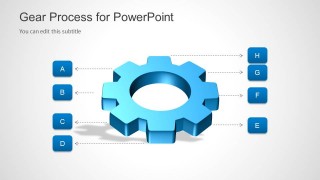
- An engineering lead can use the large gear with A-H labels to identify parts of a mechanism or explain functional dependencies in a system.
Features
- 100% editable presentation template
- Compatible with Microsoft PowerPoint
- 16:9 aspect ratio slides
- Scalable vector shapes, icons and illustrations
- AI-Ready for Microsoft Copilot and Claude
- Instant access and download
Frequently asked questions
Q: How should I present a process with the gear slides without overloading the audience?
A: Start with the cover as the process concept, then move to one gear diagram for the main relationship. Use only the most important callouts on Slides 2 or 3, and reserve the A-H grid for details. This keeps the gear metaphor clear while still giving the audience a structured path through the process.
Q: Who is this template best suited for in a business presentation?
A: This template fits presenters who need to explain how operational parts work together, such as manufacturing managers, supply chain leaders, logistics teams, and process consultants. The gear diagrams are useful when the message is about coordination, dependencies, handoffs, or continuous improvement rather than individual tasks shown in isolation.
Q: Why do the gear layouts help communicate process relationships?
A: Gears are a direct metaphor for interdependence: when one part moves, the surrounding parts are affected. The dashed callouts let the presenter explain causes, inputs, or responsibilities, while the A-H labels convert a mechanical visual into a structured explanation. This reduces abstract process language and makes relationships easier to follow.
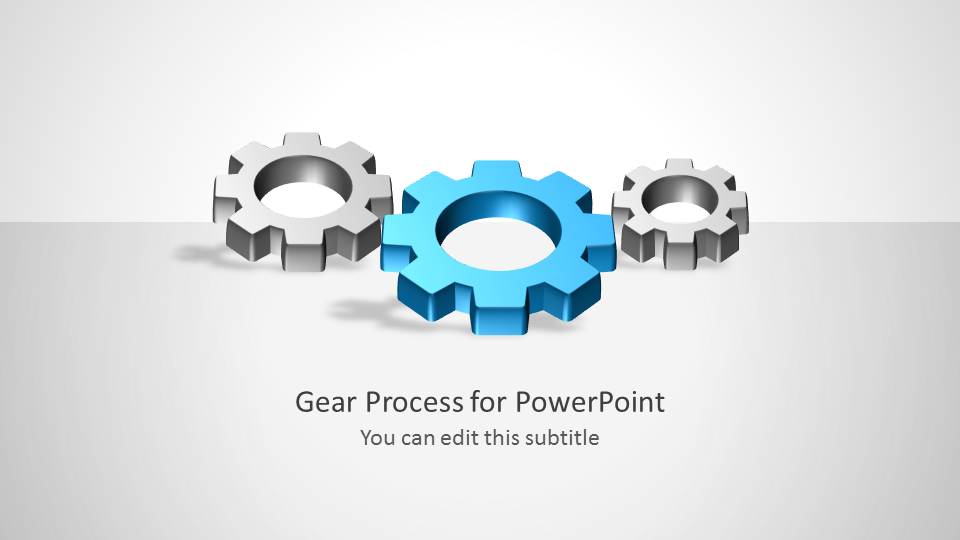

Gear Process Shapes for PowerPoint
5-slide presentation template with editable gear diagrams for manufacturing process and supply chain workflows
Gear Process Shapes for PowerPoint is a 5-slide presentation template for explaining mechanical, manufacturing, logistics, and supply chain processes. It includes a gear cover, horizontal gear process diagrams, callout layouts, a labeled A-H gear parts diagram, and an A-H process card grid. The deck is built for Microsoft PowerPoint.
- Category
- Shapes
- Rating


 Loading...
- Aspect ratio
- 16:9
- Item ID
- 6025
- Colors
 Microsoft PowerPoint
  Microsoft Copilot
  Claude for PowerPoint
 Other formats supported
Subscribe today and get immediate
access to download our PowerPoint templates.