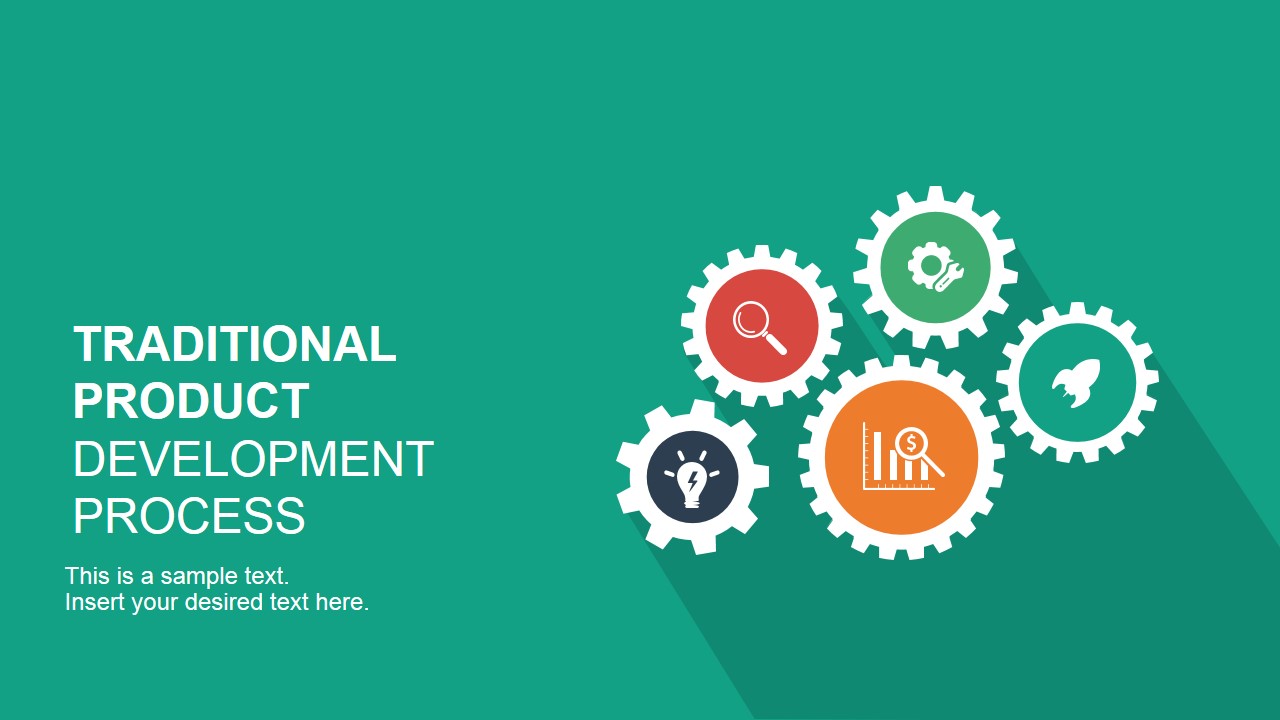
Revamp the presentation of corporate processes with the Traditional Product Development Process for PowerPoint. Present all sorts of processes, while still maintaining a cool retro look and feel. With the use of the template, the user can show the production process in a colorful, interactive way.
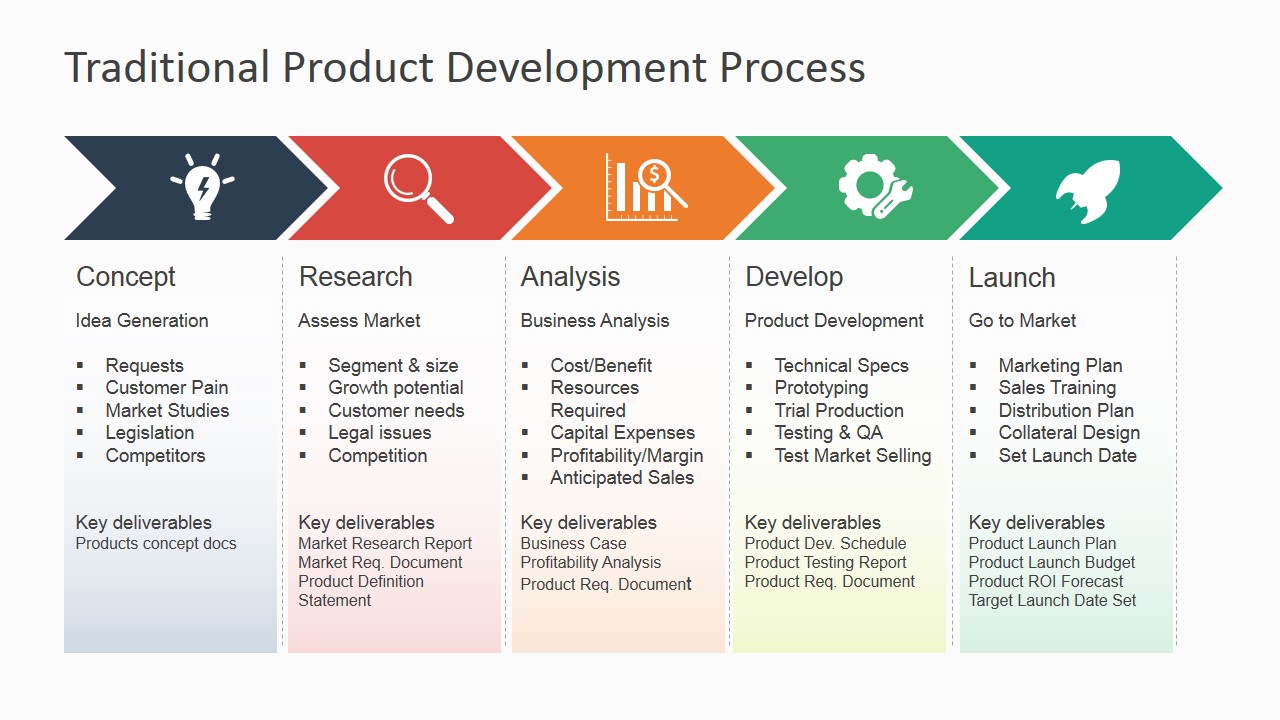
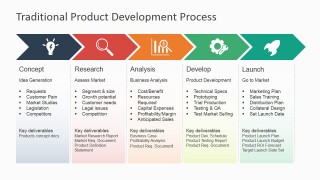
A traditional product development process has five main processes. These are conception, research, analysis, development, and launch. These are the common procedures concerned in production. As such, they can be used to guide the discussion.
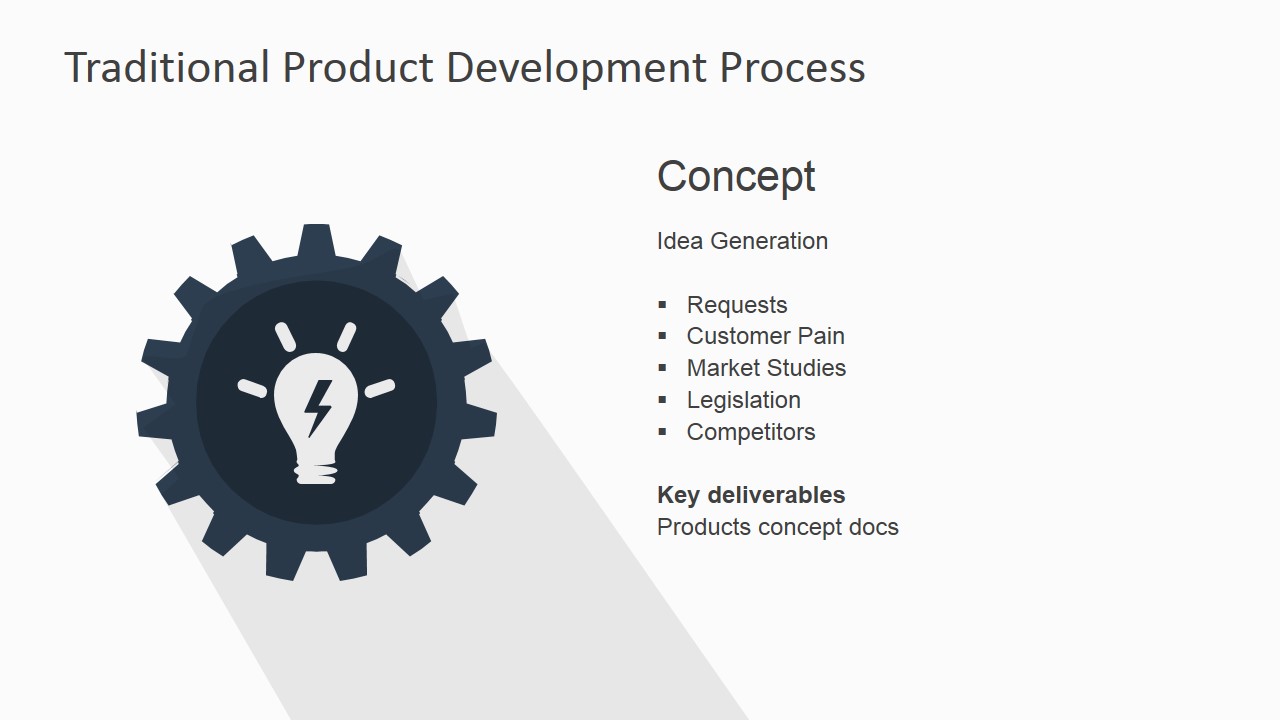
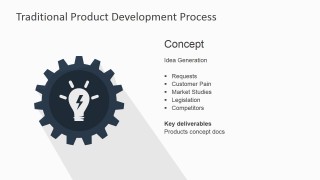
The first stage, conception, or ideation, involves taking the data from surveys, such as suggestions and surveys. These are then used as tools to inspire new projects and product plans. This stage involves comprehensive brainstorming processes.
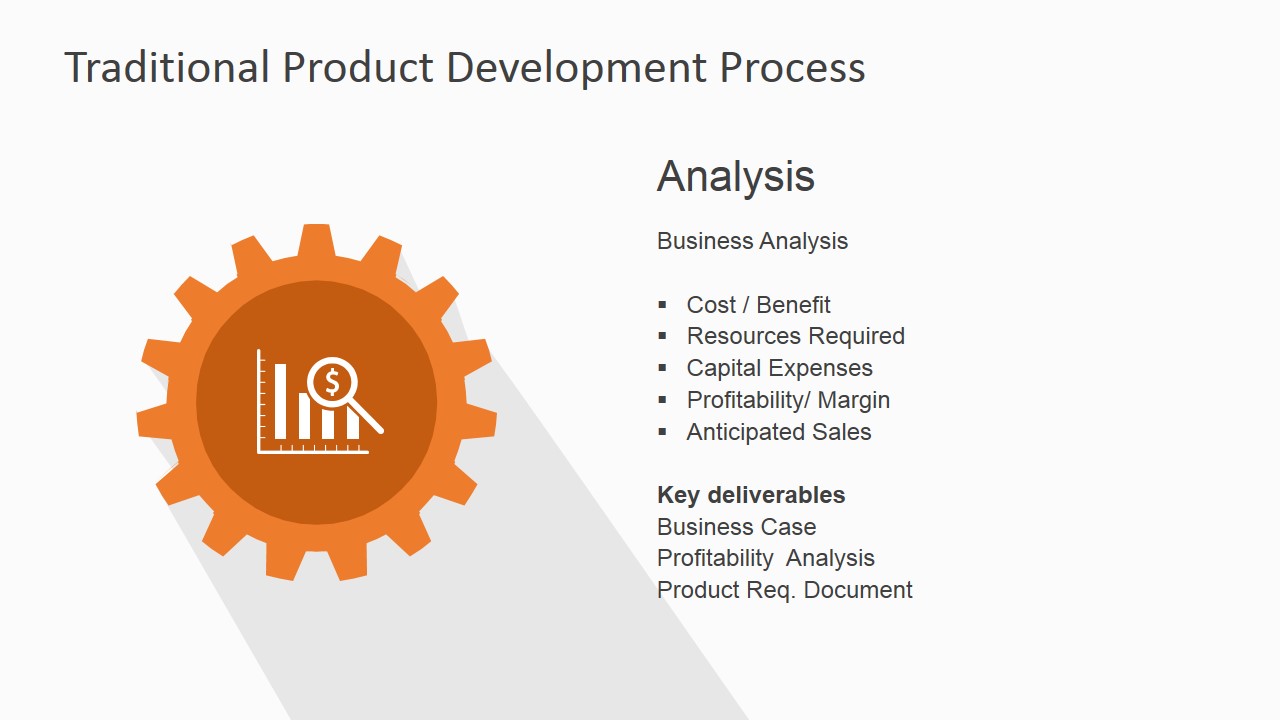
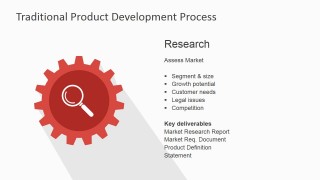
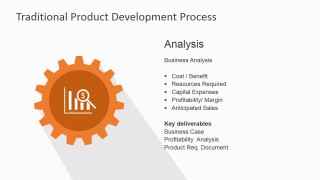
Research, on the other hand, entails a more data-driven version of ideation. In this phase, the initial project is adjusted to fit realistic market needs. In analysis, it is further narrowed down to ensure maximum feasibility. These ensure that the project can be properly developed and implemented. This includes creating a marketing plan to improve possible sales. These previous steps are basically done to ensure a successful product deployment at launch.
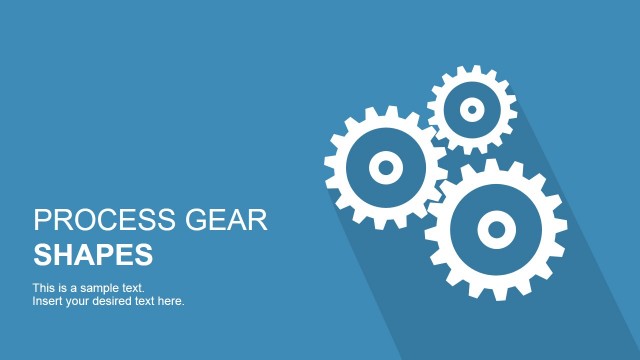
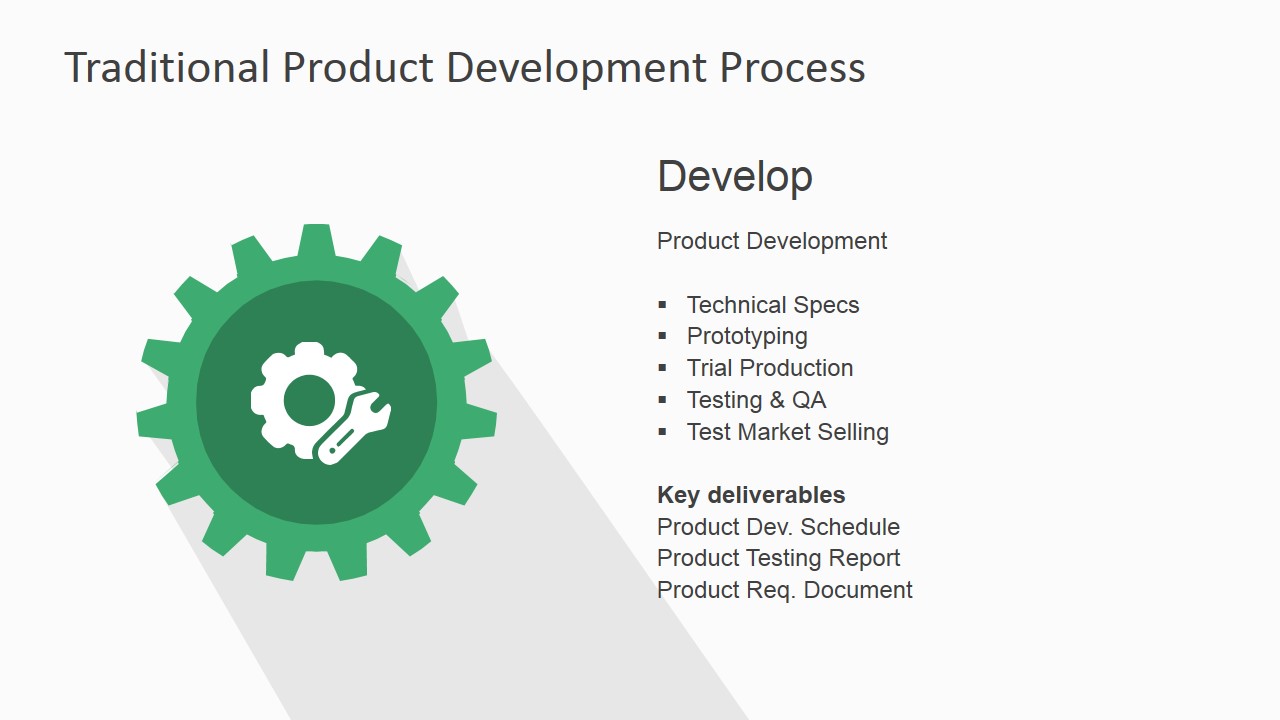
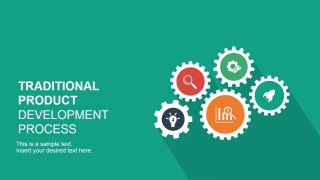
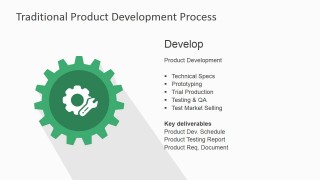
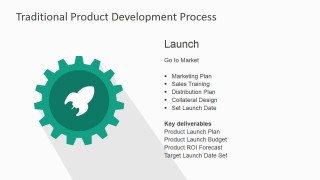
The PowerPoint slides feature each phase with the use of differently-colored gear vectors. Each gear contains a minimalist icon corresponding to the stage in which it occurs. This helps the audience easily identify the processes and quickly understand the concept the user wishes to deliver. The PowerPoint template ensures that the user can use the slides to their maximum potential. The user is provided with a step by step guide through the development process.
The Traditional Product Development Process for PowerPoint is most ideal for manufacturing and production processes. These usually involve machinery and mass-produced products, such a common household items. The user may also use other PowerPoint template, like the Product Roadmap Template for PowerPoint, in conjunction with the slides.
The user need not worry about the PowerPoint product lifecycle. The template may be repurposed in other production presentations. The user may edit and revise the template and its PowerPoint objects to fit specific requirements.
What’s inside this template
Example presentation scenarios
- A product manager can brief executives on how an idea moves from concept to launch using the five-step arrow process and the individual phase detail slides.
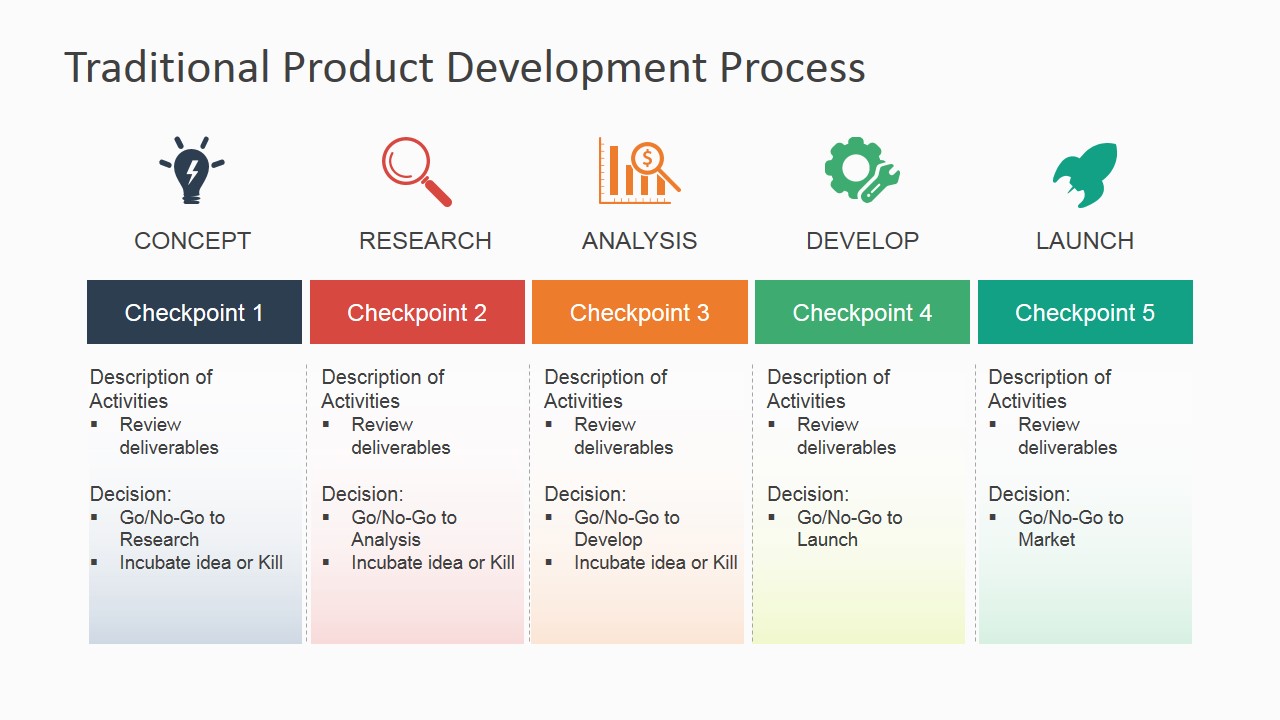
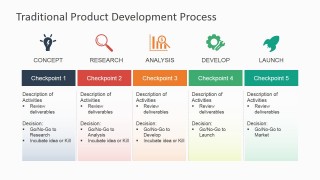
- A business development lead can explain stage-gate responsibilities to cross-functional teams using the checkpoint matrix with review items and go/no-go decision notes.
- An operations presenter can train manufacturing or production staff on required deliverables by walking through the gear-icon slides for concept, research, analysis, develop, and launch.
- A marketing manager can align launch planning with product readiness by using the Launch detail slide and the full process overview to show handoffs.
Features
- 100% editable presentation template
- Compatible with Microsoft PowerPoint and Google Slides
- 16:9 aspect ratio slides
- Scalable vector shapes, icons and illustrations
- AI-Ready for Microsoft Copilot and Claude
- Instant access and download
Frequently asked questions
Q: How should a presenter explain the five-stage process without overloading the audience?
A: Start with the five-step arrow slide to establish the full path from concept to launch. Then use the checkpoint matrix to explain review discipline before moving into the phase detail slides. Keep the phase slides focused on the bullets that matter for the audience, such as decision inputs, owner responsibilities, or required deliverables.
Q: Who is this template best suited for in a product development conversation?
A: This template fits product managers, operations leaders, and business development presenters who need a shared process language. It is strongest when the goal is to explain what happens at each stage, what gets reviewed, and what deliverables are expected before the product moves toward launch.
Q: Why does the gear metaphor help communicate this product development process?
A: The gears suggest that each stage is part of one connected operating system. That metaphor helps audiences see concept, research, analysis, develop, and launch as coordinated steps rather than isolated tasks. The color-coded icons also make each phase easier to recall during discussion and follow-up.


Traditional Product Development Process for PowerPoint
8-slide presentation template for product development process flows, checkpoints, and phase deliverables
Traditional Product Development Process for PowerPoint is an 8-slide presentation template for explaining a five-stage product workflow. It includes a cover, five-step arrow process flow, checkpoint matrix, and individual gear-icon phase detail slides for concept, research, analysis, develop, and launch. It is for business teams using Microsoft PowerPoint or Google Slides.
- Category
- Business PowerPoint Templates
- Rating


 Loading...
- Aspect ratio
- 16:9
- Item ID
- 6855-01
- Colors
 Microsoft PowerPoint
  Microsoft Copilot
  Claude for PowerPoint
 Other formats supported
Subscribe today and get immediate
access to download our PowerPoint templates.