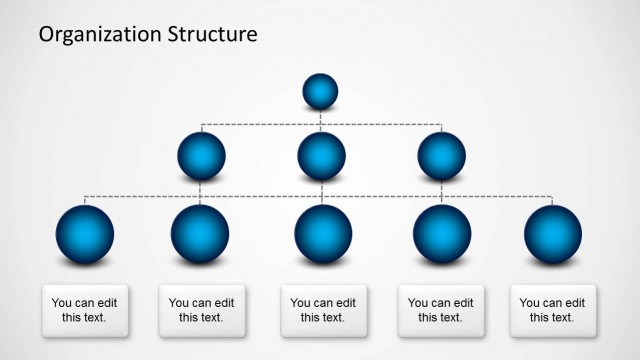
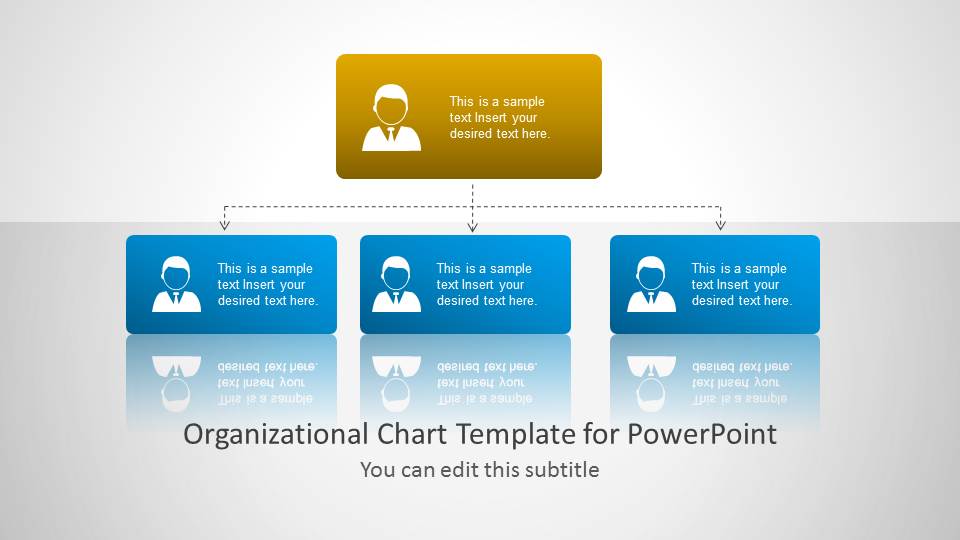
Organizational Chart Template for PowerPoint is a nice Org Chart template that you can download to make awesome organizational charts for your Microsoft PowerPoint presentations.
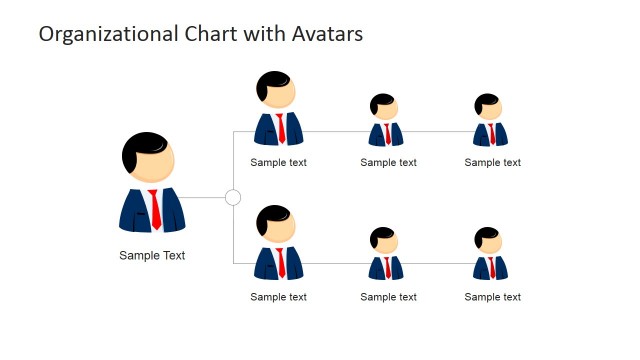
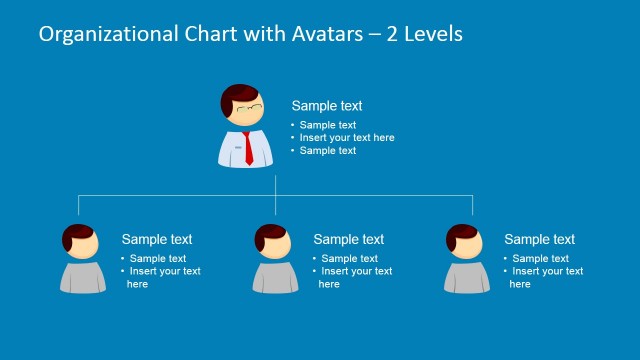
You can also use this presentation template to make detailed presentations showing the employees in an organization as well as showing the company’s employee profile. Alternatively you can download other PowerPoint Org Chart templates and slide layouts for presentations with functional organizational chart and creative avatars or characters representing the roles and positions within an organization.
What’s inside this template
Example presentation scenarios
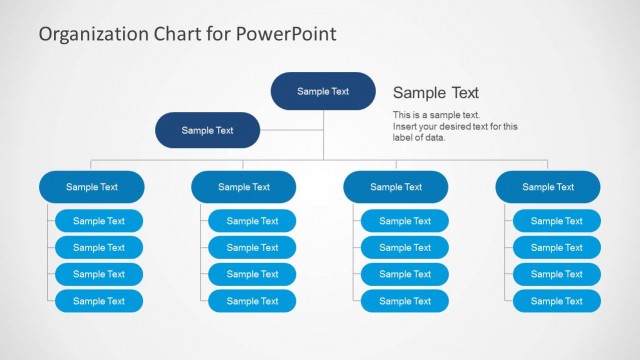
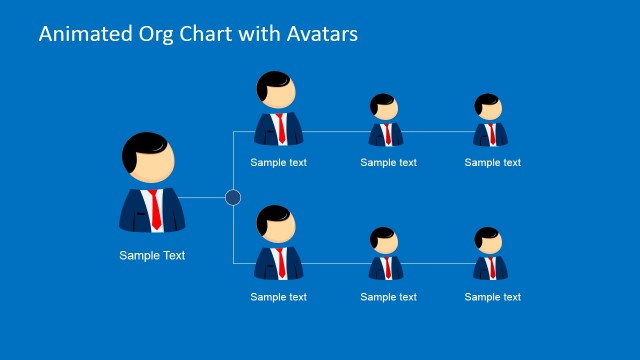
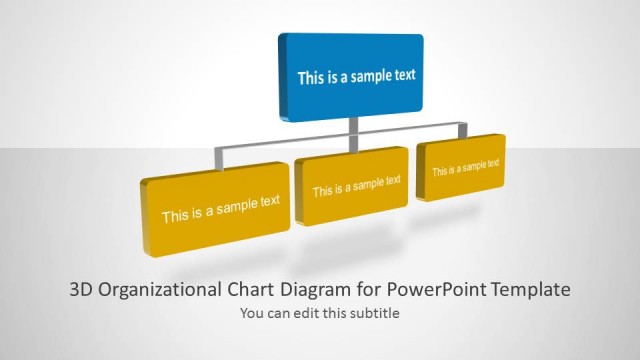
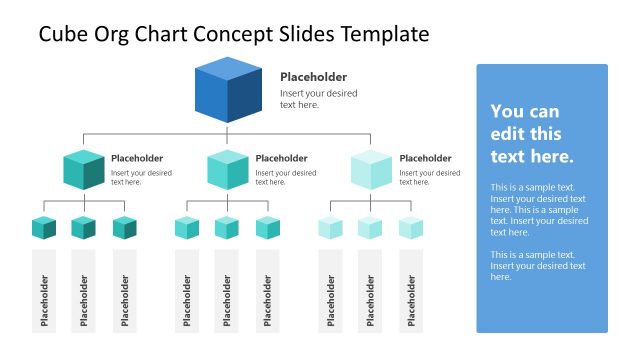
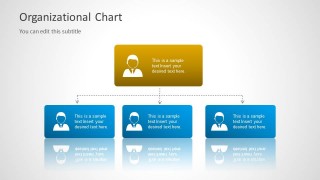
- An HR manager can introduce a new department structure to employees by using the hierarchical tree slide to show the leader and three direct-report groups.
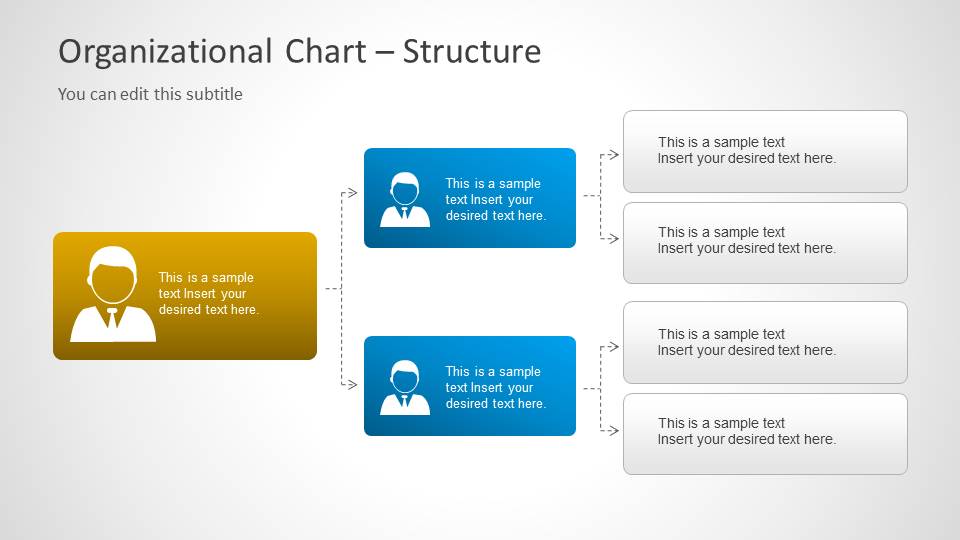
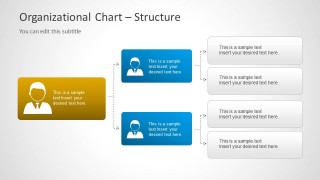
- An operations executive can explain reporting relationships in a leadership meeting by using the structure diagram with role cards and side description boxes.
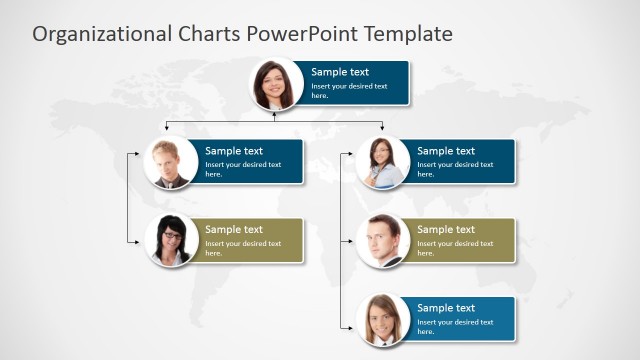
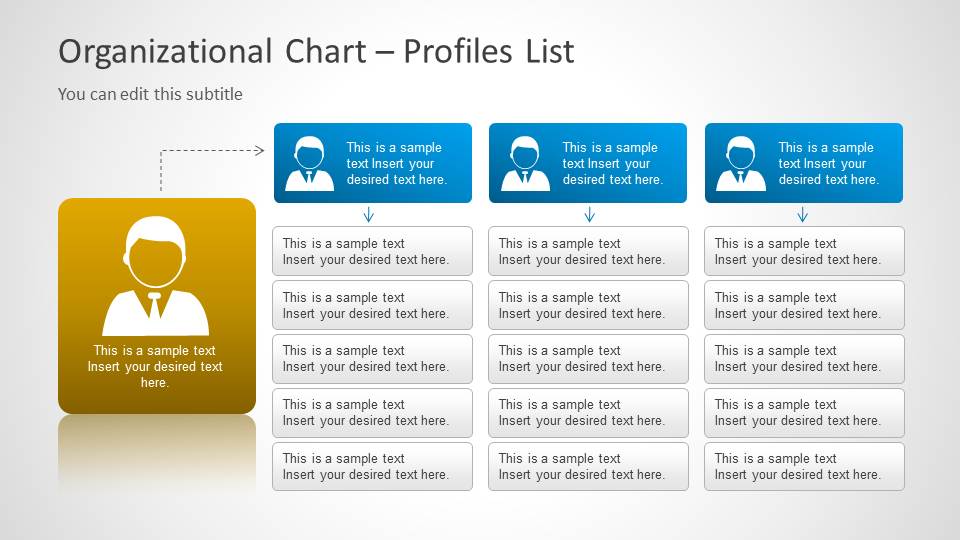
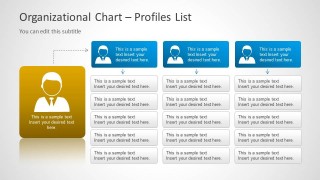
- A department head can present team responsibilities during onboarding by using the profiles list slide with employee cards and stacked detail boxes.
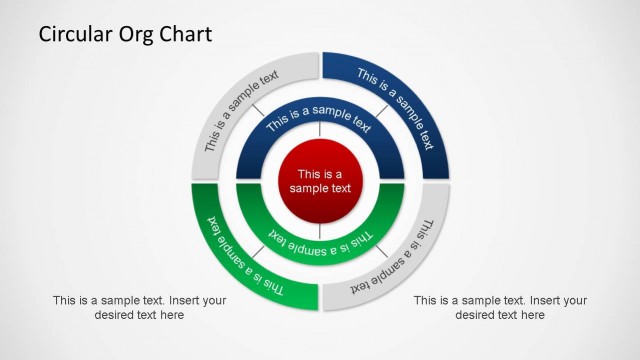
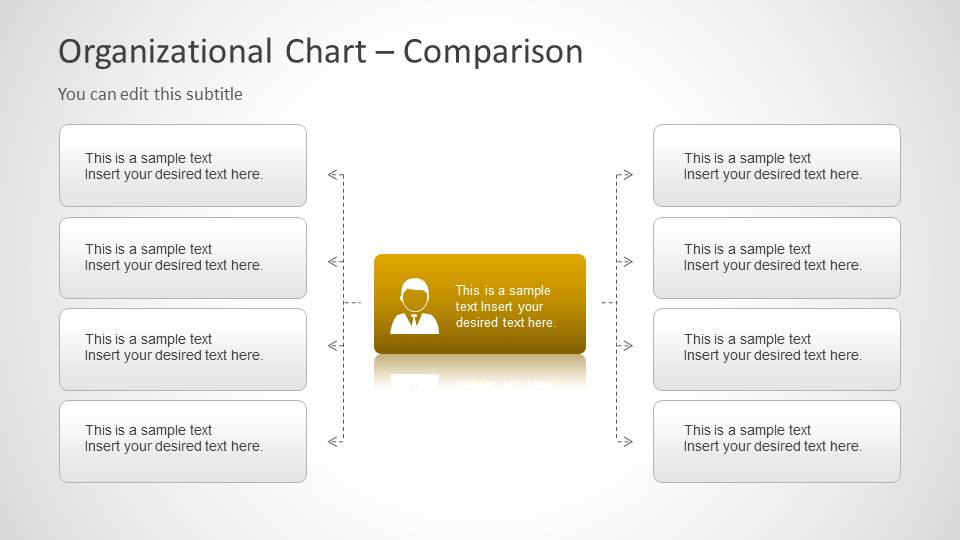
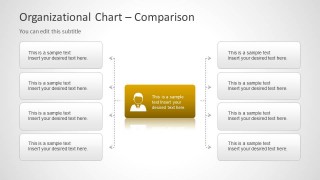
- A consultant can compare two sides of a reporting model by using the central leader comparison layout with left and right note groups.
Features
- 100% editable presentation template
- Compatible with Microsoft PowerPoint
- 16:9 aspect ratio slides
- Scalable vector shapes, icons and illustrations
- AI-Ready for Microsoft Copilot and Claude
- Instant access and download
Frequently asked questions
Q: How should I present hierarchy without making the audience read every box?
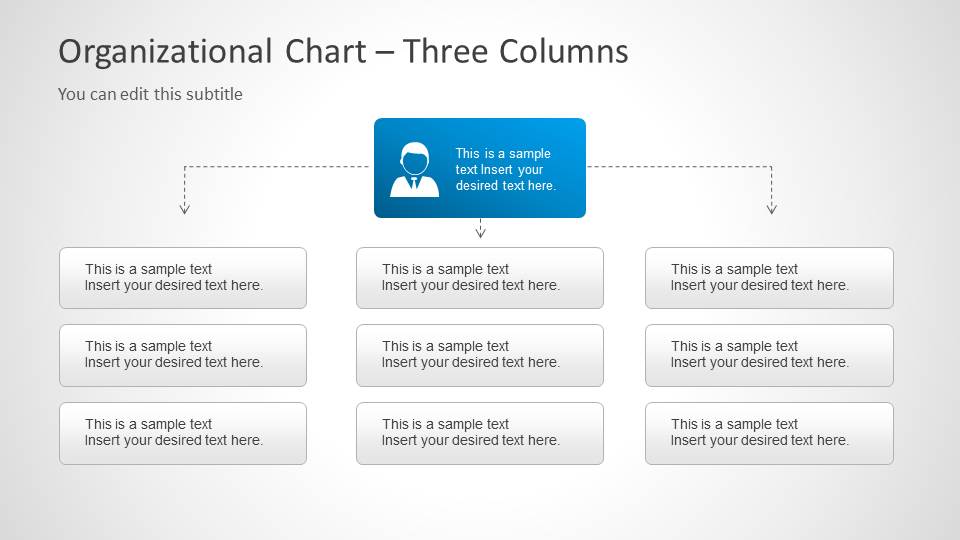
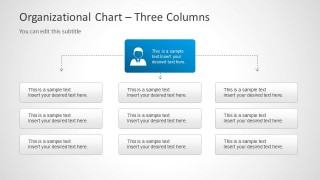
A: Start with the reporting logic before the details. Use the tree slide to establish the top role and direct reports, then move to the structure or three-column layout only for the groups that need explanation. Keep each card limited to a name, role, or short responsibility so the audience follows relationships first.
Q: Who is this template best suited for?
A: This template is best for HR, operations, and department leaders who need to explain a company or team structure. It fits onboarding, reorganization briefings, leadership updates, and employee profile introductions because the visible layouts combine hierarchy cards, profile lists, and comparison boxes in a concise format.
Q: Why do the card and connector layouts work well for organizational communication?
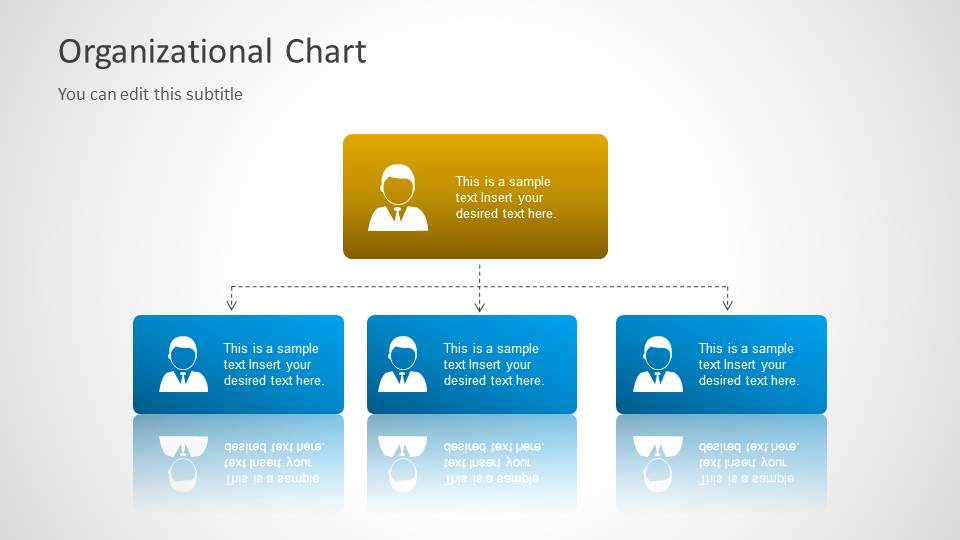
A: The template uses a familiar tree metaphor: larger leader cards, smaller subordinate cards, and dotted connectors. That visual language makes authority, grouping, and reporting lines easier to scan. The profile list and comparison slide add detail without breaking the main hierarchy, so the structure remains readable.
Org Chart Template for PowerPoint
6-slide PowerPoint presentation template for org charts, employee profiles, and reporting structure diagrams
Org Chart Template for PowerPoint is a 6-slide 16:9 presentation template for showing company hierarchy and role relationships. It includes a cover org chart, hierarchical tree, structure diagram, profiles list, comparison layout, and three-column reporting layout for HR, managers, and executives using Microsoft PowerPoint.
- Category
- Data & Charts
- Rating


 Loading...
- Aspect ratio
- 16:9
- Item ID
- 6027-02
- Colors
 Microsoft PowerPoint
  Microsoft Copilot
  Claude for PowerPoint
 Other formats supported
Subscribe today and get immediate
access to download our PowerPoint templates.