Slide 5 of 6 from Org Chart Template for PowerPoint
Org Chart Slide Design for PowerPoint
Organizational Chart Comparison Slide
- Diagram
- Comparison Split
- Comparison Slide
- 16:9
- 100% Editable
The Organizational Chart - Comparison slide from the Org Chart Template for PowerPoint offers a clear visual layout to compare roles or departments within an organization. This slide template is ideal for HR presentations, team introductions, and departmental overviews, providing editable slides that highlight hierarchical relationships and distinctions effectively. Its design supports customization with editable shapes and text placeholders, making it a practical addition to any corporate presentation or slide deck focused on organizational structure.
About This Slide
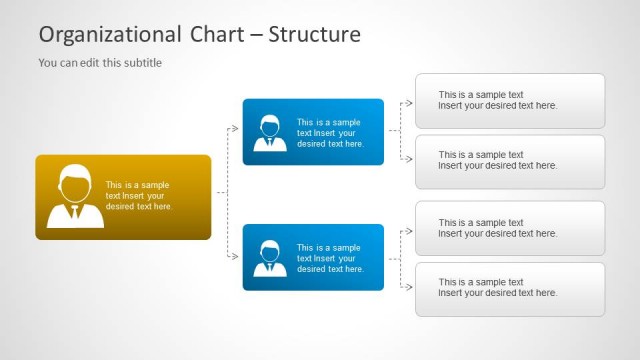
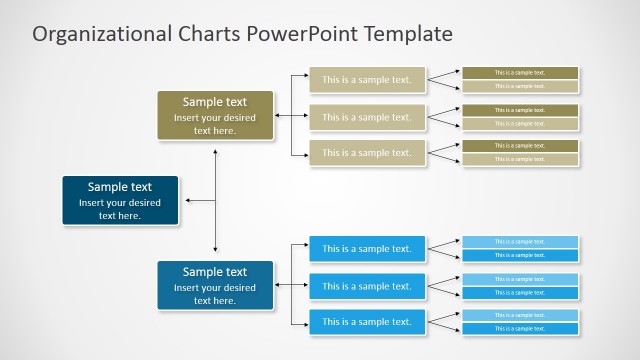
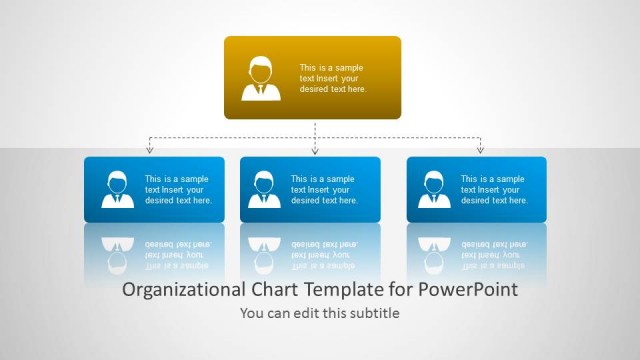
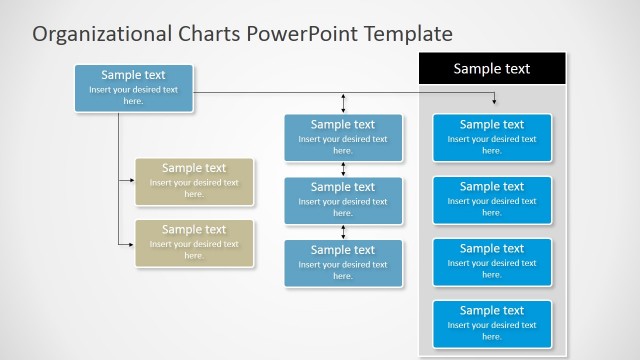
You can compare different Org Chart structures using this slide containing a central card design with employee icon and text placeholders at the left side and right side.
What’s on This Slide
The layout features a central rectangular node in yellow, representing a key role, flanked by two columns of text placeholders on either side. Each column contains five text placeholders aligned vertically, with arrows connecting them to the central node. The text placeholders are labeled 'This is a sample text' and 'Insert your desired text here,' indicating where content can be added. The slide has a light background, enhancing visibility. The overall structure emphasizes a comparison between roles or departments, with a clear visual hierarchy centered around the main node.
How to Use It
This layout serves as a comparison tool, effectively displaying relationships between different roles or departments within an organization. It fits well after a problem-framing slide, providing clarity on organizational structure. Suitable scenarios include HR presentations, team introductions, or departmental overviews. The design allows for easy customization to reflect specific organizational roles, making it useful for both internal and external communications. It can be used to highlight differences or similarities in responsibilities and functions across various positions.
Text Placeholders & Capacity
Keep your copy within these limits so it fits without resizing. Node body slots can accommodate roughly 5-6 words each.
| Placeholder | Count | Max characters (approx.) |
|---|---|---|
| Slide title | 1 | 40 |
| Subtitle | 1 | 40 |
| Item body | 10 | 30 |
Slide Keywords
Download unlimited PowerPoint templates, charts and graphics for your presentations with our annual plan.
DOWNLOADReturn to Org Chart Template for PowerPoint.