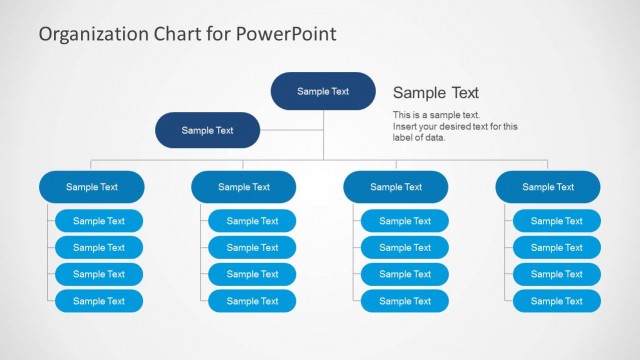
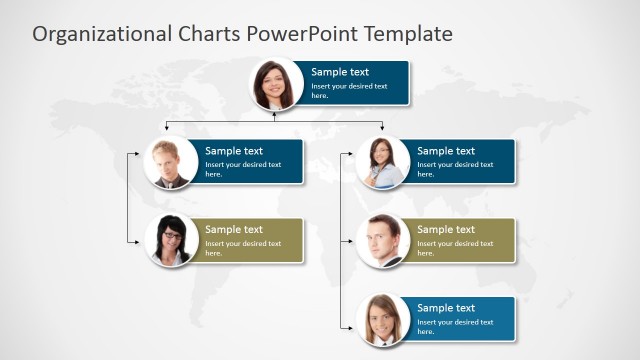
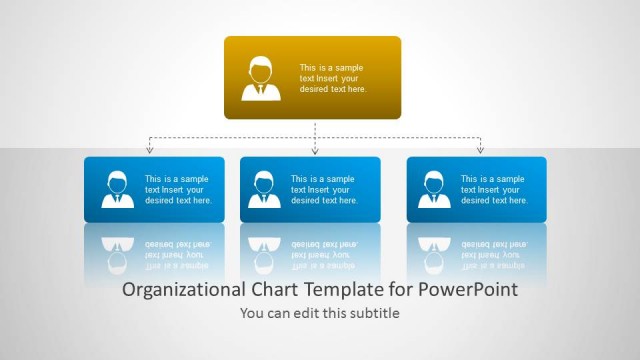
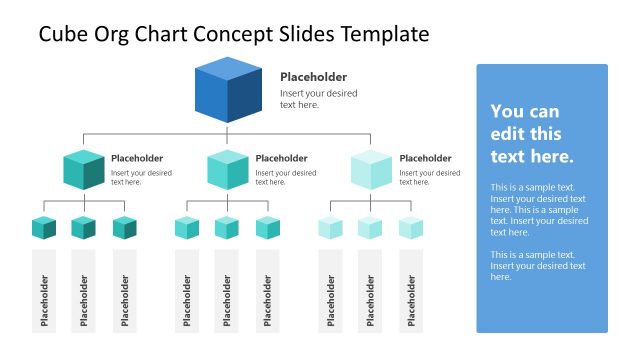
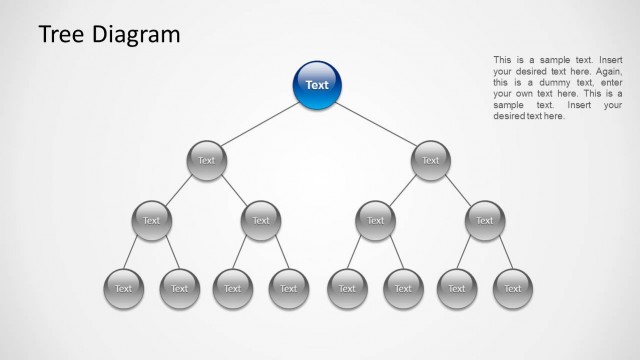
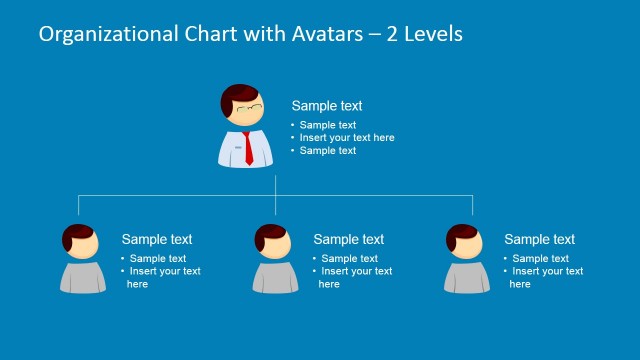
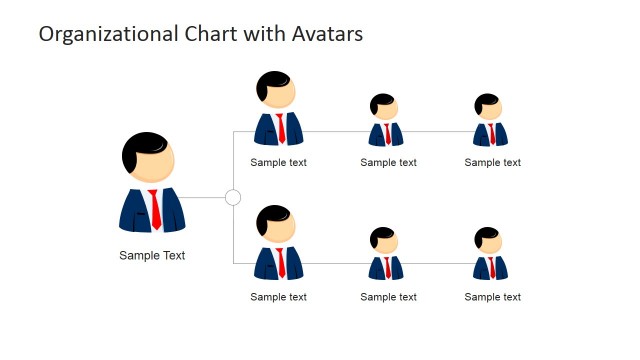
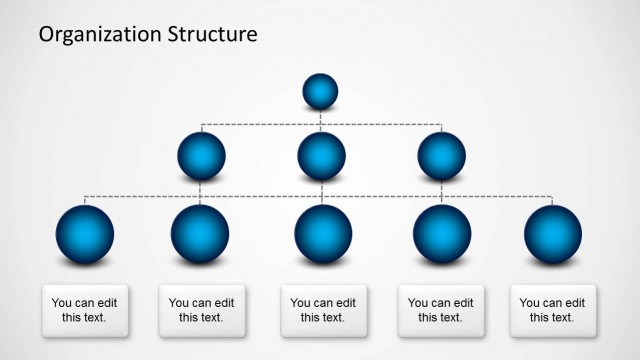
3D Organizational Chart for PowerPoint comes with 3D slide designs for making organizational charts and tree diagrams.
The given slides can be easily edited to quickly create professional diagram slides and even to create charts for official use.
You can adjust the position, color and size of chart objects, as well as add or remove placeholders to craft a custom org chart template with ease.
What’s inside this template
Example presentation scenarios
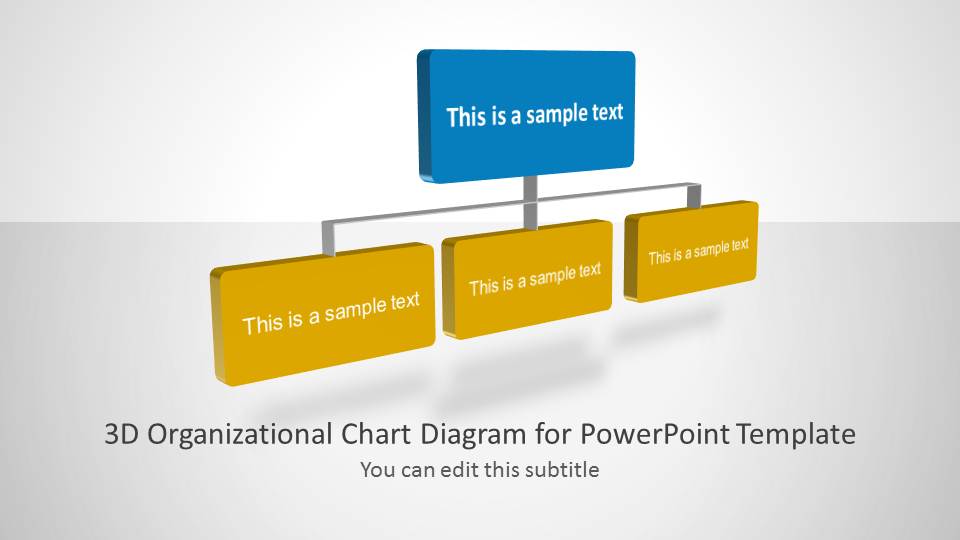
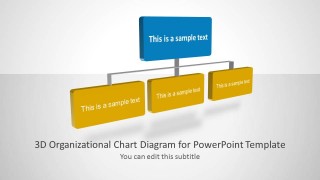
- An HR manager can use the hierarchy chart to explain how one leader connects to three direct reports during an onboarding or internal structure briefing.
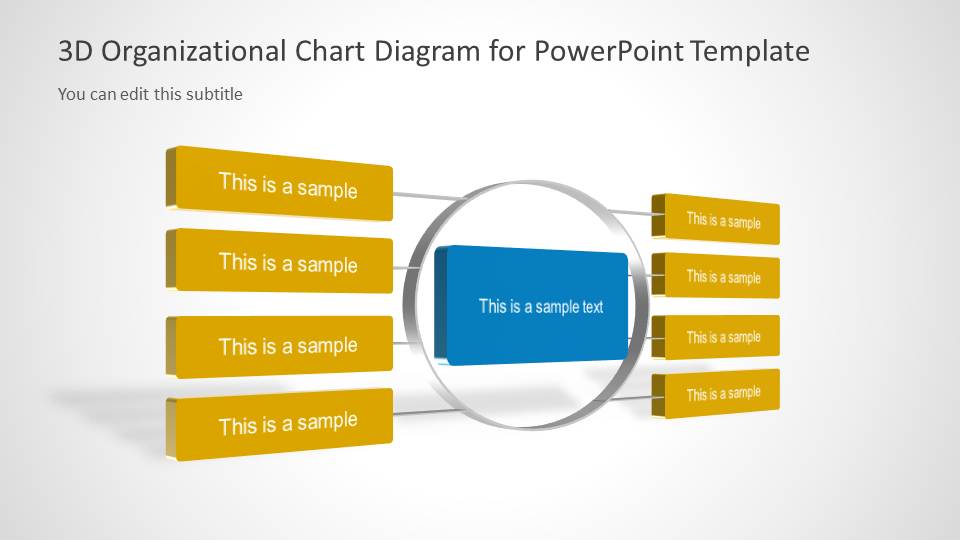
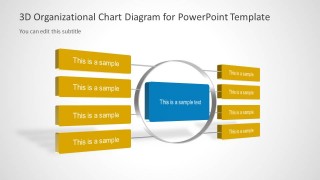
- A department head can use the central-node layout to present a key function, with related teams or responsibilities arranged on both sides of the main role.
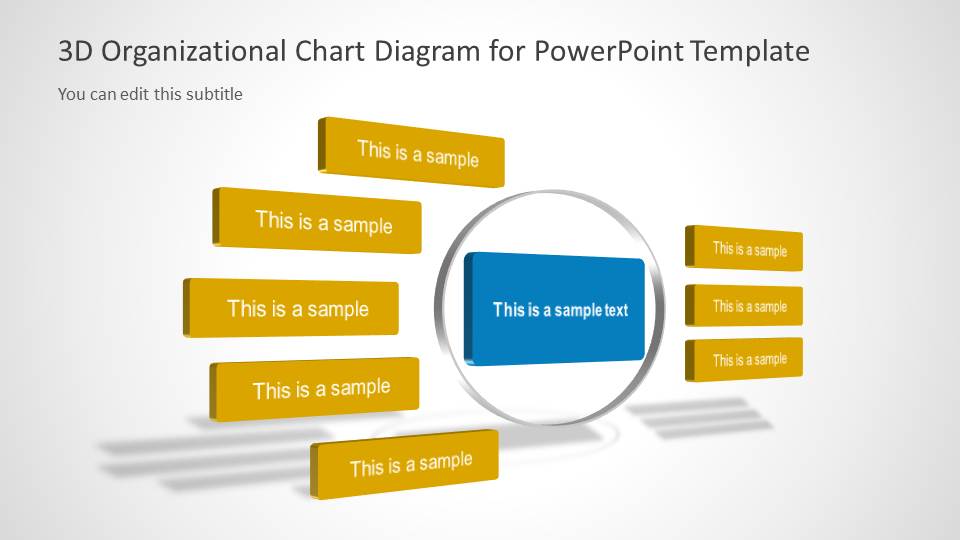
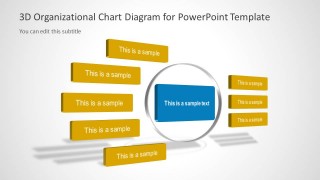
- A consultant can use the radial tree diagram to map client departments around a central operating unit and discuss how reporting or collaboration should be organized.
- An executive presenter can use the 3D org chart style to show a simplified leadership structure without crowding the slide with long role descriptions.
Features
- 100% editable presentation template
- Compatible with Microsoft PowerPoint and Google Slides
- Scalable vector shapes, icons and illustrations
- AI-Ready for Microsoft Copilot and Claude
- Instant access and download
Frequently asked questions
Q: How should a presenter communicate a clear hierarchy with these 3D org chart slides?
A: Start with the largest structural relationship, not the full list of roles. Use the blue block for the role, function, or leader that anchors the explanation, then place only the most important connected groups in the gold blocks. Keep labels short so the 3D depth supports scanning instead of competing with the message.
Q: Who is this template best suited for in a business presentation?
A: This template fits presenters who need to explain structure quickly, such as HR managers, department leaders, operations teams, or consultants. It works best for organization overviews, role mapping, leadership updates, and client discussions where the audience needs to see who or what connects to a central function.
Q: Why does the central-node and tree metaphor help explain organizations?
A: The central-node and tree layouts turn abstract reporting relationships into visible structure. The blue node creates an anchor, while gold branches show related roles or groups around it. This reduces the need for long text explanations and helps the audience compare levels, side relationships, and reporting paths at a glance.
3D Organizational Chart for PowerPoint
3-slide PowerPoint presentation template for 3D org charts and tree structure diagrams
3D Organizational Chart for PowerPoint is a 3-slide diagram template for presenting reporting lines and team structures. It includes a 3D hierarchy chart, a central node with side branches, and a radial tree diagram with connected text blocks. It is intended for managers, HR teams, and business presenters using PowerPoint.


 Loading...
 Microsoft PowerPoint
  Microsoft Copilot
  Claude for PowerPoint
 Other formats supported
Subscribe today and get immediate
access to download our PowerPoint templates.