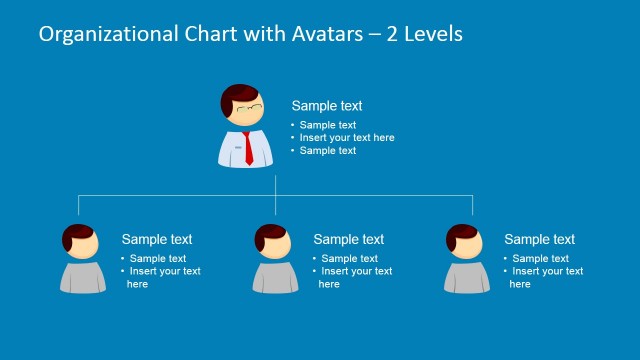
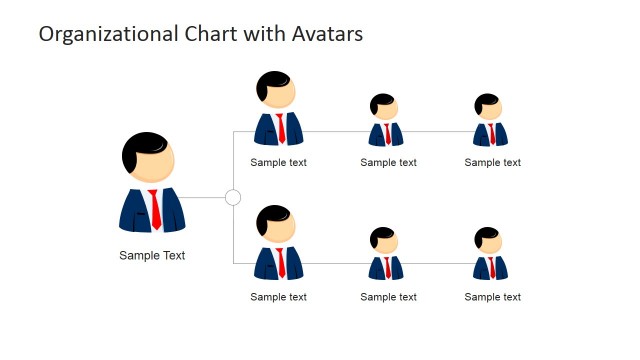
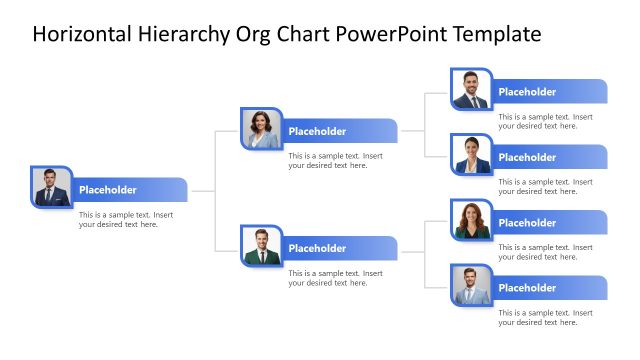
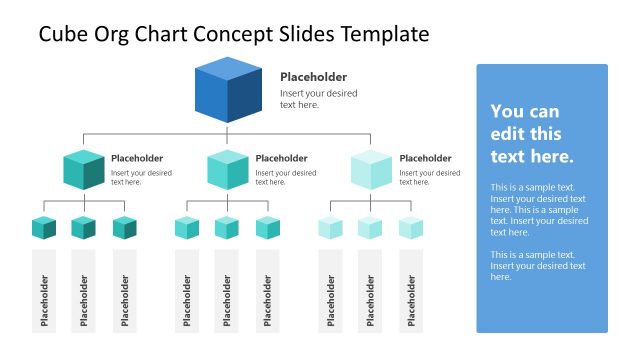
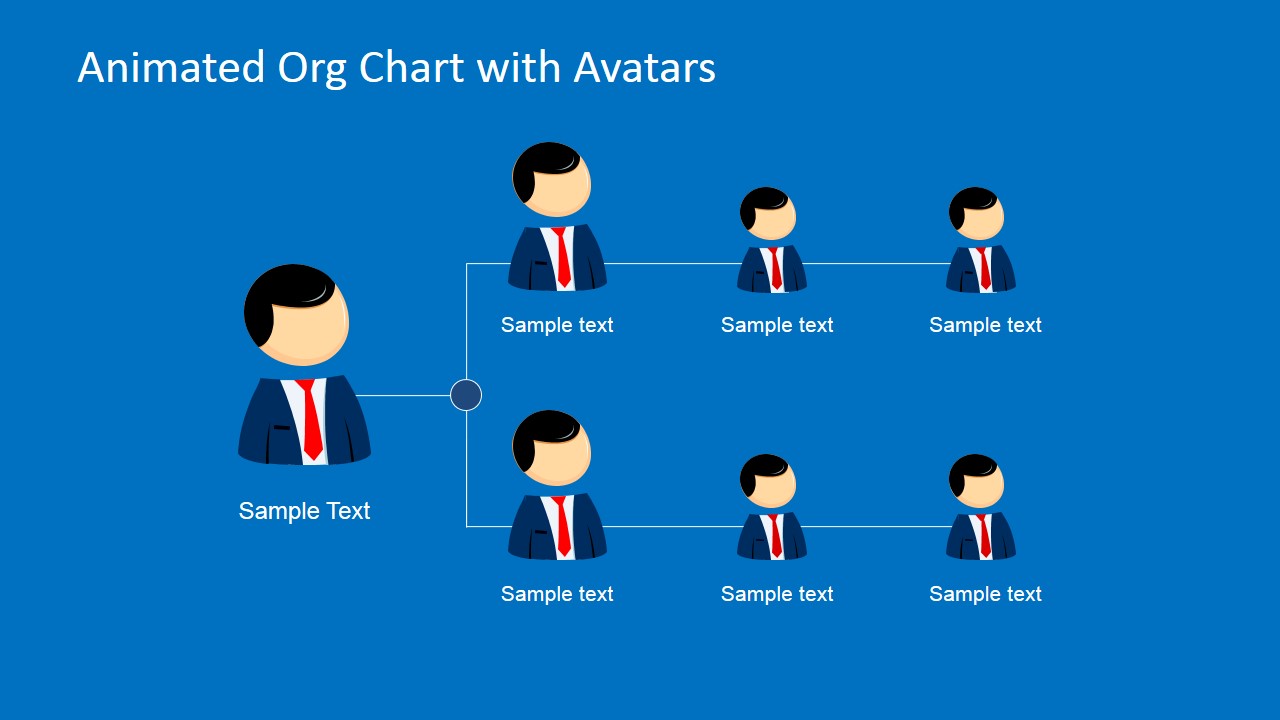
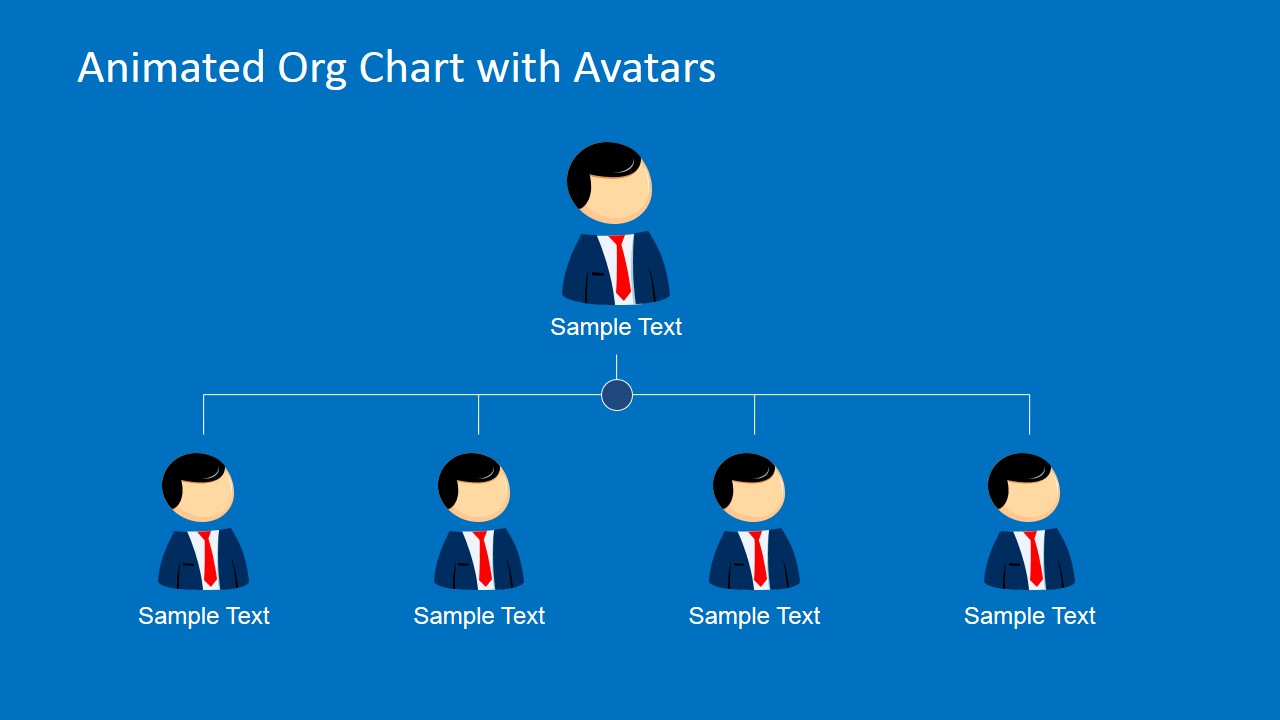
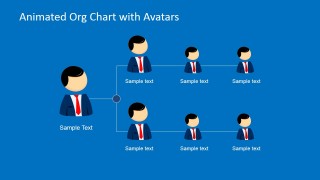
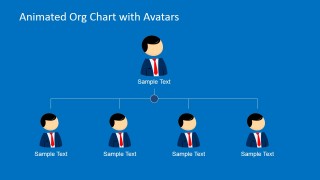
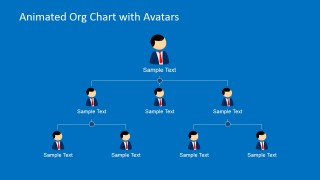
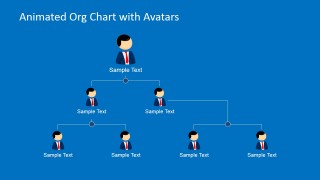
Animated Org Chart PowerPoint Template is an Org Chart presentation design that you can use to make compelling organizational charts in Microsoft PowerPoint using pre-designed elements. This org chart was created using Mike cartoon character and shapes in PowerPoint so you can easily adjust the org chart to fit your needs or your own company structure.
You can make the Org Chart template for PowerPoint to prepare business presentations showing an organization structure or Org Chart.
Alternatively you can use your own employee pictures or avatars instead of Mike character or download other creative slide designs and organizational charts for PowerPoint.
What’s inside this template
Example presentation scenarios
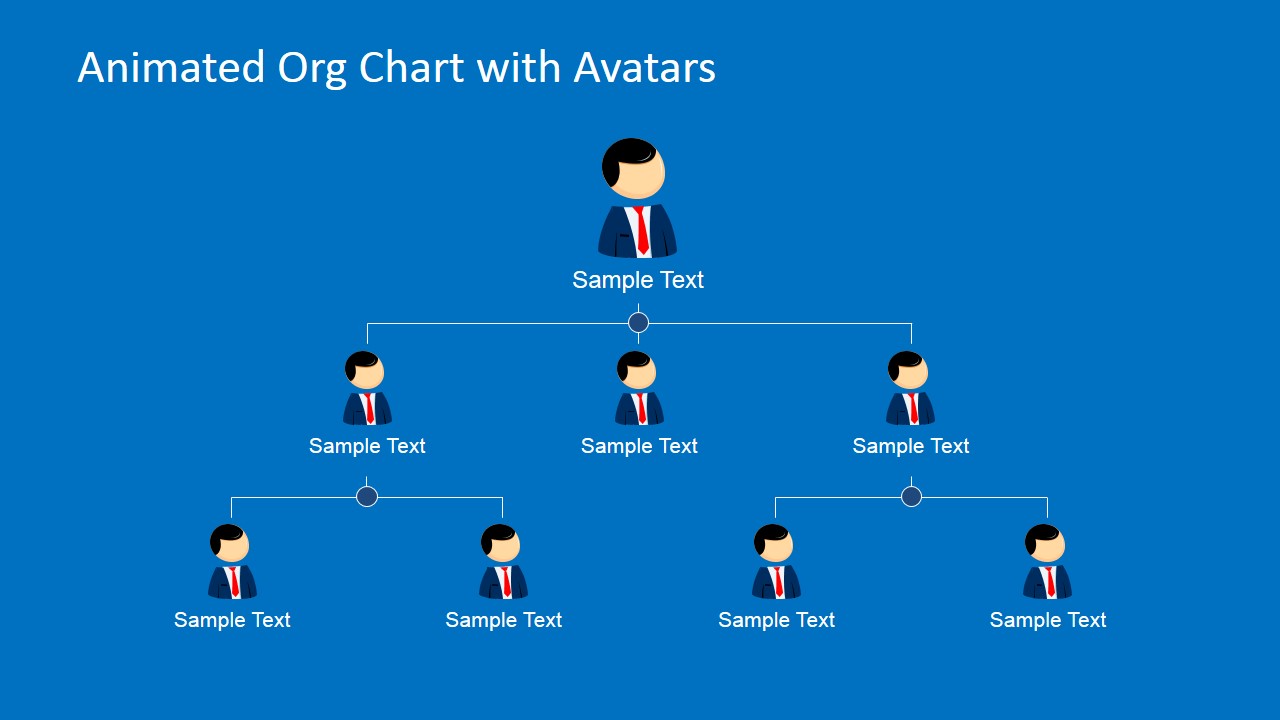
- An HR manager can use the multi-level hierarchy chart to introduce reporting relationships during onboarding and help new employees understand who owns each function.
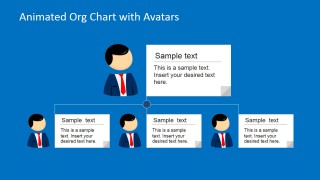
- A department head can use the simple top-down org chart to explain direct reports, role ownership, and escalation paths in a team meeting.
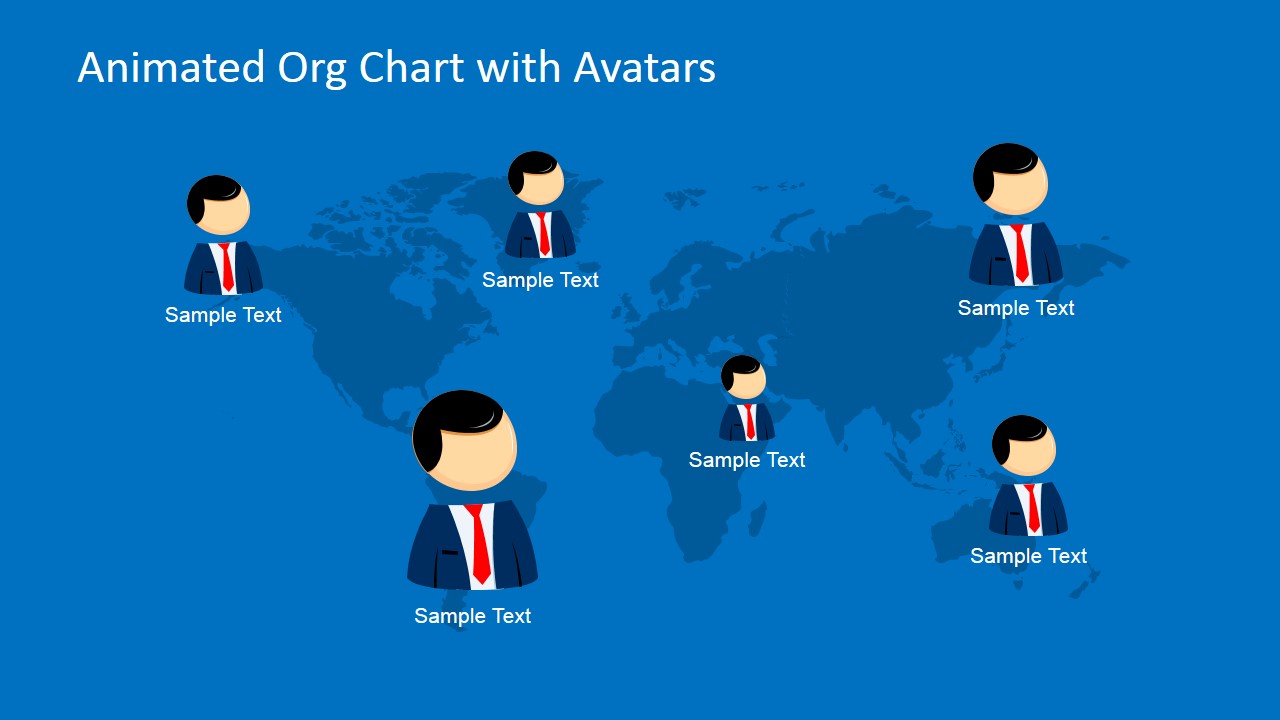
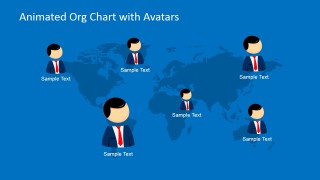
- An operations leader can use the world map staff locator to show where team members or regional leads are positioned across different geographies.
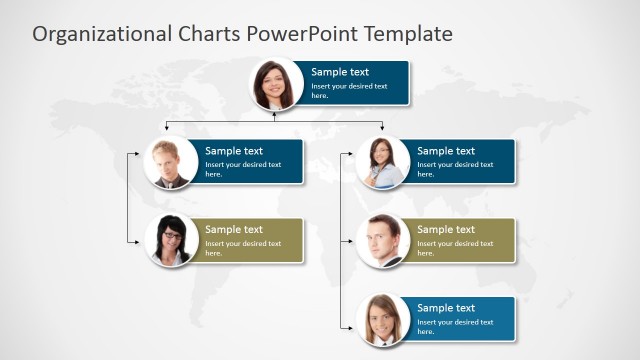
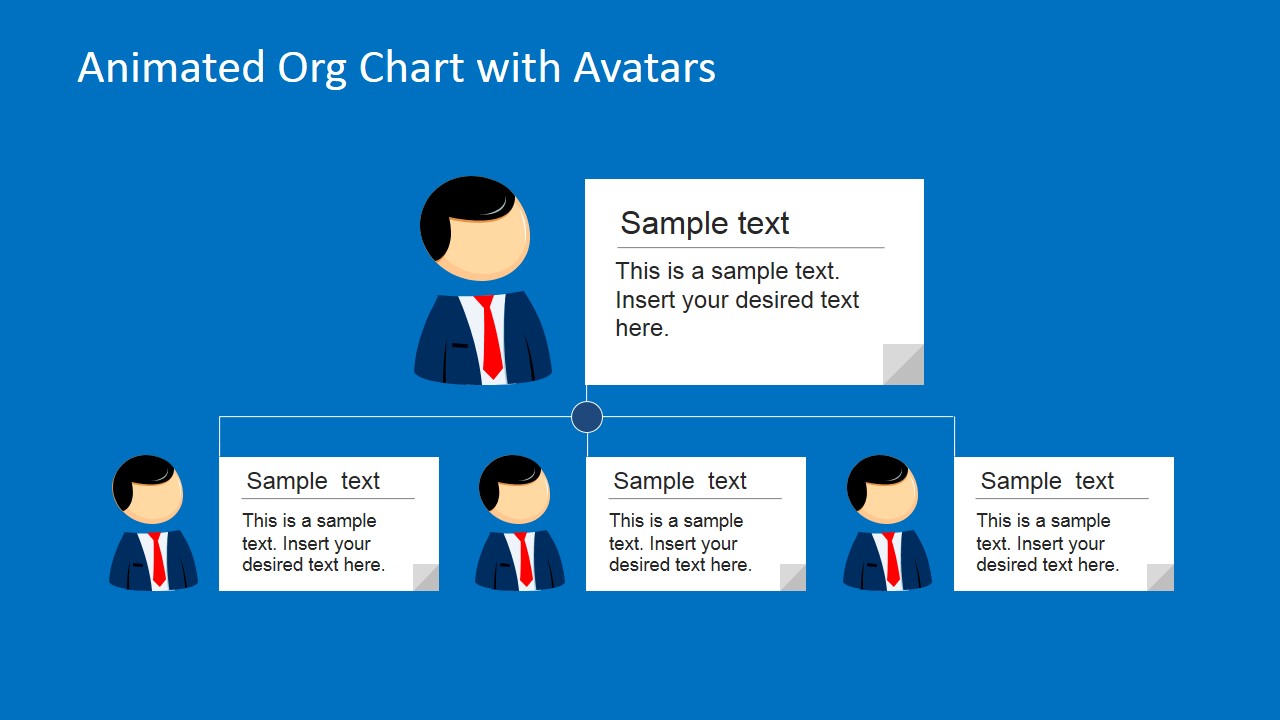
- An organizational development consultant can use the profile card org chart to discuss proposed structure changes while keeping role descriptions visible beside each avatar.
Features
- 100% editable presentation template
- Compatible with Microsoft PowerPoint and Google Slides
- 16:9 aspect ratio slides
- Scalable vector shapes, icons and illustrations
- AI-Ready for Microsoft Copilot and Claude
- Instant access and download
Frequently asked questions
Q: How should a presenter explain an org chart without making it feel like a static directory?
A: Start with the simplest hierarchy slide before moving to denser structures. Explain the top role first, then describe each branch as a decision path or responsibility area. Use the avatar labels for names or roles, and reserve the profile card slide for roles that need added context beyond a title.
Q: Who is this template best suited for in a business presentation?
A: This template fits HR leaders, department managers, and consultants who need to explain structure rather than report numbers. It is strongest for onboarding, reorganization briefings, team introductions, and management updates where reporting lines, distributed staff, or role ownership must be understood quickly by a mixed audience.
Q: Why do the avatar and connector layouts help communicate hierarchy?
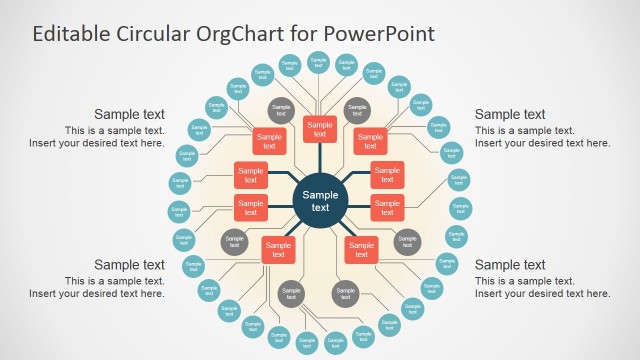
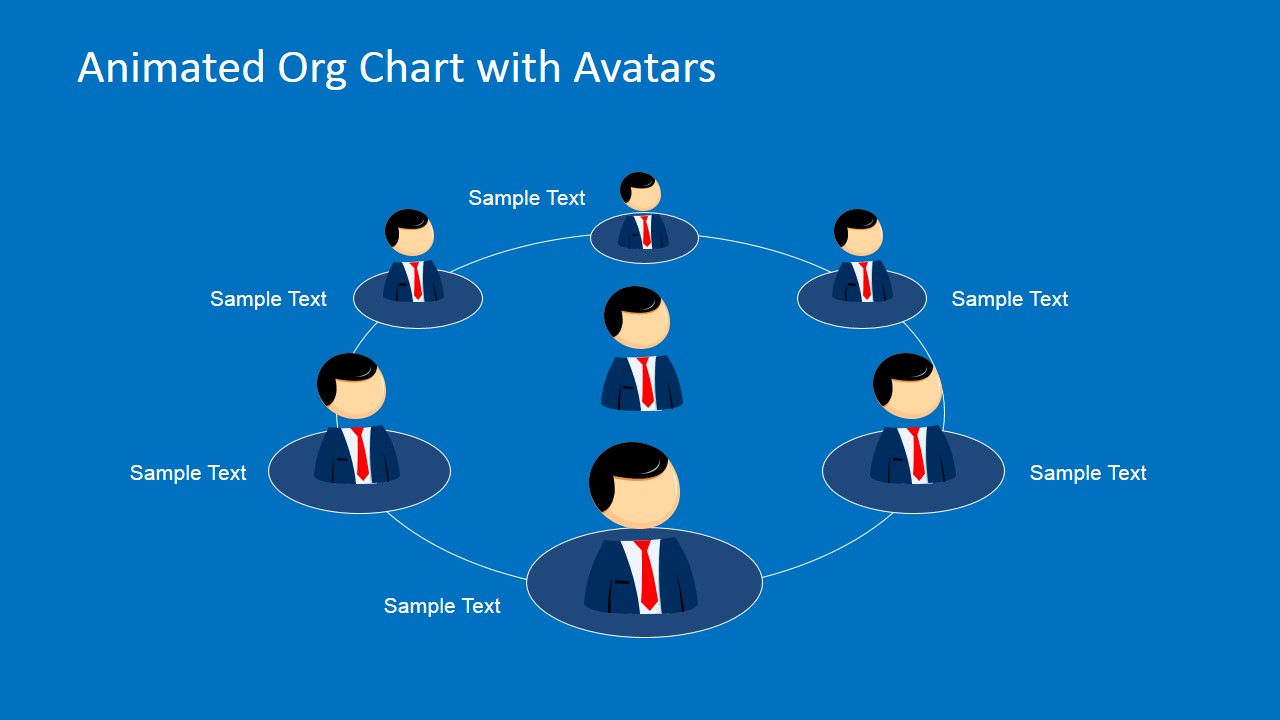
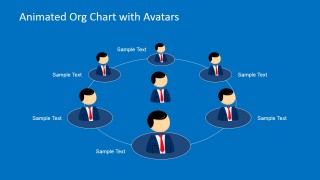
A: The avatar metaphor makes the chart feel people-centered instead of purely administrative. Connector lines show authority and dependency, while the circular network slide shifts the message from reporting structure to collaboration. This mix helps audiences distinguish formal hierarchy from team relationships and geographic distribution.

Animated Org Chart PowerPoint Template
7-slide org chart presentation template with avatar hierarchy, world map, and circular team diagrams
The Animated Org Chart PowerPoint Template is a 7-slide diagram deck for showing people, reporting lines, and team locations. It includes horizontal and vertical org charts, a multi-level hierarchy, a world map staff locator, a circular team network, and profile card layouts for HR teams and managers using Microsoft PowerPoint or Google Slides.
- Category
- Business PowerPoint Templates
- Rating


 Loading...
- Aspect ratio
- 16:9
- Item ID
- 6687-02
 Microsoft PowerPoint
  Microsoft Copilot
  Claude for PowerPoint
 Other formats supported
Subscribe today and get immediate
access to download our PowerPoint templates.