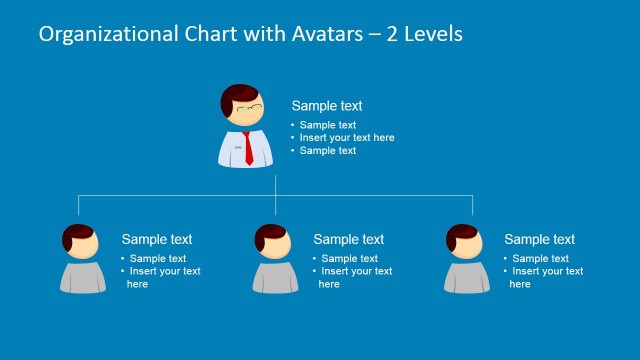
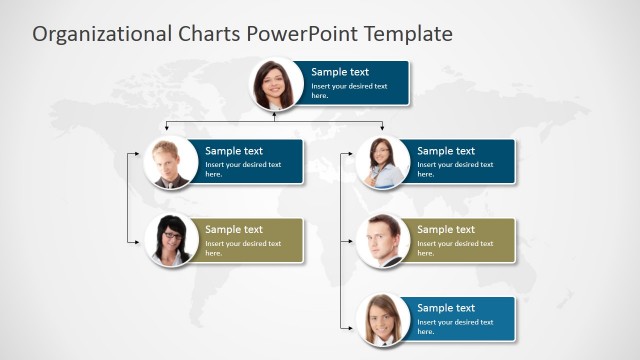
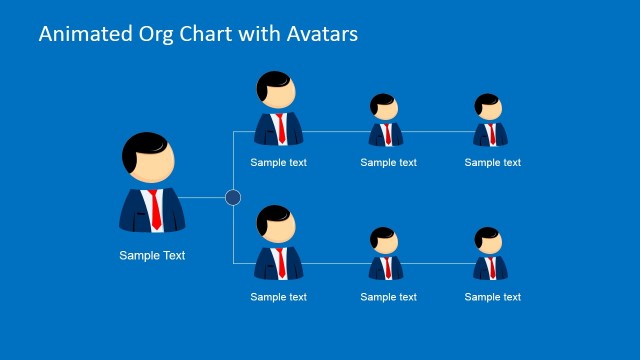
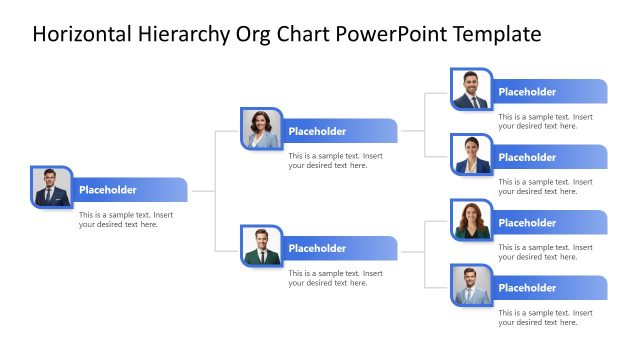
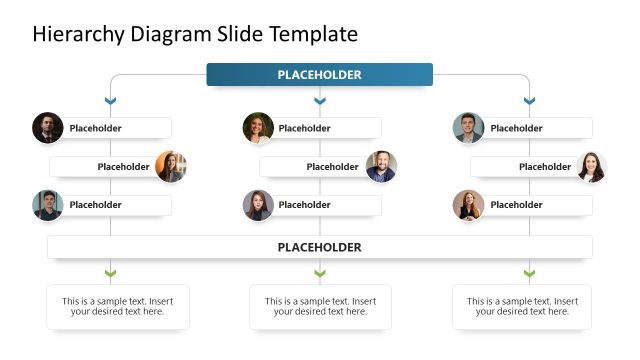
Organizational Chart Template for PowerPoint is a presentation design containing a creative Org Chart design for PowerPoint presentations including an avatar placeholder that you can replace with your own pictures.
This simple org chart PowerPoint template comes with many different layouts that can help you to prepare an PowerPoint Org Chart Template that fits your own presentation needs, including 2-level Org Chart slide design or multi-level Organizational Charts.
The simple Org Chart slide design with Avatar pictures comes with white background design and dark connector lines but you can also download the animated org chart template for PowerPoint with blue background and dark connectors or you can download other nice tree diagrams for PowerPoint and hierarchy diagrams for PowerPoint presentations.
What’s inside this template
Example presentation scenarios
- An HR manager can present a new department structure by using the multi-level org chart to show managers, supervisors, and direct reports.
- An executive can introduce a leadership team by using the two-level org chart to show top-level ownership and direct reporting relationships.
- A global operations lead can explain regional coverage by using the world map team layout with avatar markers and location labels.
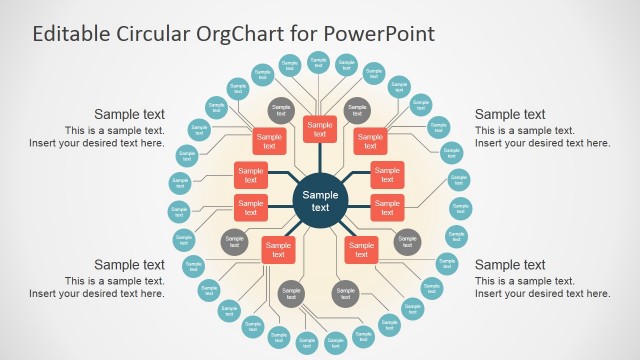
- A project manager can show cross-functional collaboration by using the circular team diagram to place a coordinator at the center and supporting roles around the group.
- An organizational development consultant can document a proposed restructure by using the profile-card hierarchy slide to add role descriptions below each avatar.
Features
- 100% editable presentation template
- Compatible with Microsoft PowerPoint and Google Slides
- 16:9 aspect ratio slides
- Scalable vector shapes, icons and illustrations
- AI-Ready for Microsoft Copilot and Claude
- Instant access and download
Frequently asked questions
Q: How should a presenter explain a hierarchy clearly with this template?
A: Start with the simplest reporting view before adding detail. Use the two-level org chart for the executive summary, then move to the multi-level hierarchy when the audience needs department depth. Keep each avatar label short, and reserve the profile-card slide for responsibilities, not names alone.
Q: Who is this org chart template best suited for?
A: This template fits HR leaders, department heads, and consultants who need to explain people structures in a visual, approachable way. It works best when the presentation goal is to orient an audience around roles, supervisors, teams, or geographic coverage instead of reporting financial or operational metrics.
Q: Why do avatars and connector lines help communicate the organization?
A: The avatar metaphor turns abstract roles into recognizable people, while the connector lines preserve the formal reporting structure. This combination helps audiences see both the human side of the team and the chain of accountability. The map and circular layouts also prevent every relationship from looking like a strict top-down tree.


Organizational Chart Template with Avatars for PowerPoint
7-slide presentation template for org charts, hierarchy diagrams, and avatar-based team structures
Organizational Chart Template with Avatars for PowerPoint is a 7-slide business deck for mapping people, roles, and reporting lines. It includes two-level and multi-level org charts, a world map team view, a circular team diagram, and profile-card hierarchy slides for Microsoft PowerPoint and Google Slides.
- Category
- Business PowerPoint Templates
- Rating


 Loading...
- Aspect ratio
- 16:9
- Item ID
- 6687-01
- Colors
 Microsoft PowerPoint
 Microsoft Copilot
 Claude for PowerPoint
Other formats supported
Subscribe today and get immediate
access to download our PowerPoint templates.