Slide 4 of 6 from Org Chart Template for PowerPoint
Multi Level Org Chart Template for PowerPoint with Avatar
Organizational Chart - Profiles List Slide
- Diagram
- Matrix Grid
- Process Slide
- 16:9
- 100% Editable
The Organizational Chart - Profiles List slide from the Org Chart Template for PowerPoint offers a clear, editable layout ideal for HR presentations and corporate team introductions. This slide uses vector icons and editable shapes to visually represent employee roles and relationships, making it a practical choice for business presentations and slide decks focused on organizational structure.
About This Slide
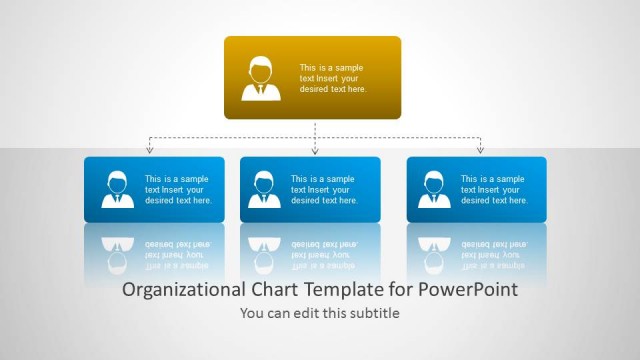
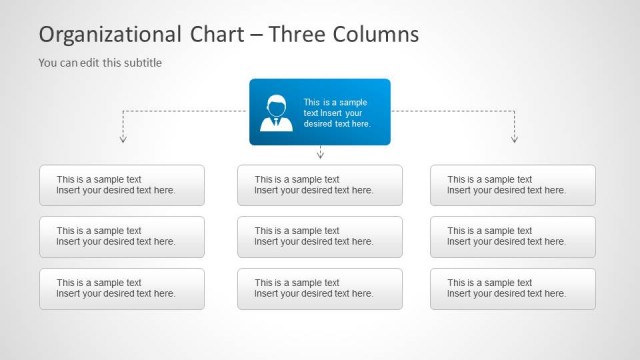
Slide design with a multi-level functional org chart structure that you can use to describe the organizational structure in a PowerPoint presentation.
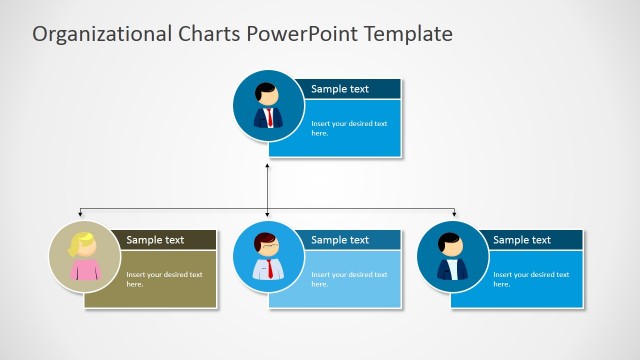
The slide design contains an avatar employee icon in PowerPoint that you can copy and paste. The employee icon is created as a PowerPoint shape so you can easily resize it and change the shape properties.
What’s on This Slide
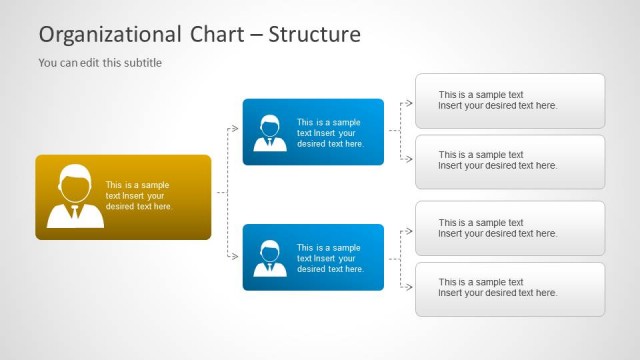
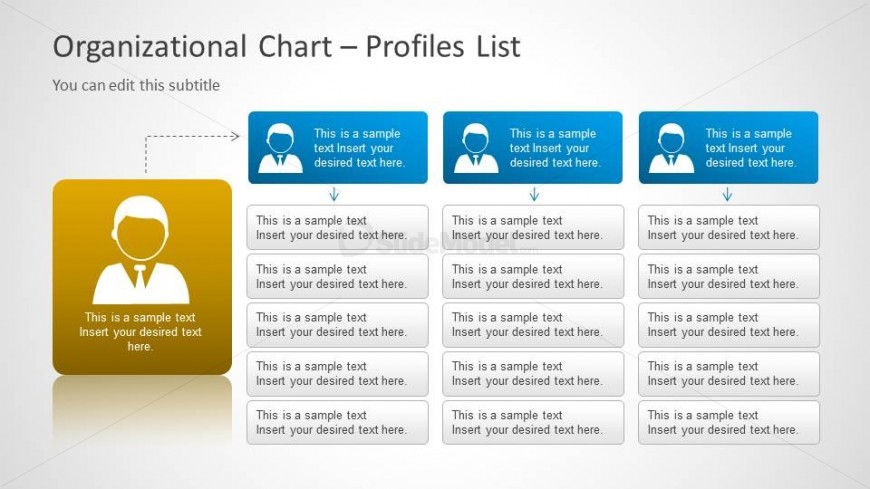
The layout features a central profile box in yellow on the left, with three blue profile boxes aligned horizontally to the right. Below each blue box, there are corresponding text placeholders arranged vertically. The central profile box contains a circular icon of a person, while the blue boxes contain similar icons. Each box has a title placeholder at the top and multiple text placeholders below for additional information. Arrows connect the central profile box to the blue boxes, indicating a flow of information. The background is light with a subtle gradient.
How to Use It
This layout serves as a profiles list within an organizational chart, suitable for detailing employee roles and responsibilities. It fits well in a sequence following a hierarchical overview or structure slide. This format is useful for HR presentations, team introductions, or organizational updates, where clear visual representation of roles enhances understanding. It can also be used in onboarding materials to introduce team members and their functions within the organization.
Text Placeholders & Capacity
Keep your copy within these limits so it fits without resizing. Node body slots can hold about 10 words each, with tight spacing.
| Placeholder | Count | Max characters (approx.) |
|---|---|---|
| Slide title | 1 | 30 |
| Subtitle | 1 | 50 |
| Item heading | 3 | 30 |
| Item body | 12 | 50 |
Slide Keywords
Download unlimited PowerPoint templates, charts and graphics for your presentations with our annual plan.
DOWNLOADReturn to Org Chart Template for PowerPoint.