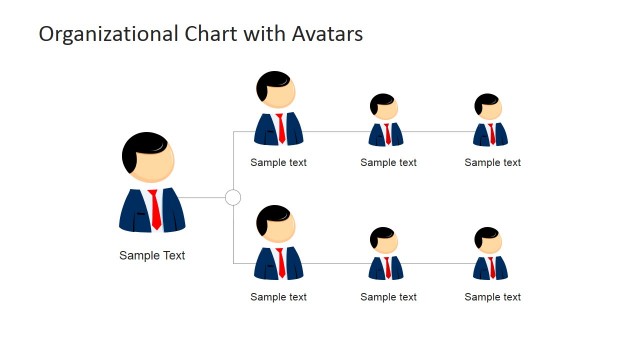
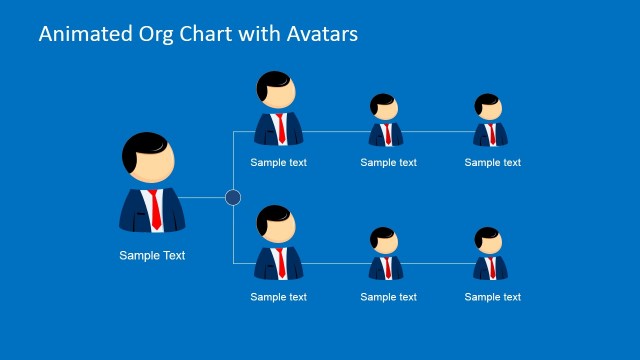
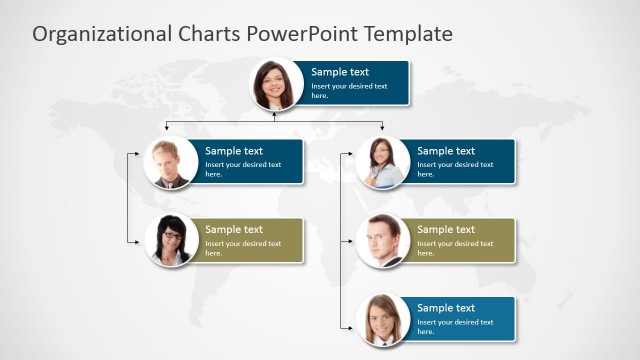
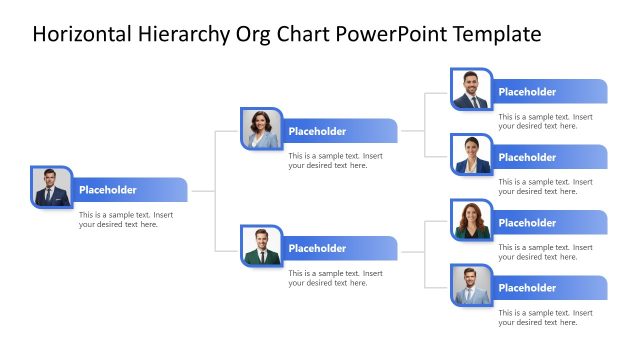
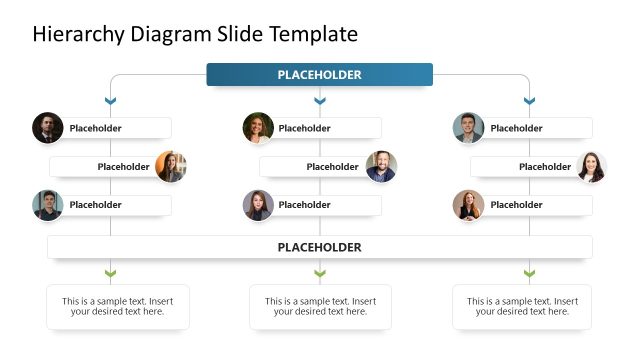
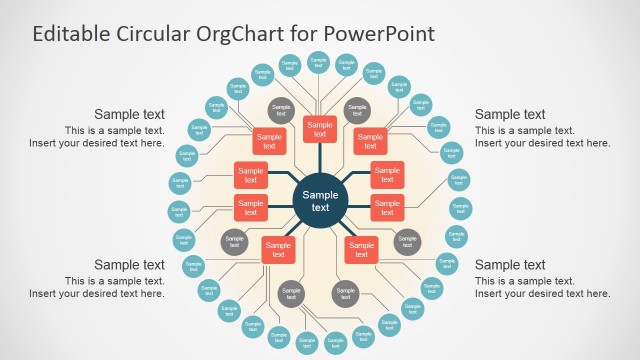
This animated org chart template for Microsoft PowerPoint is a presentation organizational chart that you can use to decorate your slides and describe the organizational structure. You can use the animated org chart template to present a clear view of your organizational structure to an audience. It contains several slide designs including simple 2 level org charts and 3 level org chart structures with avatars.
- Simple org chart slides for hierarchical org chart diagrams
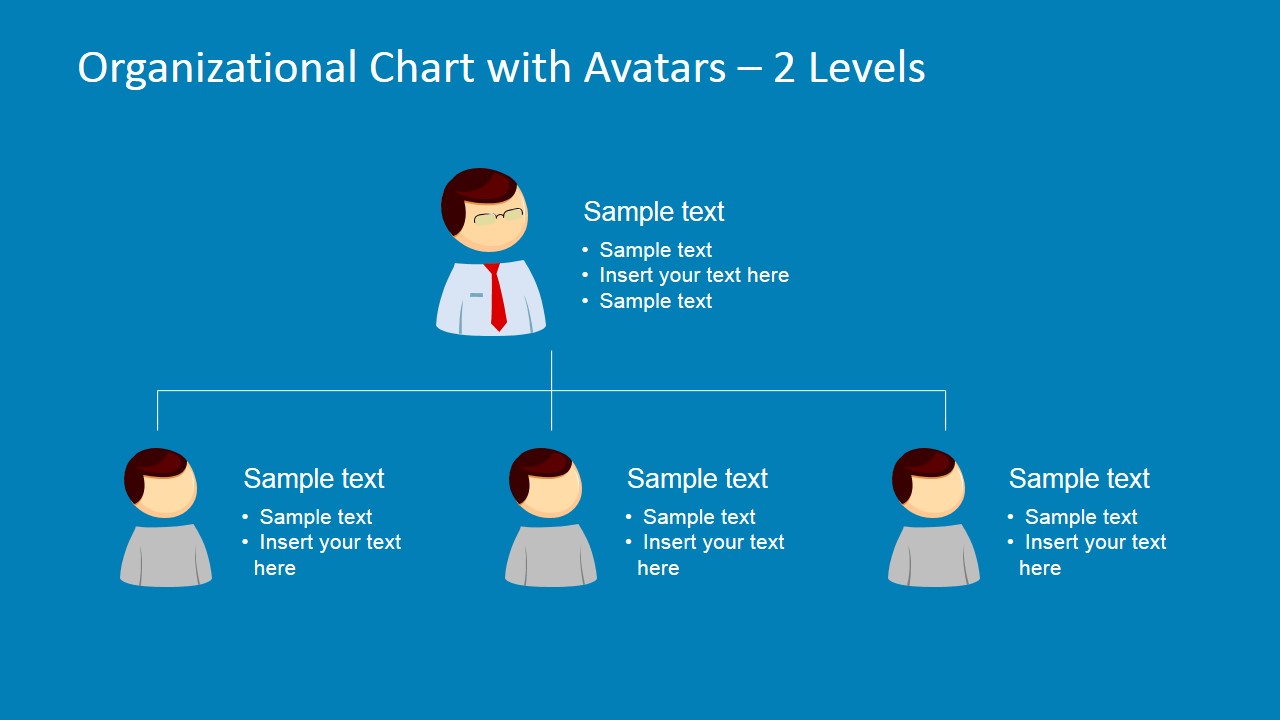
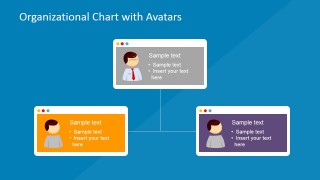
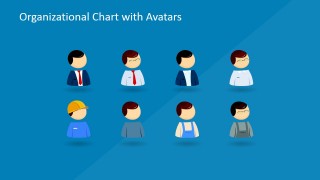
- Organizational Chart with Avatars
- Creative Org Chart created with business cards and avatar illustration
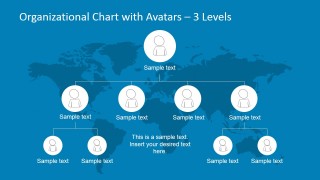
- Org Chart Outline with World Map in the background
Alternatively you can download more PowerPoint Org Chart templates with static and animated elements created in Microsoft PowerPoint, or learn more about the best org chart slide designs for presentations.
What’s inside this template
Example presentation scenarios
- An HR manager can introduce a department structure during onboarding by showing the 2-level org chart with a manager avatar, direct reports, and short role notes.
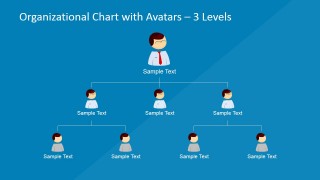
- A department head can brief executives on a reorganization by using the 3-level hierarchy slide to show leadership, managers, and staff groups in one view.
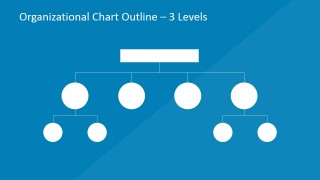
- A consultant can present a client operating model with the outline org chart, then replace the blank nodes with role names or team functions.
- A global operations lead can explain regional accountability with the world map org chart, using the connected avatar nodes to show distributed teams.
Features
- 100% editable presentation template
- Compatible with Microsoft PowerPoint and Google Slides
- 16:9 aspect ratio slides
- Scalable vector shapes, icons and illustrations
- Ready with Animations & Transitions in PowerPoint
- AI-Ready for Microsoft Copilot and Claude
- Instant access and download
Frequently asked questions
Q: How should a presenter make the hierarchy clear without overloading the org chart?
A: Start with the simplest view that answers the audience's question. Use the 2-level chart for direct reporting lines and the 3-level charts only when the audience needs the full chain of command. Keep each avatar label short, and move responsibilities into the adjacent bullet areas or speaker notes instead of crowding the nodes.
Q: Who is this template best suited for in a business presentation?
A: This template fits HR leaders, department heads, founders, and consultants who need to explain team structure rather than analyze performance. It is strongest for onboarding, reorganization briefings, leadership introductions, and operating model discussions where the audience must quickly understand roles, reporting paths, and team groupings.
Q: Why use avatars and card-style nodes instead of a plain hierarchy table?
A: Avatars make the structure feel people-centered, while the connector lines preserve the logic of the hierarchy. The card-style layout on Slide 2 gives each role a small profile area, which helps the audience connect a person or position to responsibilities without reading a dense table of names.


PowerPoint Organizational Chart with Avatars
6-slide presentation template for avatar org charts, hierarchy diagrams, and team structure mapping.
PowerPoint Organizational Chart with Avatars is a 6-slide org chart template for Microsoft PowerPoint and Google Slides. It includes 2-level and 3-level hierarchy diagrams, avatar-based team cards, an outline org chart, and a world map hierarchy view for presenting reporting lines, departments, and staff roles.
- Category
- Business PowerPoint Templates
- Rating


 Loading...
- Aspect ratio
- 16:9
- Item ID
- 6687-03
- Colors
 Microsoft PowerPoint
  Microsoft Copilot
  Claude for PowerPoint
 Other formats supported
Subscribe today and get immediate
access to download our PowerPoint templates.