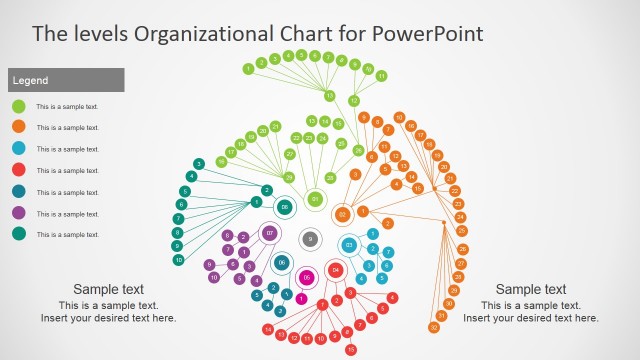
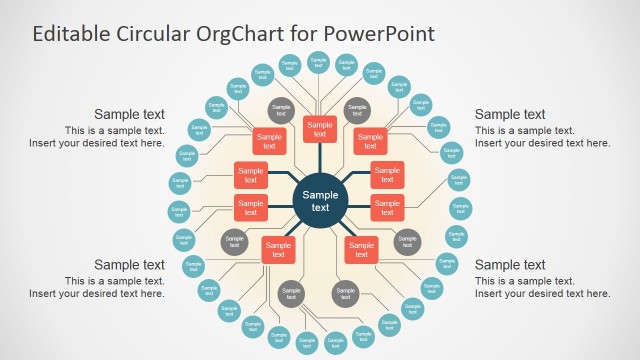
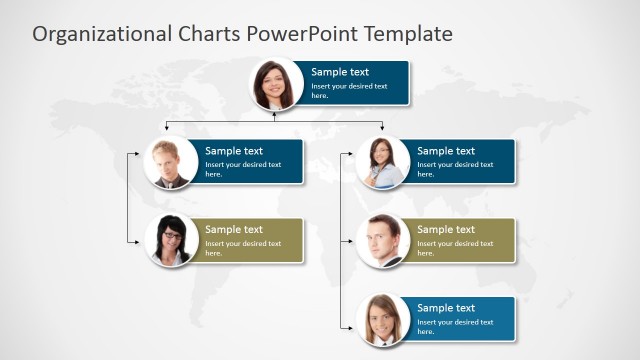
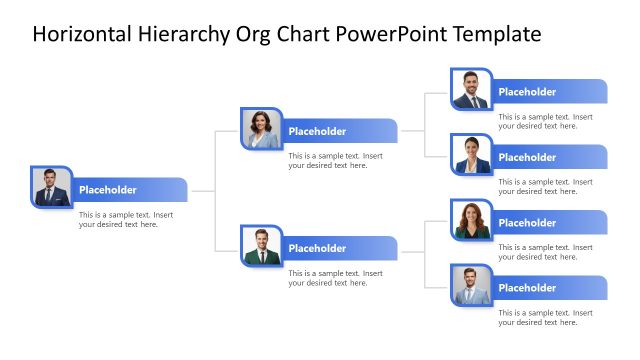
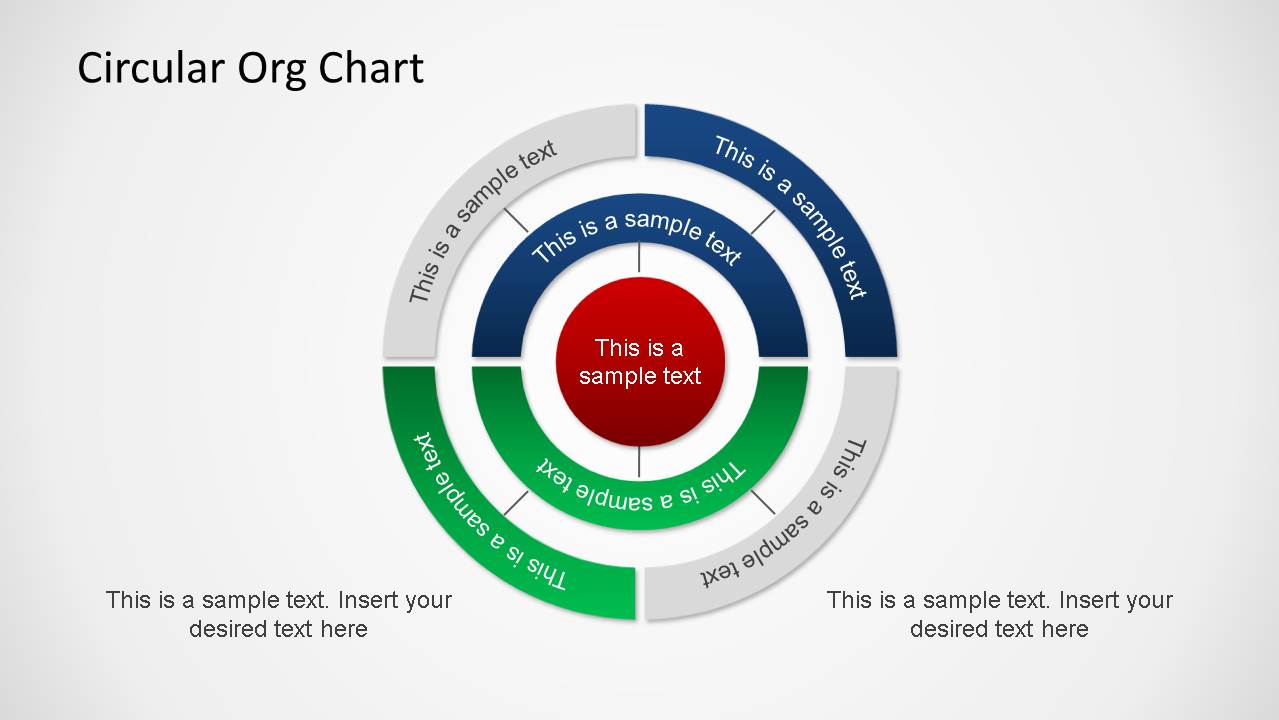
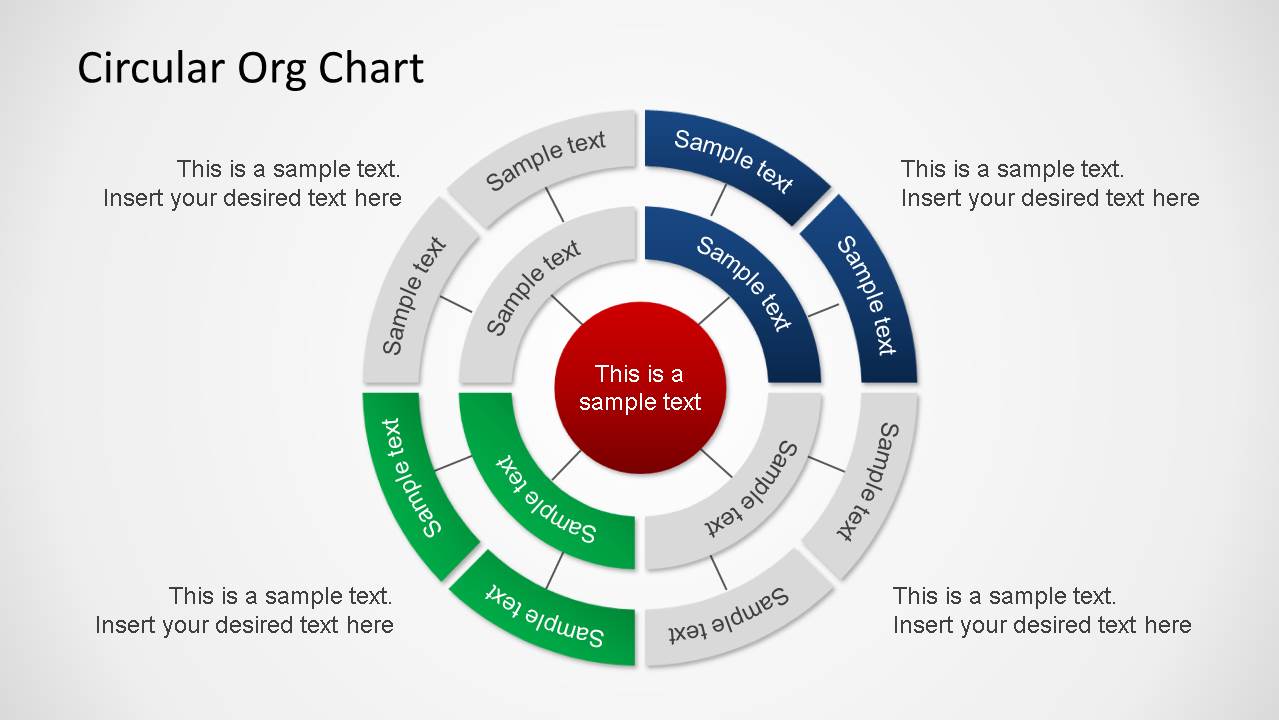
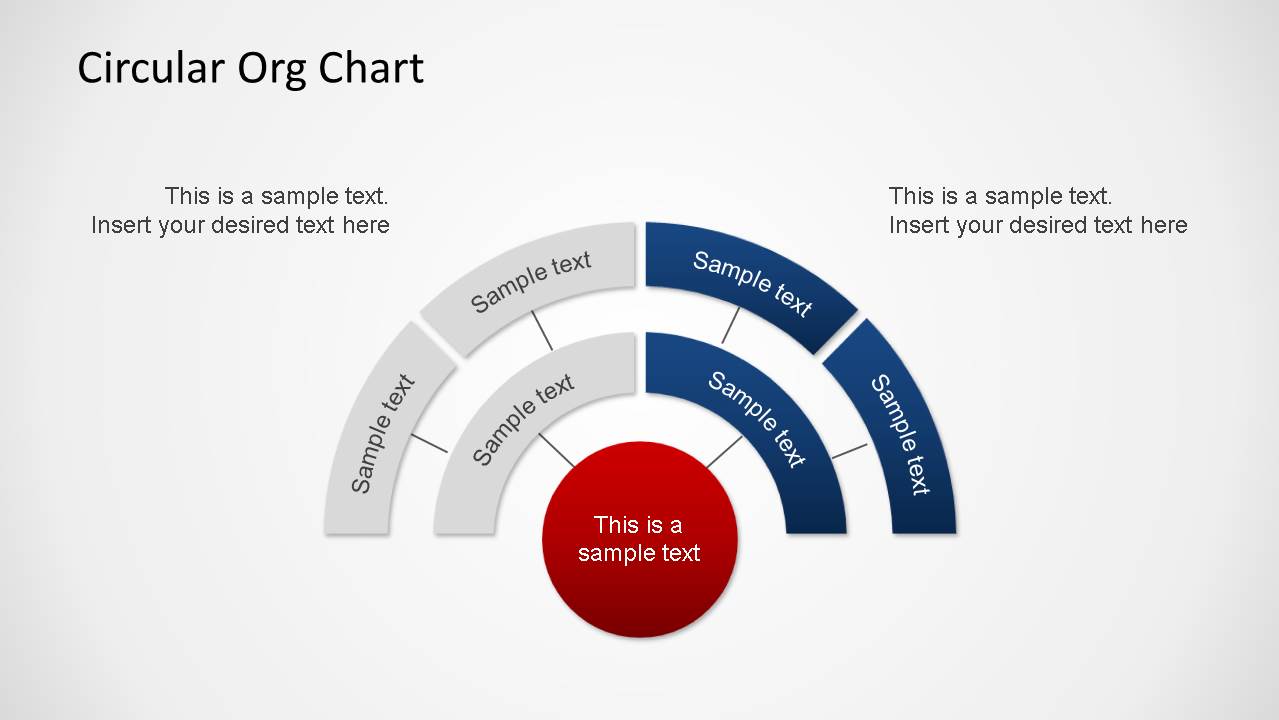
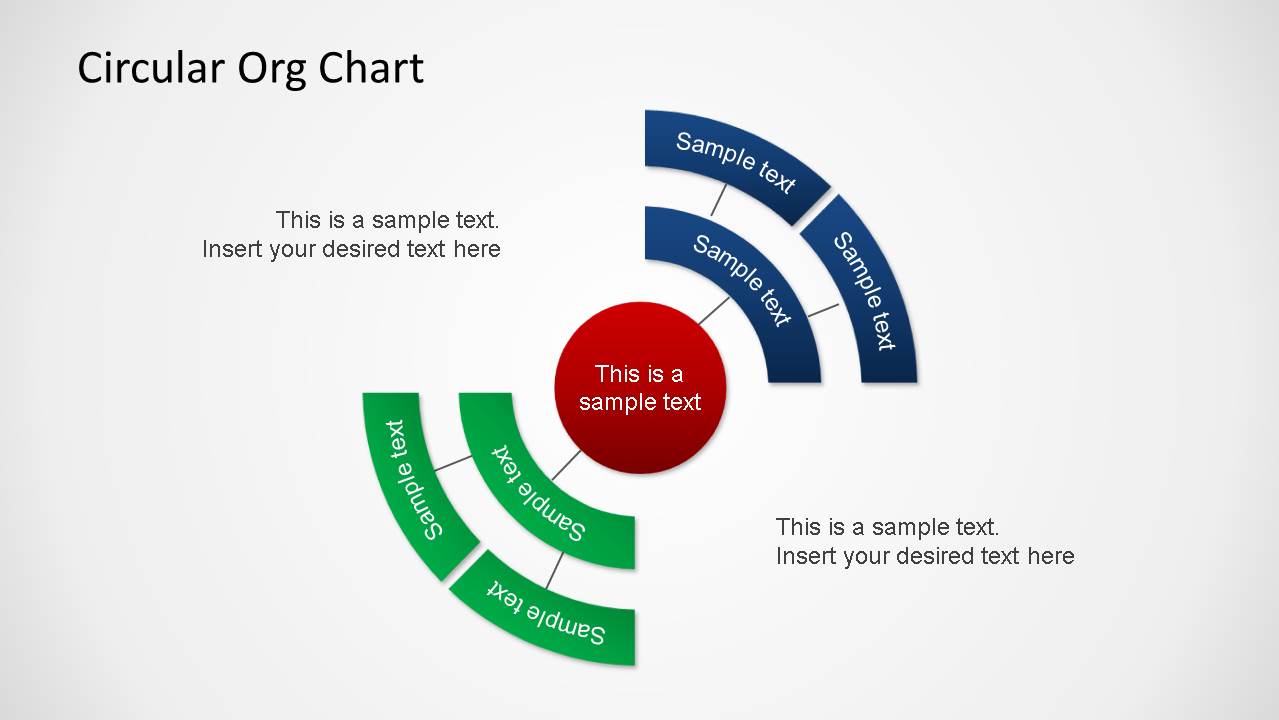
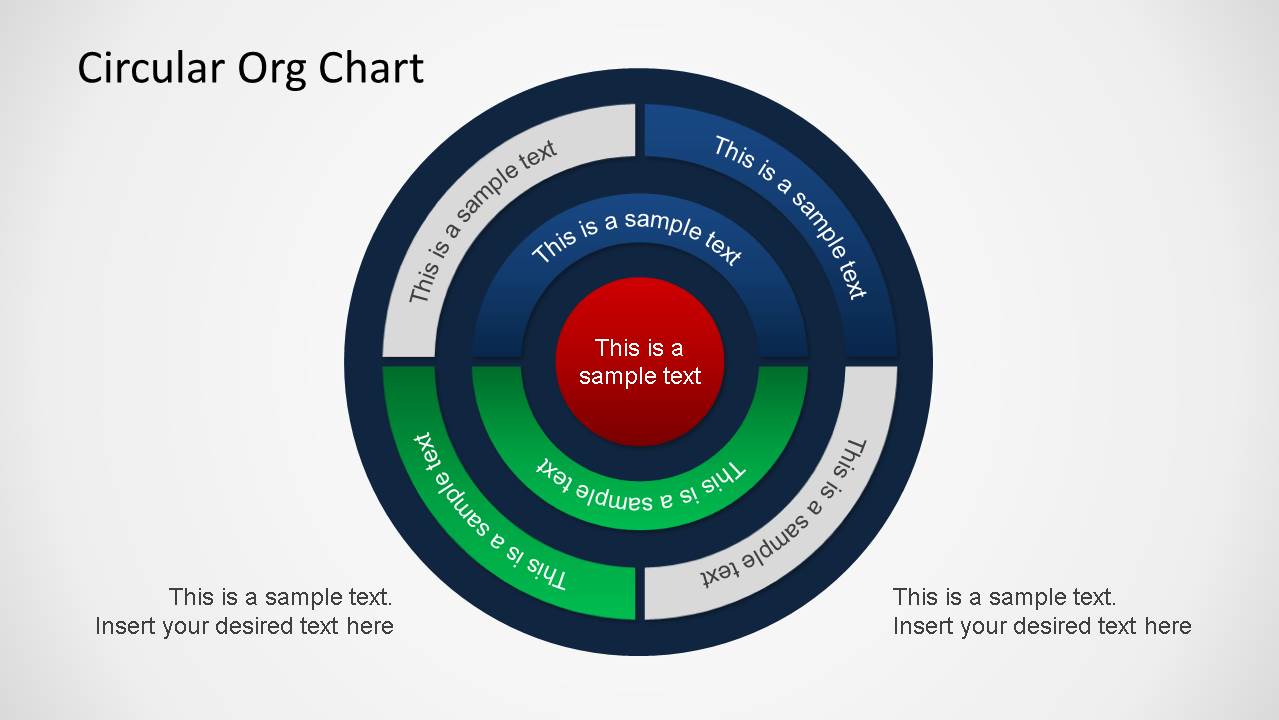
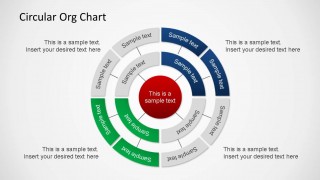
Circular Organizational Chart PowerPoint Diagram is a template designed for describing organization structures in concentrical circles that represent each layer of the hierarchy. Ideal for describing companies areas, business units or small business employee structure, this diagram is flexible enough to accommodate to any structure up to three stages. Each layer is connected to the concentrical circle through report lines, and in the same circle the hierarchy represent same level of reporting.
This Org Chart Template is created though independent PowerPoint objects. This diagram is completely customizable, allowing the user to edit any of the attributes of each object.
Our Circular Organizational Chart PowerPoint Diagram is generally combined with Tree Diagrams or Circular Diagrams to enhance the presentation or engage a broader audience.
What’s inside this template
Example presentation scenarios
- An HR leader can use the full circular hierarchy slide to explain how a CEO, leadership layer, and employee groups relate during an onboarding presentation.
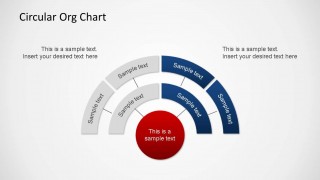
- A department head can use the half-circle arc layout to show a simplified team structure without filling the slide with a traditional tree chart.
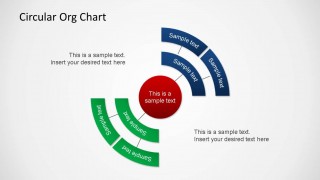
- A consultant can use the partial quadrant diagram to compare two functional areas around a central business unit during an operating model review.
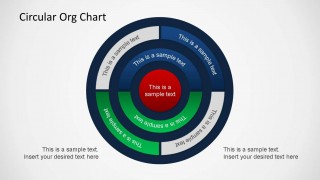
- An executive can use the dark-ring full circle layout to summarize reporting levels and emphasize the central leadership role in a board update.
Features
- 100% editable presentation template
- Compatible with Microsoft PowerPoint and Google Slides
- Scalable vector shapes, icons and illustrations
- AI-Ready for Microsoft Copilot and Claude
- Instant access and download
Frequently asked questions
Q: How should a presenter explain reporting levels with this circular org chart?
A: Start with the center circle as the leader, department, or core unit, then move outward one ring at a time. Keep each arc label short so the audience reads level and relationship before details. Use the surrounding callouts for exceptions, context, or responsibilities that do not fit inside the ring segments.
Q: Who is this template best suited for?
A: This template fits HR, executive, operations, and consulting presenters who need to show structure without building a dense employee directory. It works best for high-level organization views, business unit explanations, and team relationship maps where hierarchy levels matter more than individual profile details.
Q: Why use concentric circles instead of a standard tree org chart?
A: The concentric circle metaphor places the most important role or unit at the center and shows related layers around it. That design helps audiences see level, proximity, and relationship at a glance. The open-ring and quadrant versions also let a presenter focus attention on selected parts of the structure.
Circular Organizational Chart PowerPoint Diagram
5-slide PowerPoint presentation template for circular org charts, hierarchy levels, and reporting relationships
Circular Organizational Chart PowerPoint Diagram is a 5-slide diagram template for showing company hierarchy with concentric circular org charts. Visible layouts include full circular hierarchy, open-ring variations, partial quadrant arcs, and callout text blocks. It is intended for managers, HR teams, and executives explaining reporting relationships in PowerPoint.
- Category
- Business PowerPoint Templates
- Rating


 Loading...
- Item ID
- 6472
- Colors
 Microsoft PowerPoint
  Microsoft Copilot
  Claude for PowerPoint
 Other formats supported
Subscribe today and get immediate
access to download our PowerPoint templates.