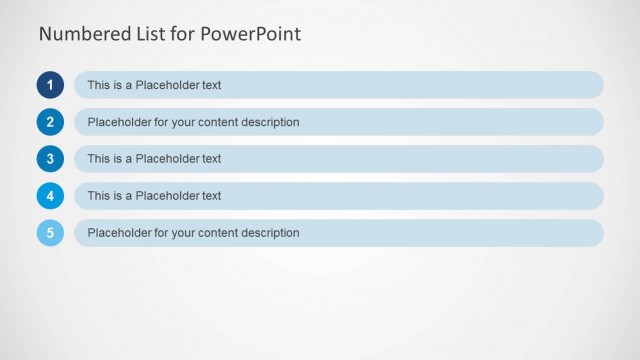
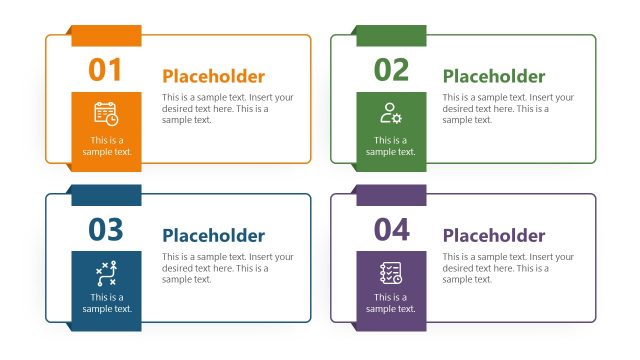
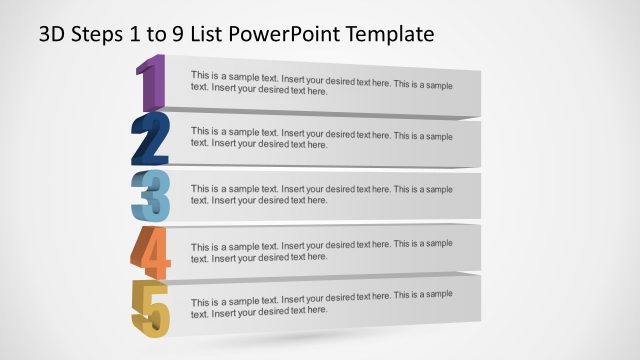
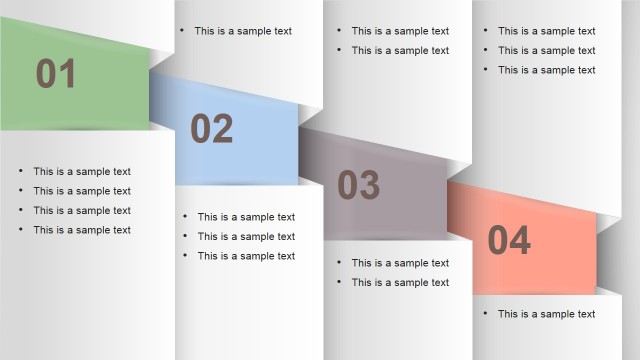
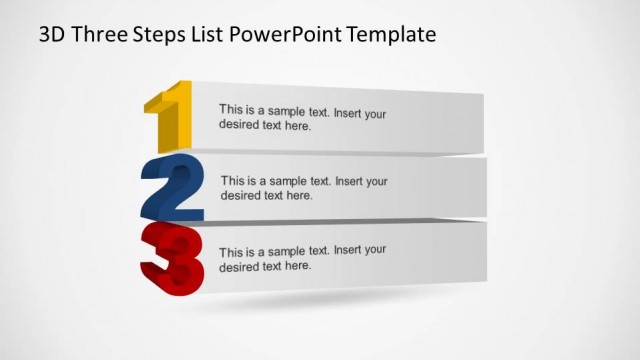
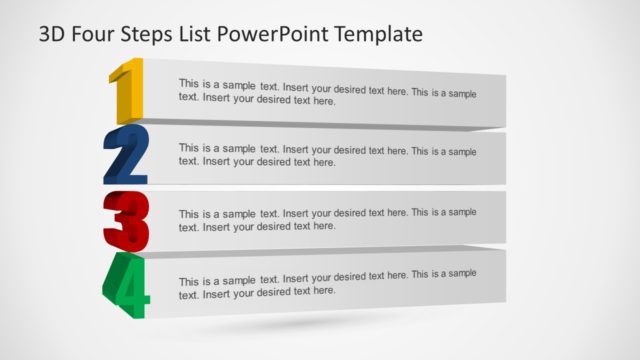
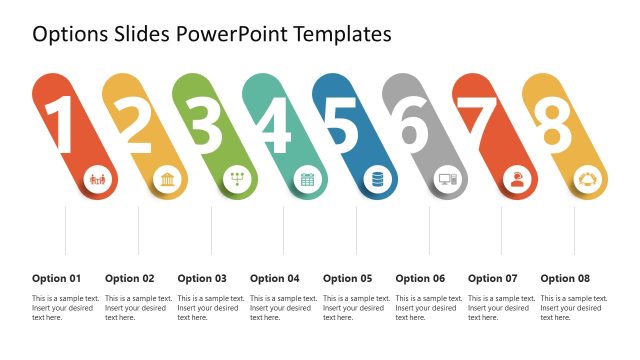
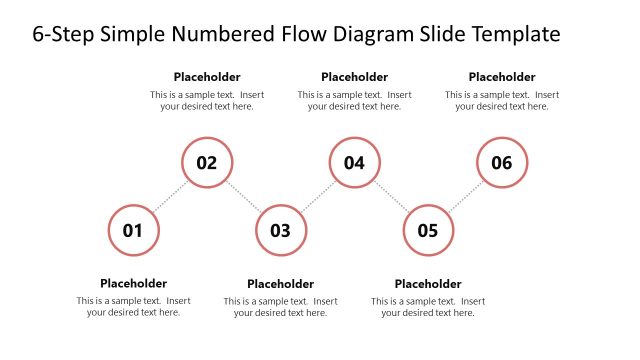
Numbered List Layout Template for PowerPoint is a presentation template with useful layouts containing numbered lists for PowerPoint. You can use this presentation template as an alternative to the classic bullet point list in Microsoft PowerPoint 2010 and 2013.
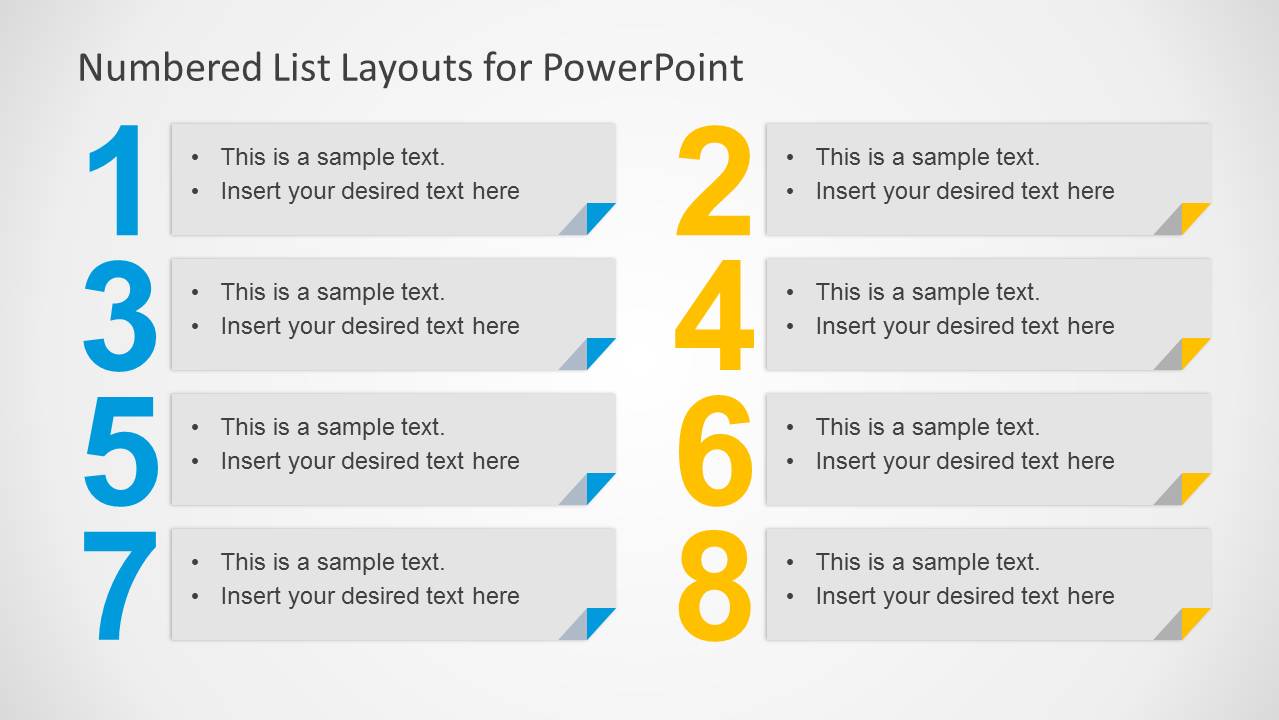
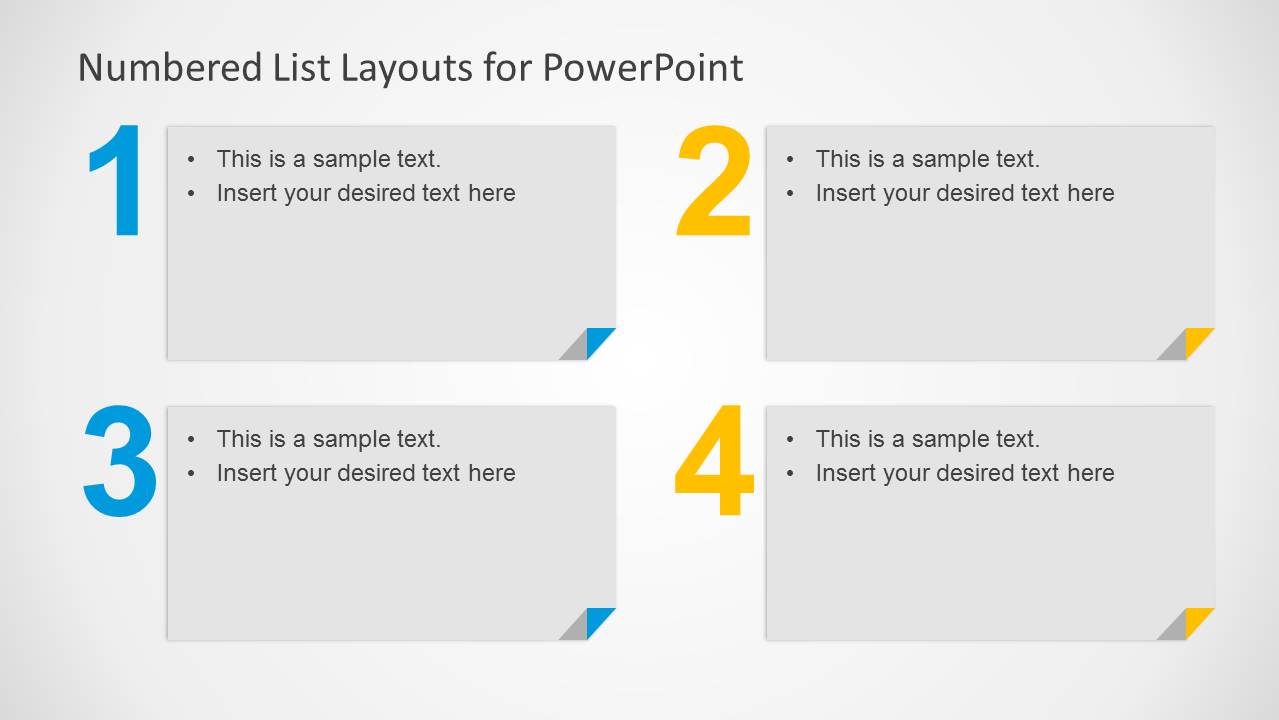
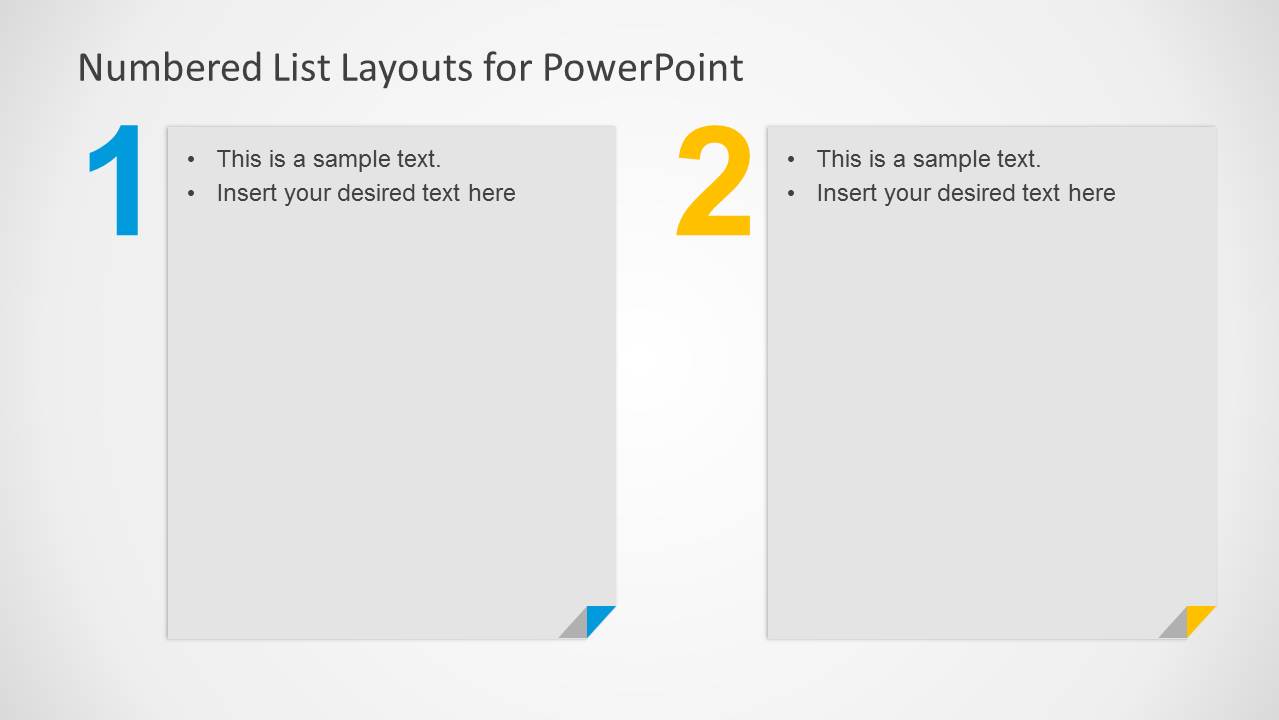
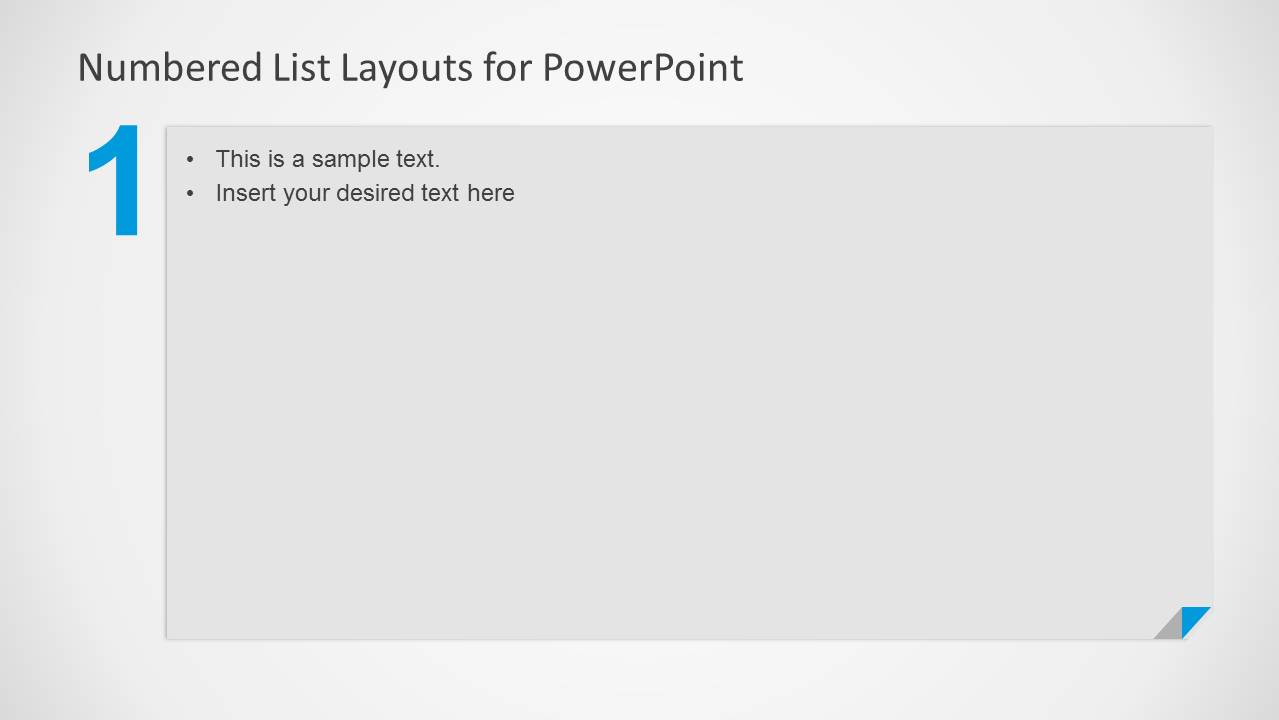
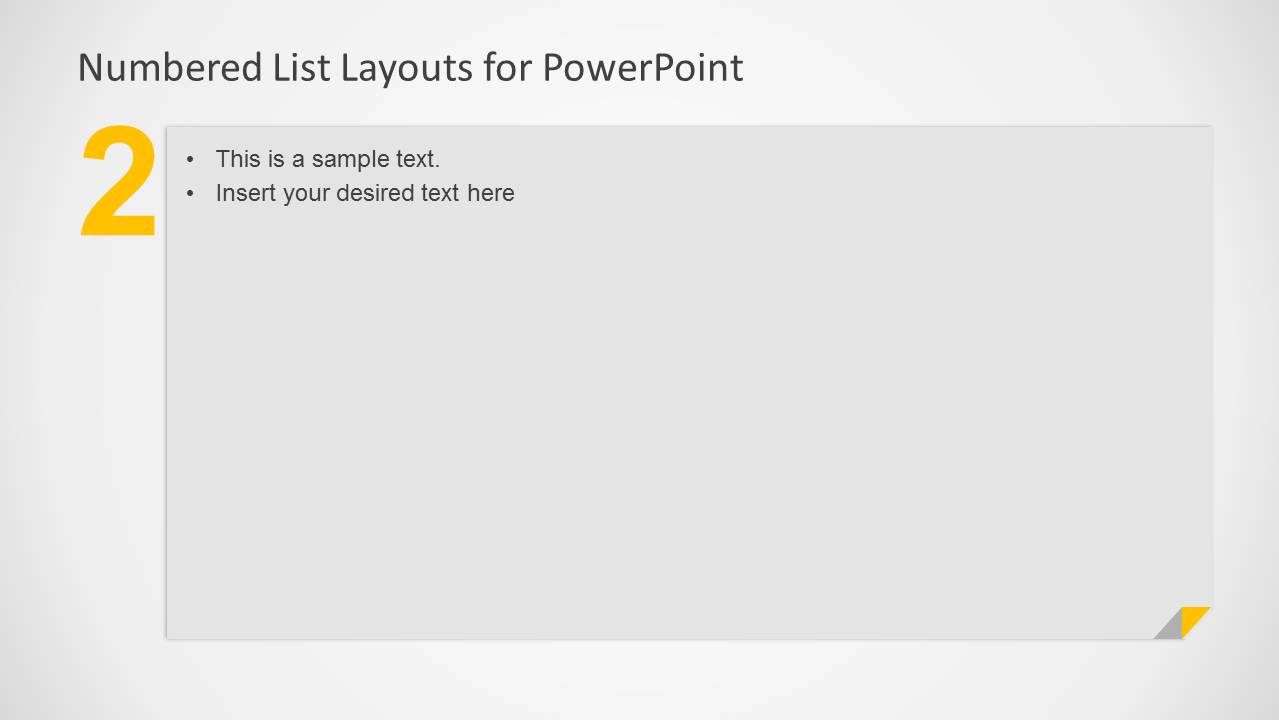
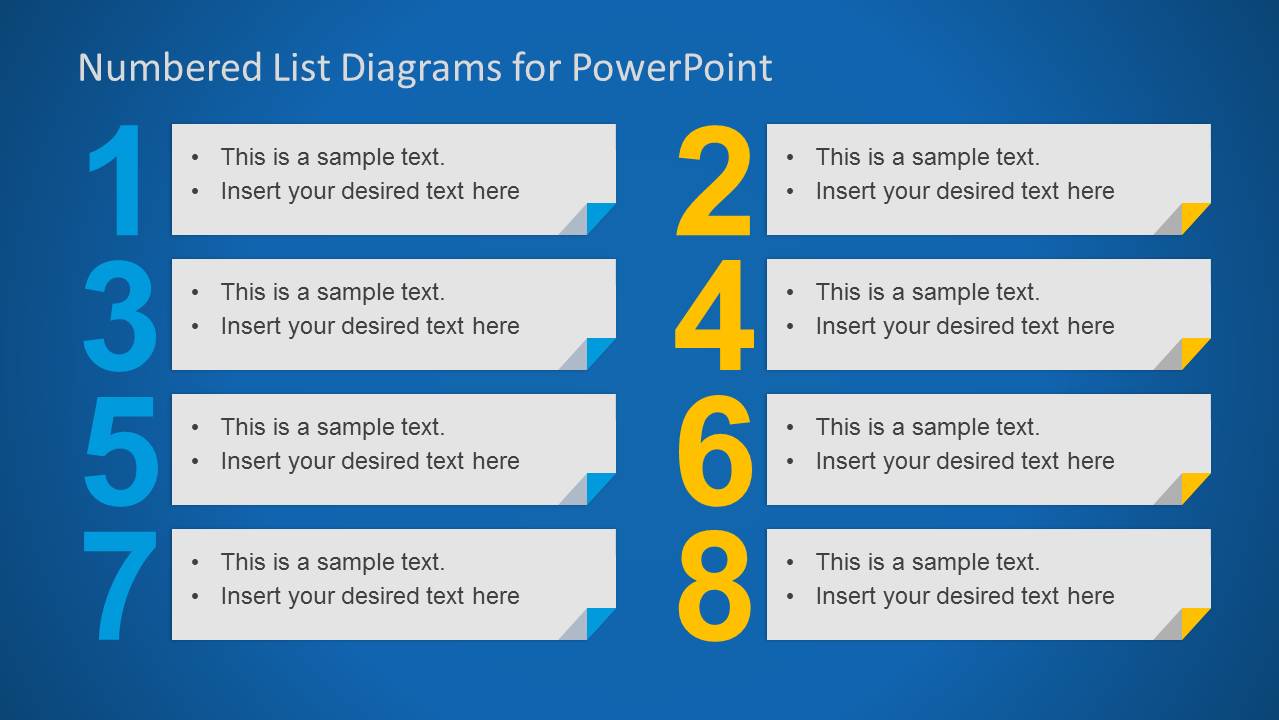
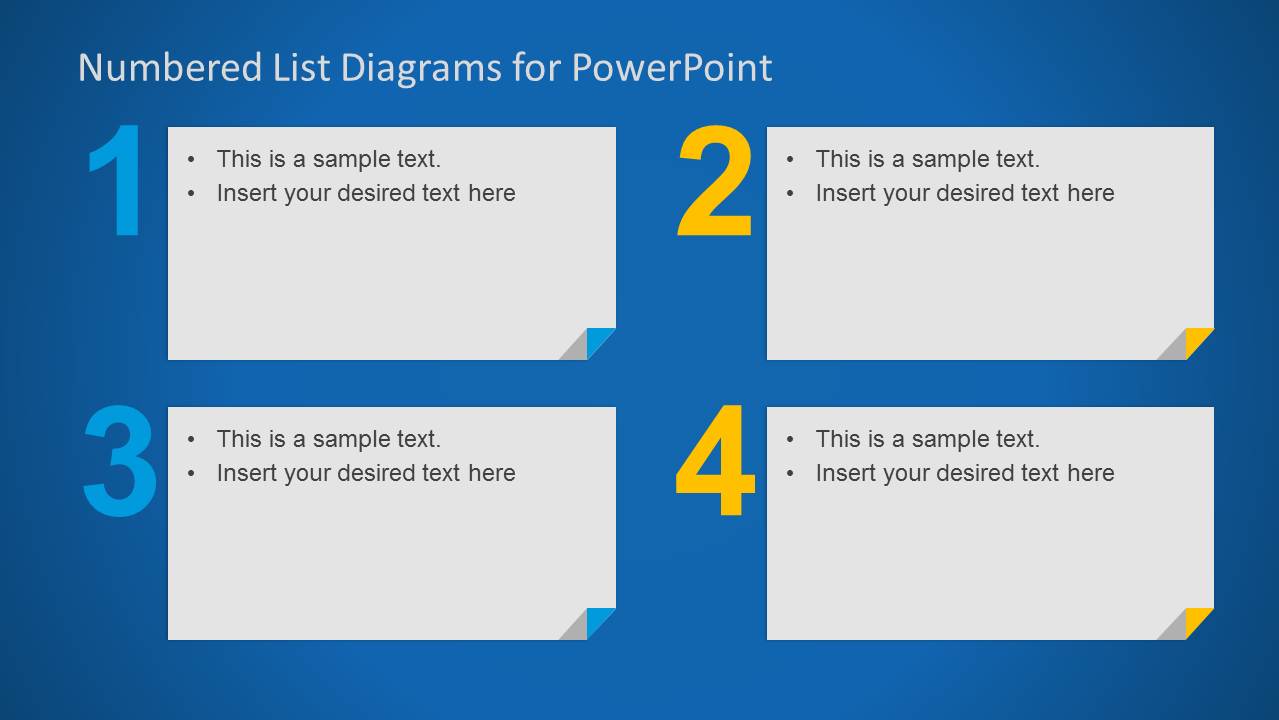
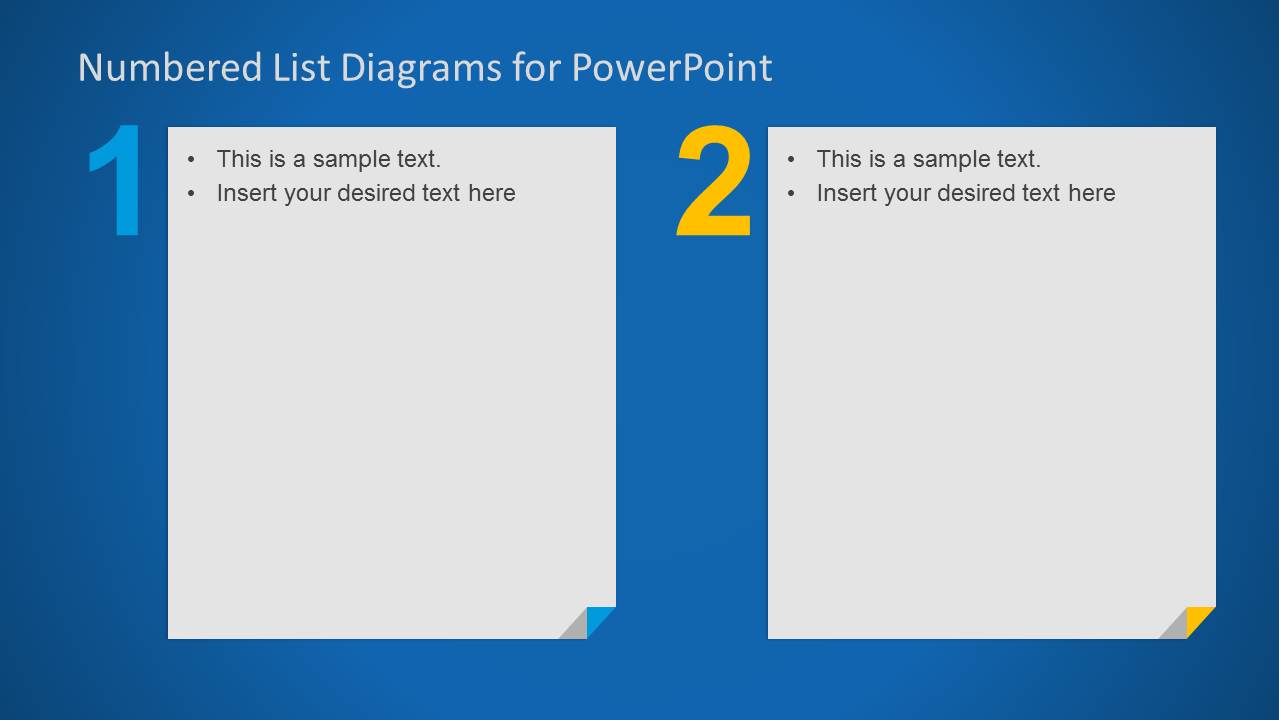
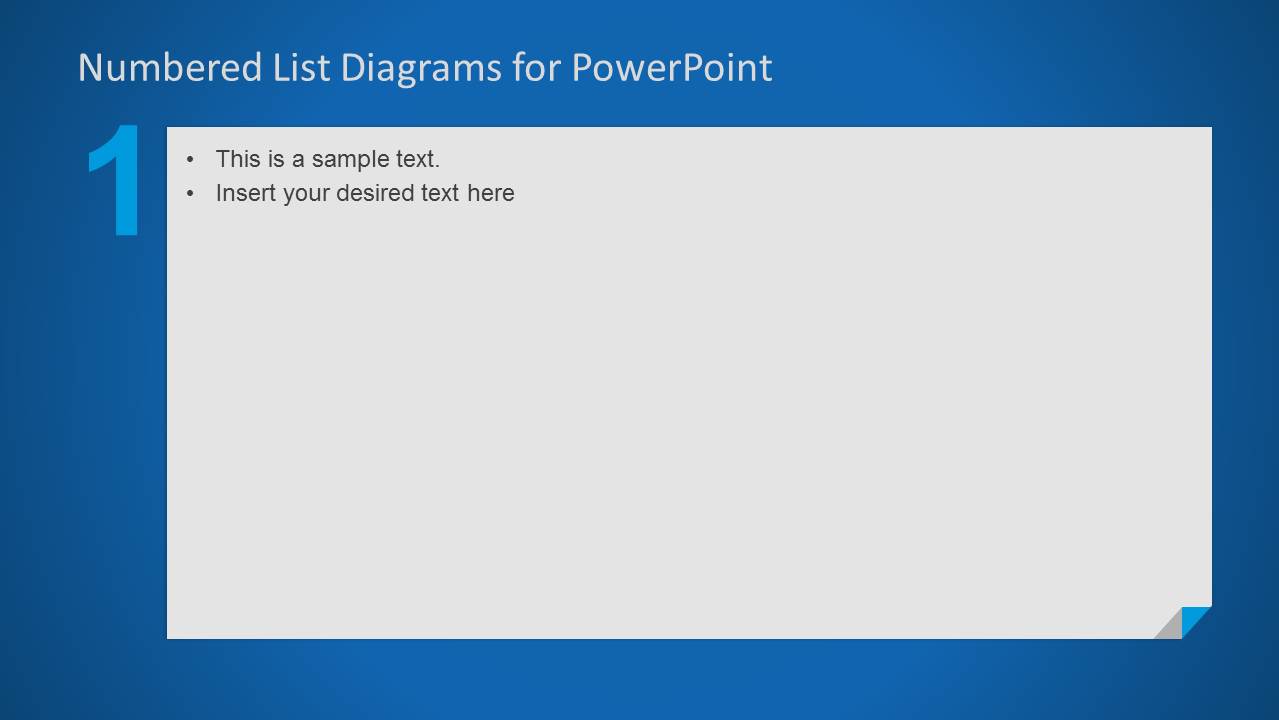
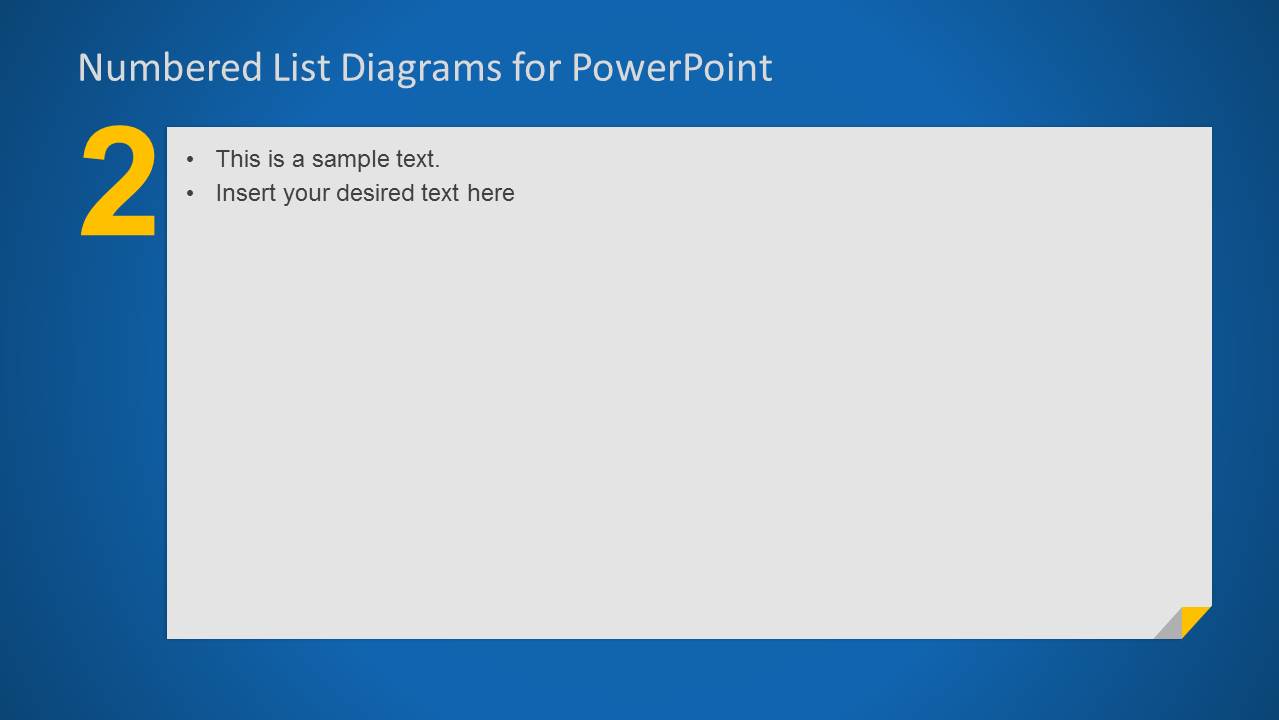
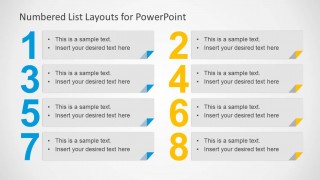
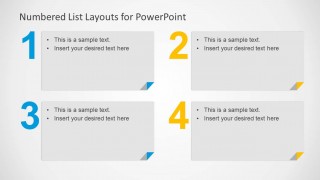
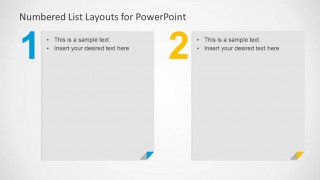
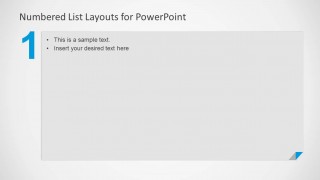
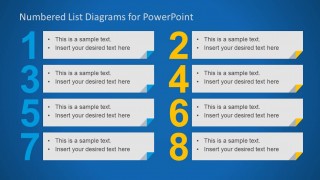
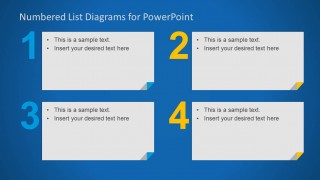
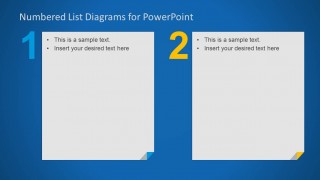
The numbered list template for PowerPoint comes with useful slide designs that you can use to describe a detailed process of up to 8 steps in PowerPoint or as alternative to bullet points. You can also use the lists with 4 elements or 2 elements or the single slide design with only one number. Alternatively you can download other numbered list templates for Microsoft PowerPoint with different designs.
What’s inside this template
Example presentation scenarios
- A project manager can present a rollout plan by placing milestones in the eight-step numbered list and using the single-number detail slides to explain high-priority phases.
- A consultant can summarize recommendations for an executive audience with the four-step grid, keeping each recommendation in a separate numbered card.
- A trainer can teach a procedure by opening with the two-panel layout for core concepts and then expanding each point with the single-number detail slides.
- A team lead can replace a text-heavy agenda with the eight-item or four-item list layouts so meeting participants can track discussion order.
Features
- 100% editable presentation template
- Compatible with Microsoft PowerPoint and Google Slides
- 16:9 aspect ratio slides
- Scalable vector shapes, icons and illustrations
- AI-Ready for Microsoft Copilot and Claude
- Instant access and download
Frequently asked questions
Q: How should a presenter decide between the eight-step, four-step, two-step, and single-step layouts?
A: Use the eight-step slide only for quick scanning, such as an agenda, checklist, or process overview. Move to the four-step grid when each point needs a short explanation. Use the two-panel layout for comparison or paired alternatives, then use single-number slides when one item needs focus and more supporting text.
Q: Who gets the most value from this numbered list template?
A: This template fits presenters who need to make ordered text easier to follow without building a full process diagram. Project managers, trainers, consultants, and team leads can use it for action plans, training steps, recommendations, meeting agendas, or prioritized decisions where the count and order of points matter.
Q: Why do the large numbers and card blocks improve the message compared with standard bullets?
A: The oversized numbers create a clear visual anchor for each point, so the audience knows how many items exist and where they are in the sequence. The gray or white cards separate text into manageable blocks, while cyan and yellow accents add hierarchy without adding more words.
Numbered List Layout Template for PowerPoint
10-slide numbered list presentation template for process steps, bullet points, and sequence layouts.
Numbered List Layout Template for PowerPoint is a 10-slide presentation template for replacing plain bullets with numbered text layouts. It includes an eight-item list, four-item grid, two-panel comparison, and single-number text panel. It suits process explanations, agenda sections, and prioritized lists in Microsoft PowerPoint and Google Slides.
- Category
- Text & Tables
- Rating


 Loading...
- Aspect ratio
- 16:9
- Item ID
- 6186-01
- Colors
 Microsoft PowerPoint
  Microsoft Copilot
  Claude for PowerPoint
 Other formats supported
Subscribe today and get immediate
access to download our PowerPoint templates.