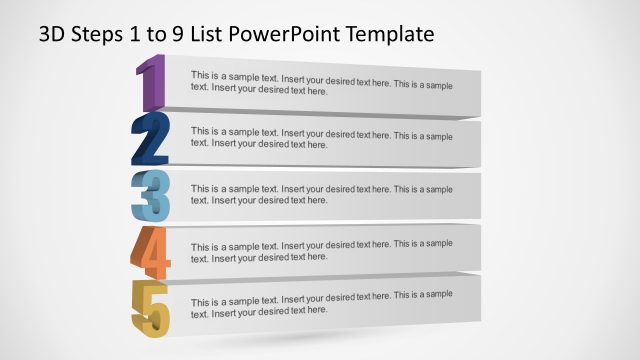
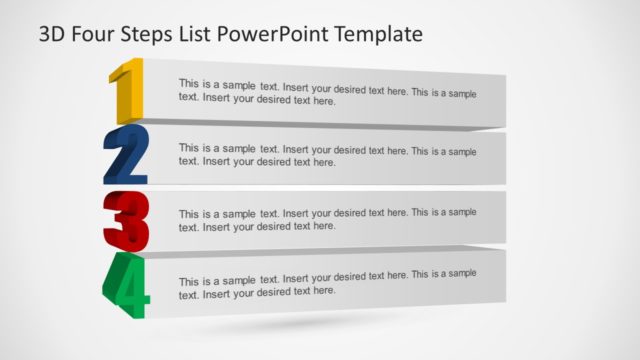
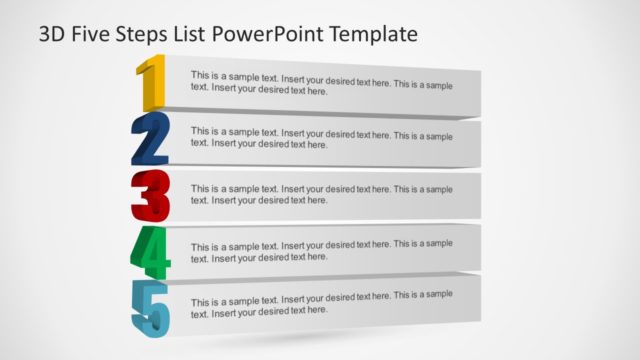
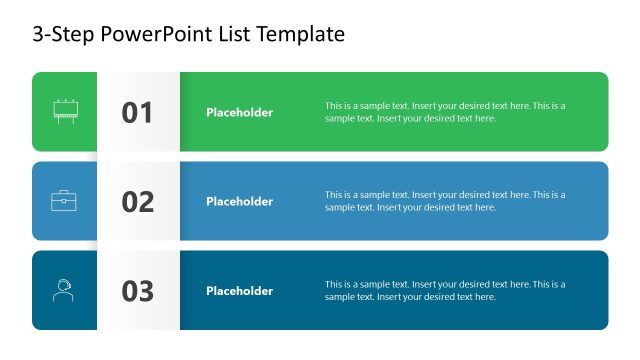
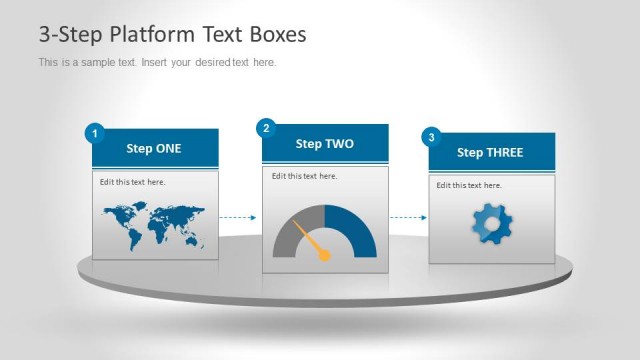
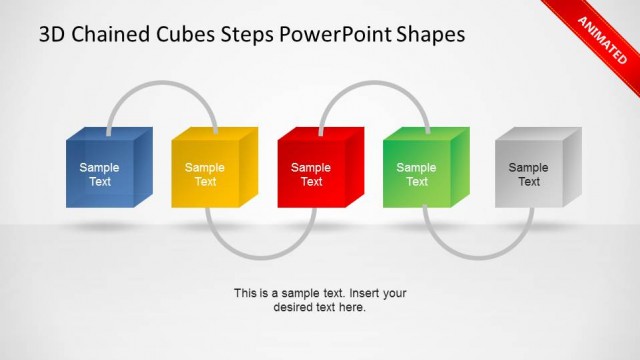
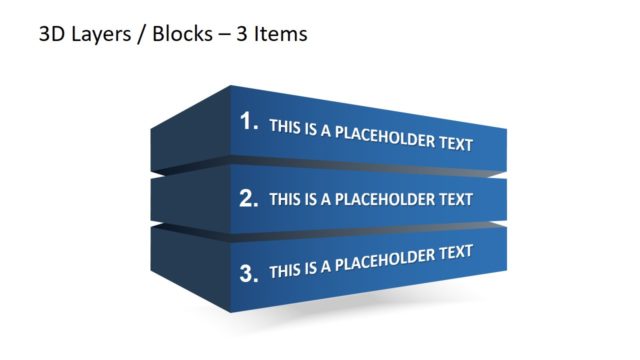
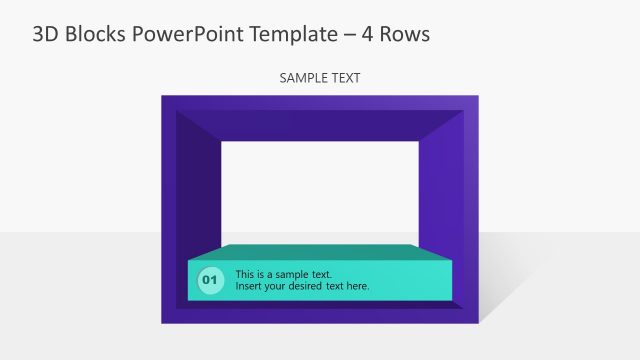
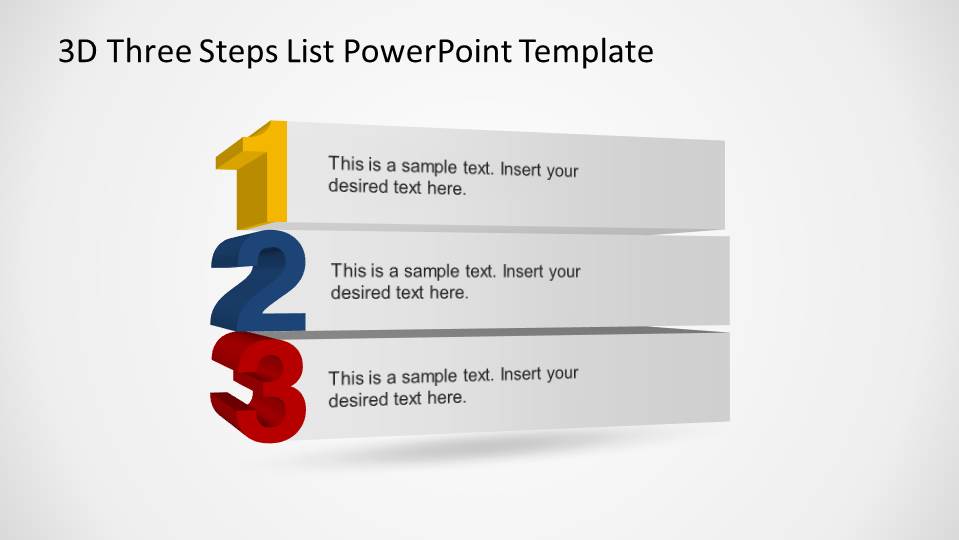
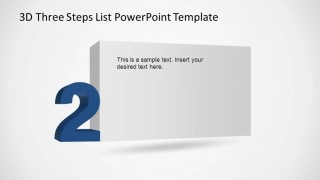
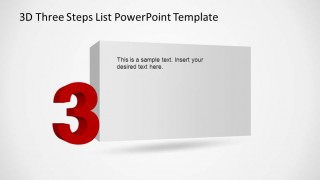
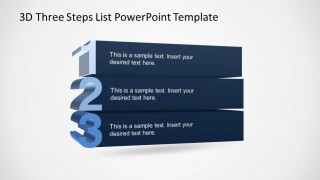
3D Three Steps List PowerPoint Template is a simple numbered list created with outstanding graphics. The user can use the list for Table of Contents, for describing a 3 Steps process or just to follow a list during the speech. The template provides the numbered 3 Steps list, where each number is created as a 3D powerpoint number, using PowerPoint 3D effects, and a text box in 3D perspective to describe the row. Also , the template provides 1 slide for each step, repeating the number, covering the full slide size. At last, the ist is repeated in a gradient color, in case the user want to use the same color palette instead of different colors for each list entry.
Create appealing presentations that engage global audience with our 3D Three Steps List PowerPoint Template.
What’s inside this template
Example presentation scenarios
- A project manager can introduce a three-phase rollout by opening with the 3D numbered list and then using the individual step highlight slides to explain each phase.
- A consultant can present three recommendations to executives by using the single large-number slides for focused discussion and the three-column block slide for the final recap.
- A trainer can organize a short lesson around three learning points, using the table-of-contents style list to orient participants before covering each topic.
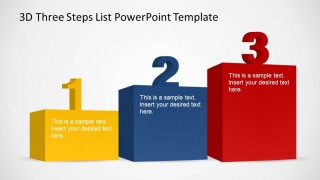
- A team leader can summarize three priorities in a staff meeting by replacing the placeholder text in the colored 3D block layout with action items and owners.
Features
- 100% editable presentation template
- Compatible with Microsoft PowerPoint
- 16:9 aspect ratio slides
- Scalable vector shapes, icons and illustrations
- AI-Ready for Microsoft Copilot and Claude
- Instant access and download
Frequently asked questions
Q: How should a presenter structure the message with this three-step layout?
A: Start with Slide 1 as the orientation slide, naming the three points in parallel language. Then use Slides 2, 3, and 4 to give each point its own short explanation. Close with Slide 6 if the audience needs a side-by-side recap of the three items before discussion or decision.
Q: Who is this template best suited for?
A: This template fits presenters who need to make a short, ordered message easy to follow: project managers explaining three phases, trainers introducing three learning blocks, or consultants summarizing three recommendations. It is strongest when the content is simple enough to be remembered as step 1, step 2, and step 3.
Q: Why use large 3D numbers instead of a standard bullet list?
A: The oversized 3D numbers act as visual anchors, so the audience can track sequence before reading the details. The perspective text panels reinforce order and direction, while the separate highlight slides reduce competition between steps. This makes the design better for spoken explanations than a dense bullet slide.


3D Three Steps List PowerPoint Template
6-slide presentation template with 3D numbered list, step detail slides, and table of contents layouts
The 3D Three Steps List PowerPoint Template is a 6-slide Microsoft PowerPoint deck for presenting a numbered sequence. It includes a three-step list, single-step highlight slides, a dark gradient list variant, and a three-column 3D block layout for agendas, checklists, process steps, or table of contents pages.
- Category
- Text & Tables
- Rating


 Loading...
- Aspect ratio
- 16:9, 4:3
- Item ID
- 6522-01
- Colors
 Microsoft PowerPoint
  Microsoft Copilot
  Claude for PowerPoint
 Other formats supported
Subscribe today and get immediate
access to download our PowerPoint templates.