Slide 8 of 10 from Numbered List Layout Template for PowerPoint
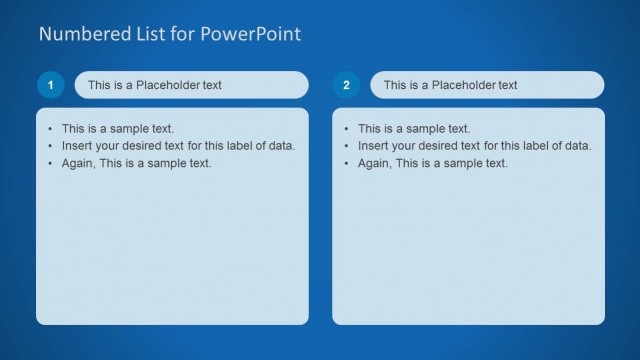
2 Columns Numbered List for PowerPoint
Numbered List Diagrams for PowerPoint
- Text Layout
- Numbered List
- Process Slide
- 16:9
- 100% Editable
The Numbered List Diagrams slide from the Numbered List Layout Template for PowerPoint offers a clear two-column design ideal for process explanations and step-by-step guides. This slide layout supports business presentations by organizing prioritized lists with editable shapes and text placeholders, enhancing clarity in corporate presentations or pitch deck templates.
About This Slide
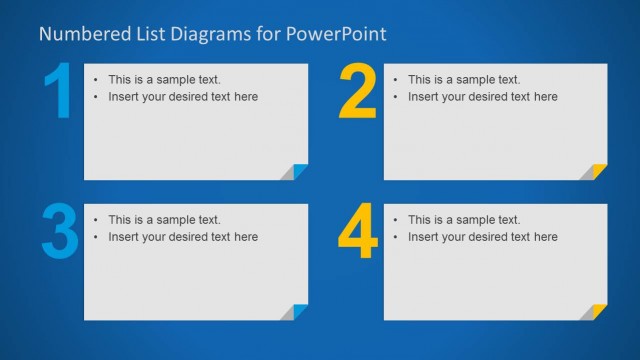
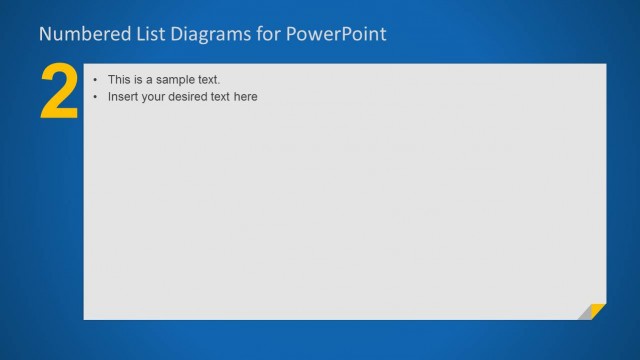
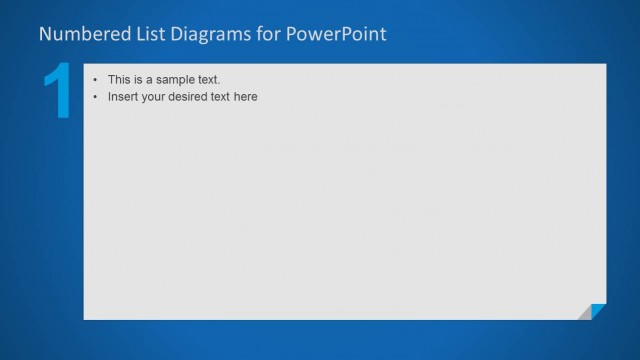
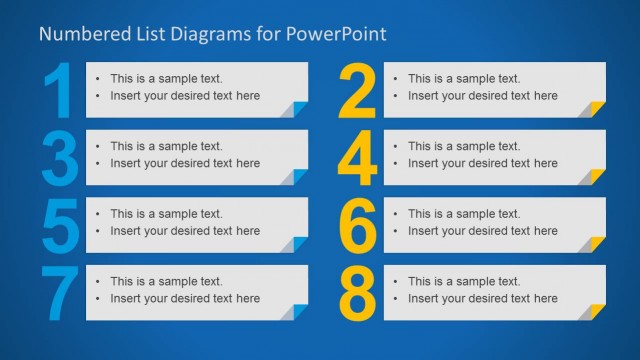
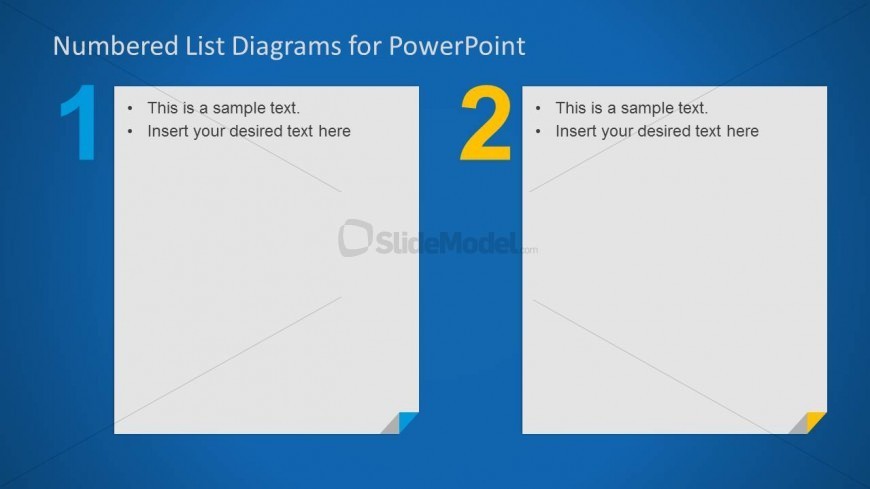
This slide displays two columns, horizontally aligned, containing a bullet list as text placeholder. The left column box has the number one (1) written on it, filled with light blue color. The right side has the number 2 written on it, filled with orange color. The columns are created as PowerPoint rectangular boxes. At the bottom right corner of the boxes, a flipped corner effect is colored resembling the number color (light blue and orange). The PowerPoint slide background is blue.
What’s on This Slide
The slide features a two-column layout with numbered sections. The left column contains a blue background with a large number '1' in white and a smaller blue triangle at the bottom. The right column has a yellow number '2' and a white background. Each column includes two text placeholders aligned at the top, with bullet points indicating where text can be inserted. The overall composition is balanced, with the numbers serving as visual anchors for the corresponding text areas.
How to Use It
This layout serves as a numbered list format, ideal for presenting sequential information or steps. It fits well in a presentation sequence after an introductory slide, providing clarity in process explanations or agenda items. This structure is useful in business settings for outlining project phases, key points in discussions, or summarizing findings in a clear, organized manner.
Text Placeholders & Capacity
Keep your copy within these limits so it fits without resizing. Each text slot can hold a maximum of about 30-100 characters.
| Placeholder | Count | Max characters (approx.) |
|---|---|---|
| Item heading | 2 | 30 |
| Item body | 2 | 100 |
Slide Keywords
Download unlimited PowerPoint templates, charts and graphics for your presentations with our annual plan.
DOWNLOADReturn to Numbered List Layout Template for PowerPoint.