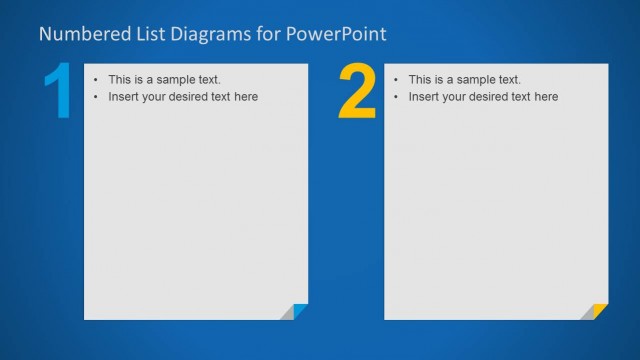
Slide 5 of 10 from Numbered List Layout Template for PowerPoint
6186-01-numbered-list-5
Numbered List Layout for PowerPoint
- Text Layout
- Numbered List
- Agenda Slide
- 16:9
- 100% Editable
The Numbered List Layout slide from the Numbered List Layout Template for PowerPoint offers a clear format for presenting project timelines, agenda items, or step-by-step instructions. This slide design supports business presentations by organizing content sequentially using editable shapes and numbered elements, enhancing clarity in corporate presentations or pitch deck templates. Its structured layout integrates well with PowerPoint templates and Google Slides templates aimed at delivering concise, ordered information.
What’s on This Slide
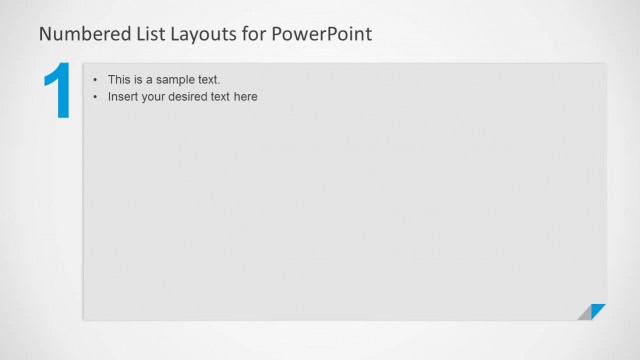
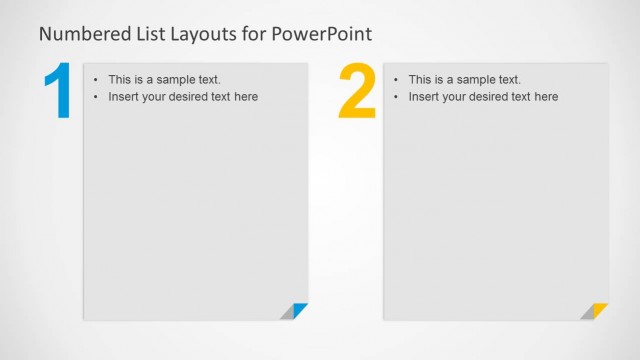
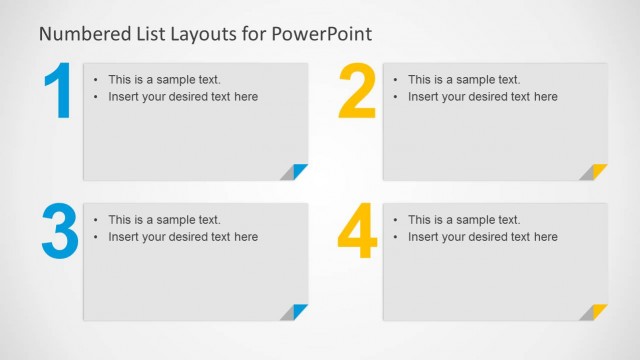
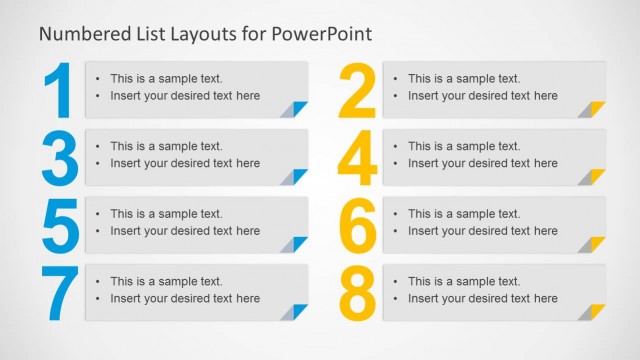
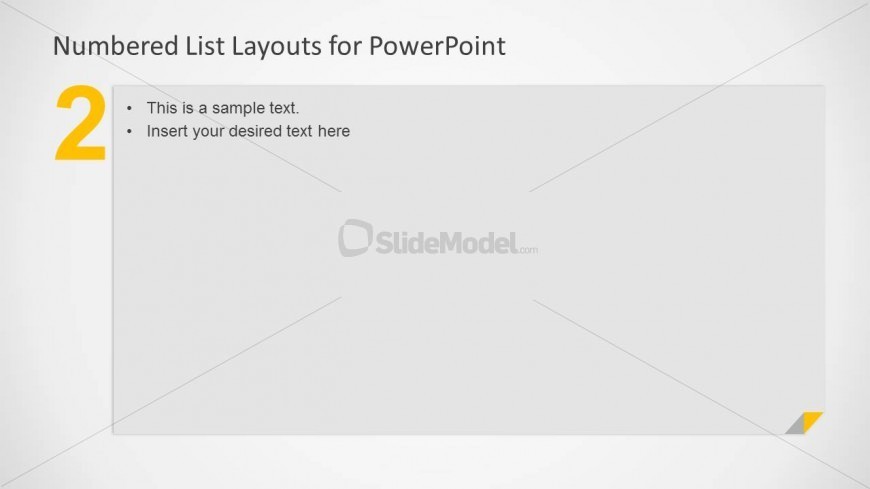
The layout features a large number '2' in yellow positioned at the top left. Below it, the title 'Numbered List Layouts for PowerPoint' is centered at the top. The main content area is on the right, containing two bullet point placeholders aligned vertically. The first placeholder includes sample text, while the second invites users to insert their desired text. The background is a light gray gradient, and a small triangular accent in yellow is located at the bottom right corner. The overall composition emphasizes the number and title while providing clear space for content.
How to Use It
This layout serves as a numbered list format, ideal for presenting sequential steps or items. It fits well in a presentation sequence after an introductory slide, helping to outline key points or processes. Common business scenarios include project timelines, agenda items, or prioritized lists. The numbered format aids in clarity and organization, making it suitable for instructional or informative contexts where order matters.
Text Placeholders & Capacity
Keep your copy within these limits so it fits without resizing. Body slots can accommodate roughly 15-20 words each.
| Placeholder | Count | Max characters (approx.) |
|---|---|---|
| Slide title | 1 | 40 |
| Item body | 2 | 100 |
Slide Keywords
Download unlimited PowerPoint templates, charts and graphics for your presentations with our annual plan.
DOWNLOADReturn to Numbered List Layout Template for PowerPoint.