Slide 2 of 10 from Numbered List Layout Template for PowerPoint
4 Numbered List for PowerPoint
Numbered List Layout for Presentations
- Text Layout
- Numbered List
- Agenda Slide
- 16:9
- 100% Editable
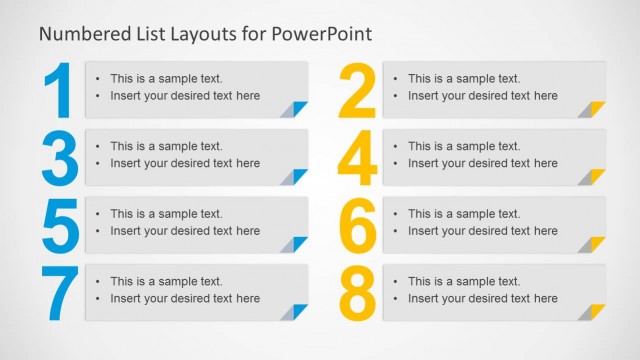
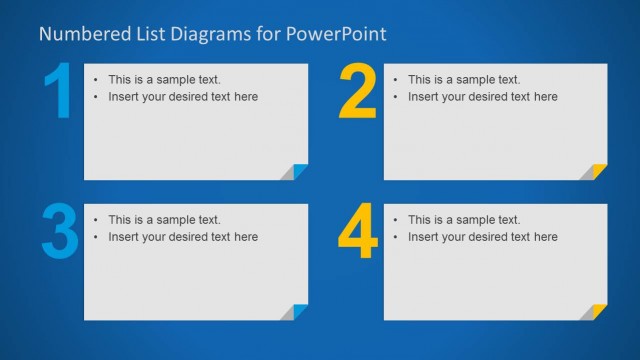
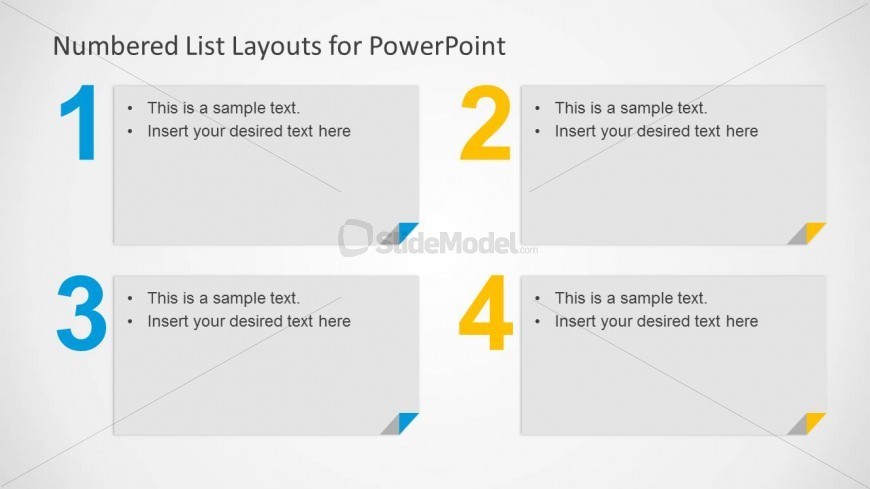
The Numbered List Layout slide from the Numbered List Layout Template for PowerPoint offers a clean design ideal for business presentations requiring clear agenda sections or step-by-step guides. This slide layout features editable shapes arranged in a 2x2 grid with bold numbering and space for bullet points, making it suitable for process explanations or prioritized lists within a corporate presentation or pitch deck template.
What’s on This Slide
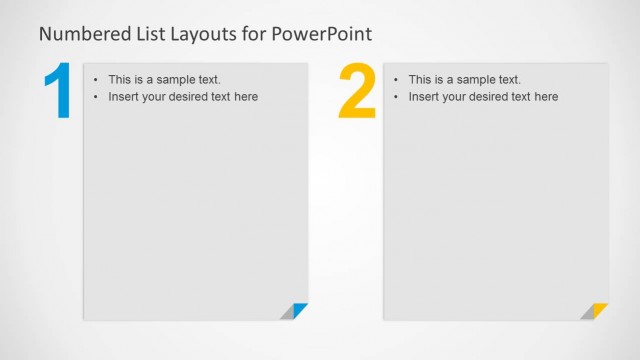
The layout features four numbered sections arranged in a 2x2 grid. Each section contains a light gray background with a colored corner accent. The numbers are large and bold, positioned at the top left of each section. Below the numbers, there are two text placeholders aligned to the left, allowing for bullet points. The overall composition is clean and structured, with ample white space separating the sections. The slide background is a subtle gradient, enhancing the visual appeal without overwhelming the content.
How to Use It
This layout serves as a numbered list format, ideal for presenting steps, key points, or agenda items. It fits well in presentations that require clear, organized information delivery. This structure is particularly useful for process explanations or when outlining a series of actions in business meetings. It is best positioned early in a presentation to introduce topics or outline objectives, ensuring the audience can follow along easily.
Text Placeholders & Capacity
Keep your copy within these limits so it fits without resizing. Each body text slot can hold roughly 15-20 words comfortably.
| Placeholder | Count | Max characters (approx.) |
|---|---|---|
| Item heading | 4 | 20 |
| Item body | 4 | 100 |
Slide Keywords
Download unlimited PowerPoint templates, charts and graphics for your presentations with our annual plan.
DOWNLOADReturn to Numbered List Layout Template for PowerPoint.