Slide 10 of 10 from Numbered List Layout Template for PowerPoint
Simple Number 2 List for PowerPoint
Numbered List Diagrams for PowerPoint
- Text Layout
- Numbered List
- Process Slide
- 16:9
- 100% Editable
What’s on This Slide
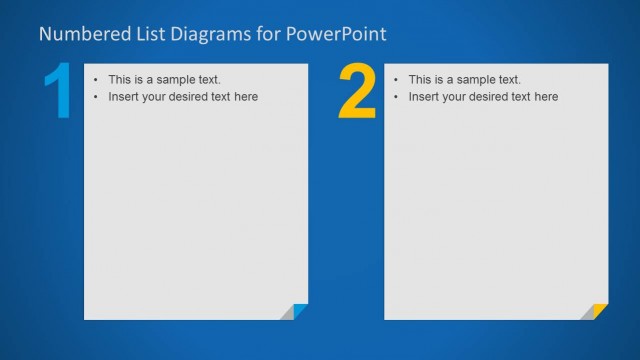
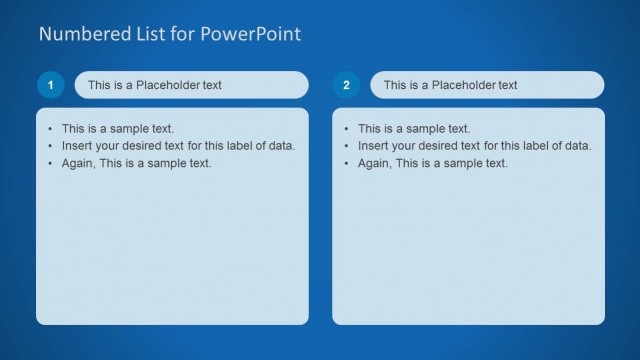
The slide features a blue background with a prominent title at the top left. Below the title, there is a large number '2' in yellow, indicating the sequence. Two bullet points are positioned in the center-left area, with placeholders for text. The bullet points are aligned vertically, with space for additional text below. The right side of the slide is mostly empty, providing a clear visual hierarchy. A small triangular shape in yellow is located at the bottom right corner, adding a design element without distracting from the content.
How to Use It
This layout serves as a numbered list format, ideal for presenting steps or key points in a clear sequence. It fits well in presentations that require a structured approach, such as process explanations or agenda items. The slide can be effectively used to highlight important information in a concise manner. It is suitable for business meetings, educational settings, or any context where organized content delivery is necessary.
Text Placeholders & Capacity
Keep your copy within these limits so it fits without resizing. Node body slots can accommodate roughly 8-10 words each.
| Placeholder | Count | Max characters (approx.) |
|---|---|---|
| Slide title | 1 | 30 |
| Item body | 2 | 50 |
Slide Keywords
Download unlimited PowerPoint templates, charts and graphics for your presentations with our annual plan.
DOWNLOADReturn to Numbered List Layout Template for PowerPoint.