Slide 7 of 10 from Numbered List Layout Template for PowerPoint
Numbered List Template for PowerPoint with 4 Items
Numbered List Diagrams for PowerPoint
- Text Layout
- Numbered List
- Process Slide
- 16:9
- 100% Editable
The Numbered List Diagrams slide from the Numbered List Layout Template for PowerPoint offers a structured format ideal for step-by-step guides and project timelines. This slide layout uses clear numbered sections with editable shapes to organize process explanations effectively within business presentations or corporate slide decks. Its design supports clarity and easy navigation through agenda items or key points, making it a practical choice for professional slide templates.
About This Slide
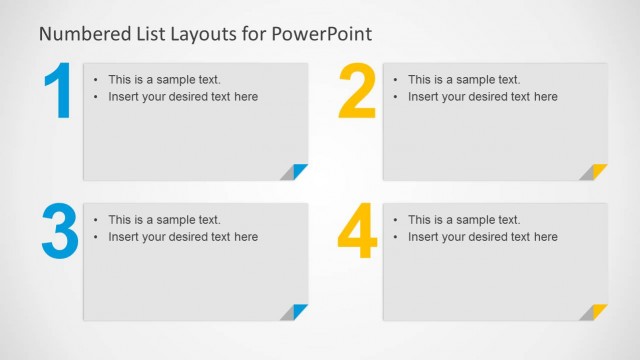
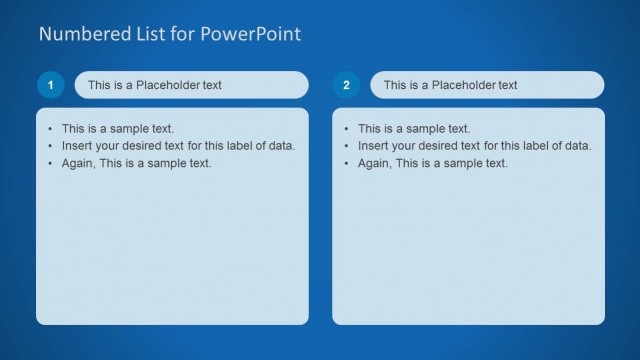
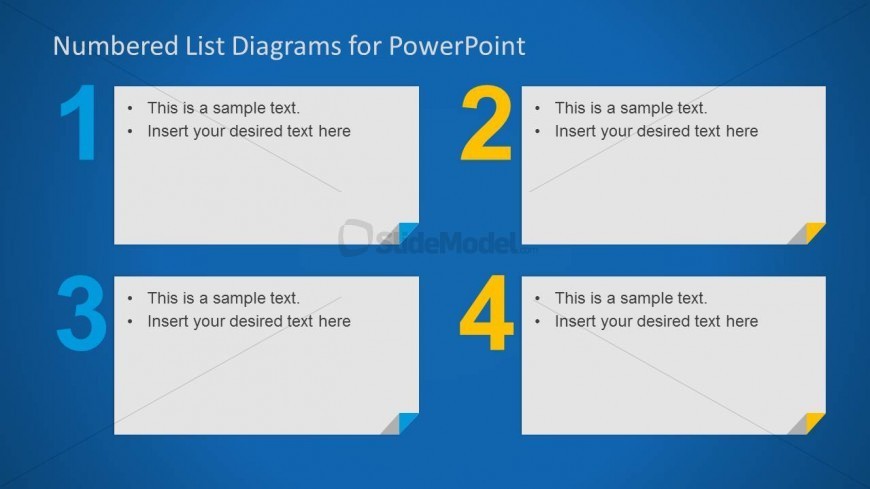
Numbered List Template for PowerPoint with space to add four items in quadrants and ready to be used as an alternative to bullet points.
What’s on This Slide
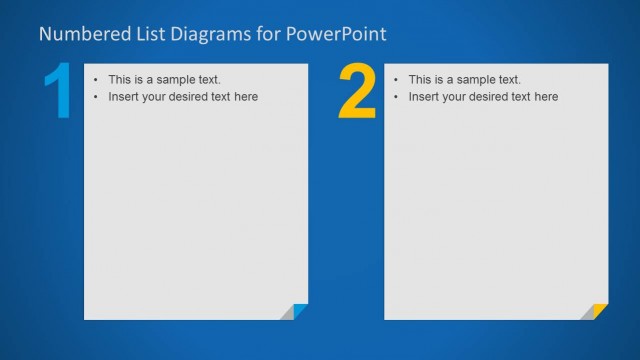
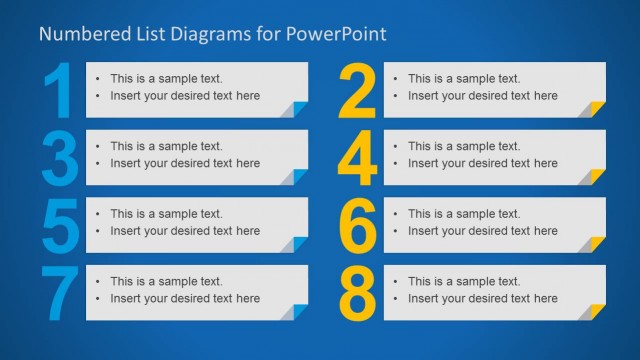
The layout features a blue background with four numbered sections arranged in a 2x2 grid. Each section contains a rounded rectangular container with a corner tab. The numbers 1, 2, 3, and 4 are prominently displayed in large font, positioned to the left of each container. Inside each container, there are two bullet point placeholders aligned to the left. The visual hierarchy emphasizes the numbers, while the text placeholders are designed for inserting relevant content. The overall composition is clean and organized, with clear separation between sections.
How to Use It
This layout serves as a numbered list format suitable for presenting steps, processes, or key points in a structured manner. It fits well in a presentation sequence where clarity and organization are essential, such as agendas or process explanations. Real-world scenarios include project timelines, instructional guides, or summarizing key findings. This layout is particularly effective for emphasizing the order of information, making it easy for the audience to follow along.
Text Placeholders & Capacity
Keep your copy within these limits so it fits without resizing. Node body slots can hold roughly 10-15 words each.
| Placeholder | Count | Max characters (approx.) |
|---|---|---|
| Item heading | 4 | 15 |
| Item body | 8 | 50 |
Slide Keywords
Download unlimited PowerPoint templates, charts and graphics for your presentations with our annual plan.
DOWNLOADReturn to Numbered List Layout Template for PowerPoint.