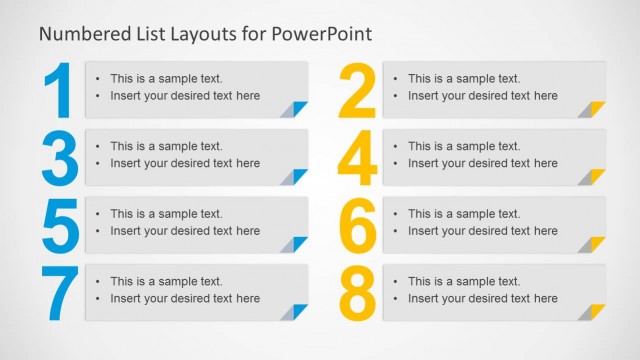
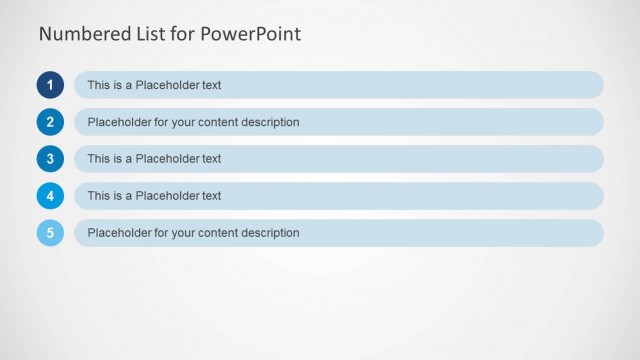
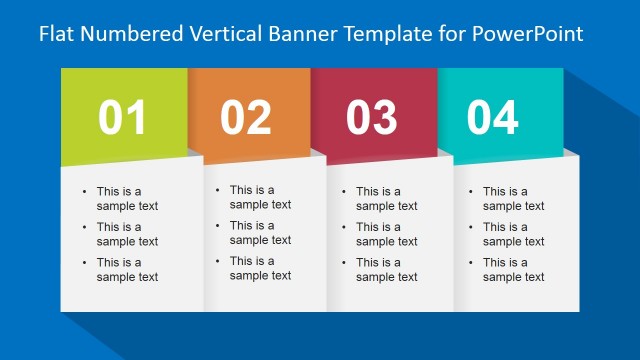
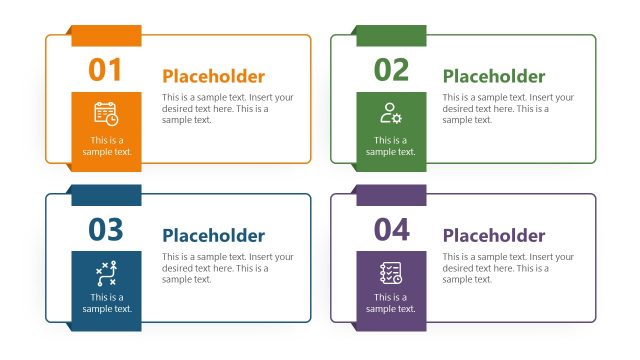
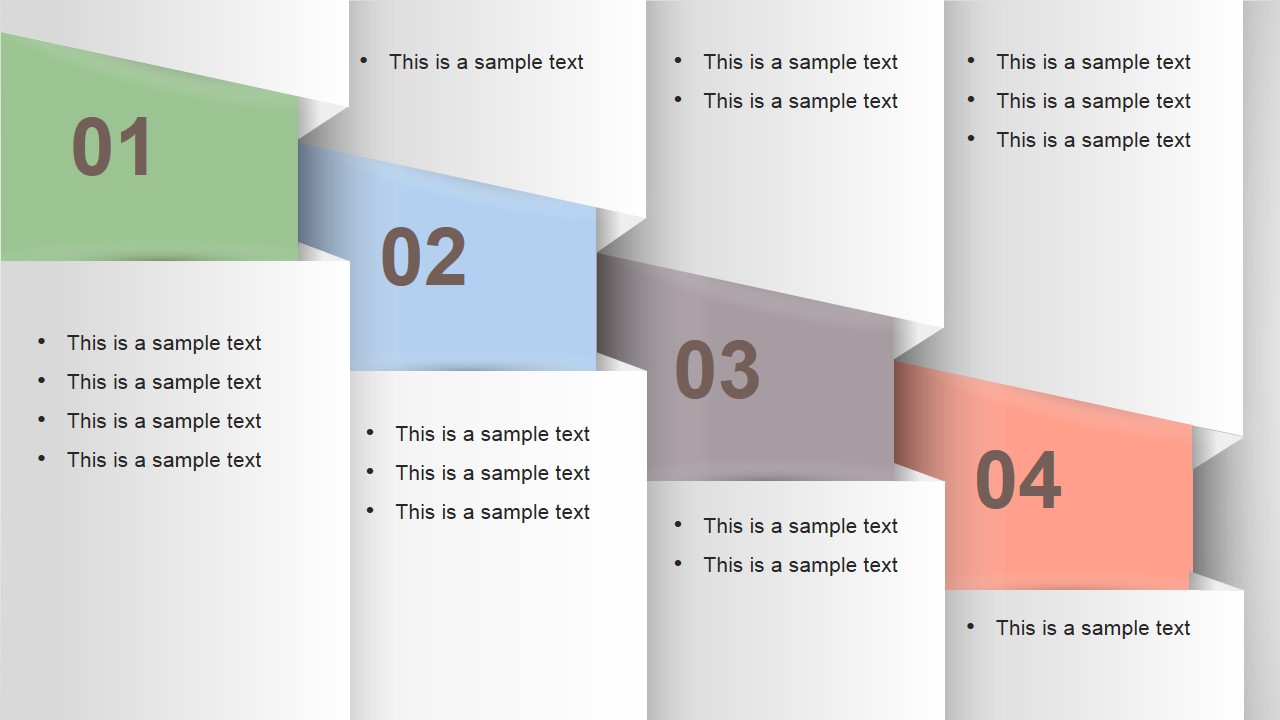
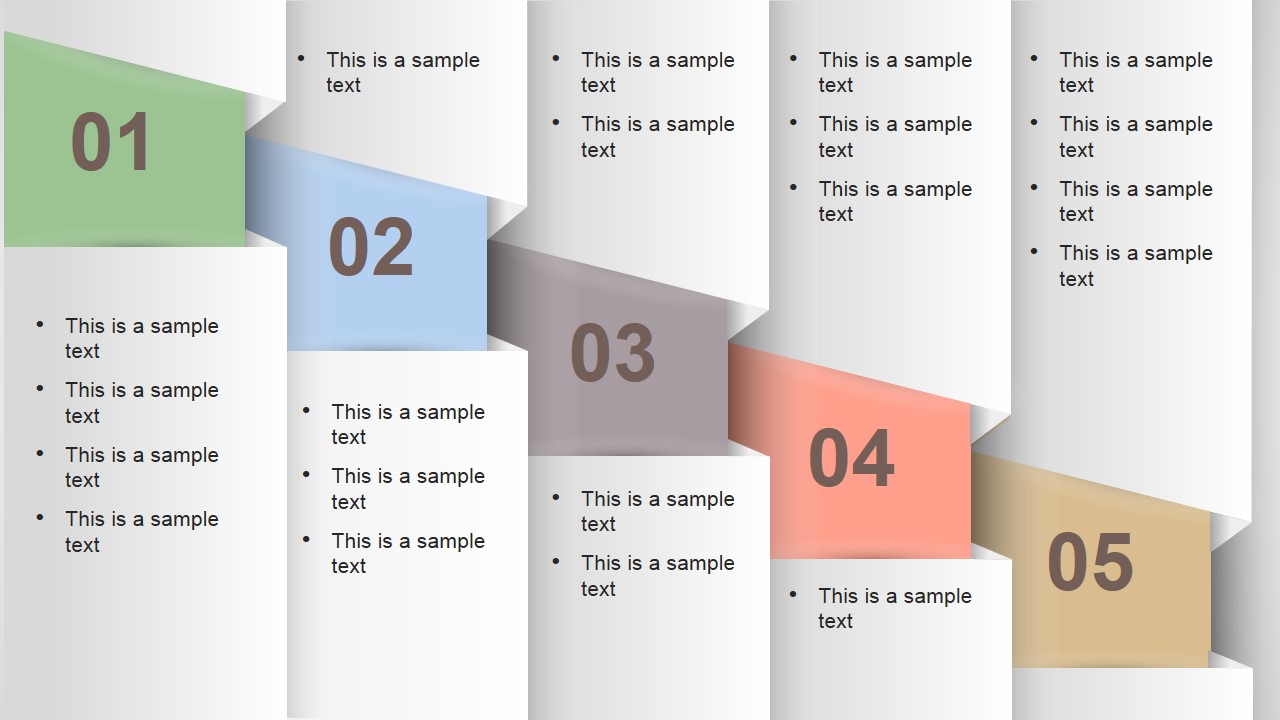
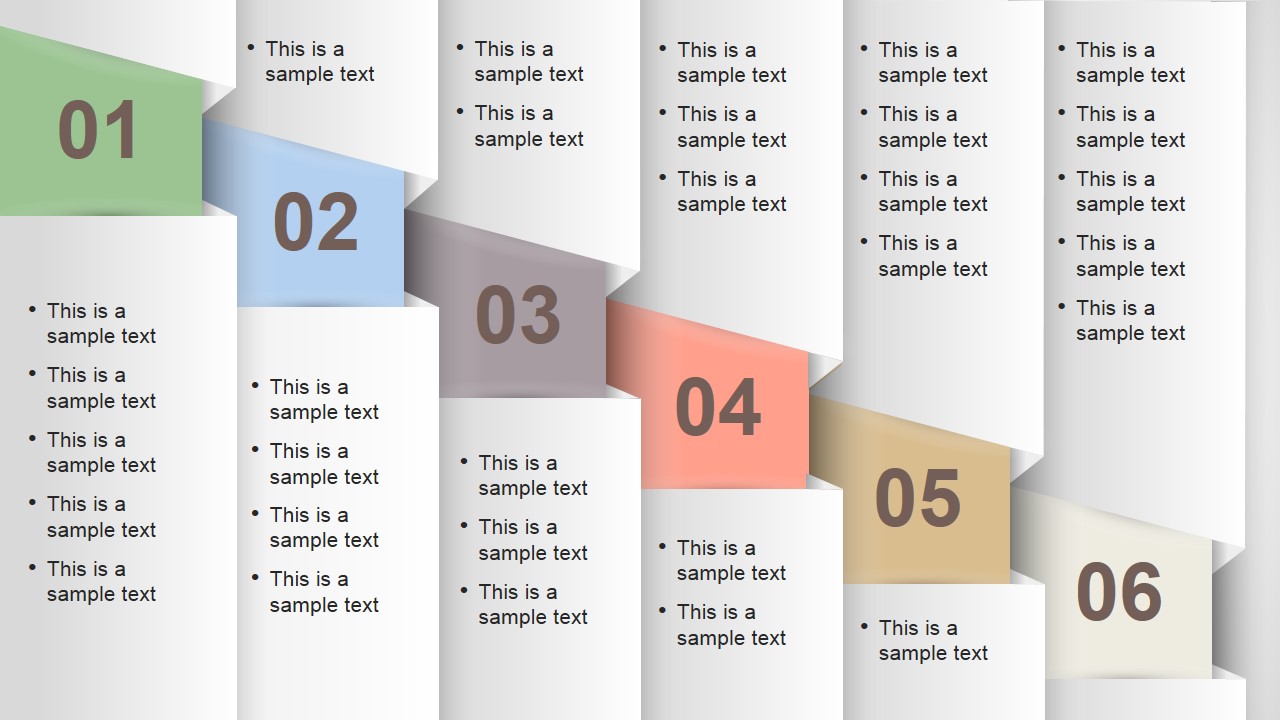
Numbered Vertical Banner Template Layout for PowerPoint contains a creative slide layout that you can use as an alternative to traditional numbered bullet points or to present your content or presentation agenda. This numbered vertical layout is available in 4:3 and 16:9 aspect ratio. You can easily edit the text placeholders and choose which slide to use depending on the number of steps or concepts you need to present (available with 4, 5 and 6 columns).
What’s inside this template
Example presentation scenarios
- A project manager can introduce a kickoff meeting by placing the major agenda items into the 5-column vertical banner layout and using the bullets to list discussion points.
- A consultant can summarize a client engagement method by assigning each phase to the 4-column numbered banner and adding short deliverables below each ribbon.
- A trainer can outline a lesson plan with the 6-column layout, using each numbered column for a module and the bullets for key learning topics.
- A sales leader can compare several product benefits by using the numbered columns as categories and the bullet placeholders as supporting proof points.
Features
- 100% editable presentation template
- Compatible with Microsoft PowerPoint and Google Slides
- 16:9 aspect ratio slides
- Scalable vector shapes, icons and illustrations
- AI-Ready for Microsoft Copilot and Claude
- Instant access and download
Frequently asked questions
Q: How should I structure the content so the numbered banners do not become another dense bullet slide?
A: Choose the layout that matches the exact number of points you need, then write one short label for each banner number and limit the supporting bullets to the strongest details. Treat each column as a chapter heading, not as a text container. This keeps the numbered path readable from left to right.
Q: Who benefits most from using this numbered vertical banner layout?
A: This template fits presenters who need to explain a finite set of items without showing a full process diagram. Project leads, consultants, trainers, and managers can use the 4-, 5-, or 6-column layouts to introduce agendas, workstreams, modules, benefits, or decision criteria in a compact format.
Q: Why use staggered vertical banners instead of a standard numbered list?
A: The staggered ribbon metaphor gives each item a visible position and makes the order easier to follow than a plain bullet list. Large numbers anchor the sequence, while separate vertical columns help the audience compare items side by side and return to a specific point during discussion.
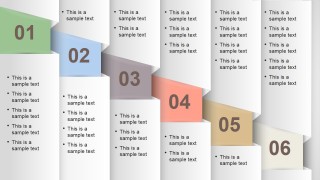
Numbered Vertical Banner Template Layout for PowerPoint
3-slide presentation template for numbered vertical banners, agenda columns, and step lists
Numbered Vertical Banner Template Layout for PowerPoint is a 3-slide presentation template with four-column, five-column, and six-column numbered vertical banner lists. Each slide uses layered ribbon shapes, large step numbers, and bullet text columns for agendas, processes, or concept lists. It is for business presenters using Microsoft PowerPoint or Google Slides.
- Category
- Text & Tables
- Rating


 Loading...
- Aspect ratio
- 16:9, 4:3
- Item ID
- 6737-01
- Colors
 Microsoft PowerPoint
  Microsoft Copilot
  Claude for PowerPoint
 Other formats supported
Subscribe today and get immediate
access to download our PowerPoint templates.