Slide 1 of 10 from Numbered List Layout Template for PowerPoint
8 Numbered List for PowerPoint
Numbered List Layouts for PowerPoint
- Text Layout
- Numbered List
- Agenda Slide
- 16:9
- 100% Editable
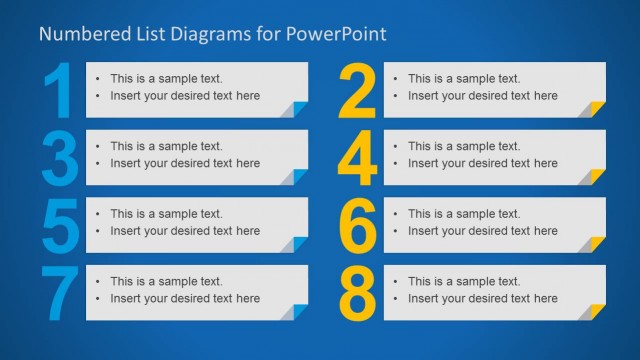
The Numbered List Layouts slide from the Numbered List Layout Template for PowerPoint offers a structured format ideal for business presentations and instructional content. This slide template features editable shapes and a clear vertical arrangement of numbered items, making it suitable for agendas, step-by-step processes, and feature lists within professional slide decks.
What’s on This Slide
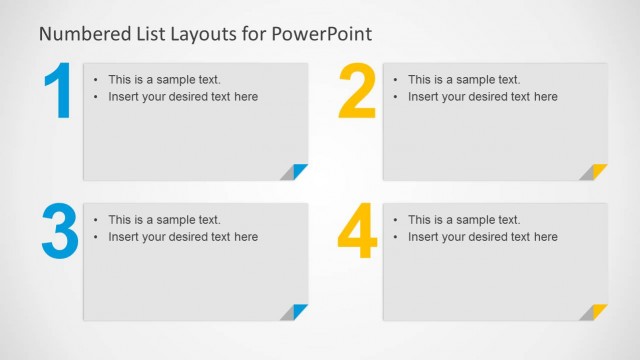
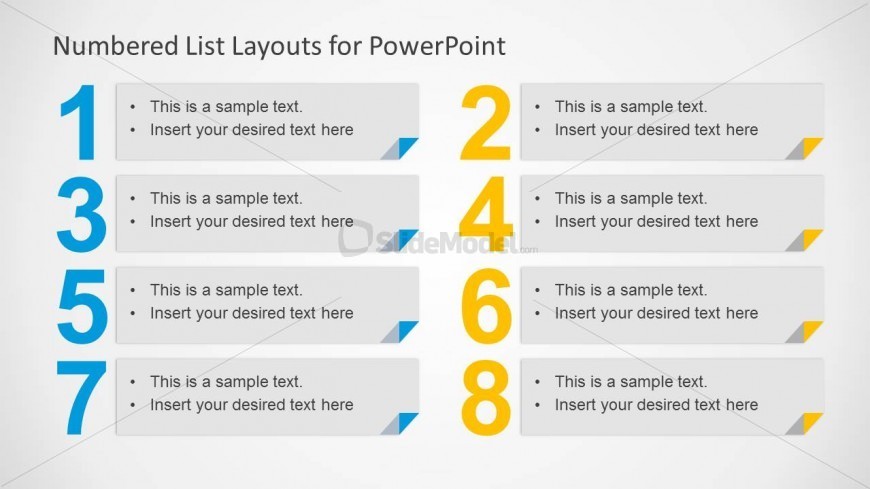
The layout features a vertical arrangement of numbered text items. Each number is prominently displayed in a bold font on the left, while corresponding text placeholders are aligned to the right. The text placeholders are rectangular with rounded corners, providing space for sample text. The numbers are colored differently to enhance visual separation. The overall background is light, ensuring clarity. There are eight numbered sections, each with a consistent design, creating a structured flow. The visual hierarchy emphasizes the numbers, guiding the viewer's attention.
How to Use It
This layout serves as a clear numbered list format, ideal for presenting steps, processes, or key points. It fits well in a presentation sequence where clarity and organization are essential, such as agendas or instructional content. Real-world applications include project timelines, product features, or any scenario requiring a prioritized list. The structured format aids in conveying information systematically, making it suitable for both business and educational contexts.
Text Placeholders & Capacity
Keep your copy within these limits so it fits without resizing. Node body slots can hold up to 100 characters each.
| Placeholder | Count | Max characters (approx.) |
|---|---|---|
| Item heading | 8 | 30 |
| Item body | 8 | 100 |
Slide Keywords
Download unlimited PowerPoint templates, charts and graphics for your presentations with our annual plan.
DOWNLOADReturn to Numbered List Layout Template for PowerPoint.