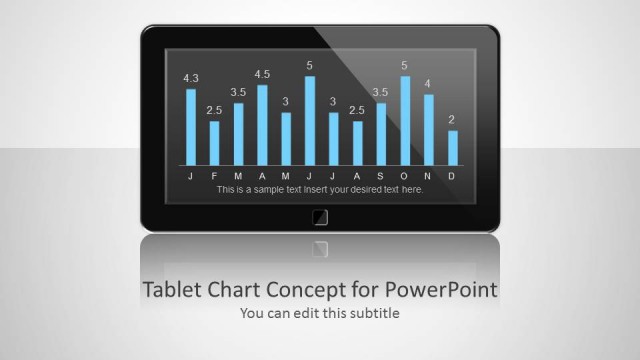
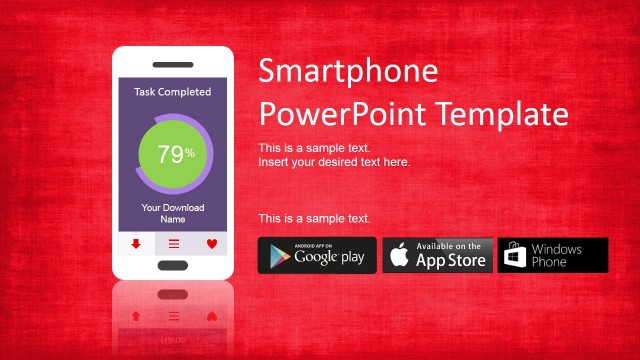
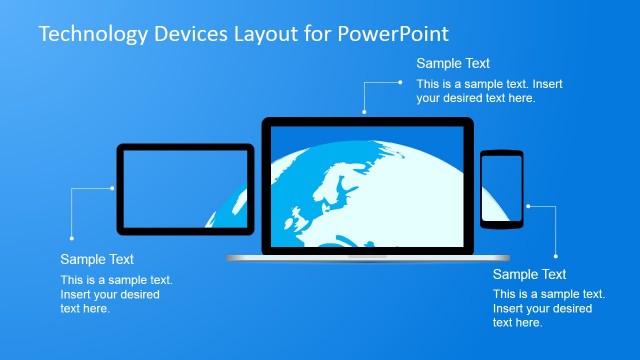
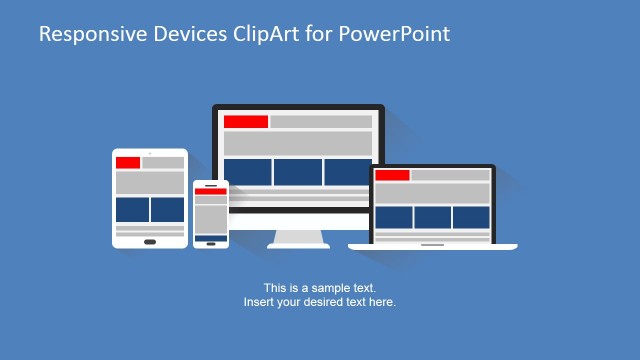
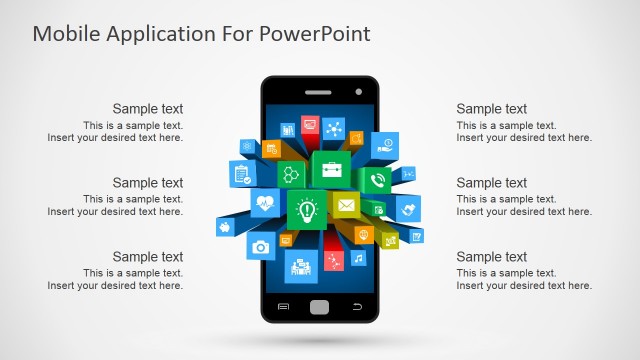
Mobile Tablet Shape for PowerPoint is a nice presentation with a tablet design and illustration that you can use as a chart placeholder for your presentations. A placeholder can help you to make more catchy presentations using PowerPoint and charts. Using placeholders in PowerPoint you can grab the audience attention.
You can use the tablet illustration with chart for PowerPoint to make a more relevant presentation in a given context, for example if you are showing the sales chart by region for technology products like tablets or smartphones or showing the mobile trends along the time then you can effectively use this table placeholder.
What’s inside this template
Example presentation scenarios
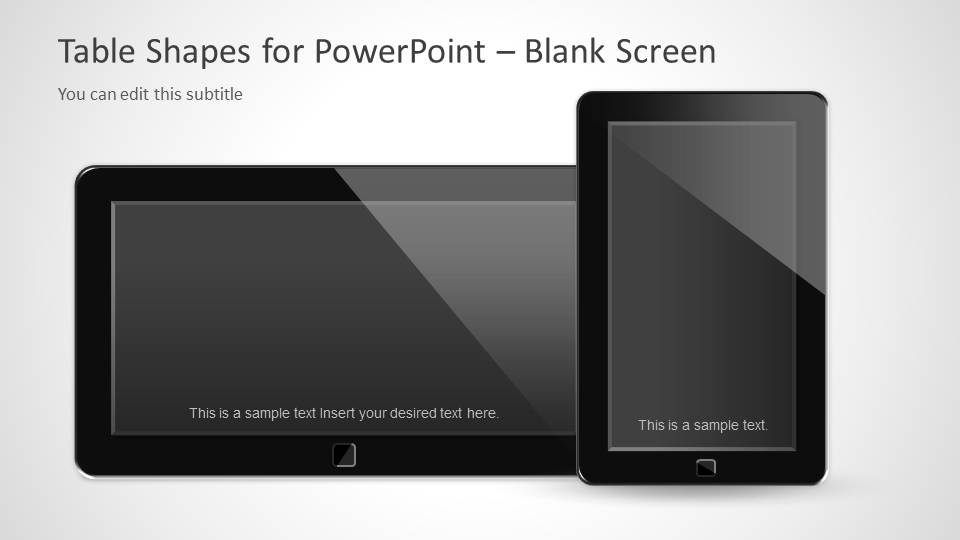
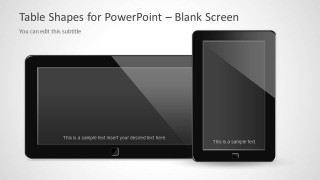
- A product manager can use the blank tablet screen placeholder to show an app screenshot and explain how the interface appears on mobile devices.
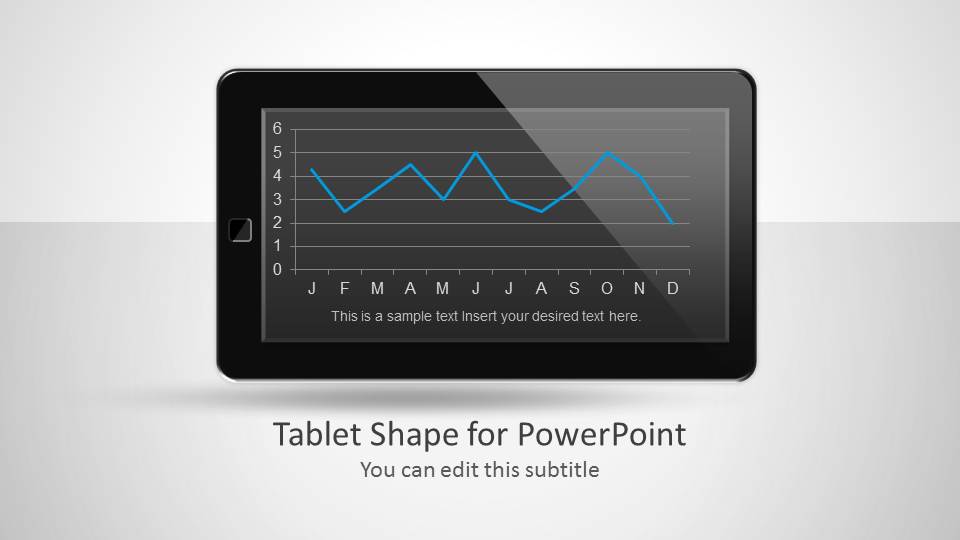
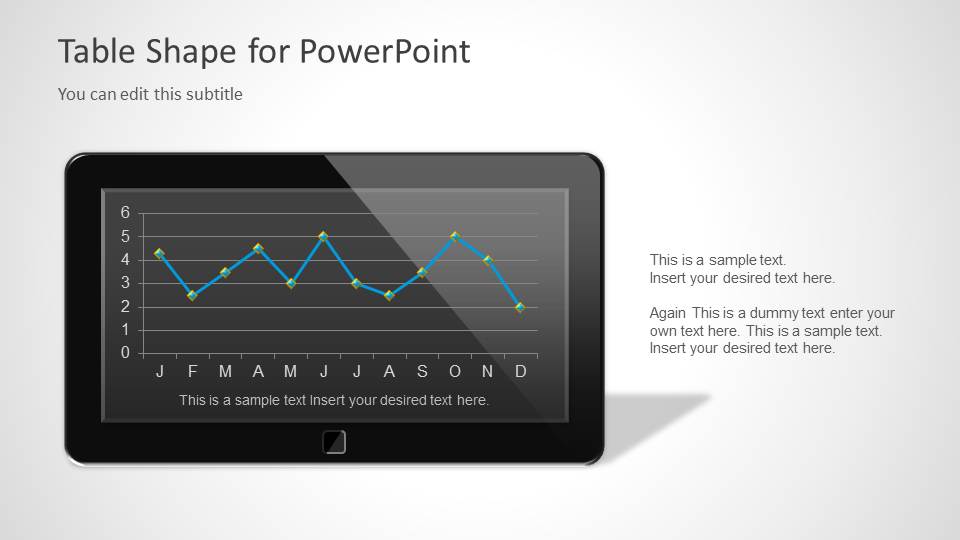
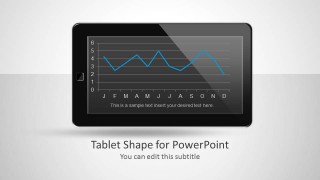
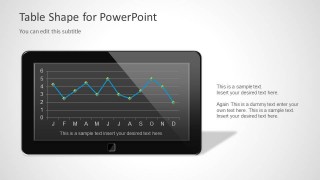
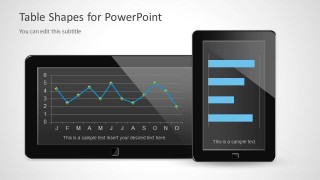
- A sales analyst can use the landscape tablet line chart to report monthly mobile product sales or adoption trends in a device-centered context.
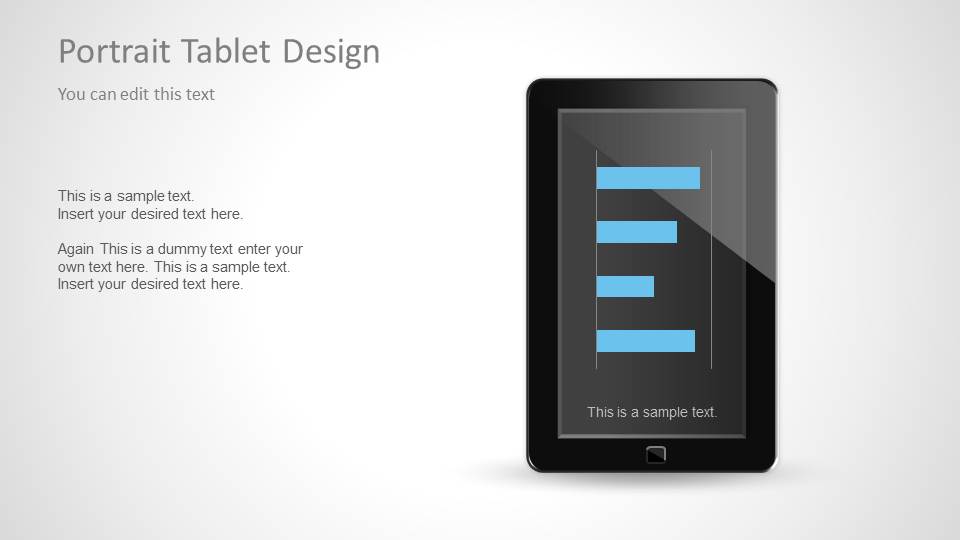
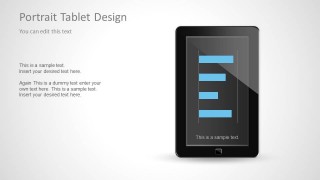
- An IT leader can use the portrait tablet bar chart to compare BYOD metrics, mobile usage categories, or device program priorities.
- A technology consultant can use the combined tablet mockup slide to compare two forms of digital evidence, such as a trend chart beside category performance.
Features
- 100% editable presentation template
- Compatible with Microsoft PowerPoint and Google Slides
- Scalable vector shapes, icons and illustrations
- AI-Ready for Microsoft Copilot and Claude
- Instant access and download
Frequently asked questions
Q: How should a presenter use the tablet mockups without making the chart feel decorative?
A: Anchor each chart to a mobile-specific message. For example, use the landscape tablet line chart to show trend behavior over time, then place the key takeaway in the nearby text area. The device frame should signal context, while the chart title and short caption explain what the audience should notice.
Q: Who is this template best suited for?
A: This template fits presenters who need to connect data or screenshots to mobile technology. Product managers, IT leaders, sales analysts, and digital strategy consultants can use it for BYOD updates, mobile adoption reports, app previews, or technology sales discussions where the tablet screen is part of the message.
Q: Why use a tablet screen metaphor for charts and placeholders?
A: The tablet frame makes abstract data feel tied to real digital behavior. A line chart inside a landscape device suggests trends on a mobile platform, while the portrait bar chart supports quick category comparison. The blank screen slide also gives the presenter a natural place for screenshots, dashboards, or product visuals.

Mobile Tablet Shape for PowerPoint
5-slide presentation template with tablet mockups, screen placeholders, and mobile chart layouts
Mobile Tablet Shape for PowerPoint is a 5-slide shape and chart placeholder template for showing mobile, tablet, BYOD, or digital trend content. Visible layouts include a landscape tablet line chart, a portrait tablet bar chart, combined device mockups, and a blank screen placeholder. Chart data can be edited as an Excel spreadsheet in PowerPoint.

 Loading...
 Microsoft PowerPoint
  Microsoft Copilot
  Claude for PowerPoint
 Other formats supported
Subscribe today and get immediate
access to download our PowerPoint templates.