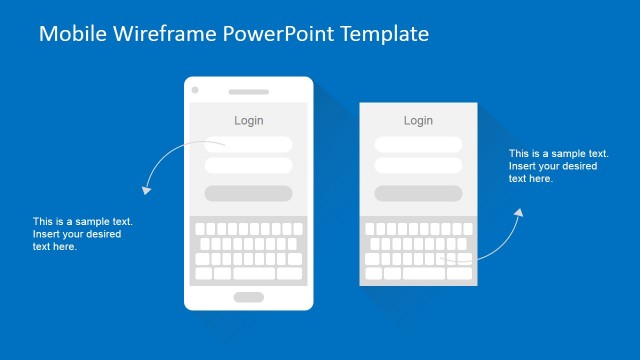
Animated Mobile Technology PowerPoint Template is a creative presentation design intended to be used by application developers or designers to showcase their apps or make presentations for mobile companies.
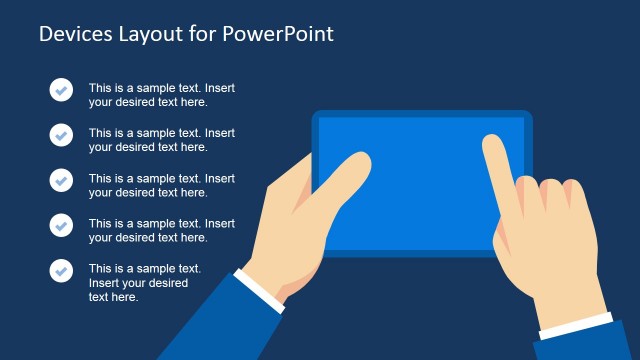
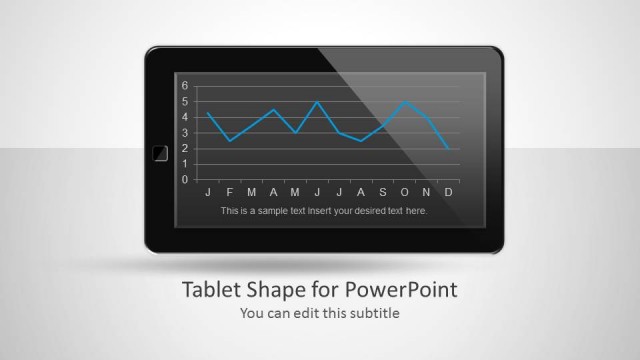
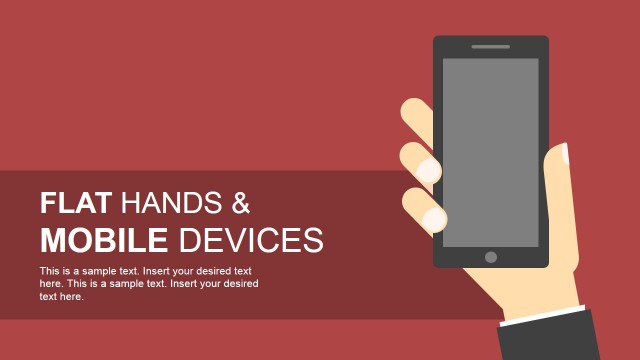
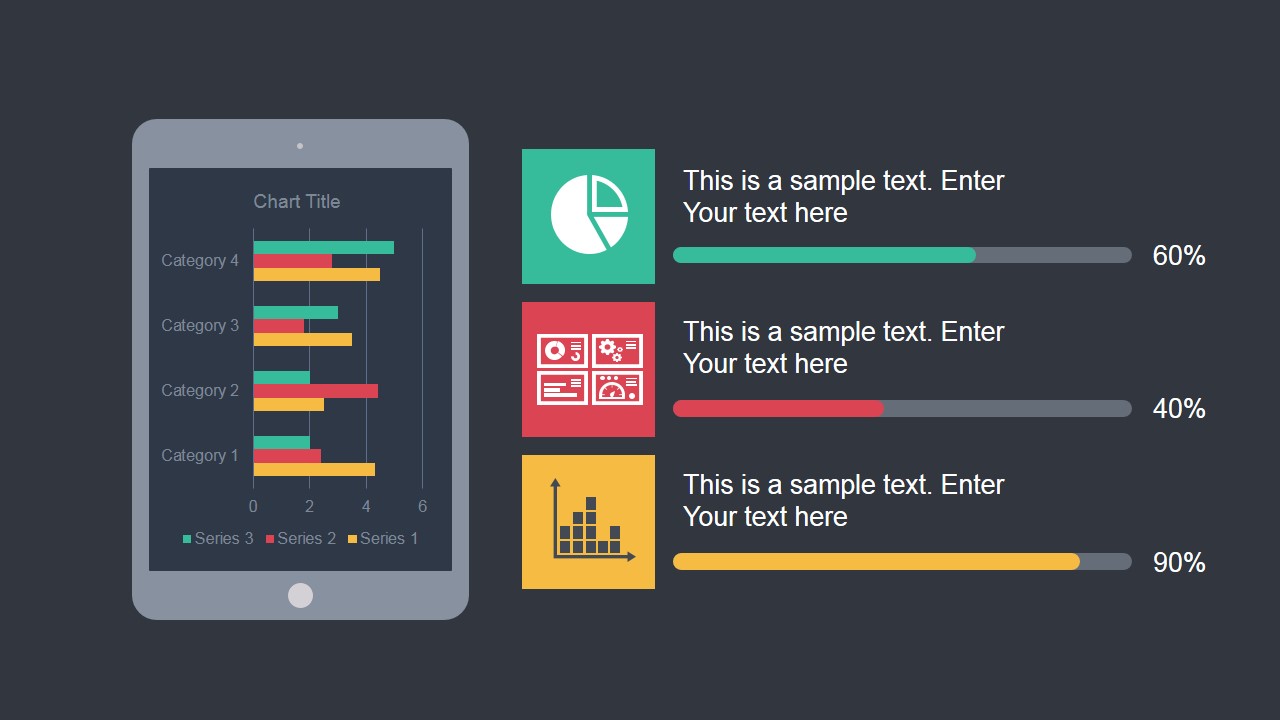
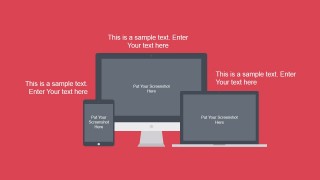
This presentation template contains illustrations of mobile devices including smartphones and tablets with placeholders to embed your app screenshots.
We have added subtle animations to the PowerPoint template to make it look really awesome. You can see a live preview here:
What’s inside this template
Example presentation scenarios
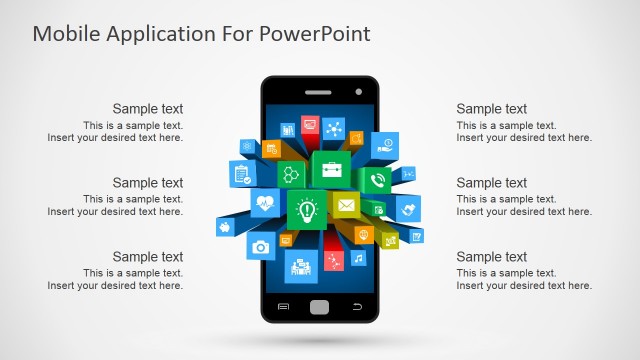
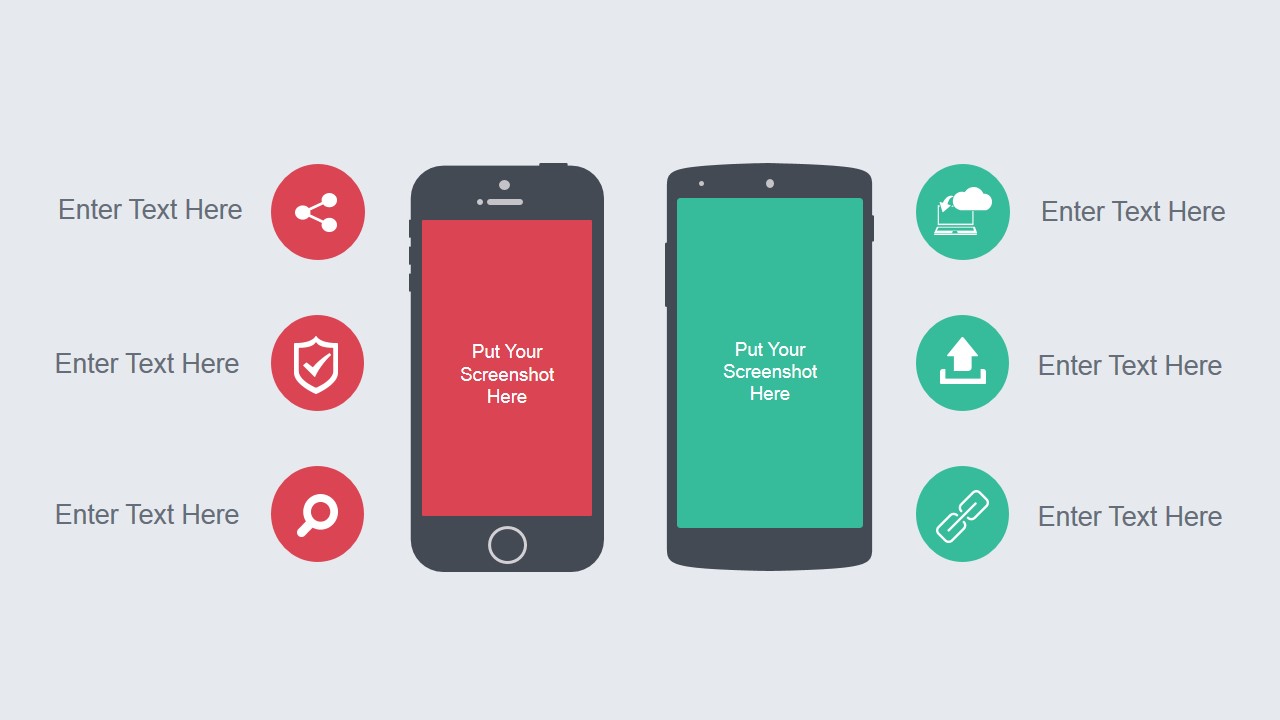
- A product manager can use the smartphone mockup slide to introduce an app concept, replace the screen placeholders with real screenshots, and connect each feature to an icon label.
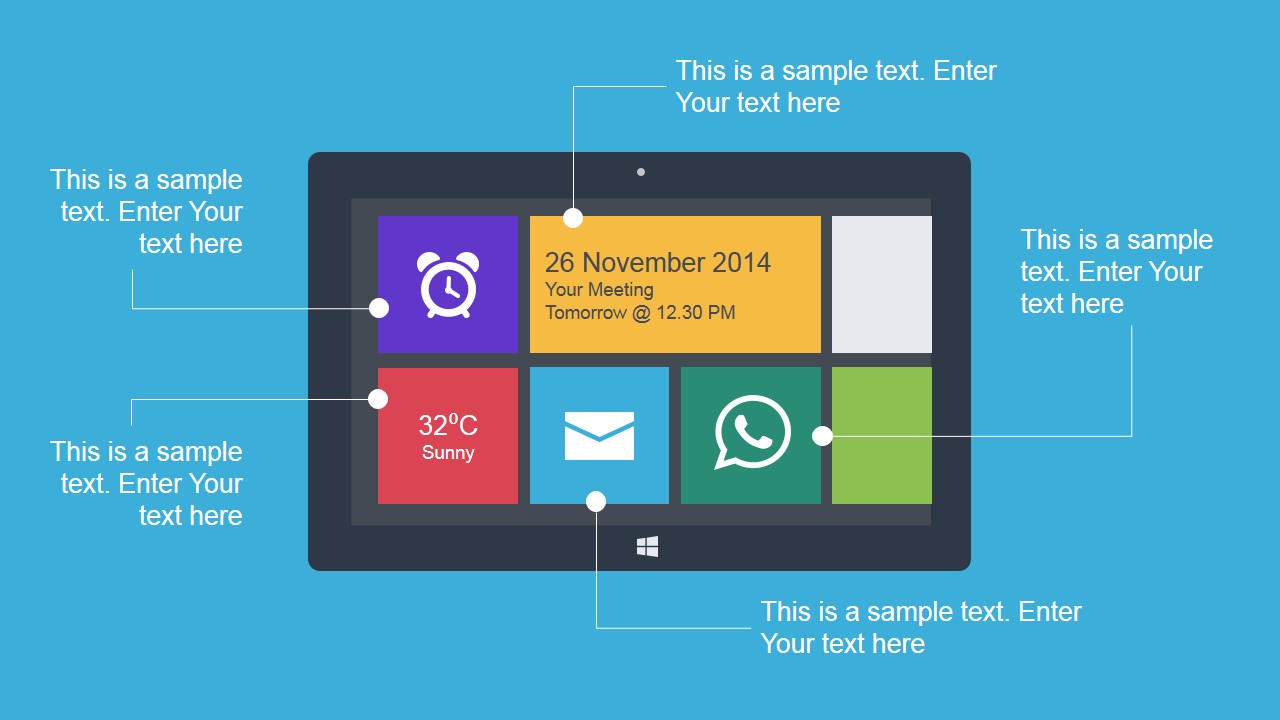
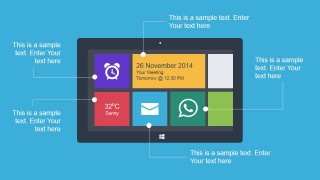
- A UX designer can use the Metro UI tablet callout to explain an interface structure, pointing to specific tiles such as messages, calendar, weather, or chat.
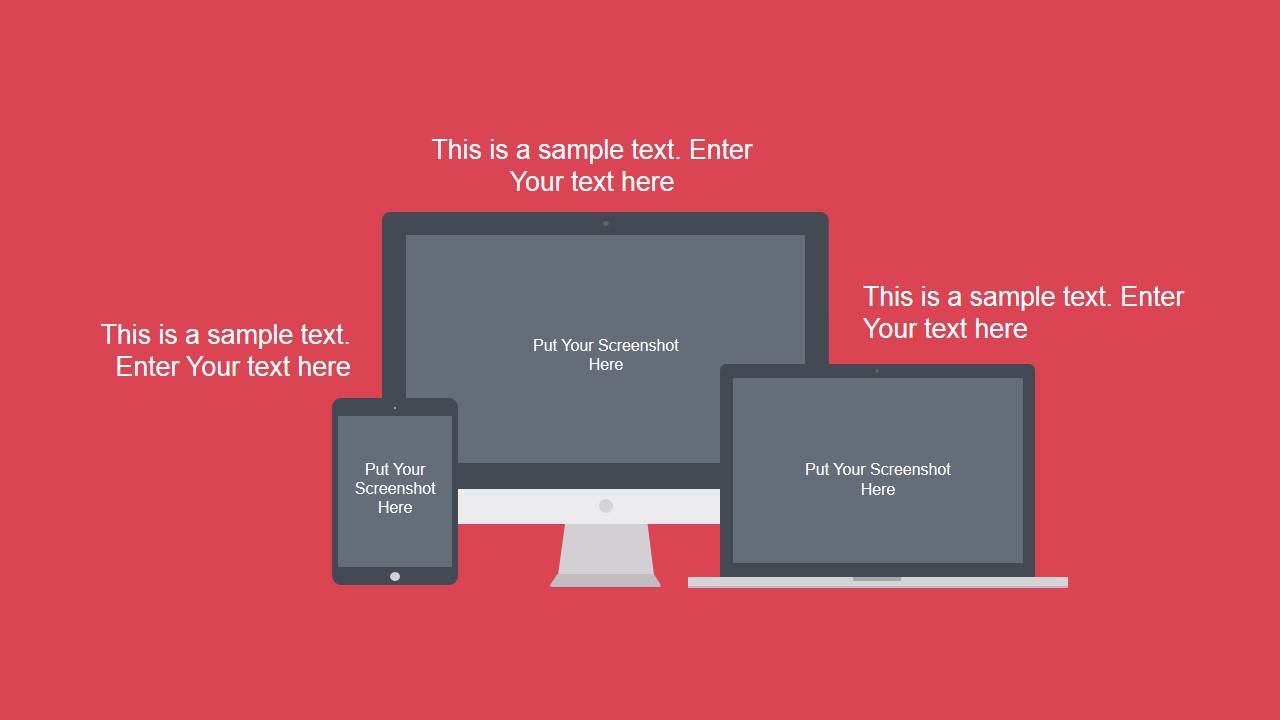
- A startup founder can use the cross-device mockup slide to show how the product appears on phone, desktop, and laptop screens during an investor or partner pitch.
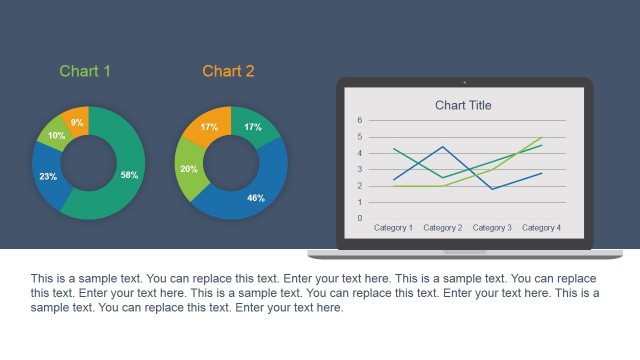
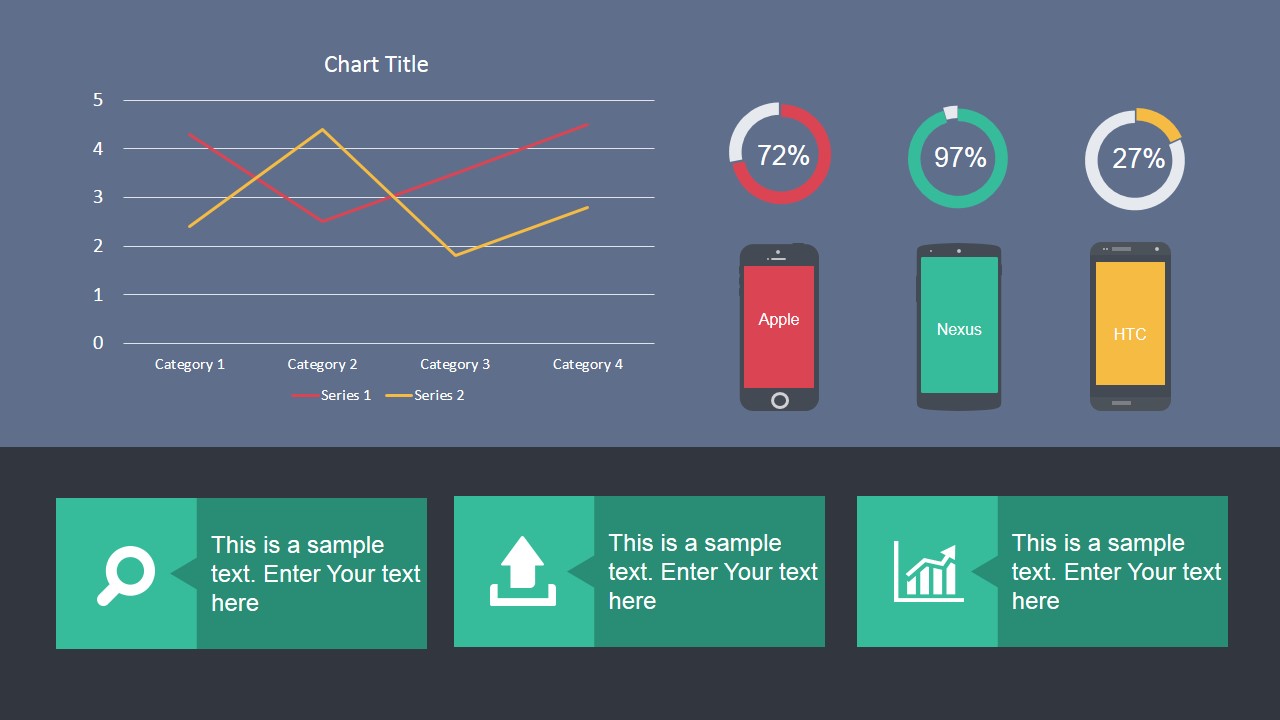
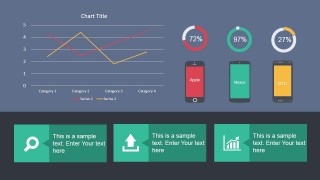
- A technology marketer can use the dashboard slide with the line chart, donut indicators, and device comparison labels to summarize mobile performance or adoption metrics.
Features
- 100% editable presentation template
- Compatible with Microsoft PowerPoint and Google Slides
- 16:9 aspect ratio slides
- Scalable vector shapes, icons and illustrations
- Ready with Animations & Transitions in PowerPoint
- AI-Ready for Microsoft Copilot and Claude
- Instant access and download
Frequently asked questions
Q: How should a presenter communicate an app story with this template?
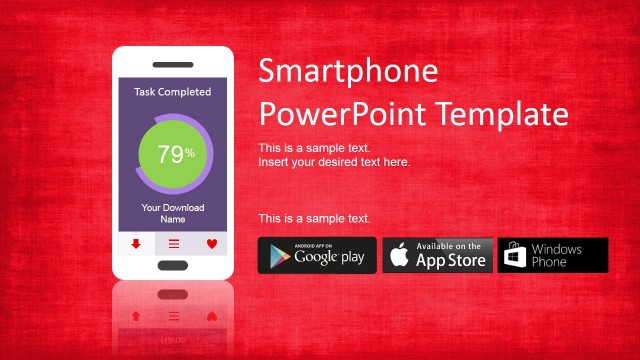
A: Start with the smartphone mockup to make the product tangible, then explain specific user benefits through the icon labels. Use the tablet interface callouts to walk through the app experience. Close with the chart and KPI dashboard slide to connect the visual product story to adoption, usage, or performance evidence.
Q: Who is this template best suited for in a business presentation?
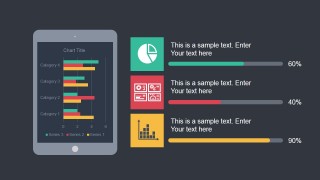
A: It is best for app founders, product managers, UX designers, and technology marketers who need to show how a mobile product looks and why it matters. The screenshot placeholders support product demos, while the progress bars, line chart, and donut indicators help turn app visuals into a concise business update.
Q: Why do the device mockups and Metro UI tiles work well for mobile technology topics?
A: The device frames give the audience immediate context, so screenshots feel like a working product rather than isolated images. The Metro UI tiles act as a visual metaphor for modular app functions. Callout lines, icons, and KPI panels separate interface explanation from performance proof, making the message easier to scan.

Animated Mobile Technology PowerPoint Template
5-slide animated presentation template for mobile app mockups, device screens, and technology charts.
Animated Mobile Technology PowerPoint Template is a 5-slide 16:9 presentation template for app developers, designers, and mobile teams. It includes smartphone and tablet mockups, screenshot placeholders, a Metro UI tablet callout, progress indicators, a line chart, and device KPI panels for Microsoft PowerPoint and Google Slides.
- Category
- Template Backgrounds
- Rating


 Loading...
- Aspect ratio
- 16:9
- Item ID
- 4022-01
- Colors
 Microsoft PowerPoint
  Microsoft Copilot
  Claude for PowerPoint
 Other formats supported
Subscribe today and get immediate
access to download our PowerPoint templates.