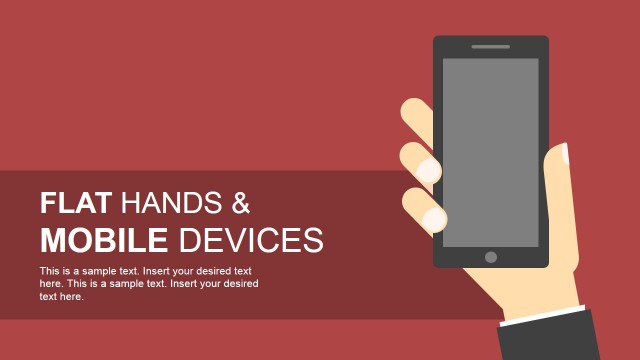
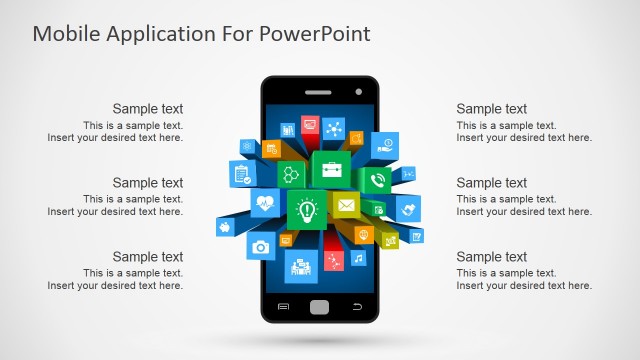
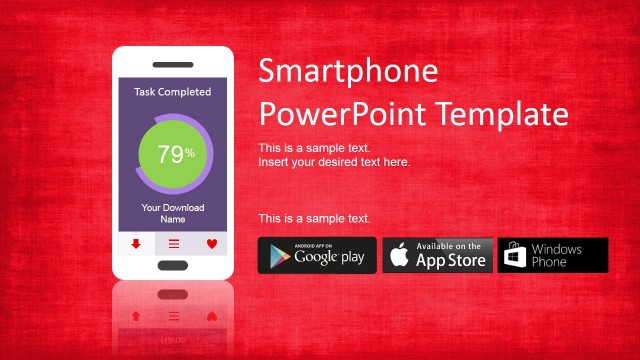
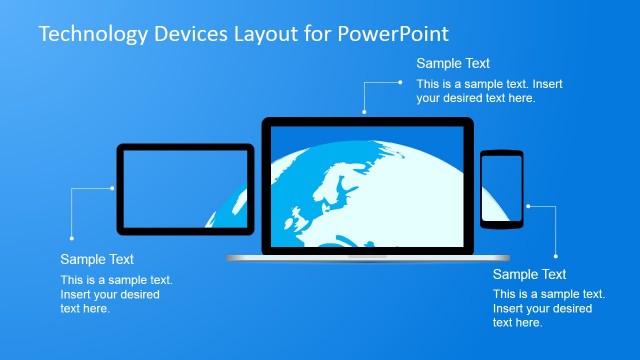
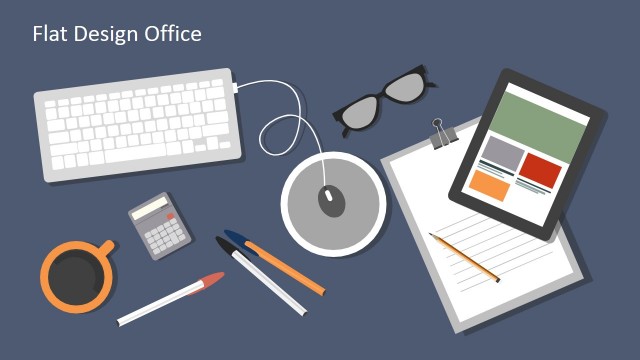
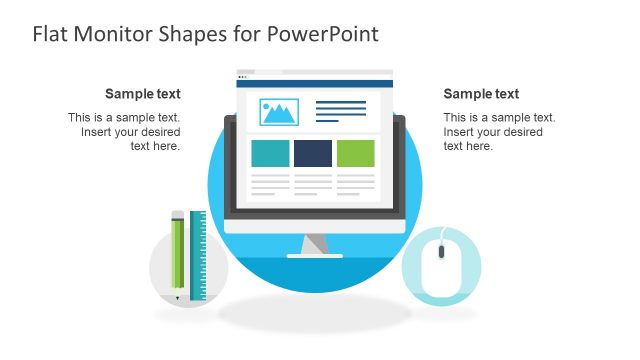
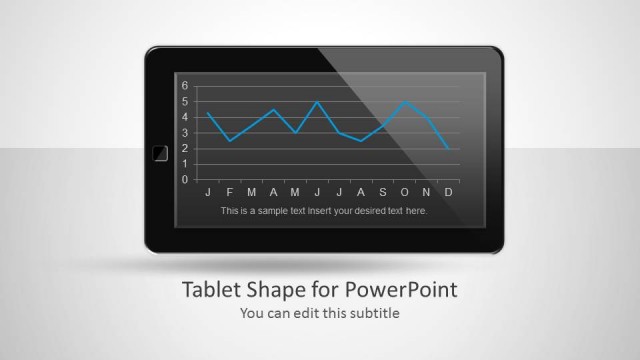
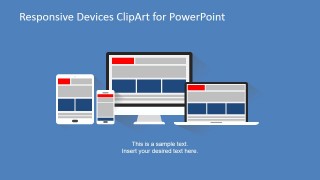
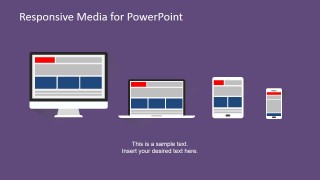
Responsive Devices ClipArt for PowerPoint is creative Flat Design Presentation containing different responsive design devices ClipArt. This presentation is ideal to complement existing decks or modernize your marketing brochures. It contains the following devices:
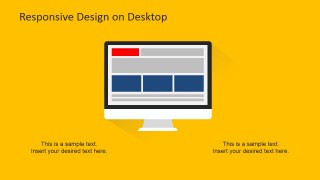
- Desktop
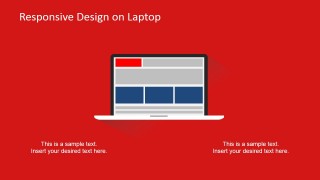
- Laptop
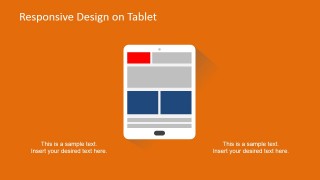
- Tablet
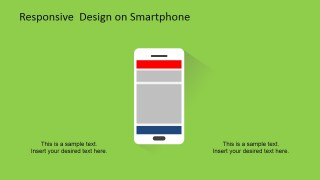
- Smartphone
For each device there is a Slide version of the ClipArt and a Iconized Version. All the clipart are 100% editable. They are created as PowerPoint shapes, allowing the user to fully customize their properties (size, color, appearance, effects, etc.)
Microsoft PowerPoint ClipArt are very powerful for metaphors or to summarize concepts. Across time, presenters decide more and more that words and phrasing in their presentations makes the audience engage with reading instead with the speech. This trend is opening eyes to presenters that their presentations need to be more visual, and less readable. The ClipArt and iconized view makes the audience think with the speech and retain the information mapping it to the image they are seeing.
Create outstanding presentations with SlideModel.com PowerPoint Shapes and impress your audience with presentations that appeal to global audiences.
What’s inside this template
Example presentation scenarios
- A UX designer can use the desktop, tablet, and smartphone slides to explain how a website layout adapts across screen sizes during a client review.
- A product marketer can use the responsive media lineup to introduce a cross-device product launch and show that the experience works on desktop and mobile.
- A web agency presenter can use the laptop slide and sample text areas to frame a redesign proposal around browser-based user experiences.
- A trainer can use the individual device clipart slides to teach responsive design concepts and connect each device type to a specific user behavior.
Features
- 100% editable presentation template
- Compatible with Microsoft PowerPoint and Google Slides
- 16:9 aspect ratio slides
- Scalable vector shapes, icons and illustrations
- AI-Ready for Microsoft Copilot and Claude
- Instant access and download
Frequently asked questions
Q: How should I use the device slides without making the deck feel like decorative clipart?
A: Assign one communication job to each device. Use the desktop slide for full-page website context, the laptop slide for work or browser scenarios, the tablet slide for touch interaction, and the smartphone slide for mobile behavior. Keep the captions short so the visual metaphor does the explanation while the presenter adds the detail verbally.
Q: Who is this template best suited for in a business presentation?
A: It is best for marketers, UX designers, product managers, and web consultants who need to explain screen-responsive experiences without building device artwork from scratch. The individual device slides work well for focused explanations, while the device lineup slides help summarize an omnichannel or multi-screen message.
Q: Why does the flat device metaphor help explain responsive design?
A: The repeated screen mockup blocks make the audience compare the same digital content across devices. That visual consistency reduces extra explanation and turns desktop, laptop, tablet, and phone into a simple metaphor for reach, adaptation, and user context. The strong color backgrounds also separate each device topic clearly.


Responsive Devices ClipArt for PowerPoint
6-slide presentation template with responsive device clipart for desktop, laptop, tablet, and smartphone visuals
Responsive Devices ClipArt for PowerPoint is a 6-slide presentation template with editable flat device illustrations. It includes a device lineup cover, individual desktop, laptop, tablet, and smartphone clipart slides, plus a responsive media lineup. It is for marketing, product, UX, and training presenters using Microsoft PowerPoint or Google Slides.
- Category
- Shapes
- Rating


 Loading...
- Aspect ratio
- 16:9, 4:3
- Item ID
- 6563-01
- Colors
 Microsoft PowerPoint
  Microsoft Copilot
  Claude for PowerPoint
 Other formats supported
Subscribe today and get immediate
access to download our PowerPoint templates.