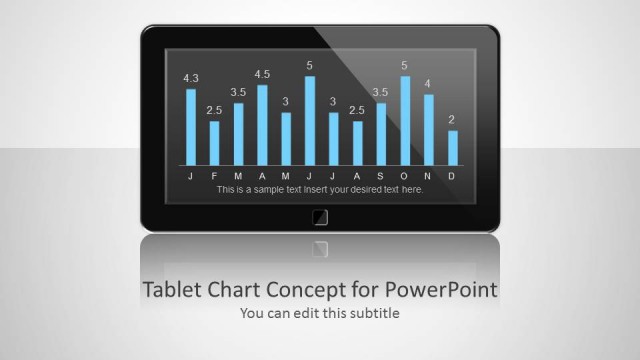
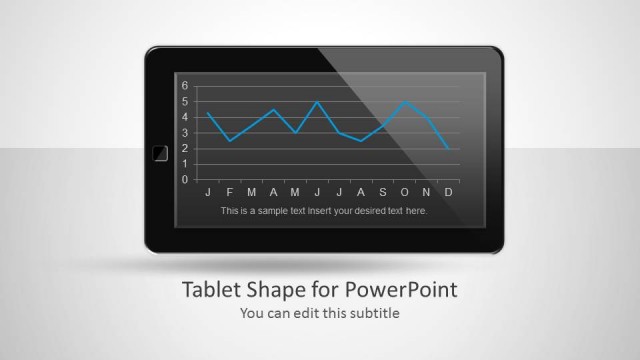
Tablet Chart Concept for PowerPoint is a good presentation design with yellow styles that you may use to create presentations with a mobile placeholder or tablet illustration in the slide design. A placeholder can help you to make more catchy presentations using PowerPoint and charts. Using placeholders in PowerPoint you can grab the audience attention.
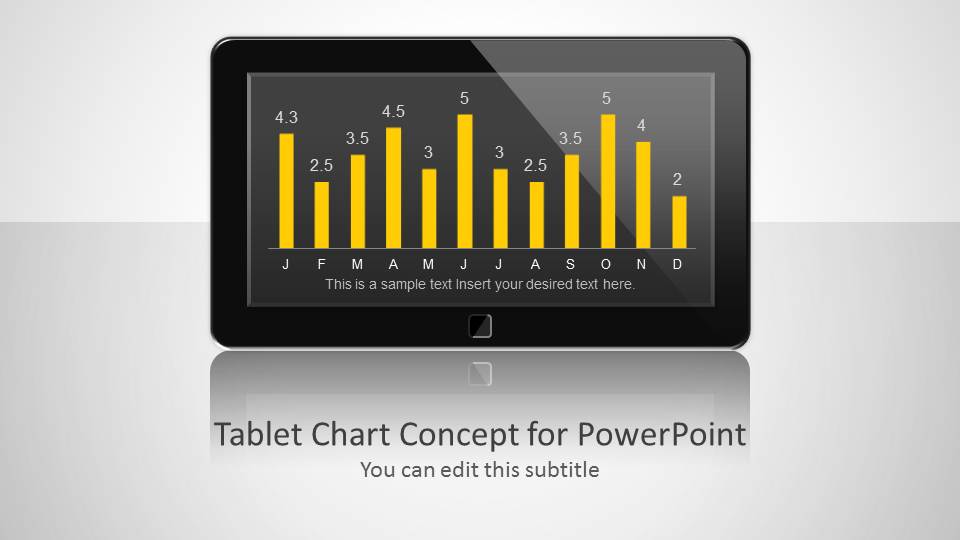
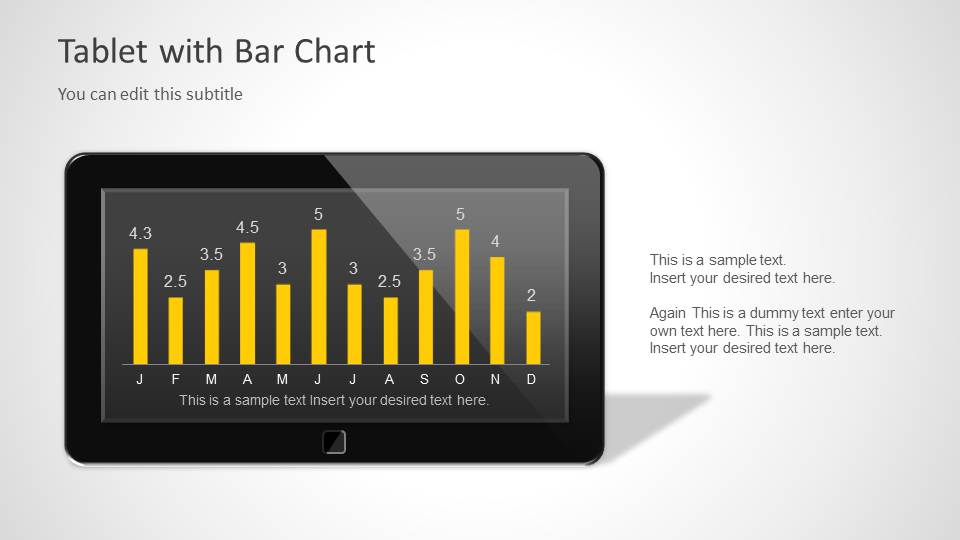
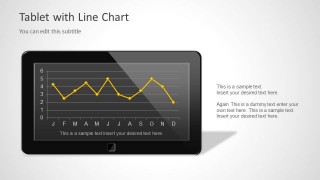
You can use the mobile tablet placeholder with chart inside to make a more relevant PowerPoint presentations in a given context, for example if you are showing the mobile usage trend for a specific region or creating a sales presentation on technology products like tablets then then you can effectively use this table placeholder.
What’s inside this template
Example presentation scenarios
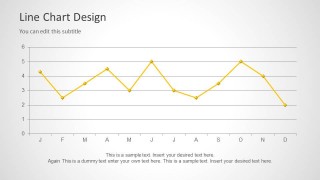
- A product manager can use the tablet line chart to explain month-by-month app engagement trends during a mobile product update.
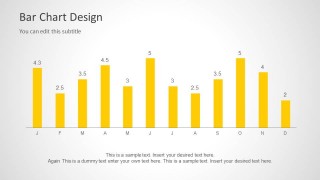
- A sales presenter can use the tablet bar chart to connect device sales performance with a technology-focused sales narrative.
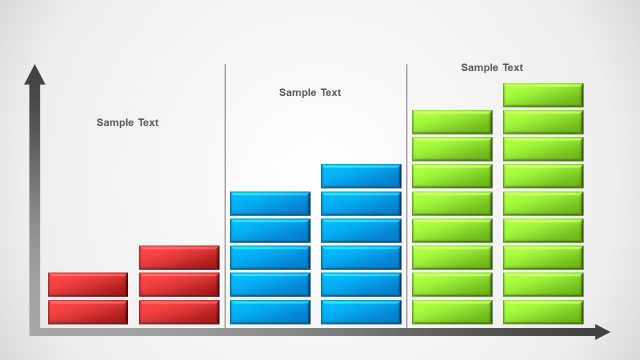
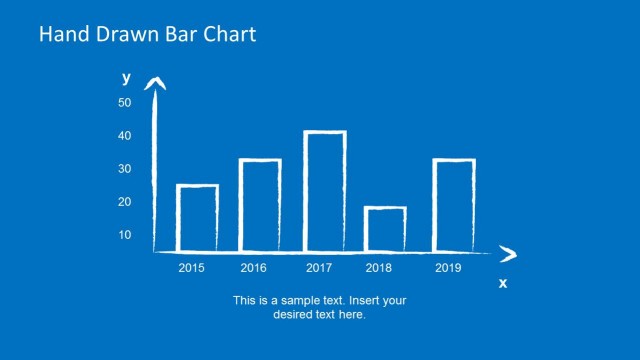
- A business analyst can use the standalone bar chart to compare monthly usage or adoption figures without the device mockup.
- A marketing manager can use the cover and tablet placeholder slides to introduce a campaign report centered on smartphone or tablet behavior.
Features
- 100% editable presentation template
- Compatible with Microsoft PowerPoint and Google Slides
- Scalable vector shapes, icons and illustrations
- AI-Ready for Microsoft Copilot and Claude
- Instant access and download
Frequently asked questions
Q: How should a presenter explain the chart message without overloading the audience?
A: Lead with the main trend before discussing each month. The tablet slides work best when the presenter treats the device screen as the evidence area and the side text as interpretation. Use the standalone bar or line chart when the numeric pattern needs more space and fewer visual distractions.
Q: Who is this template best suited for in a business presentation?
A: This template fits presenters who need to connect data to a mobile or tablet context, such as product managers, technology marketers, sales teams, and analysts. It is best for short updates where the message depends on a monthly bar chart or line chart rather than a full financial model.
Q: Why use a tablet visual instead of placing the chart directly on the slide?
A: The tablet frame acts as a visual metaphor for mobile behavior, device sales, or app usage. It gives the chart an immediate context before the presenter explains the numbers. The deck also includes standalone chart slides, so the presenter can shift from contextual storytelling to direct data comparison.
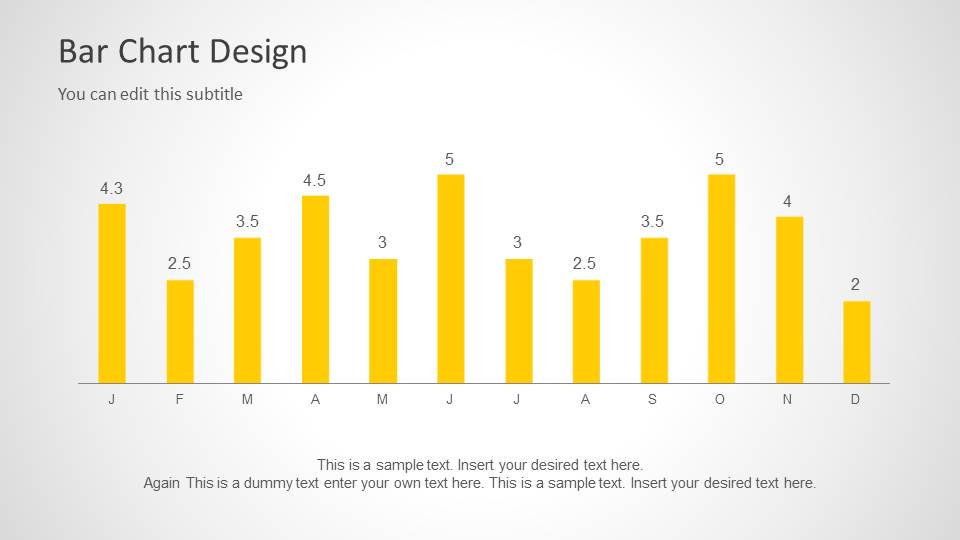
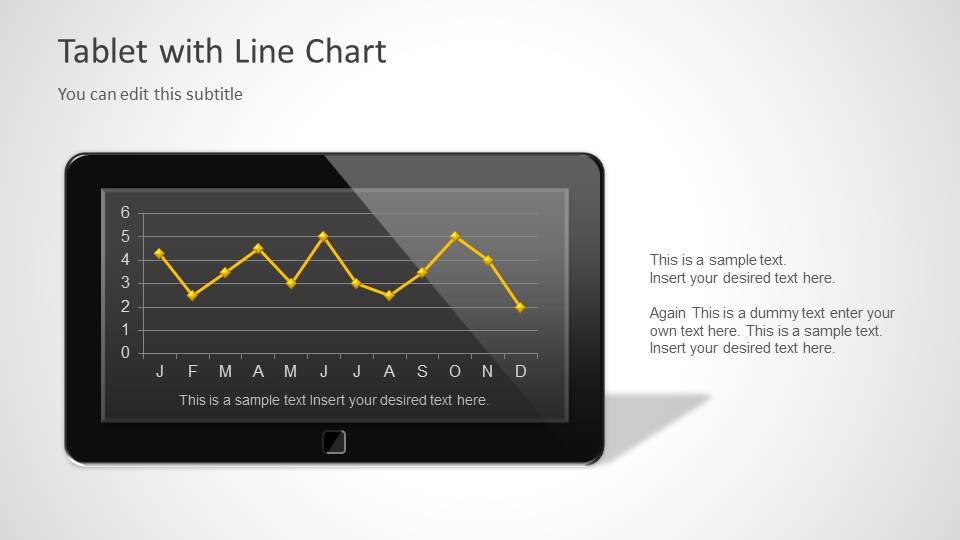

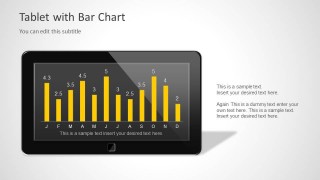
Tablet Chart Concept for PowerPoint with Yellow Style
5-slide PowerPoint presentation template with tablet placeholders, yellow bar chart and line chart layouts
This 5-slide PowerPoint template presents mobile analytics with a tablet screen placeholder, standalone bar chart, and standalone line chart. It is designed for technology, mobile product, or sales presenters who need to show monthly trends with editable text areas, yellow chart styling, and tablet graphics.

 Loading...
 Microsoft PowerPoint
  Microsoft Copilot
  Claude for PowerPoint
 Other formats supported
Subscribe today and get immediate
access to download our PowerPoint templates.