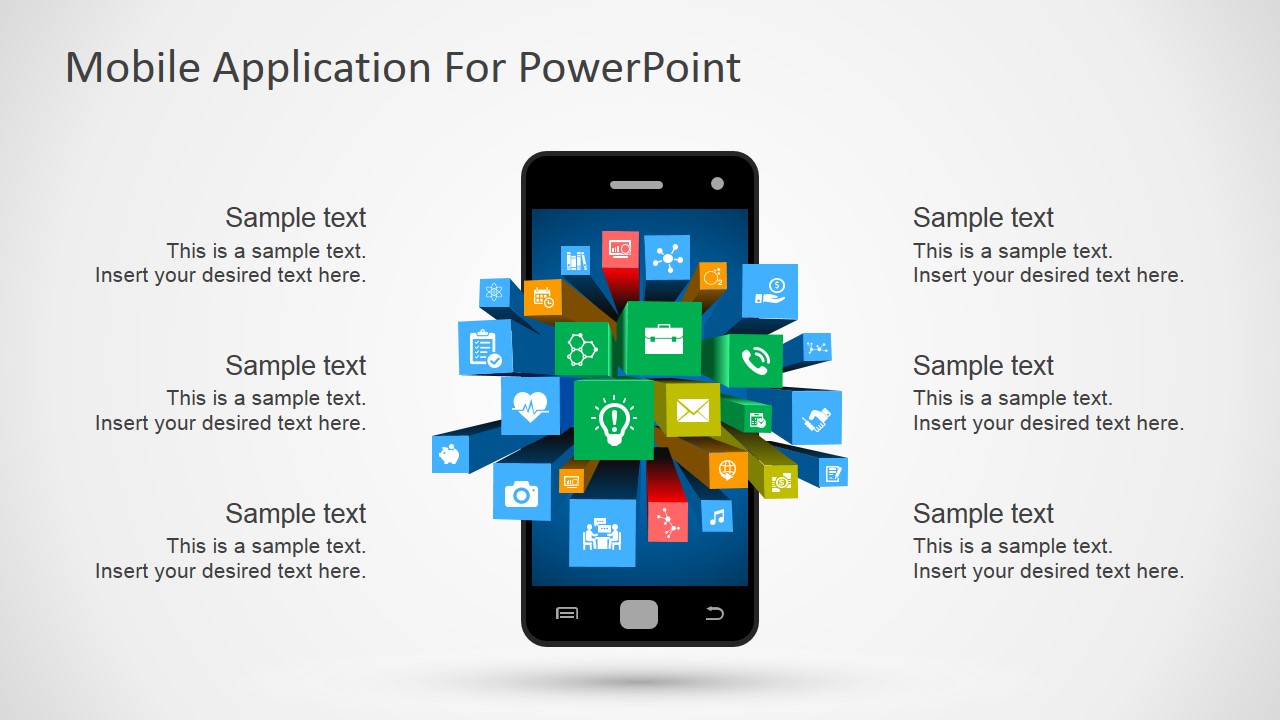
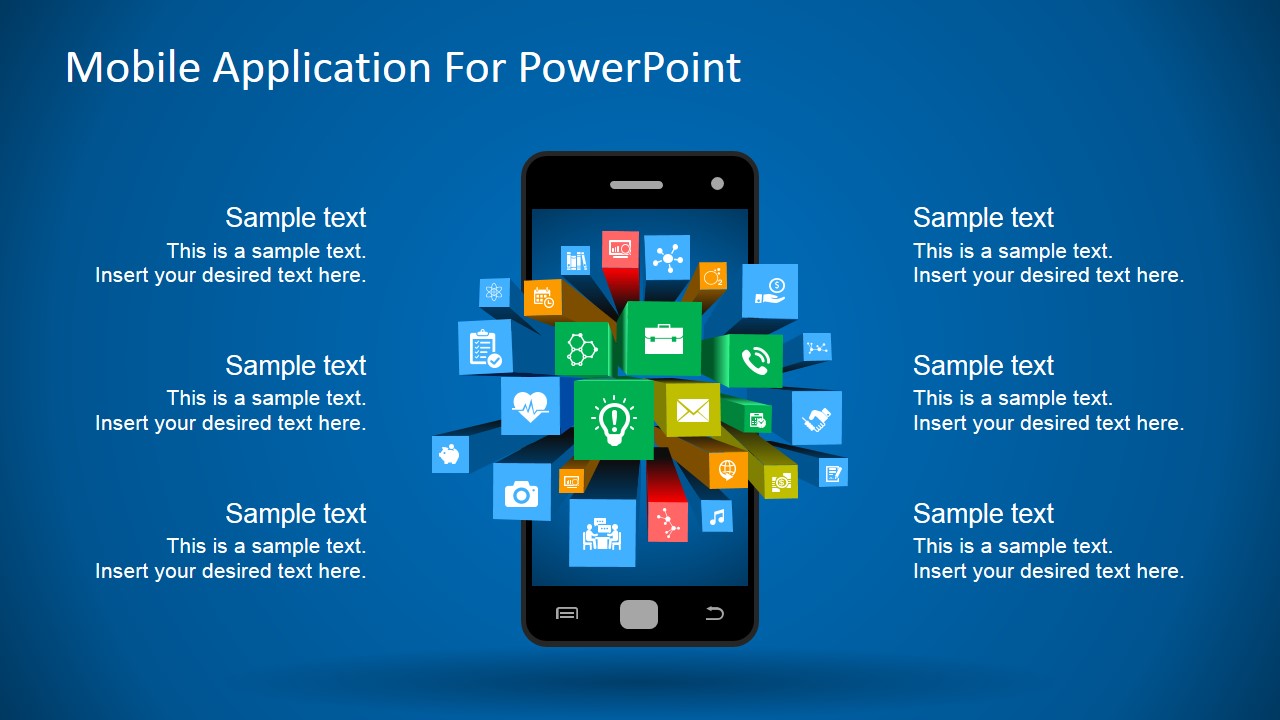
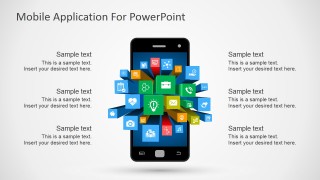
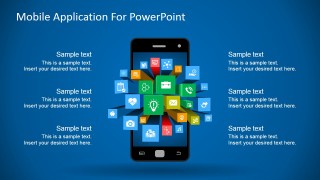
Mobile Apps Metaphor Clipart for PowerPoint – The PowerPoint Shapes provided in this PowerPoint Template feature a Smartphone (iPhone or Android) where application icons referencing Mobile Apps are pictured as flying out from the phone screen. The 3D effect of the Mobile App Icons is created applying Material Design techniques where the perspective columns are created with flat PowerPoint Shapes with lighting effects.
This PowerPoint Shapes Clipart can be applied to decorate any presentation featuring the mobile market of Android and iPhone. The user can combine this presentation with the Mobile Android UI Toolkit Template and create professional mobile mockups.
All the elements in the Mobile Apps Metaphor Clipart for PowerPoint are created as PowerPoint shapes, allowing the user to fully customize their appearance to the desired theme and palette.
What’s inside this template
Example presentation scenarios
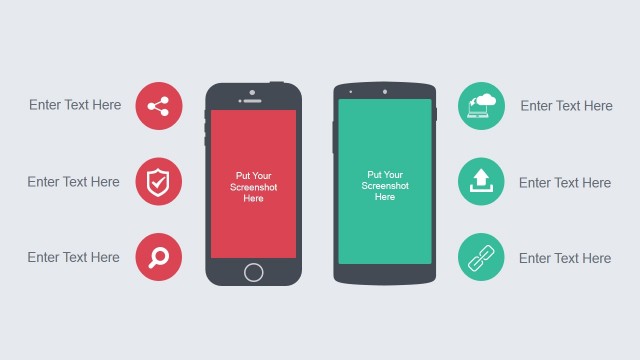
- A product manager can use the centered smartphone metaphor to explain an app concept and place key features in the six surrounding callout areas.
- A startup founder can use the blue gradient version in an investor presentation to show a mobile-first product idea with app icons radiating from the device.
- A marketing presenter can use the light background slide to introduce mobile services, replacing sample text with audience benefits, feature groups, or channel messages.
- A technology consultant can use the app icon cluster to frame a discussion about mobile platforms, customer touchpoints, or connected digital services.
Features
- 100% editable presentation template
- Compatible with Microsoft PowerPoint and Google Slides
- 16:9 aspect ratio slides
- Scalable vector shapes, icons and illustrations
- AI-Ready for Microsoft Copilot and Claude
- Instant access and download
Frequently asked questions
Q: How should a presenter structure the message around this mobile app metaphor?
A: Start with the smartphone as the main idea, then assign each surrounding callout to one clear theme such as features, user benefits, channels, integrations, risks, or next steps. Keep each callout short because the visual center is already busy with app icons. This makes the slide work best as an overview, not as a detailed specification.
Q: Who is this clipart template best suited for?
A: This template fits presenters who need to explain a mobile product, app portfolio, or digital service without showing detailed interface screens. Product managers, founders, consultants, and marketers can use it when the goal is to introduce the app ecosystem, summarize value, or connect several mobile features to one central device.
Q: Why does the flying app icon metaphor help communicate a mobile concept?
A: The icon cluster makes the smartphone feel like the source of many services, actions, or user touchpoints. That metaphor helps audiences quickly understand that the message is about an app ecosystem rather than one static device. The callouts around the phone turn the image into an explanatory diagram with clear points of entry.
Mobile Apps Metaphor Clipart for PowerPoint
2-slide mobile app clipart presentation template with smartphone metaphor and editable app icon callouts
Mobile Apps Metaphor Clipart for PowerPoint is a 2-slide presentation template built around a centered smartphone illustration, flying app icon cluster, and six surrounding text callouts. It is for mobile product, app strategy, and digital service presentations in Microsoft PowerPoint and Google Slides.
- Category
- Shapes
- Rating


 Loading...
- Aspect ratio
- 16:9, 4:3
- Item ID
- 7197-01
- Colors
 Microsoft PowerPoint
  Microsoft Copilot
  Claude for PowerPoint
 Other formats supported
Subscribe today and get immediate
access to download our PowerPoint templates.