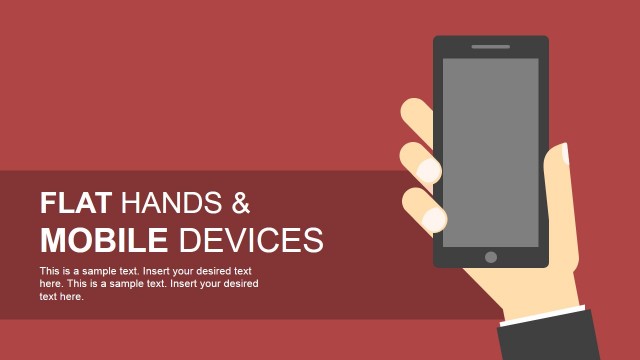
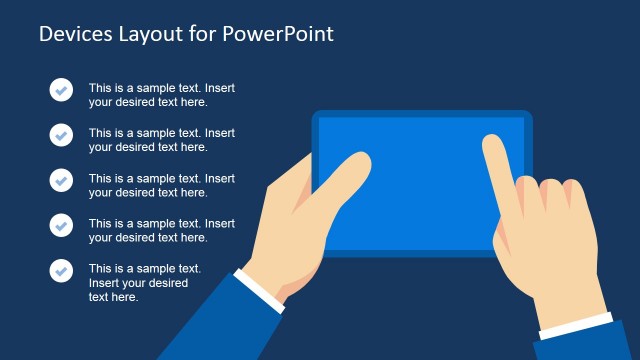
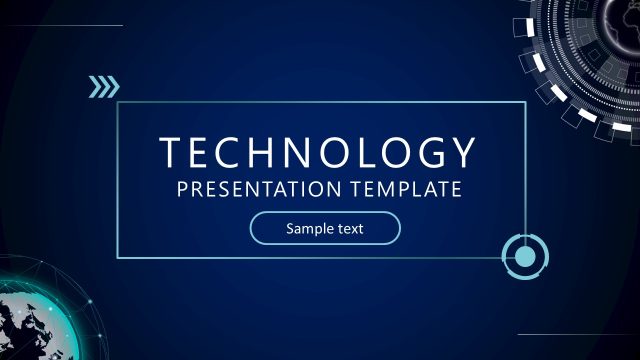
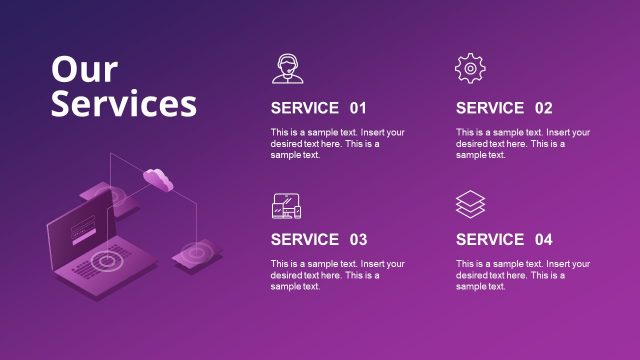
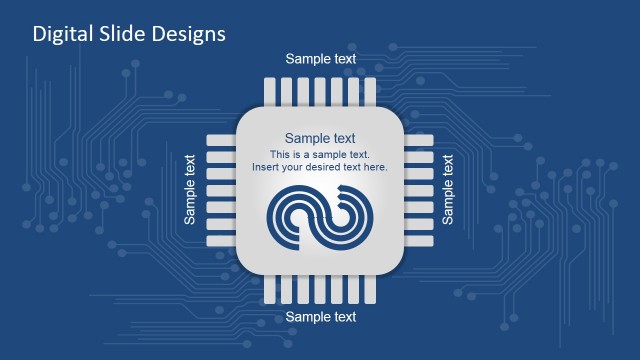
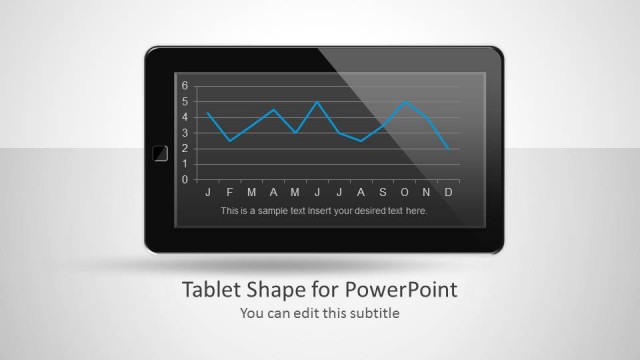
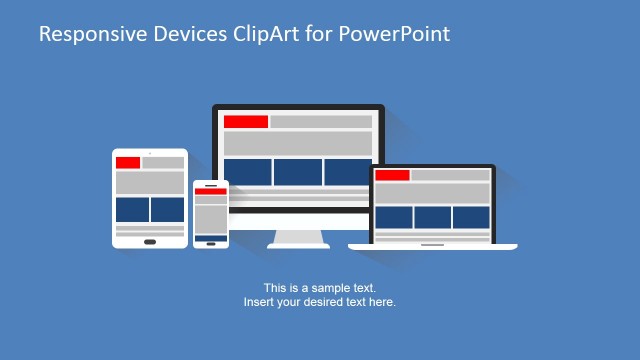
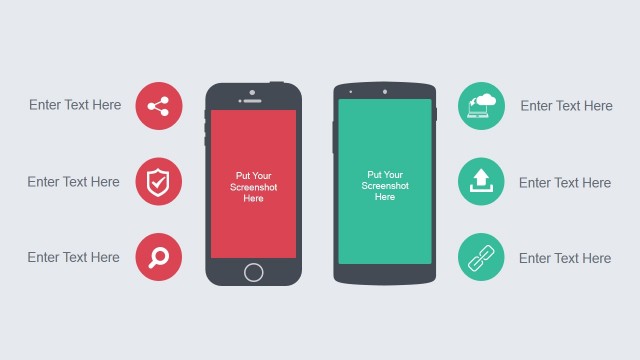
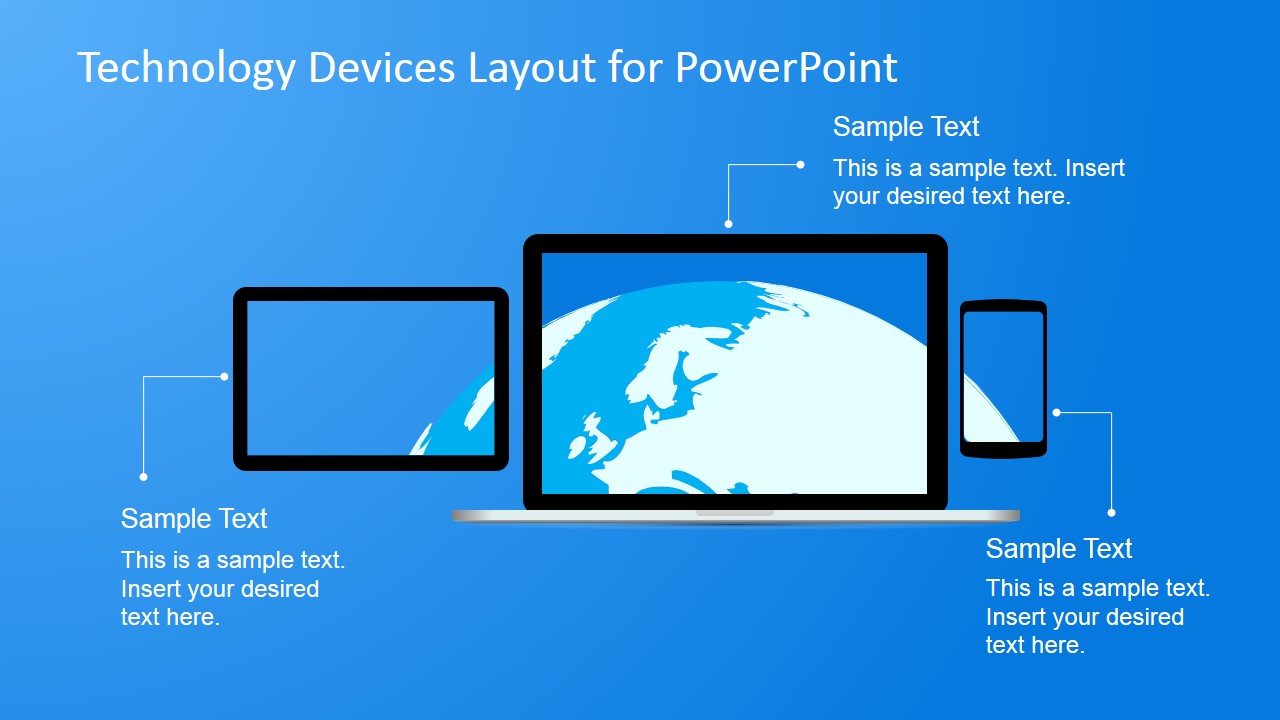
Technology Devices Layout for PowerPoint is a simple presentation design containing shapes representing computer & mobile devices that you can use to make PowerPoint presentations on technology, social media and digital marketing topics.
Alternatively you can download other technology PowerPoint templates or the free bundle design containing several slides that you can reuse in your own presentations.
What’s inside this template
Example presentation scenarios
- A product manager can use the laptop and mobile device mockups to introduce a new app concept and explain key interface benefits with the callout text areas.
- A digital agency presenter can show a website, social media, or campaign idea by replacing the sample text around the device frames with channel-specific messages.
- An IT consultant can use the dark background layouts to explain connected workplace devices, user touchpoints, or a technology service architecture at a high level.
- A startup founder can use the blue multi-device layout to preview a cross-platform product experience for investors, partners, or internal stakeholders.
Features
- 100% editable presentation template
- Compatible with Microsoft PowerPoint and Google Slides
- 16:9 aspect ratio slides
- Scalable vector shapes, icons and illustrations
- AI-Ready for Microsoft Copilot and Claude
- Instant access and download
Frequently asked questions
Q: How should a presenter use the device callouts without overcrowding the slide?
A: Treat each callout as one idea tied to a device benefit, not as a paragraph container. Use the large laptop or main screen as the focal point, then reserve the smaller tablet and phone areas for short supporting points such as mobile access, responsive design, or cross-device availability.
Q: Who is this template best suited for in a business presentation?
A: This template fits presenters who need to explain a digital product, app, platform, or technology service quickly. Product managers, digital marketers, consultants, and startup teams can use the laptop, tablet, and smartphone mockups to make abstract screen-based work feel concrete for nontechnical decision makers.
Q: Why does the repeated device metaphor help communicate technology topics?
A: The device metaphor gives the audience an immediate reference point: the message is about screens, access, and digital interaction. By placing text around familiar laptop, tablet, and phone shapes, the layouts guide viewers from the main experience to supporting touchpoints without requiring a complex technical diagram.


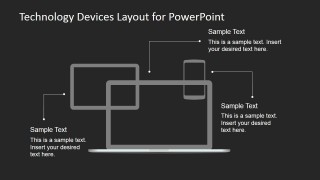
Technology Devices Layout for PowerPoint
4-slide presentation template with technology device mockups for screens, laptops, tablets, and smartphones
Technology Devices Layout for PowerPoint is a 4-slide set of editable device mockups for Microsoft PowerPoint and Google Slides. It includes laptop, tablet, smartphone, and screen frame layouts with callout text areas, light and dark backgrounds, and globe screen graphics for technology, digital marketing, or product presentations.
- Category
- Shapes
- Rating


 Loading...
- Aspect ratio
- 16:9
- Item ID
- 6770-01
- Colors
 Microsoft PowerPoint
  Microsoft Copilot
  Claude for PowerPoint
 Other formats supported
Subscribe today and get immediate
access to download our PowerPoint templates.