Slide 4 of 5 from Mobile Tablet Shape for PowerPoint
Two Tablets in the Slide Design for PowerPoint
Table Shapes for PowerPoint Presentation
- Chart
- Combo Chart
- Comparison Slide
- 16:9
- 100% Editable
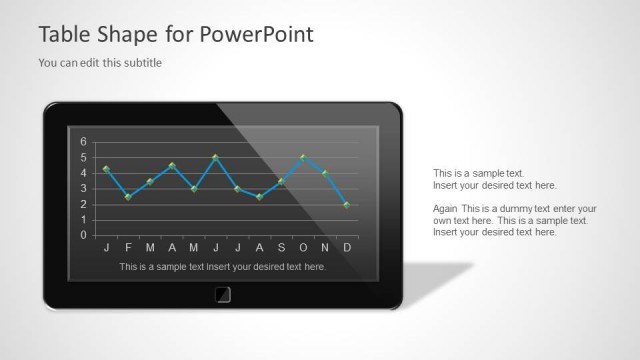
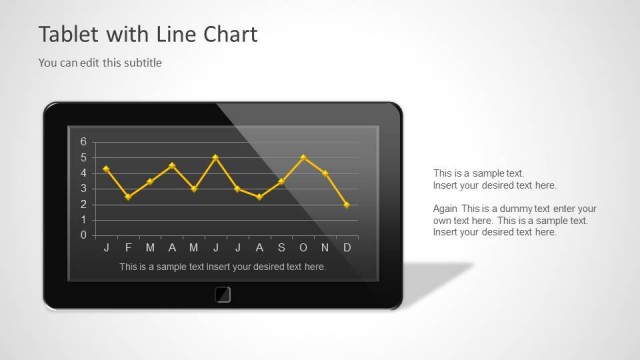
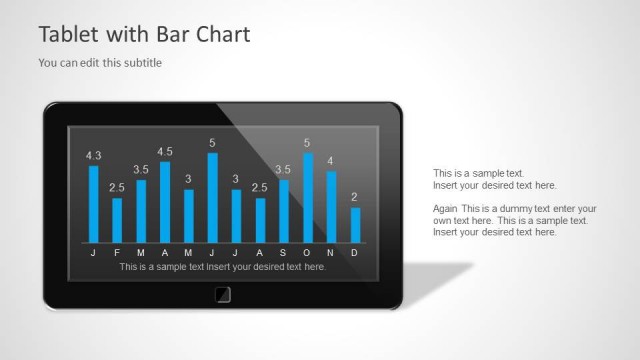
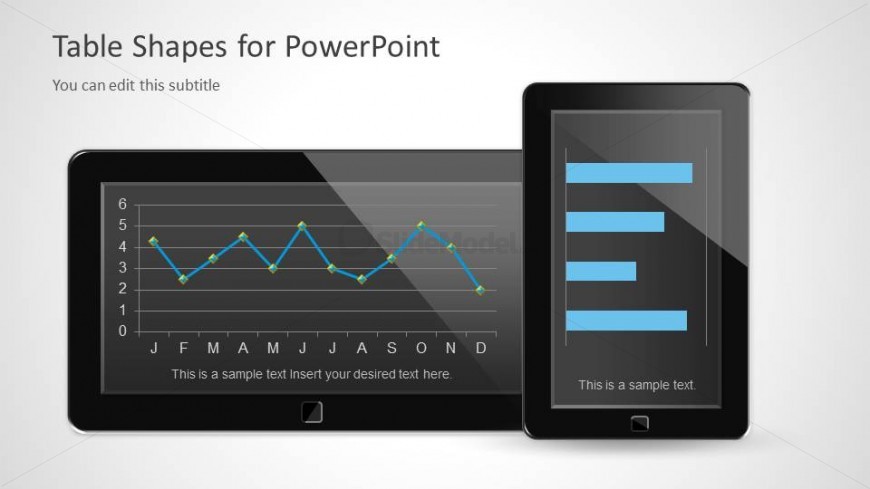
The Table Shapes for PowerPoint slide from the Mobile Tablet Shape for PowerPoint template offers a clear comparison of data using dual tablet-shaped charts. This layout supports business presentations by visually contrasting performance metrics or sales analysis through editable slides featuring line and bar charts, ideal for corporate presentation needs.
What’s on This Slide
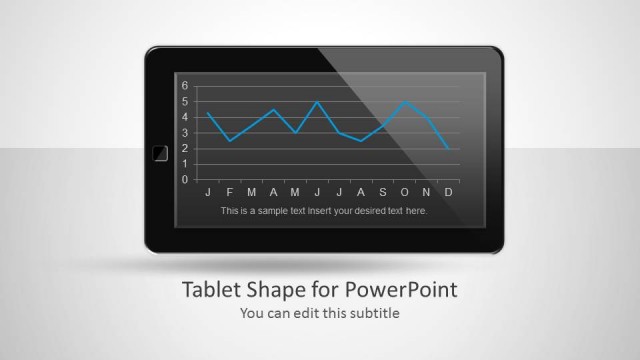
The layout features two tablet-shaped devices positioned side by side. The left tablet displays a line chart with a dark background, showing data points connected by a blue line. Below the chart, there is a text placeholder for additional information. The right tablet contains a horizontal bar chart with blue bars against a light background. Both tablets have placeholders for titles and subtitles, with the title positioned at the top left and the subtitle below it. The overall composition emphasizes the charts and their data.
How to Use It
This layout serves as a comparative analysis tool, showcasing data through two different chart types on tablet devices. It fits well in presentations discussing digital trends or BYOD strategies. This slide can be used to illustrate performance metrics, sales data, or user engagement statistics. It is effective for highlighting contrasts between two datasets or trends in a visually engaging manner, making it suitable for business meetings or reports.
Text Placeholders & Capacity
Keep your copy within these limits so it fits without resizing. Node body slots can hold around 15-20 words each.
| Placeholder | Count | Max characters (approx.) |
|---|---|---|
| Slide title | 1 | 30 |
| Subtitle | 1 | 50 |
| Item heading | 2 | 30 |
| Item body | 2 | 100 |
Slide Keywords
Download unlimited PowerPoint templates, charts and graphics for your presentations with our annual plan.
DOWNLOADReturn to Mobile Tablet Shape for PowerPoint.