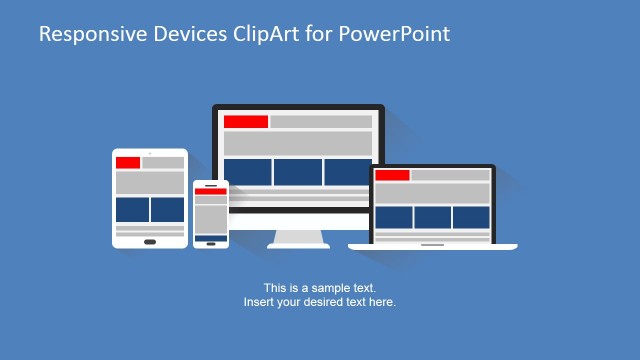
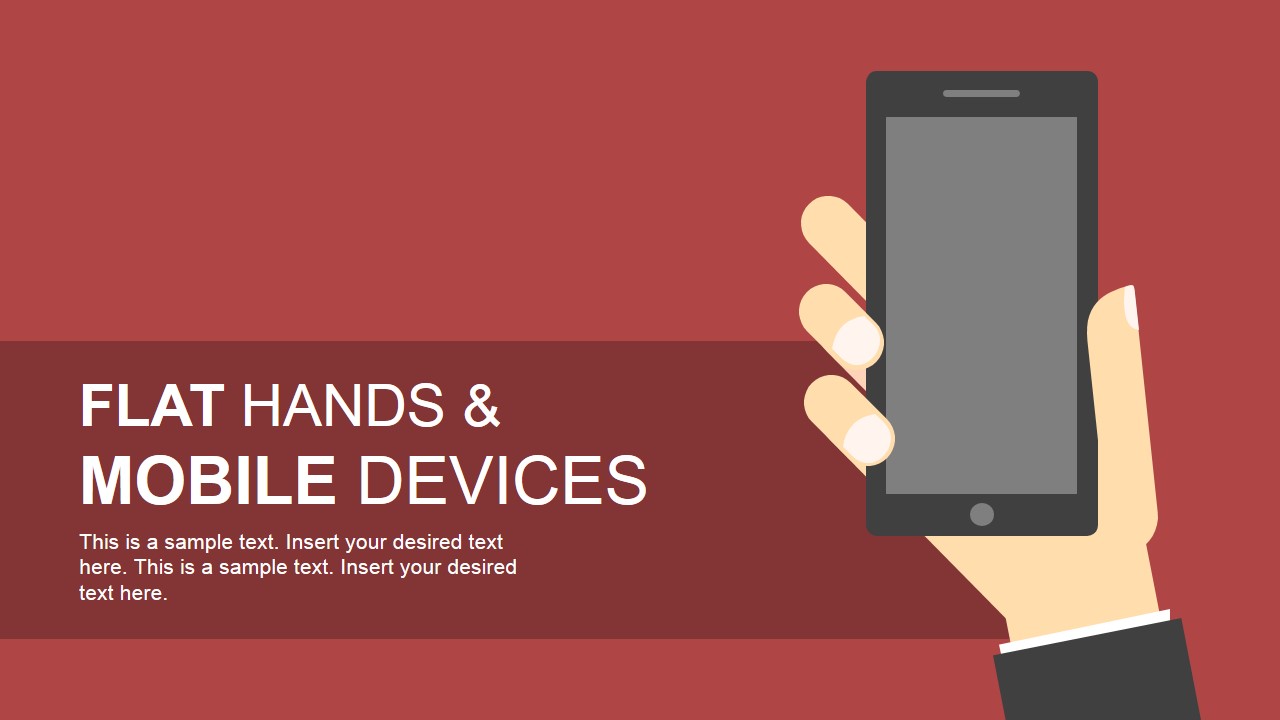
Flat Hand Shapes & Mobile Devices for PowerPoint– a compilation of flat PowerPoint shapes of hand-held gadgets. Mobile devices like cell phones and tablets are featured in the PowerPoint template. It is designed with creative slides for modern presentations. Flat Hand Shapes & Mobile Devices for PowerPoint can surely stimulate understanding and active participation.
The slide designs are perfect for business presentations. It can accompany social media reports and develop a digital divide report. The devices can symbolize innovation and mobility. The concept of accessibility applies to the PowerPoint template as well. The user can emphasize it as one of the top benefits of having mobile devices. It is best for sales, marketing, or management of these particular products. Technology is also an ideal topic for this particular layout. The presenter can even deliver a tutorial using the set of slides.
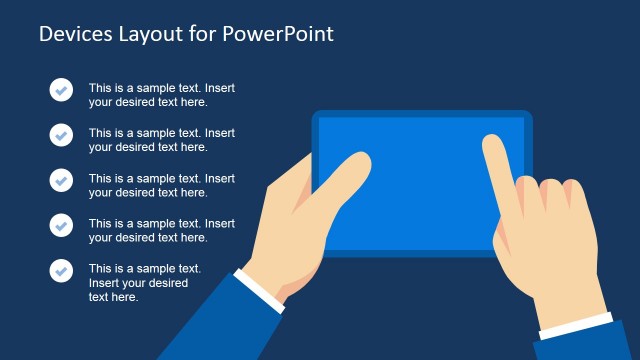
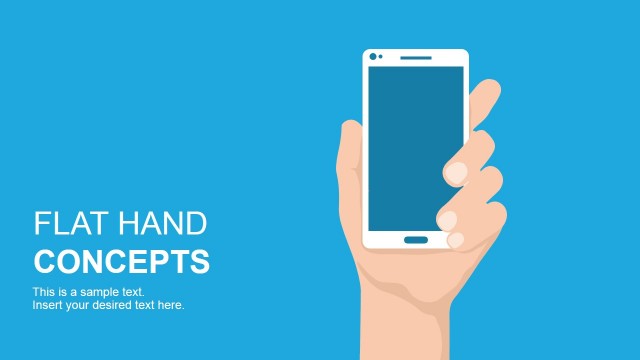
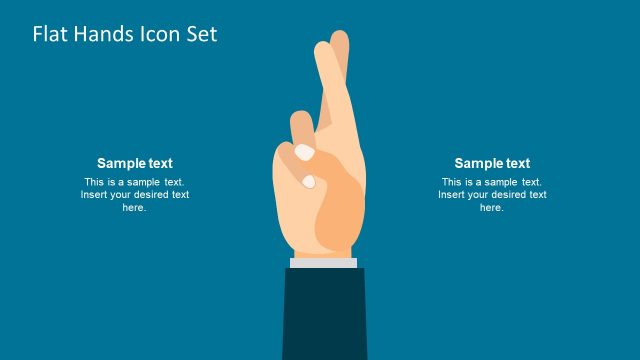
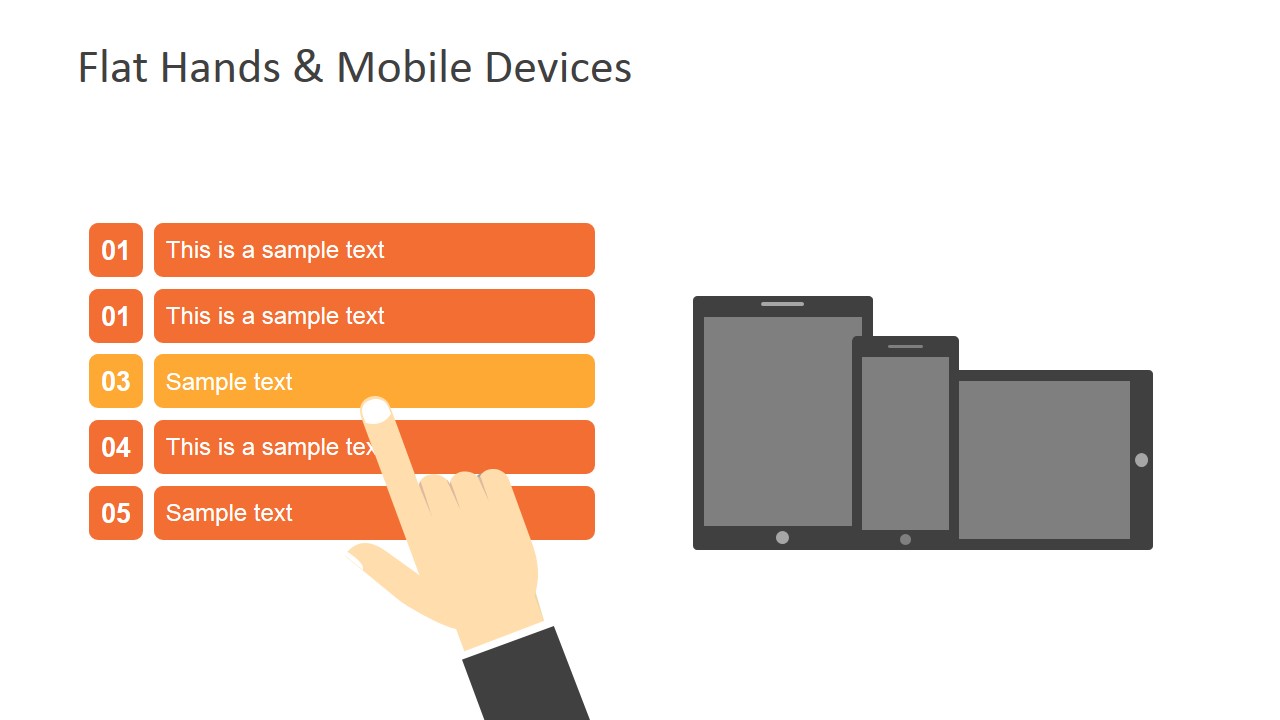
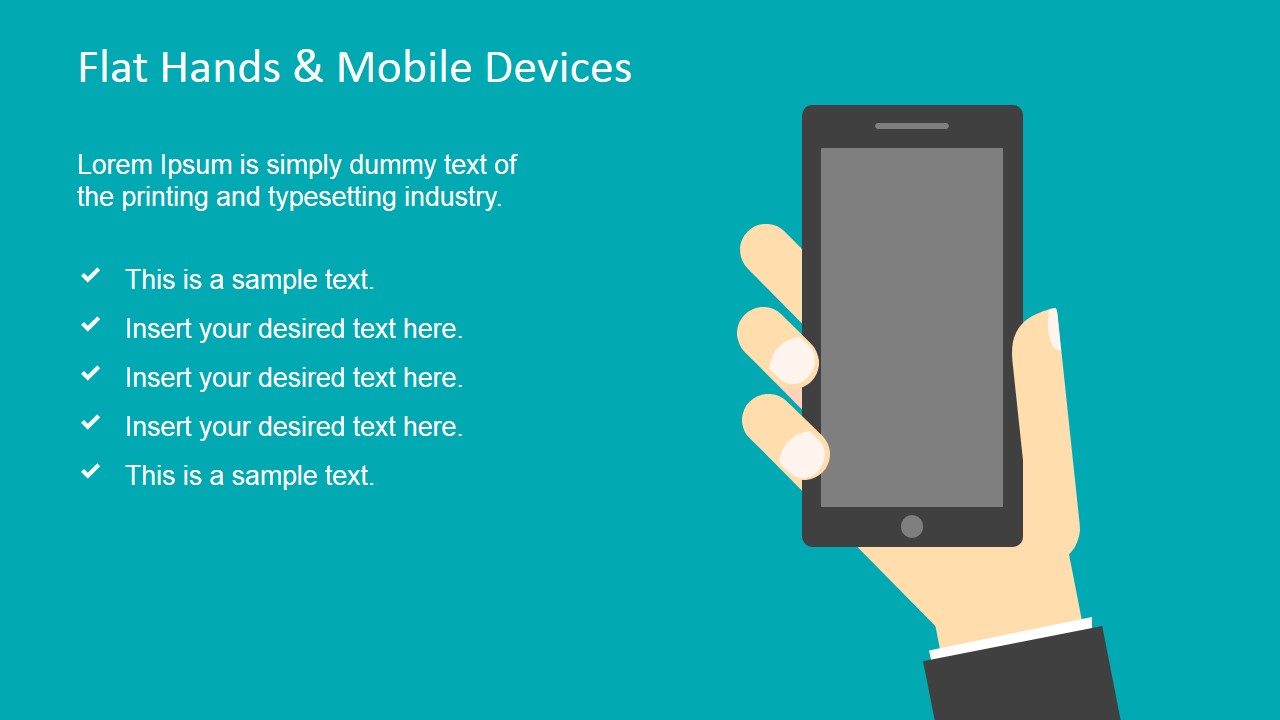
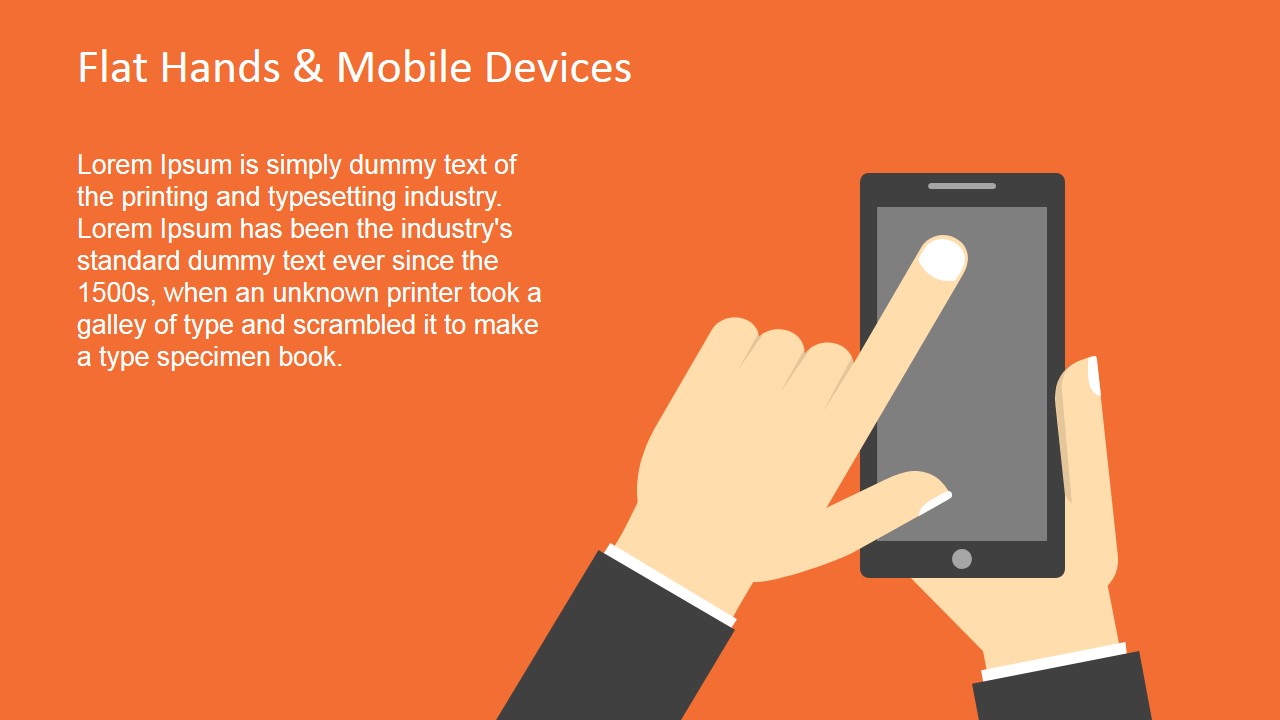
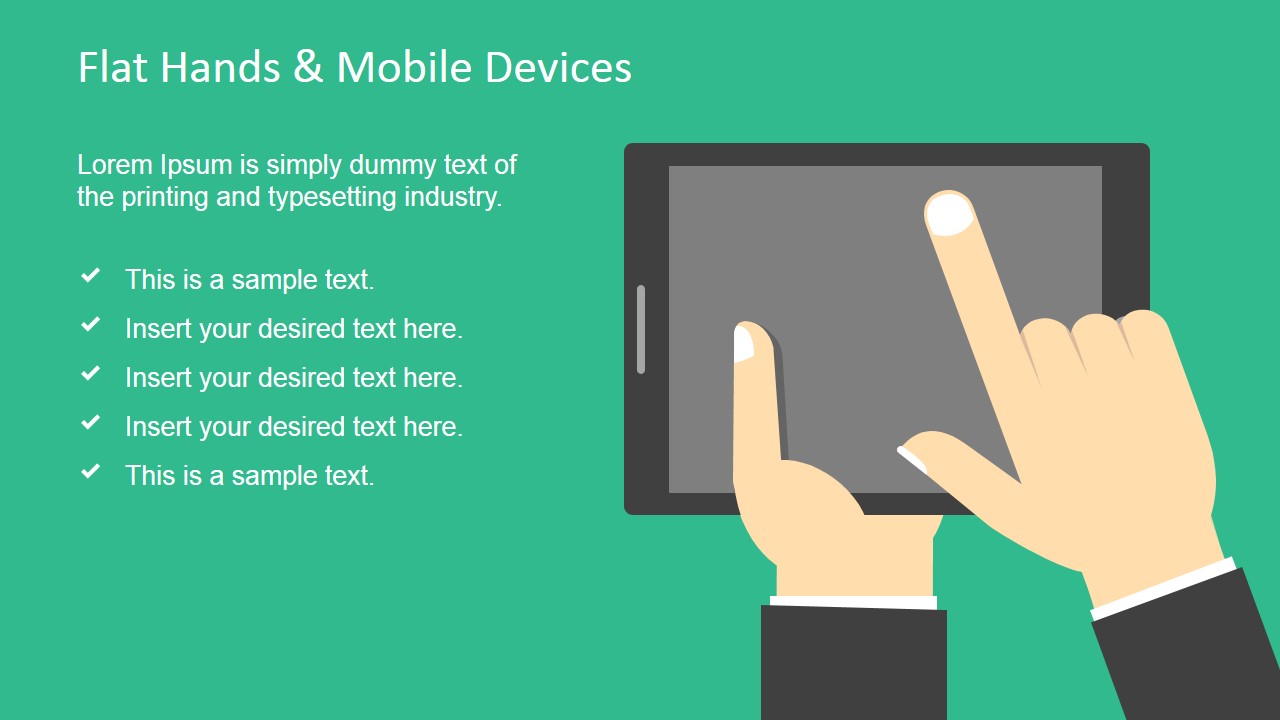
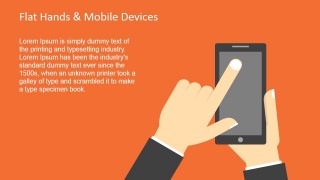
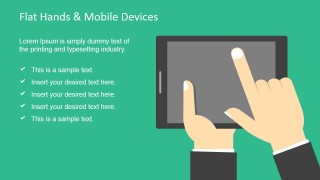
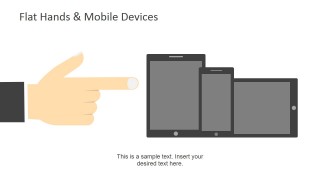
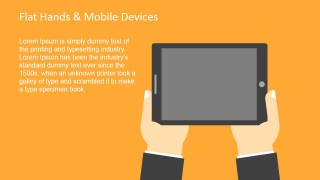
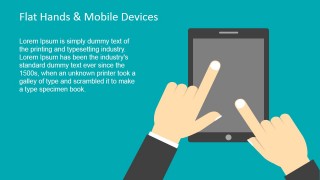
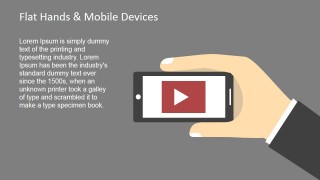
There are 9 unique slides on the template. The slides display flat hands with formal suit sleeve edges. This makes an impression of formality. It can also symbolize a businessman or a professional. The hands deliver gestures- pointing at text boxes, holding the device, or touching the phone’s screen. These give focus to important points that the user is trying to highlight. The second slide, for example, displays a hand clicking on the orange text placeholder. The presenter can enter the subject in that tab and further elaborate. The colorful backgrounds contrast the neutral colors of the hands and devices. The objects can be quickly modified using the PowerPoint shapes menu. Everything is fully customizable including fonts and color scheme.
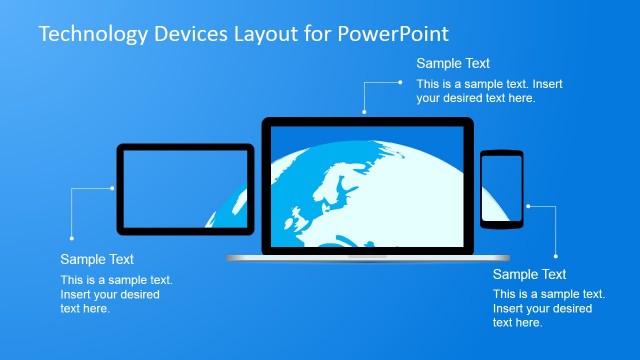
Technically, handheld or mobile devices weigh below 2 pounds. They come with a screen and mini keyboard. They are drafted to be portable. There are many kinds of mobile devices. They can be touch-sensitive screen like the android powered ones. There are also laptops or desktop which are pretty traditional.
Get creative with Flat Hand Shapes & Mobile Devices for PowerPoint. Alternatively, you can download Flat Hand Concepts Template for PowerPoint from SlideModel gallery or other useful mobile PowerPoint templates for presentations.
What’s inside this template
Example presentation scenarios
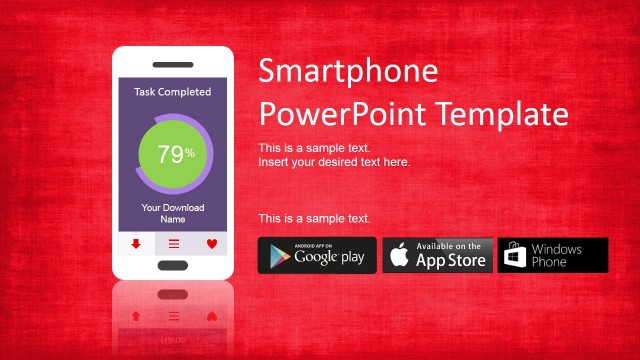
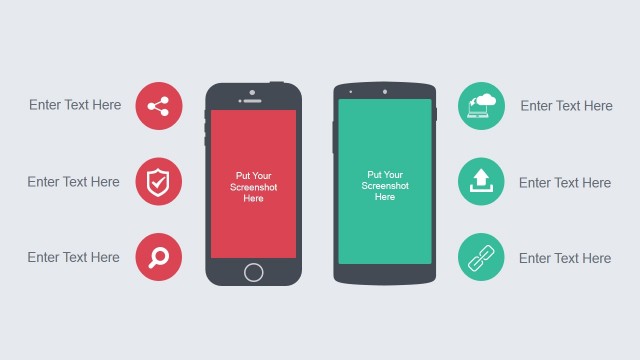
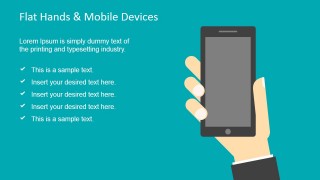
- A product manager can introduce a mobile app concept by using the cover slide, checklist layout, and smartphone interaction slides to explain user actions on a device.
- A social media strategist can present channel behavior or mobile engagement by pairing the numbered list slide with the checkmark bullet slides.
- A digital inclusion presenter can explain digital divide barriers by using the hand-held device illustrations and pointing callout to focus attention on access issues.
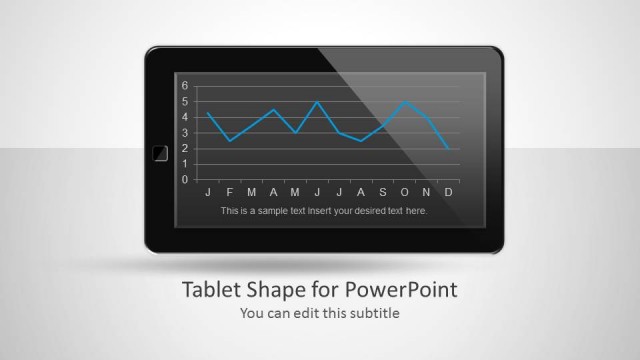
- A trainer can guide users through a mobile workflow by placing each step on the phone and tablet interaction layouts.
Features
- 100% editable presentation template
- Compatible with Microsoft PowerPoint and Google Slides
- 16:9 aspect ratio slides
- Scalable vector shapes, icons and illustrations
- AI-Ready for Microsoft Copilot and Claude
- Instant access and download
Frequently asked questions
Q: How should I build a clear message with these hand and device slides?
A: Start with the cover to define the mobile topic, then use the numbered list for the main sequence or priorities. Follow with the checklist slides to confirm benefits, requirements, or user actions. Use the pointing callout when one device concept needs emphasis, and reserve the video placeholder for a demo, tutorial, or campaign asset.
Q: Who is this template best suited for?
A: This template fits presenters who need to explain mobile behavior without building device artwork from scratch. Product managers can show app interactions, marketers can discuss social media on phones, trainers can outline mobile steps, and public sector teams can frame digital access topics with clear smartphone and tablet visuals.
Q: Why does the hand-and-device metaphor improve communication?
A: The hand gestures create direction and intent. A finger touching a screen suggests action, a pointing hand marks priority, and a hand holding a phone signals mobility. These visual cues help audiences understand whether the slide is about attention, interaction, access, or media playback before they read the supporting text.


Flat Hand Shapes & Mobile Devices for PowerPoint
9-slide presentation template with flat hand shapes, smartphones, tablets, and mobile device callouts
Flat Hand Shapes & Mobile Devices for PowerPoint is a 9-slide presentation template of editable flat hand, smartphone, and tablet illustrations. It includes a cover slide, numbered list, checklist, pointing callout, tablet layouts, and video placeholder. It is built for technology, social media, and digital access presentations in PowerPoint and Google Slides.
- Category
- Shapes
- Rating

 Loading...
- Aspect ratio
- 16:9, 4:3
- Item ID
- 6854-01
- Colors
 Microsoft PowerPoint
  Microsoft Copilot
  Claude for PowerPoint
 Other formats supported
Subscribe today and get immediate
access to download our PowerPoint templates.