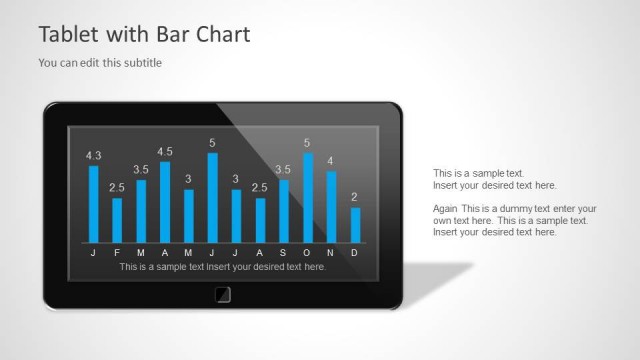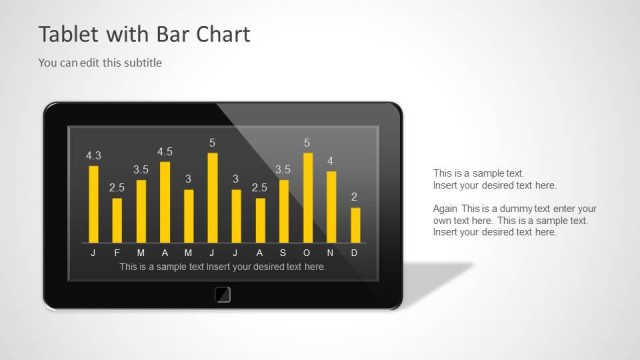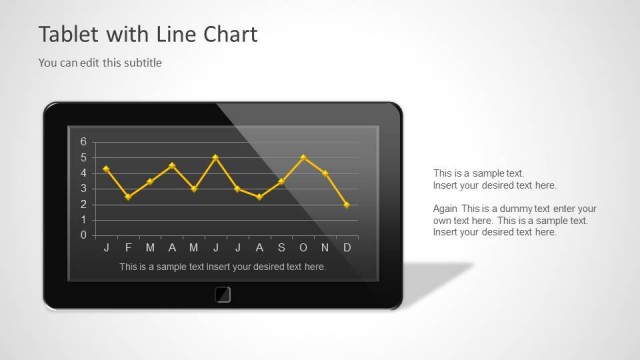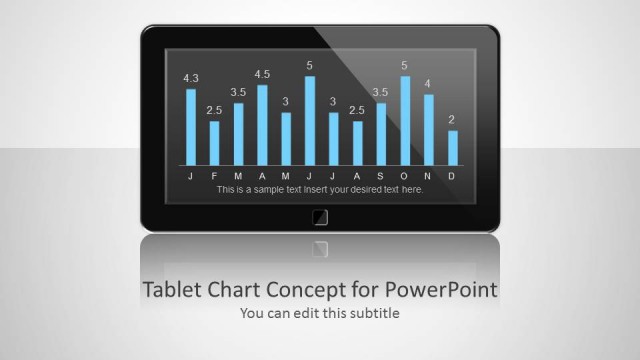
Slide 2 of 5 from Mobile Tablet Shape for PowerPoint
Vertical Tablet Shape for PowerPoint Presentations
Portrait Tablet Design for Presentations
- Media Layout
- Image + Text Split
- Context Slide
- 16:9
- 100% Editable
The Portrait Tablet Design slide from the Mobile Tablet Shape for PowerPoint template offers a clean layout ideal for showcasing app features or digital marketing strategies. This slide uses editable shapes and vector icons within a portrait-oriented tablet graphic to present data clearly, making it a practical choice for corporate presentations or business presentation slide decks focused on technology concepts.
What’s on This Slide
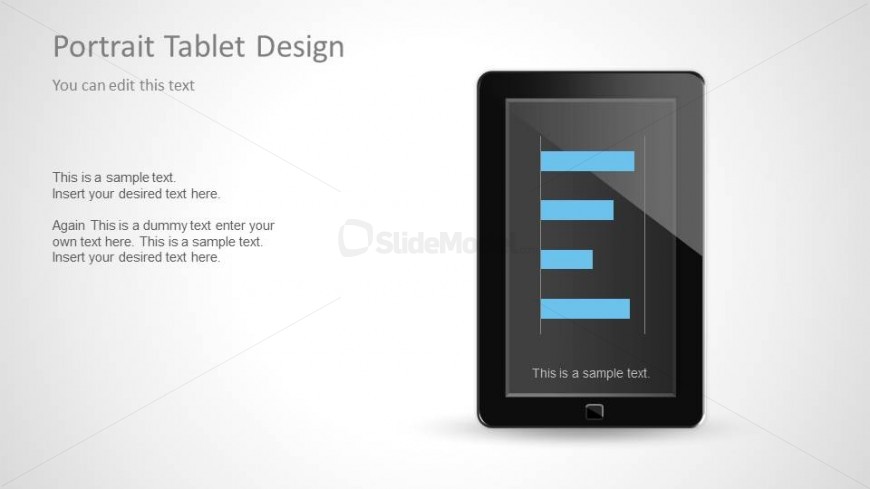
The layout features a portrait-oriented tablet graphic centered on the right side. Inside the tablet, there are four horizontal bars in blue, representing data or text placeholders. Below the bars, a text placeholder is positioned at the bottom of the tablet. On the left side, there is a title placeholder at the top, followed by a subtitle placeholder. The background is a light gradient, enhancing the tablet's visibility. The overall composition is balanced, with a clear visual hierarchy emphasizing the tablet and its contents.
How to Use It
This layout serves as a visual representation for presenting data or information in a tablet format. It is suitable for scenarios where digital content needs to be showcased, such as mobile app features, digital marketing strategies, or technology presentations. This slide fits well in a sequence following an introduction or overview slide, effectively transitioning into detailed content. It can be used individually to highlight specific data points or concepts in a visually engaging manner.
Text Placeholders & Capacity
Keep your copy within these limits so it fits without resizing. Body slots can hold about 10-12 words each.
| Placeholder | Count | Max characters (approx.) |
|---|---|---|
| Slide title | 1 | 30 |
| Subtitle | 1 | 50 |
| Body paragraph | 4 | 60 |
Slide Keywords
Download unlimited PowerPoint templates, charts and graphics for your presentations with our annual plan.
DOWNLOADReturn to Mobile Tablet Shape for PowerPoint.