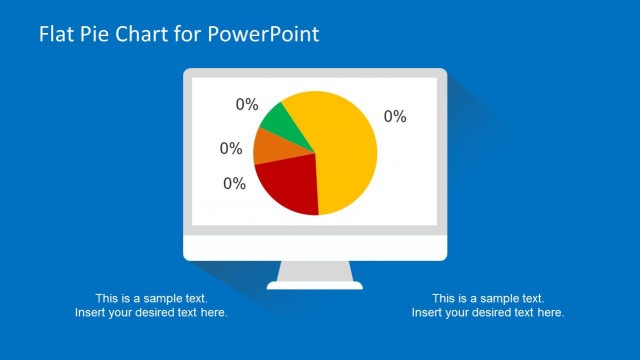
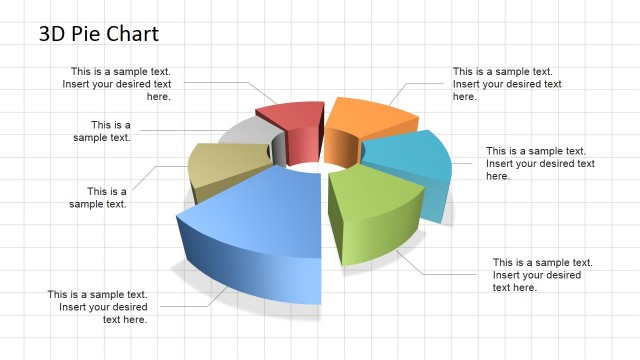
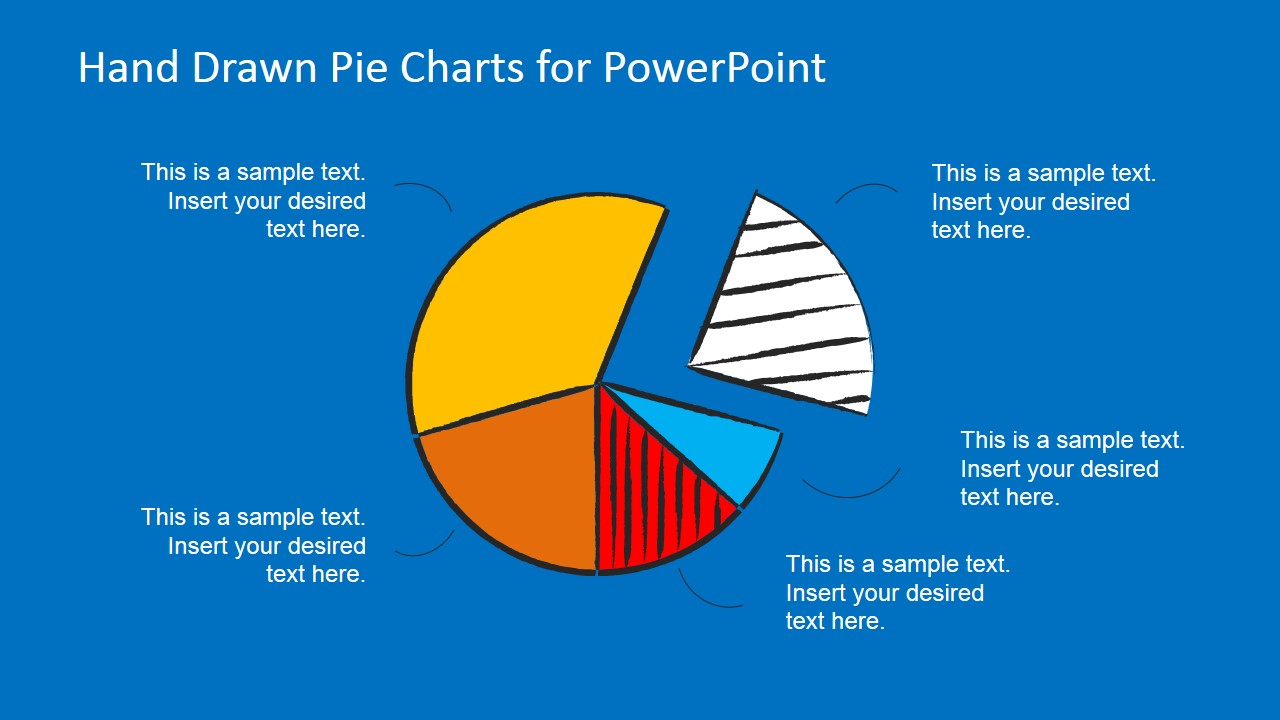
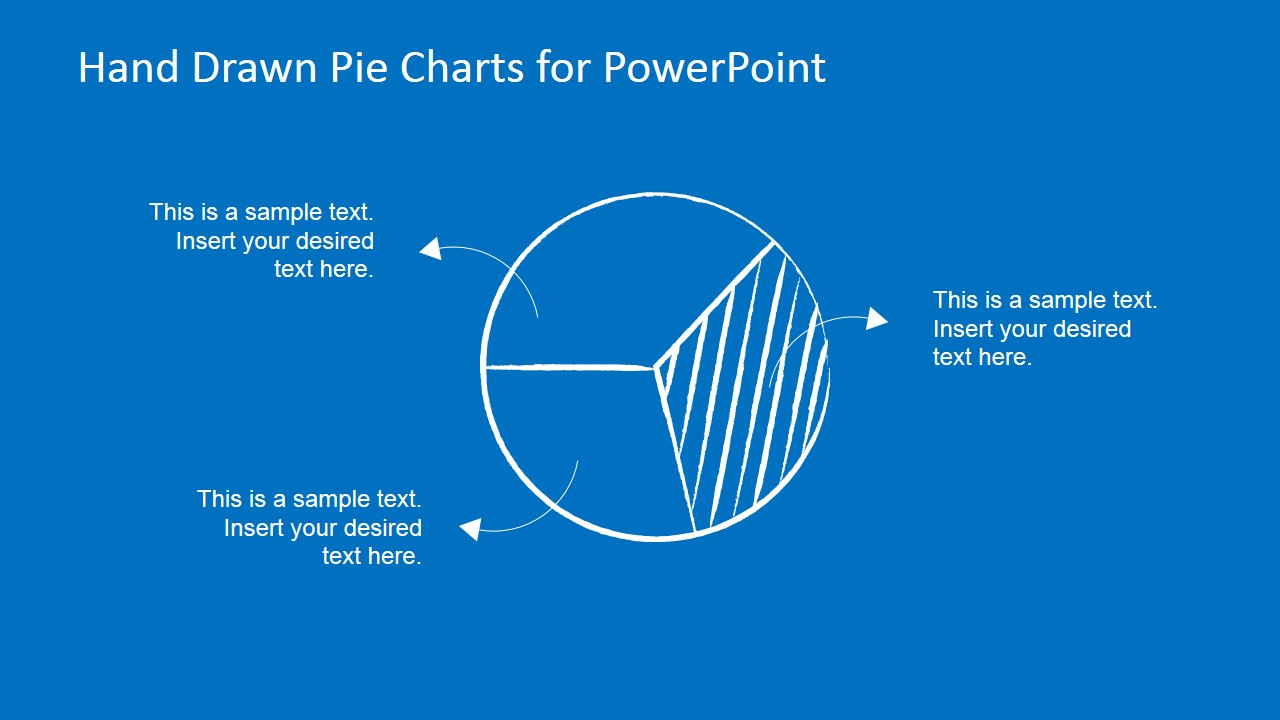
This PowerPoint presentation template contains PowerPoint shapes that you can use to model a pie chart with hand-drawn effect in a presentation slide. You can download the hand-drawn PowerPoint pie chart toolkit to present your data to an audience.
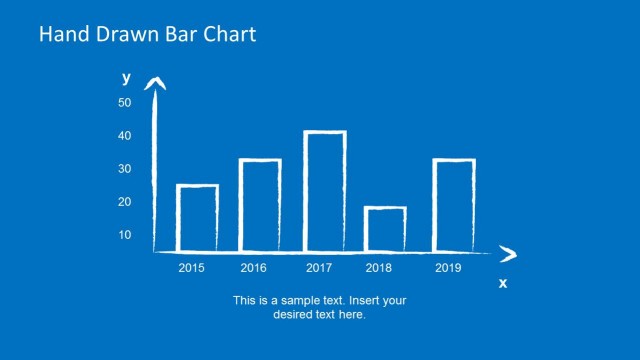
Alternatively you can create your own hand-drawn charts and graphs in PowerPoint or download other hand-drawn templates for PowerPoint like the hand-drawn bar chart PowerPoint template.
What’s inside this template
Example presentation scenarios
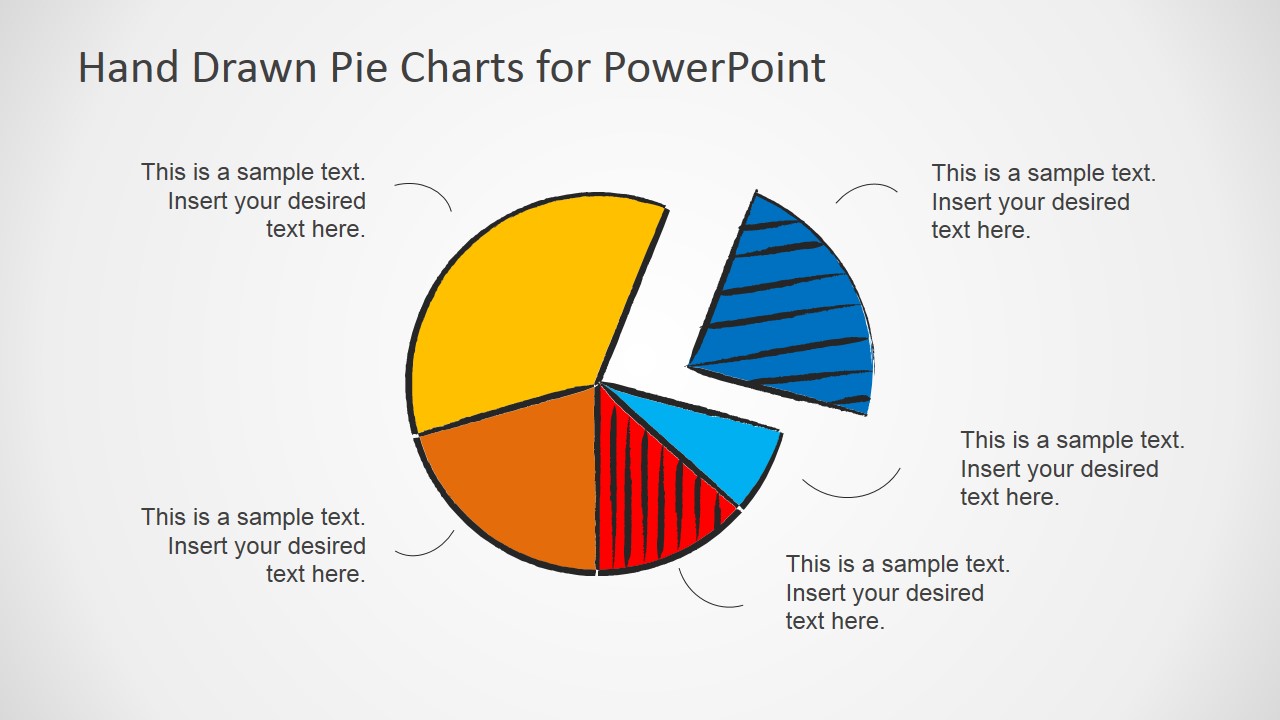
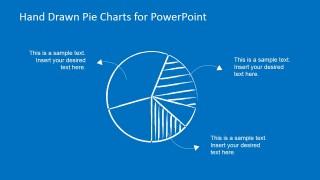
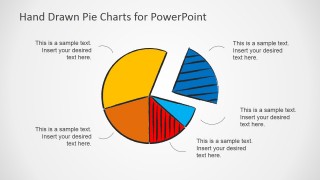
- A business analyst can use the exploded pie chart to explain market share or survey response distribution to executives while keeping the discussion focused on the largest categories.
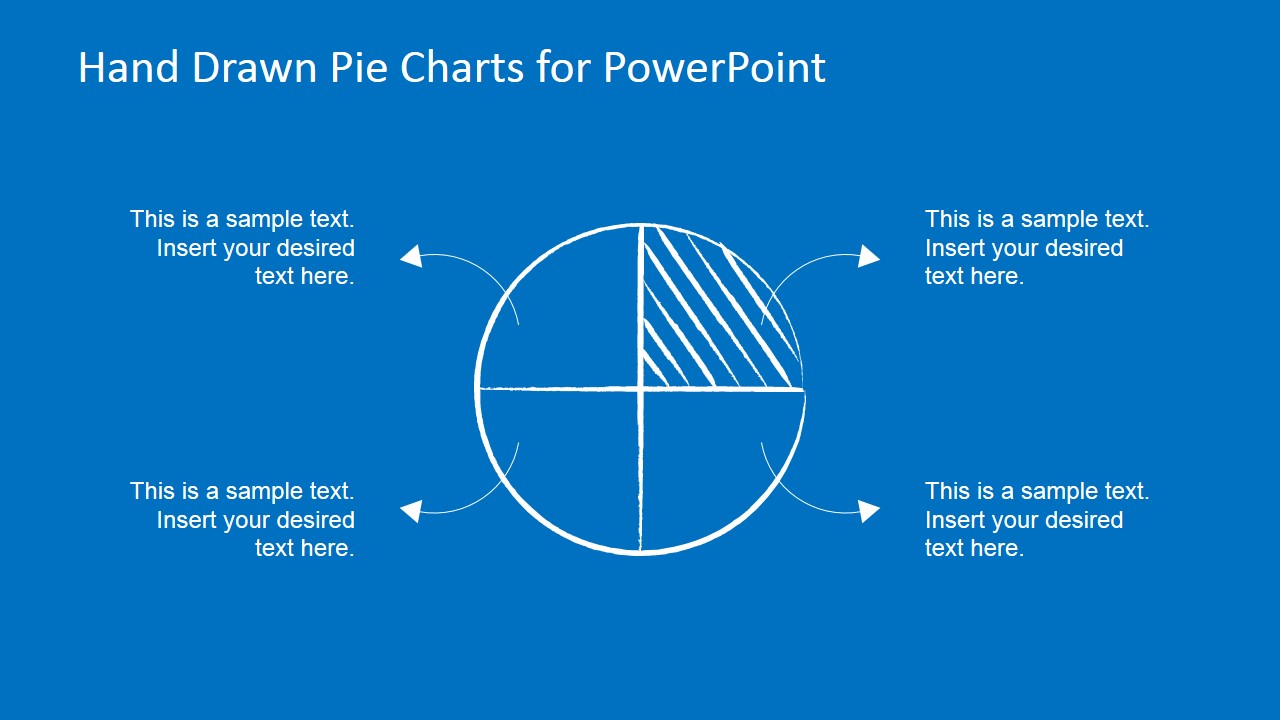
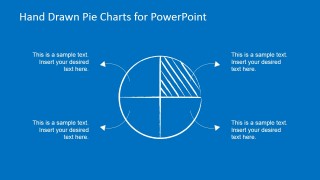
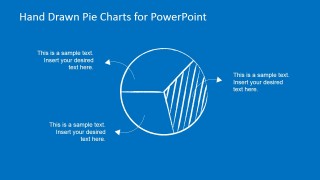
- A product manager can use the quadrant pie and hatched-slice layouts to show feature allocation, customer segments, or roadmap effort during a planning meeting.
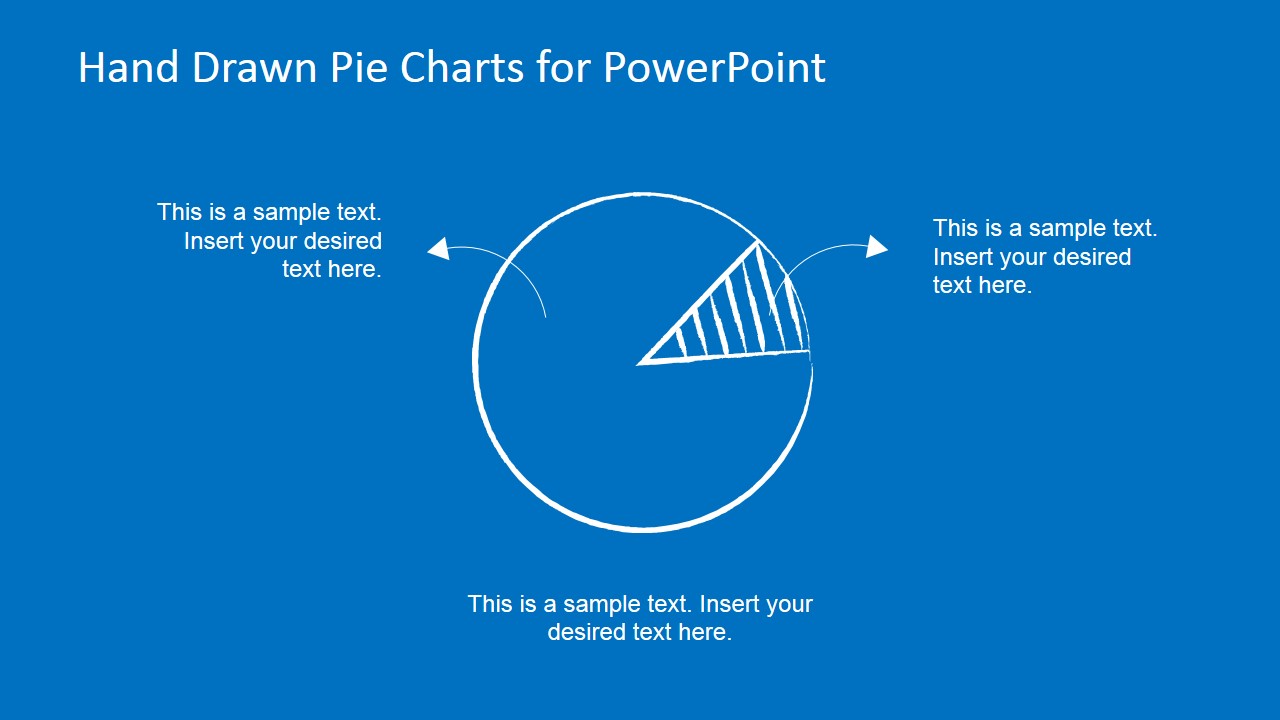
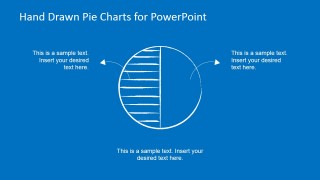
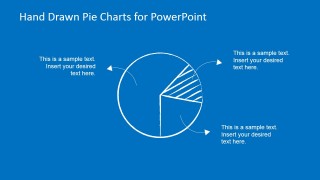
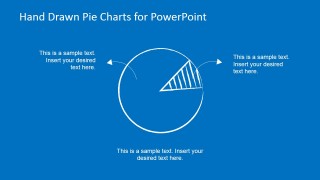
- A trainer can use the outlined half-pie and single-slice emphasis charts to teach parts-of-a-whole concepts without making the slide feel like a dense spreadsheet report.
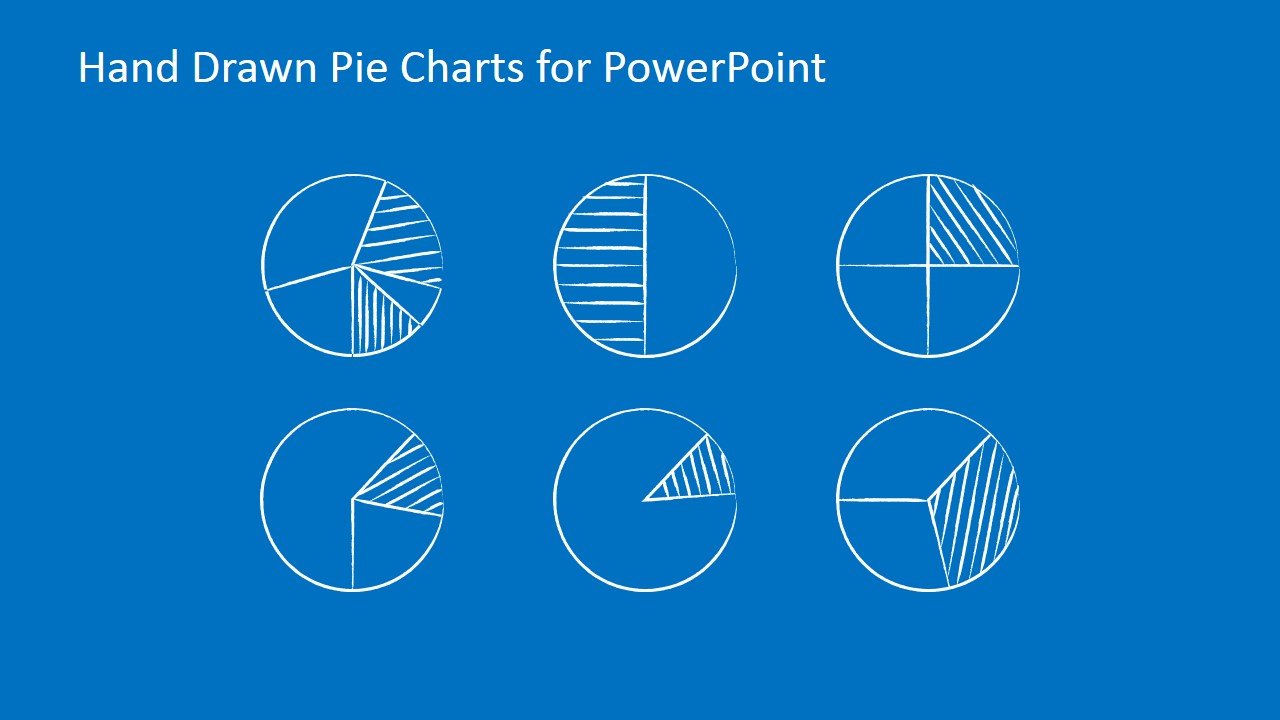
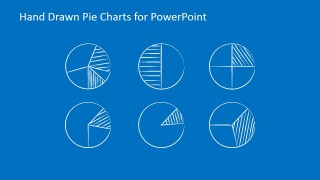
- A consultant can use the six-chart gallery slide to present alternative ways to frame a proportion before selecting the clearest chart for a client workshop.
Features
- 100% editable presentation template
- Compatible with Microsoft PowerPoint and Google Slides
- 16:9 aspect ratio slides
- Scalable vector shapes, icons and illustrations
- AI-Ready for Microsoft Copilot and Claude
- Instant access and download
Frequently asked questions
Q: How should a presenter use the hand-drawn pie charts without making the data feel imprecise?
A: Use the sketch style for directional proportions, then anchor the message with clear labels in the callout areas. Keep the chart to a few categories, place the main takeaway in the first or largest callout, and avoid overloading the pie with tiny slices. This keeps the informal visual style while preserving analytical credibility.
Q: When is this toolkit a better fit than a standard corporate pie chart slide?
A: This toolkit fits workshops, training sessions, concept reviews, and early-stage business discussions where the presenter wants the audience to think and respond. The hand-drawn exploded pie, quadrant chart, and hatched-slice variants feel closer to a whiteboard explanation than a finished dashboard, which can help when the data supports discussion rather than final reporting.
Q: Why do the sketch outlines and hatched slices help the audience read the chart?
A: The sketch metaphor signals explanation and simplification, so the audience expects a guided view of the data rather than a dense analysis page. Hatched segments create contrast without relying only on color, and the curved leader lines move attention from the pie to the surrounding interpretation. That structure supports faster reading during spoken explanation.



Hand-Drawn Pie Chart Toolkit for PowerPoint
9-slide presentation template with hand-drawn pie charts, percentage callouts, and sketch-style data layouts
The Hand-Drawn Pie Chart Toolkit for PowerPoint is a 9-slide presentation template for informal-looking percentage visuals. It includes an exploded pie chart, outlined multi-slice pies, quadrant pies, a single-slice emphasis pie, and a six-chart overview sheet. It is built for presenters who need editable pie graphics in Microsoft PowerPoint or Google Slides.
- Category
- Data & Charts
- Rating


 Loading...
- Aspect ratio
- 16:9
- Item ID
- 6652-02
- Colors
 Microsoft PowerPoint
  Microsoft Copilot
  Claude for PowerPoint
 Other formats supported
Subscribe today and get immediate
access to download our PowerPoint templates.