Data Elements for PowerPoint presentations contains 6 unique slide designs with different data-driven chart concepts for PowerPoint presentations and data elements.
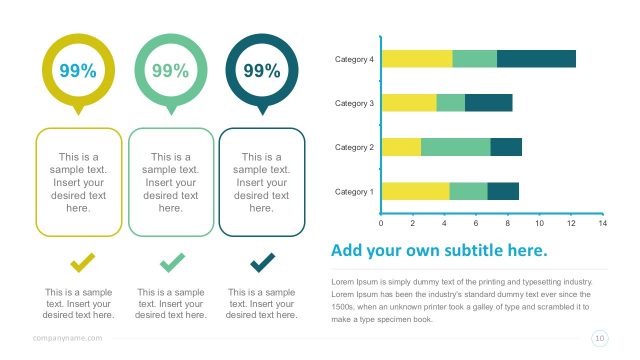
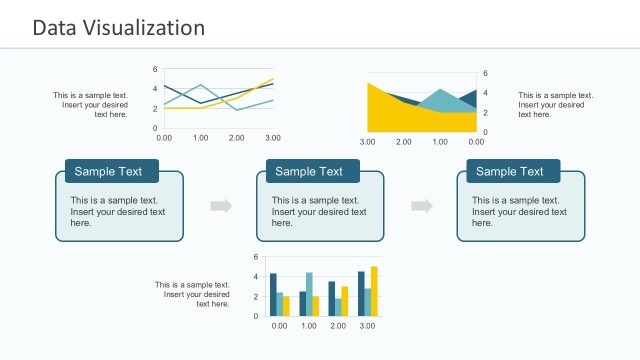
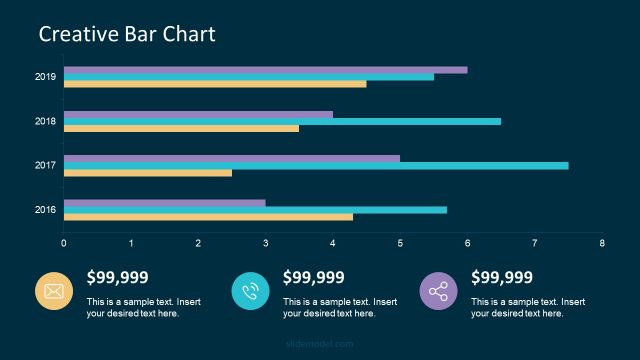
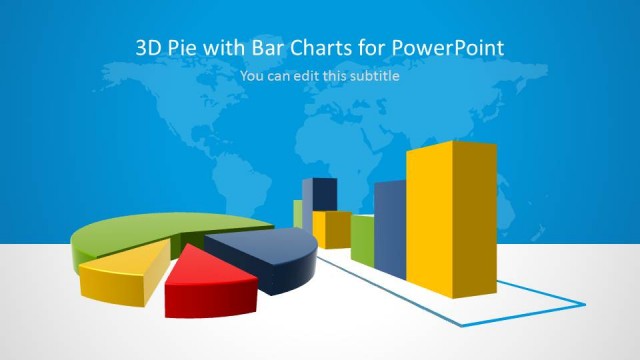
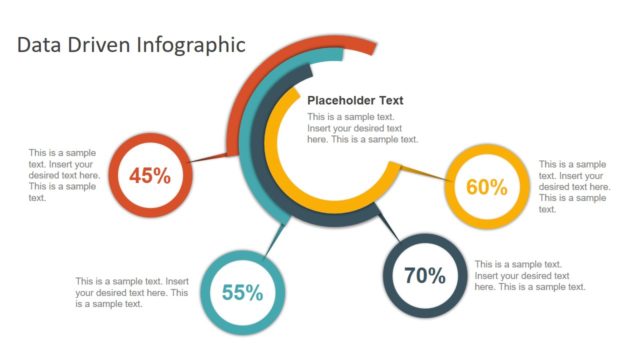
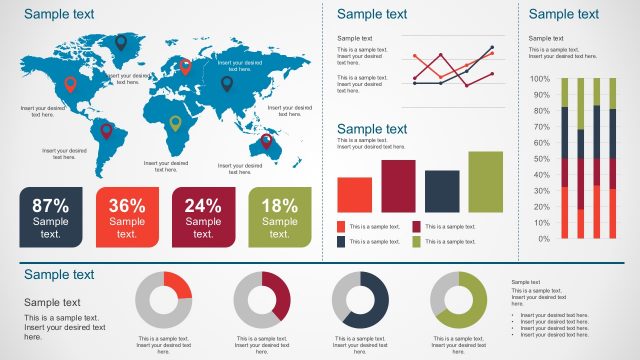
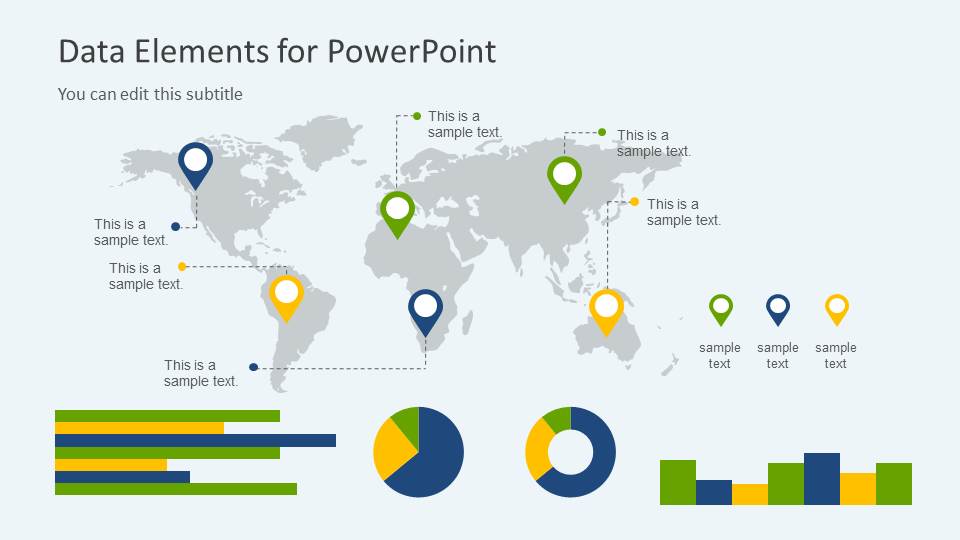
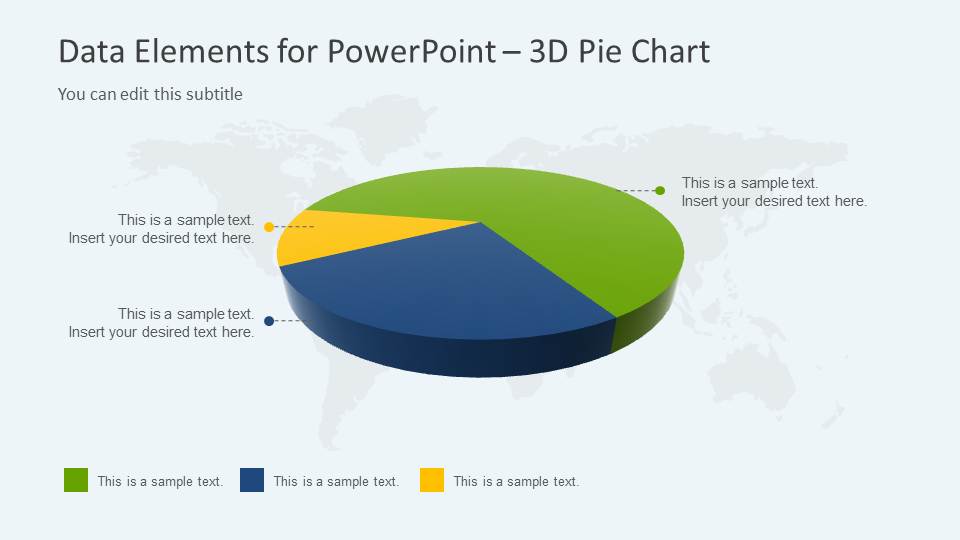
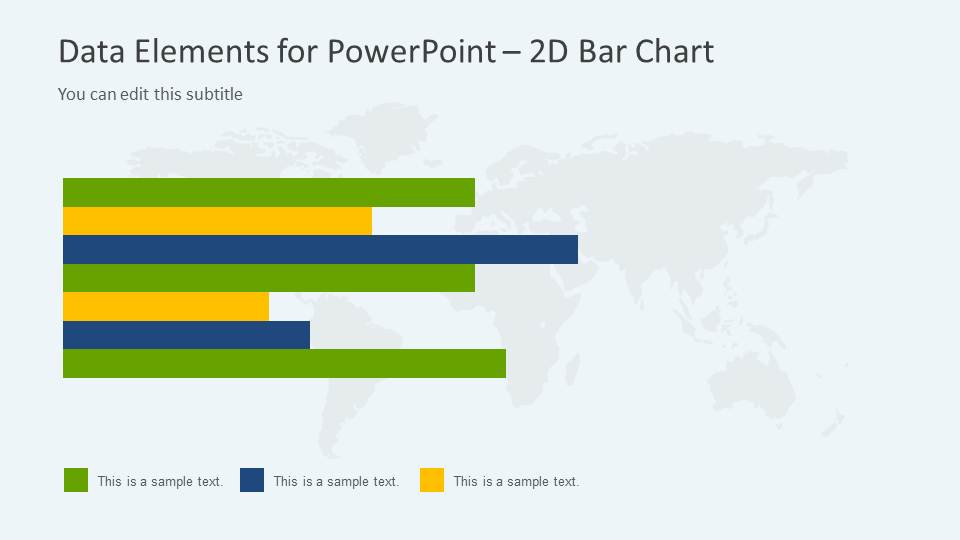
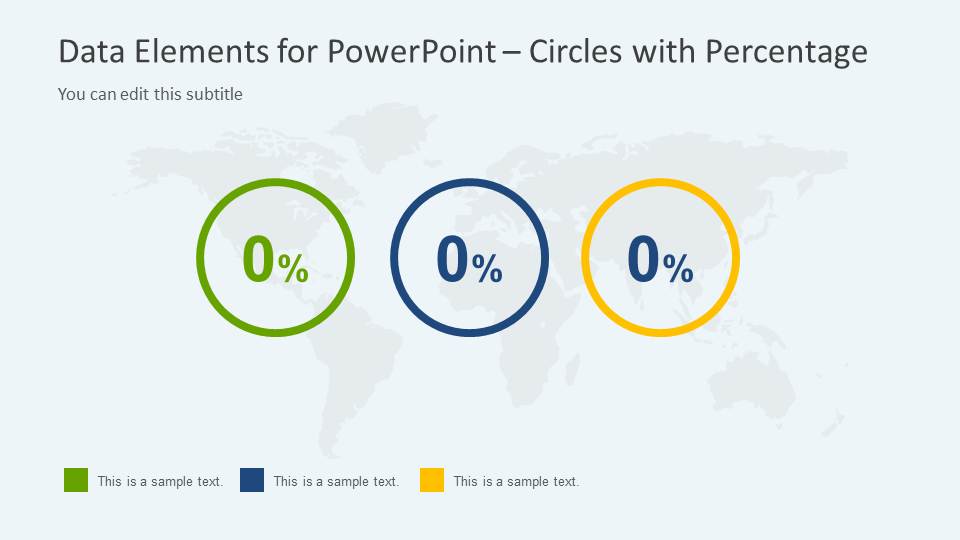
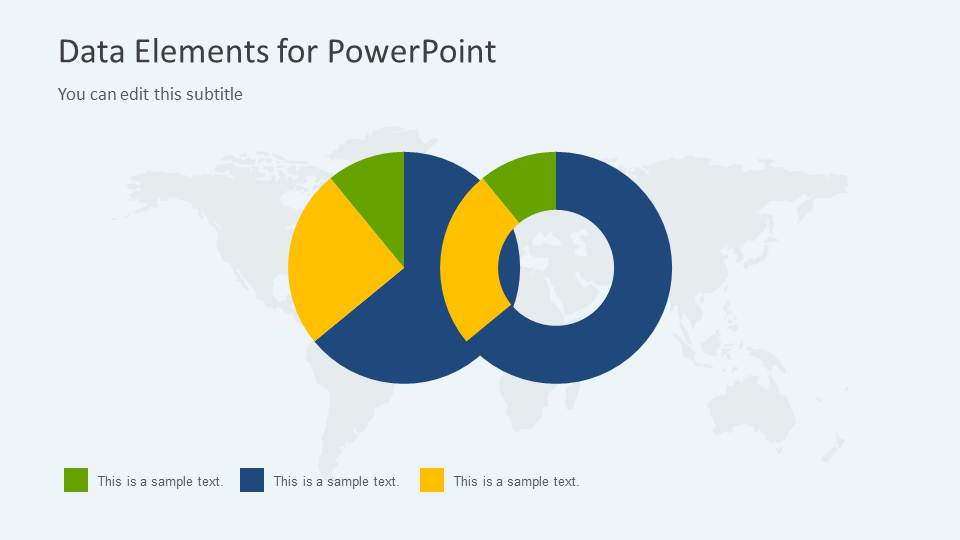
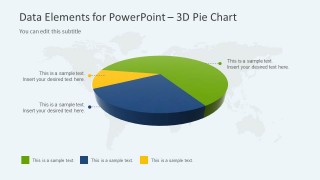
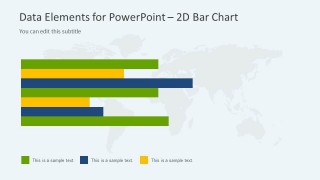
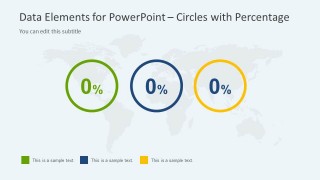
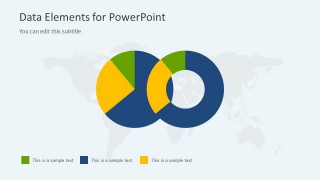
Inside this Data Elements PowerPoint template you can find examples of a bar chart slide, 3D pie chart design, horizontal line chart, a KPI slide design with three key performance indicators in a circle, a 2D donut chart with an overlapping pie chart and a world map design with map makers or map pointers that you can use to pin point any desired location.
Alternatively you can download dashboard presentation templates and other data chart templates for Microsoft PowerPoint presentations that can help you to present data in a slide.
What’s inside this template
Example presentation scenarios
- A business analyst can use the horizontal bar chart and pie chart layouts to brief leadership on category performance and explain which metric groups are driving the report.
- A regional sales manager can use the world map with pins to show market coverage, then use the KPI percentage circles to summarize progress toward targets.
- A consultant can use the donut and pie chart slide to compare proportional findings and simplify a market analysis discussion for a client team.
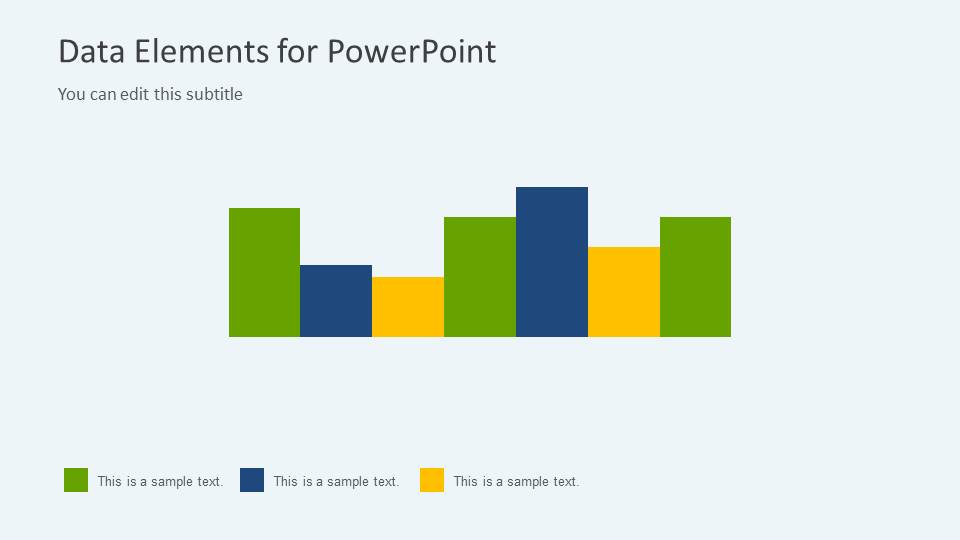
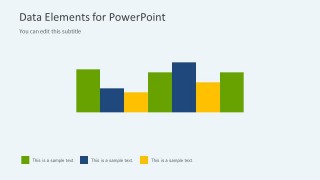
- An operations leader can use the column chart slide to present a compact snapshot of measured activity across several groups or periods.
Features
- 100% editable presentation template
- Compatible with Microsoft PowerPoint
- 16:9 aspect ratio slides
- Scalable vector shapes, icons and illustrations
- AI-Ready for Microsoft Copilot and Claude
- Instant access and download
Frequently asked questions
Q: How should a presenter organize a short metrics update with this template?
A: Start with the map dashboard to frame where the data applies, then move into the chart that best answers the main question: pie for share, horizontal bar for ranking, or KPI circles for target status. Keep one message per slide and use the same color meaning across the deck so the audience can follow the metric story quickly.
Q: Who is this template best suited for in a business presentation?
A: This template fits analysts, managers, and consultants who need to report summarized data without building a large dashboard. It works well for executive updates, market snapshots, regional sales reviews, and operations summaries where the presenter needs a few clear visuals: map pins, a bar chart, pie or donut charts, and KPI circles.
Q: Why do the map and circular chart metaphors help communicate the data?
A: The world map gives the audience immediate geographic context, while pins act as attention markers for specific locations. Pie and donut charts signal parts of a whole, and KPI circles create checkpoint-style emphasis for performance figures. These familiar metaphors reduce explanation time and let the presenter focus on interpretation.
Data Elements for PowerPoint Presentations
6-slide Microsoft PowerPoint presentation template with map markers, pie charts, bar charts, and KPI circles
Data Elements for PowerPoint Presentations is a 6-slide Microsoft PowerPoint template for data reporting and analysis. It includes a world map with pins, a 3D pie chart, a horizontal bar chart, KPI percentage circles, donut and pie charts, and a column chart. Chart data can be edited as an Excel spreadsheet in PowerPoint.
- Category
- Data & Charts
- Rating


 Loading...
- Aspect ratio
- 16:9
- Item ID
- 6063-01
- Colors
 Microsoft PowerPoint
  Microsoft Copilot
  Claude for PowerPoint
 Other formats supported
Subscribe today and get immediate
access to download our PowerPoint templates.