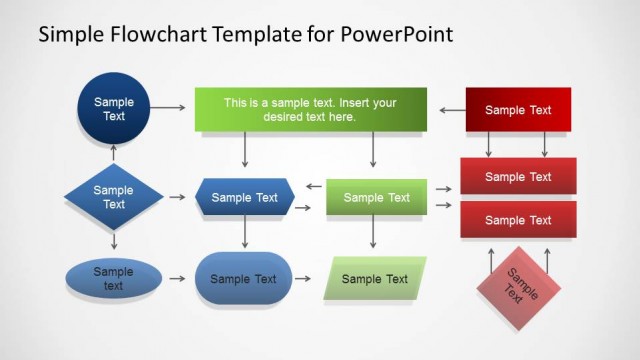
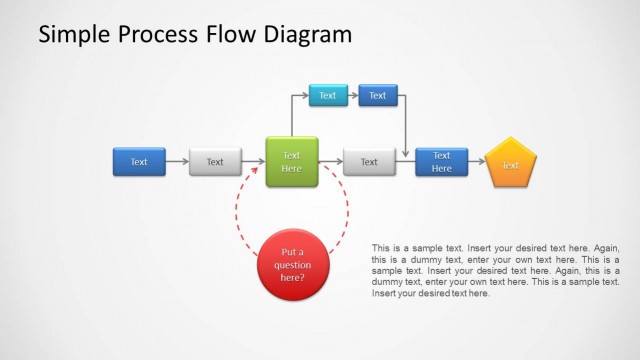
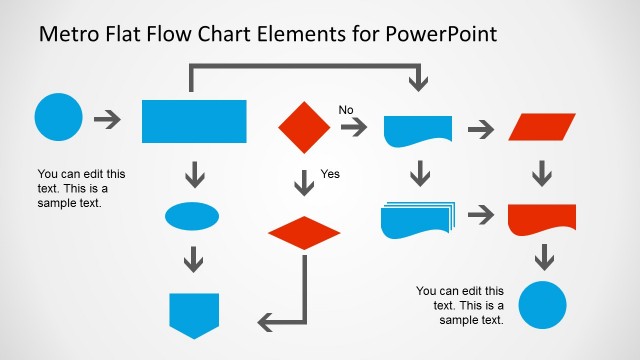
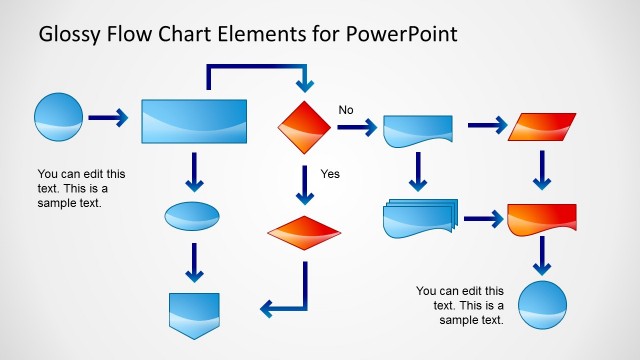
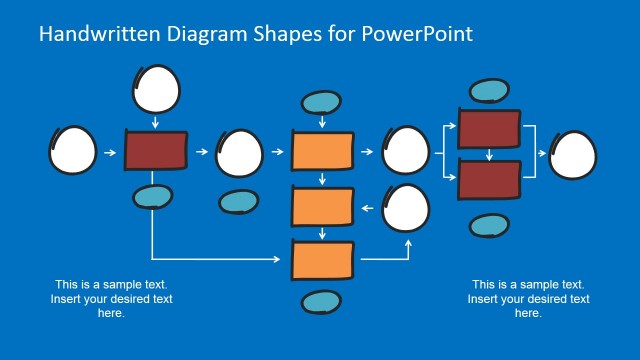
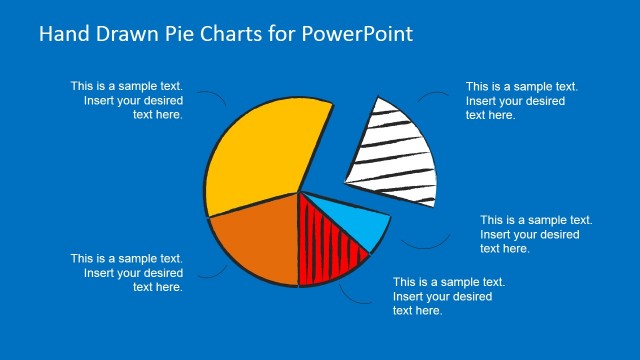
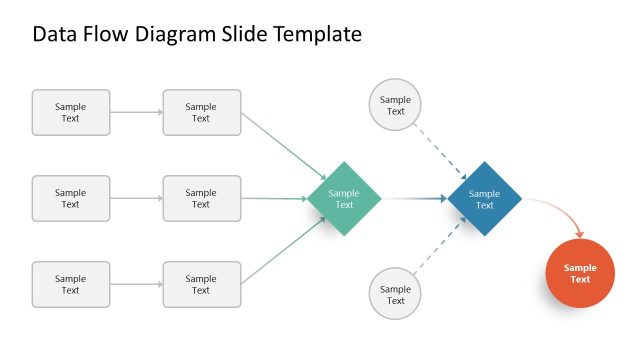
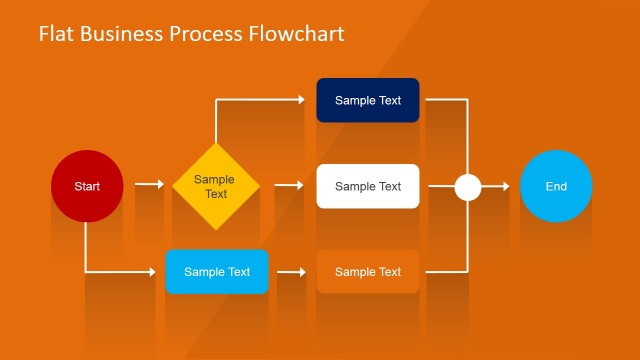
Hand Drawn Flow Chart Template for PowerPoint is a presentation design and toolkit containing popular flow chart symbols in a PowerPoint presentation. You can download this hand-drawn flowchart template for PowerPoint to create awesome flowcharts for your presentations using an excellent sketched design.
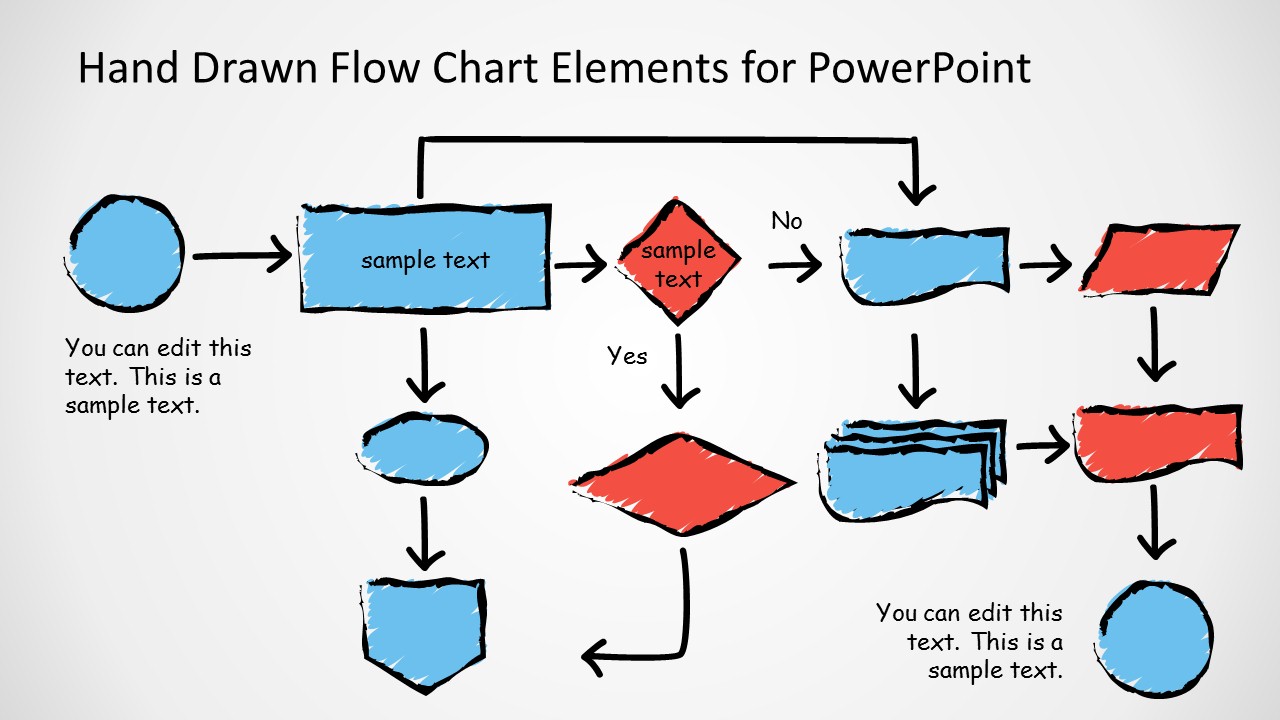
This sketched flowchart template for PowerPoint contains popular flowchart symbols and elements that you can copy and paste into your presentation slides and make attractive flowcharts to describe a process flow, or a workflow to represent business logic.
Alternatively, you can download other 100% editable flowchart templates for PowerPoint presentations, combine the flowchart diagrams with great shapes and layouts, or learn how to make a flowchart design for your presentations.
What’s inside this template
Example presentation scenarios
- A business analyst can map a proposed approval process for stakeholders using the sample workflow diagram, decision diamonds, yes/no labels, and document shapes.
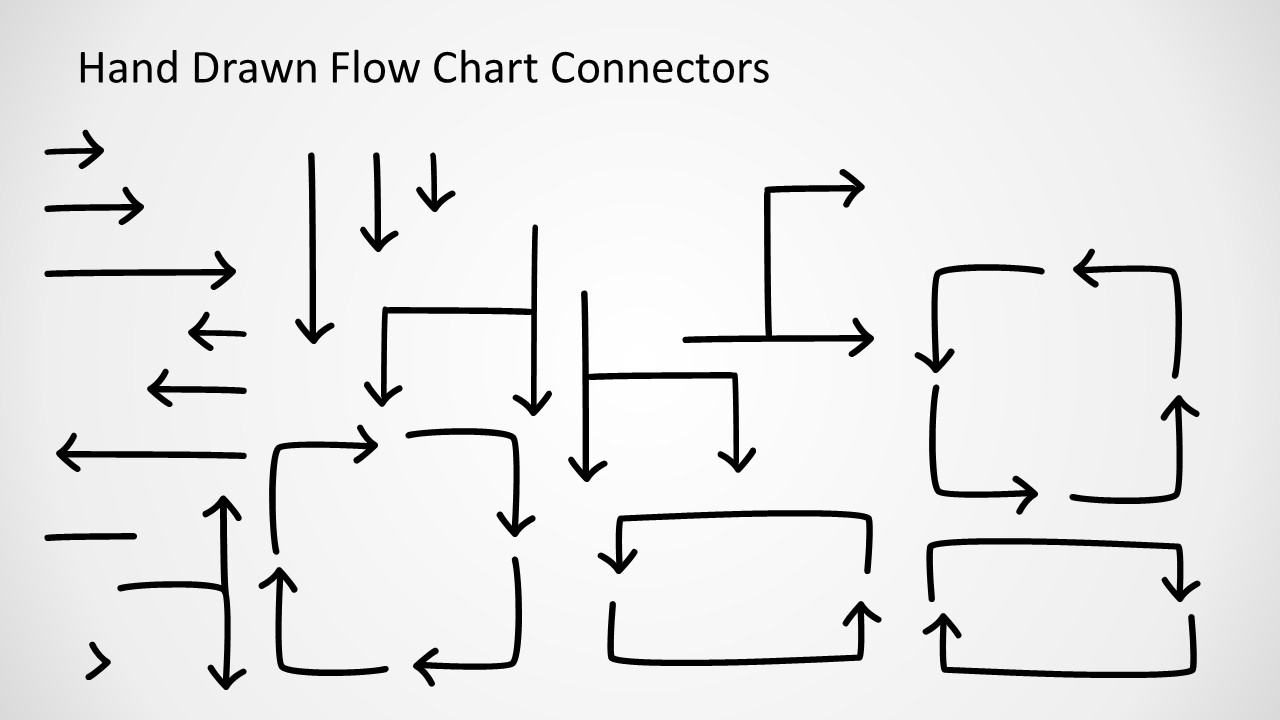
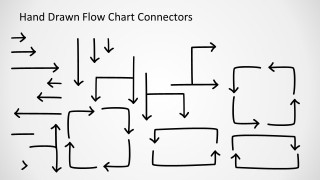
- An operations manager can explain a service handoff during a team meeting by copying connector arrows from the connector library into a custom process map.
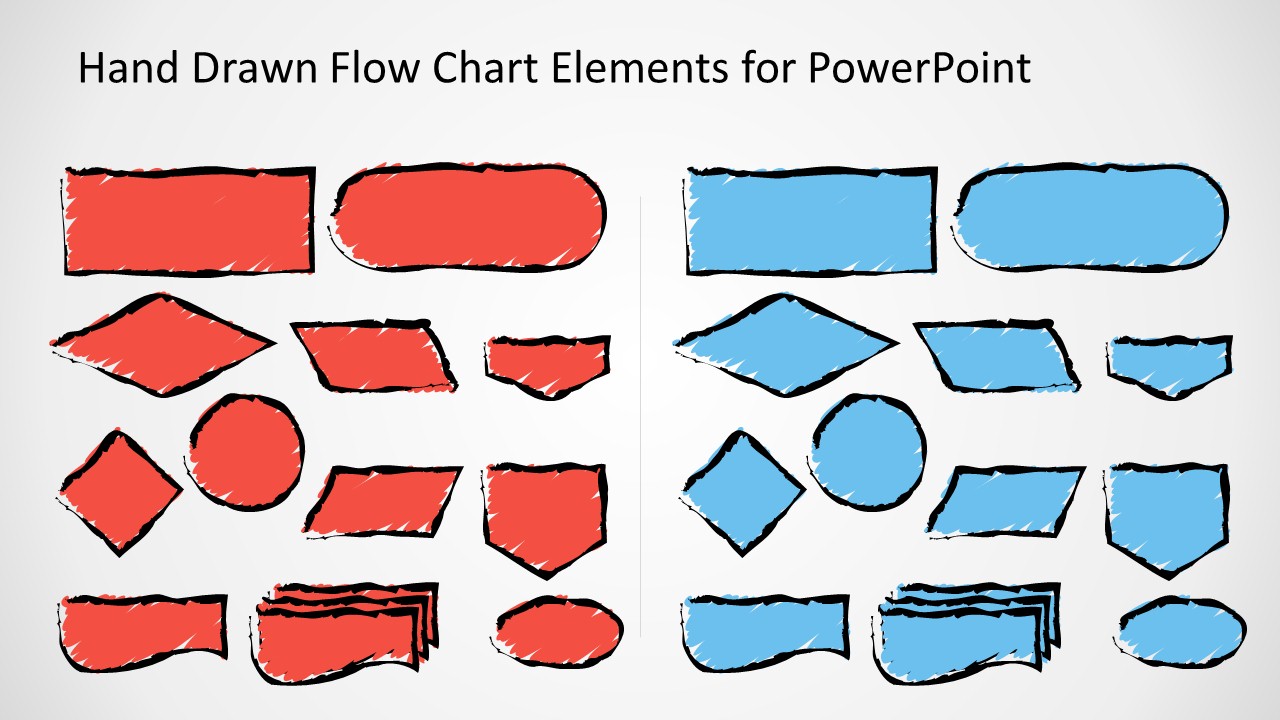
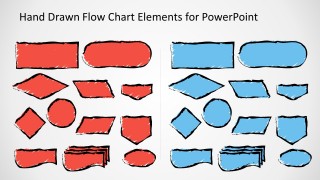
- A workshop facilitator can ask participants to co-design a future-state workflow using the red and blue symbol library as a visual kit for process steps and decisions.
- A trainer can introduce basic flowchart notation to new employees by showing the symbol library and then walking through the completed example workflow.
Features
- 100% editable presentation template
- Compatible with Microsoft PowerPoint
- 16:9 aspect ratio slides
- Scalable vector shapes, icons and illustrations
- AI-Ready for Microsoft Copilot and Claude
- Instant access and download
Frequently asked questions
Q: How should a presenter build a clear process story with this template?
A: Start with the business outcome, then place the main process boxes from left to right before adding decisions. Use the sample workflow as a guide for spacing, and add yes/no labels only where a viewer must choose a path. Keep connector arrows short so the hand-drawn style feels intentional rather than cluttered.
Q: Who is this hand-drawn flowchart template best suited for?
A: It fits analysts, facilitators, trainers, and managers who need to explain a workflow in a planning or learning setting. The sketch style is useful when the process is still being discussed, because it signals that the diagram can change while still giving the audience a clear shared map.
Q: Why use sketched flowchart symbols instead of polished process boxes?
A: The hand-drawn metaphor makes the workflow feel like a working model rather than a fixed system specification. That supports discussion, feedback, and revision. The red and blue symbol sets also help separate alternate paths, status types, or participant responsibilities without requiring dense labels on every shape.
Hand Drawn Flow Chart Template for PowerPoint
3-slide PowerPoint presentation template with hand-drawn flowchart symbols, connectors, and workflow diagrams
Hand Drawn Flow Chart Template for PowerPoint is a 3-slide Microsoft PowerPoint diagram toolkit for building sketched process maps. It includes a sample workflow diagram, a connector library, and a red-blue flowchart symbol library with decision diamonds, process rectangles, document shapes, terminators, and arrows for business, training, and workshop presenters.
- Category
- Diagrams
- Rating


 Loading...
- Aspect ratio
- 16:9
- Item ID
- 2013-01
- Colors
 Microsoft PowerPoint
  Microsoft Copilot
  Claude for PowerPoint
 Other formats supported
Subscribe today and get immediate
access to download our PowerPoint templates.