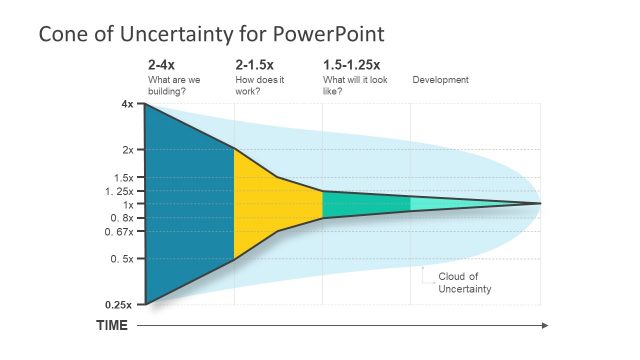
A casual feel on graphing values is offered by Hand Drawn Cone Charts Toolkit for PowerPoint. It can maintain a non-intimidating atmosphere for the audience. This can motivate them to interact more and remember the report easily. In addition, the discussion can become more active and fun.
The design is ideal for comparing values and presenting qualitative information. Multiple concepts are applicable to this these slides design. It can be used from business records, planning, statistics, math, science and many more.
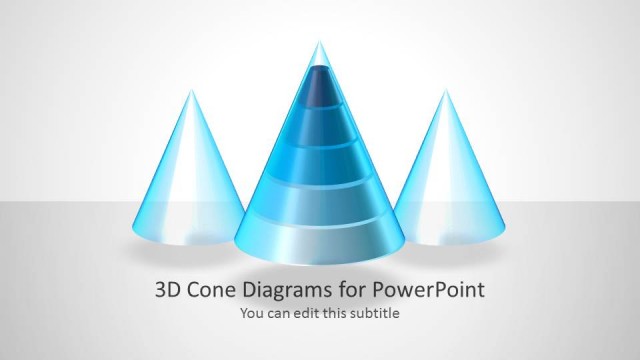
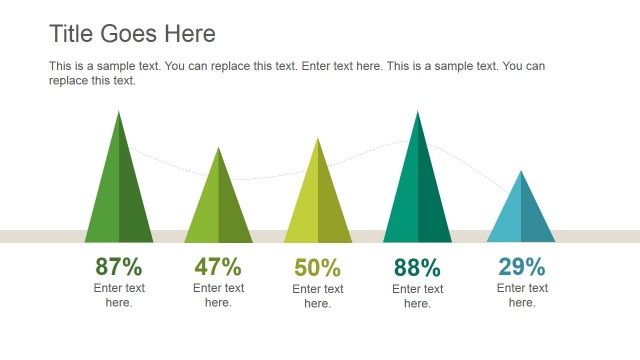
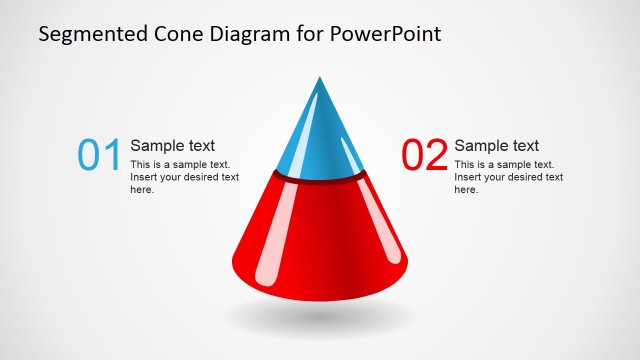
It is another creative alternative of charting data. It is one variation of chart types. Other types are pyramid and cylinder. They represent data in the same way. The only difference is they have pyramid and cylinder shapes instead of rectangle. The cone design is a great choice. The tip of the cone can point on the relative value found on the surface. The length is easy to distinguish because of the shape as well. The bottom of the cone is wide and so it occupies space that lets the audience identify the different figures accordingly.
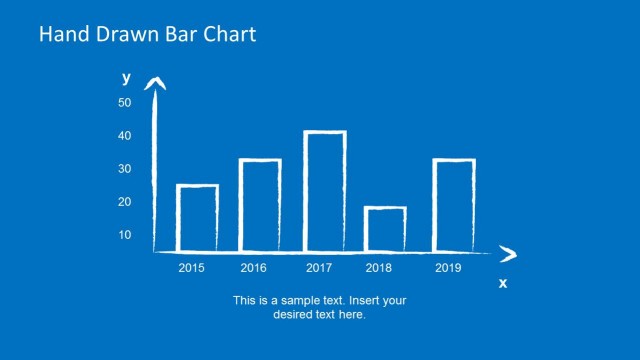
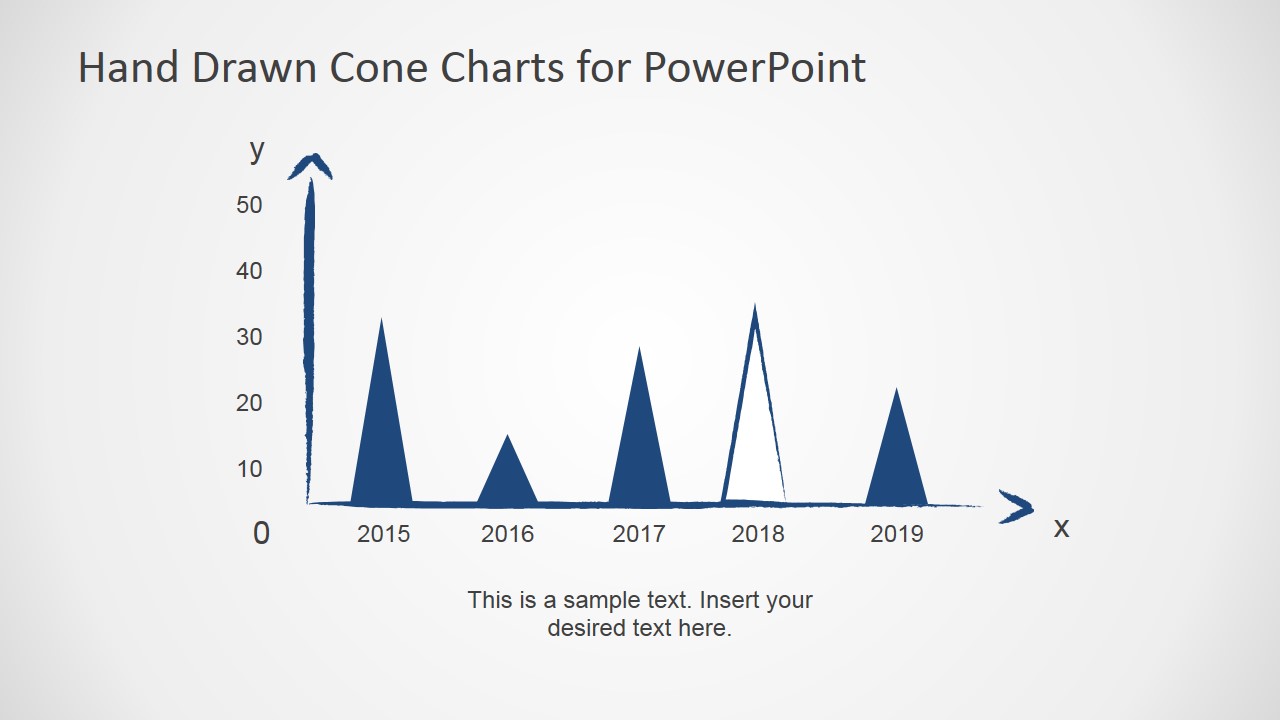
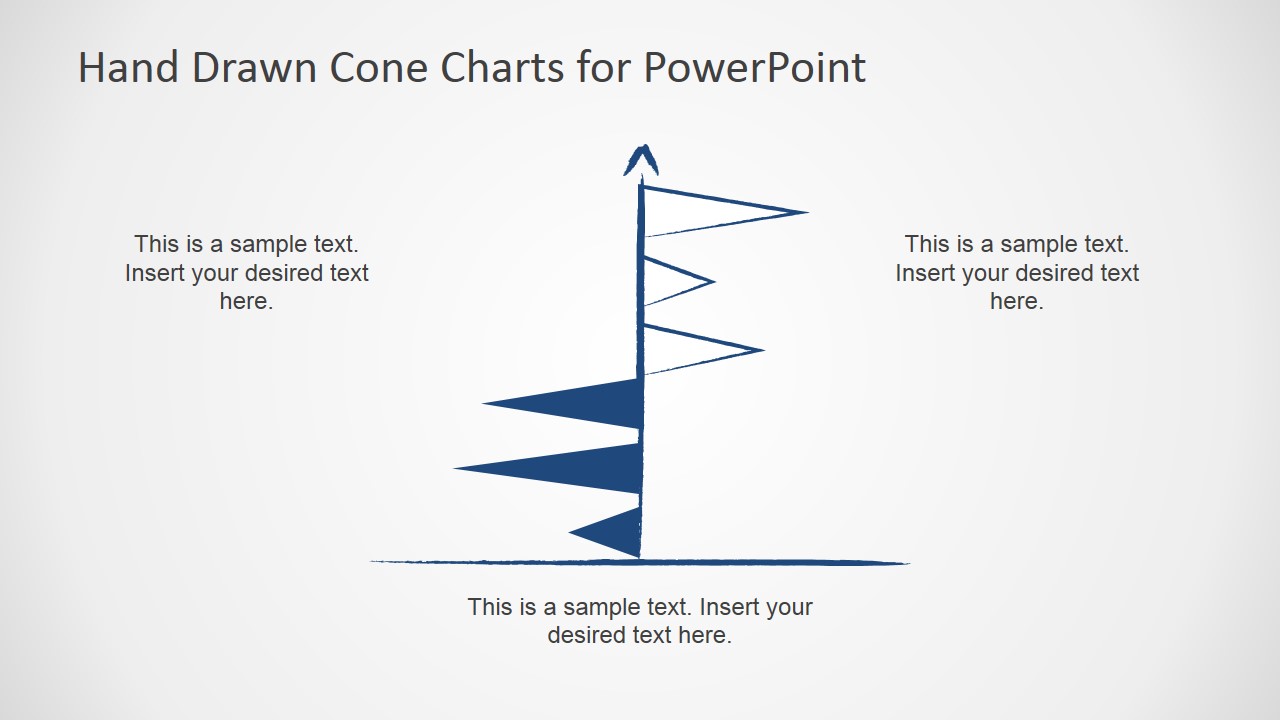
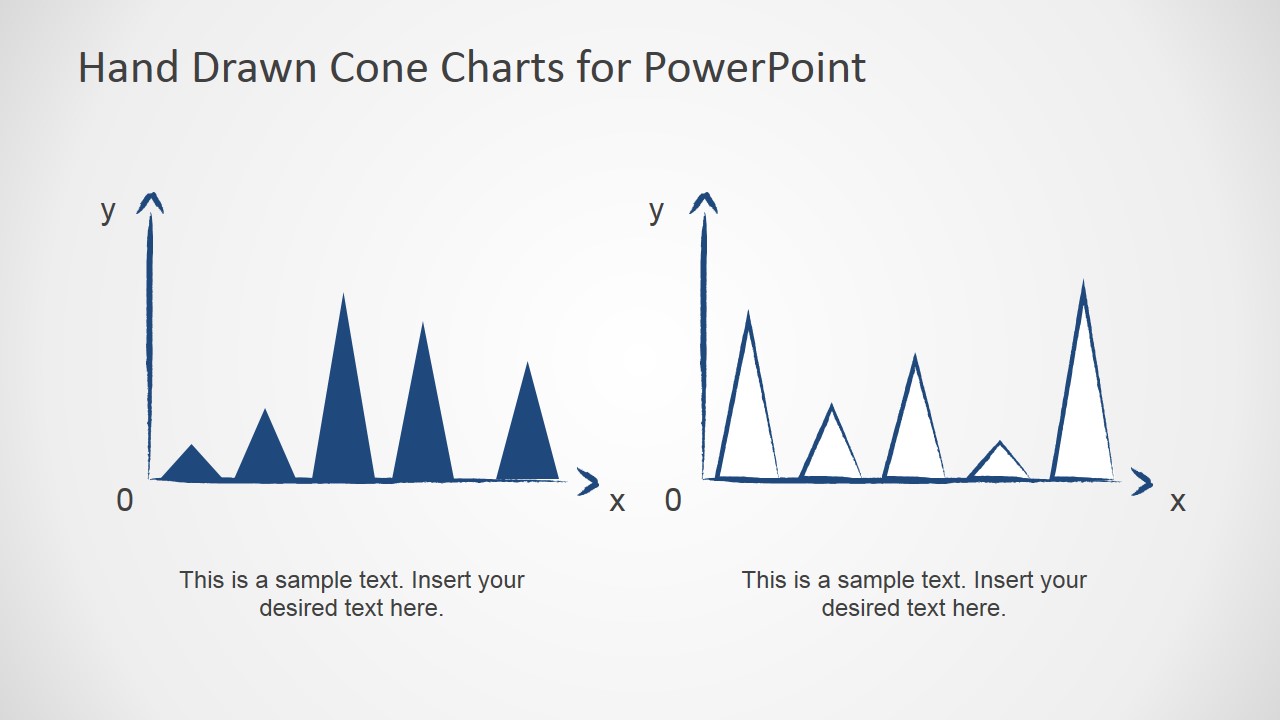
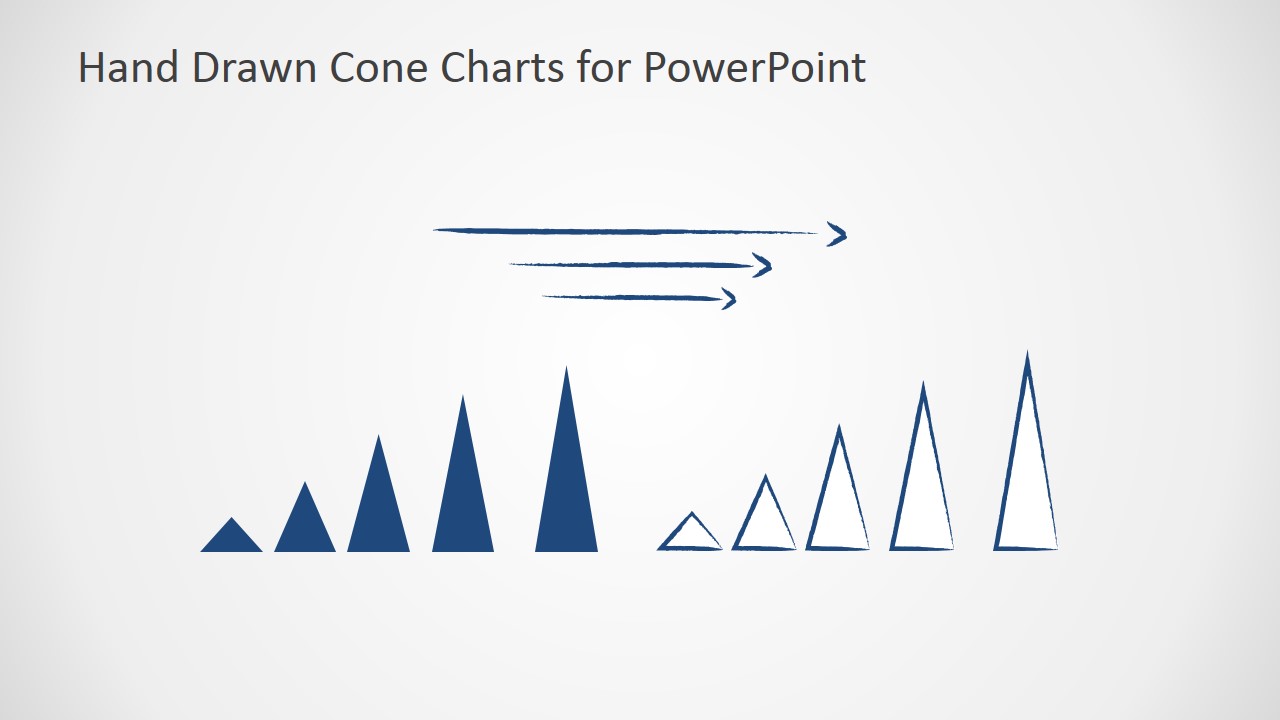
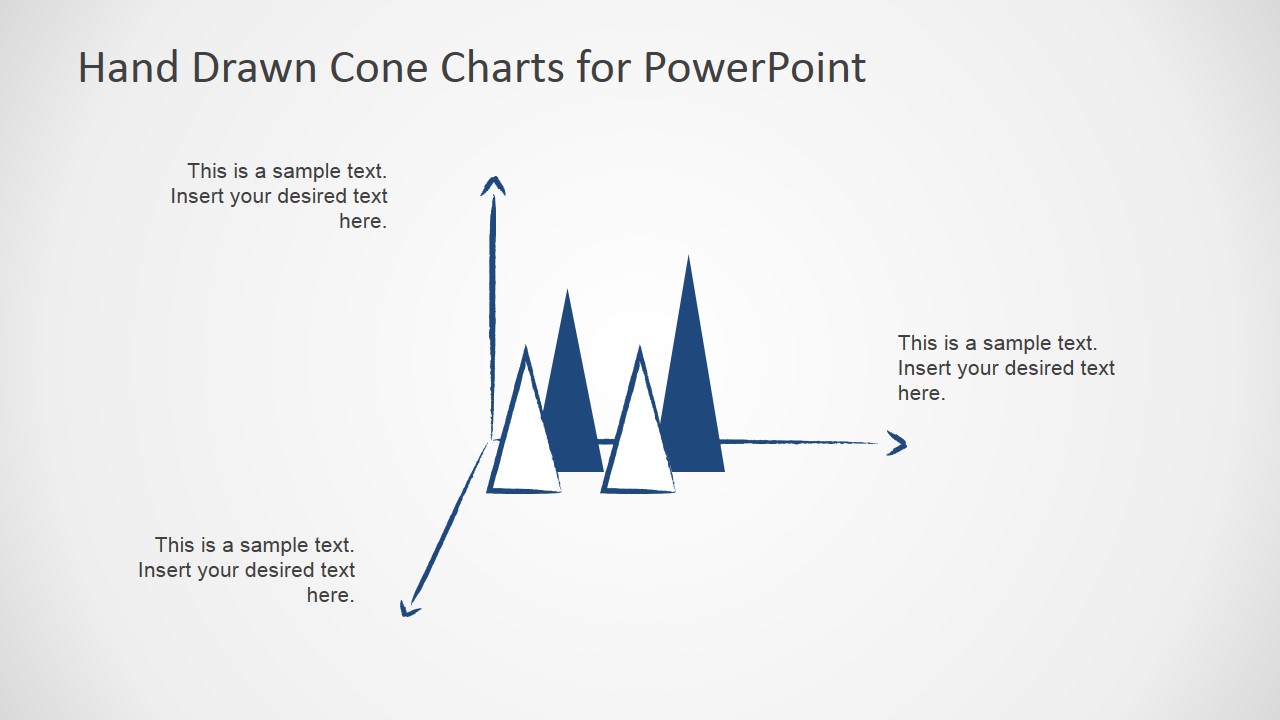
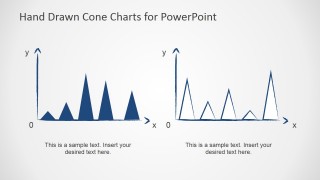
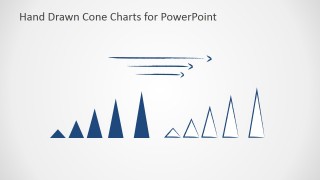
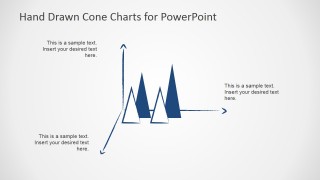
The PowerPoint design presents a blue chalk-like outline for the graph. Various arrangements of the plane are shown in the slide. If analyzed, it actually illustrates a process of simplifying a randomized group of data. The first slide features an x and y axis where values are entered randomly. The second one displays the chart vertically where two set of values can be compared on either sides. In the third slide, two cone charts are shown. The user can detail on each of them in this part of the report. How to mix the two diagrams is demonstrated in the fourth slide. Finally, the fifth slide is the end outcome of the comparative procedure.
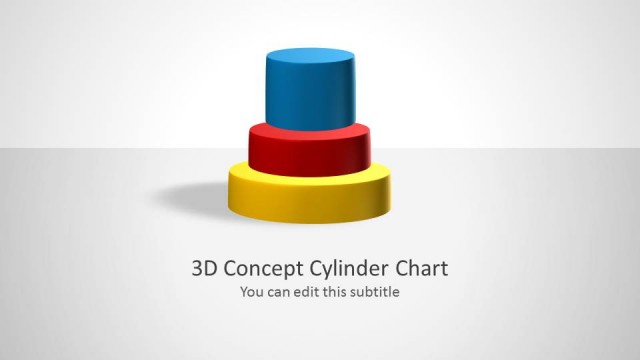
Grab Hand Drawn Cone Charts Toolkit for PowerPoint for witty and easy-going presentations. 3D Cylinder Chart Template for PowerPoint is another powerful charting tool available for download at the SlideModel gallery.
What’s inside this template
Example presentation scenarios
- A business analyst can present a simplified trend discussion by replacing the sample year labels on the x-y cone chart with categories and using cone height to compare relative values.
- An educator can explain chart reading concepts by using the side-by-side filled and outline cone charts to contrast two datasets or two visual treatments.
- A consultant can lead a workshop discussion by using the opposing vertical cone comparison to show two groups of measures around a shared baseline.
- A project manager can summarize qualitative progress levels by using the horizontal cone sequence and arrows to show increasing magnitude or priority across categories.
Features
- 100% editable presentation template
- Compatible with Microsoft PowerPoint and Google Slides
- 16:9 aspect ratio slides
- Scalable vector shapes, icons and illustrations
- AI-Ready for Microsoft Copilot and Claude
- Instant access and download
Frequently asked questions
Q: How should I present quantitative information with this hand-drawn cone chart style?
A: Use the cone shapes to communicate relative size, ranking, or movement rather than exact measurement. Keep labels short, state the comparison in the slide title, and use the text placeholders to explain the takeaway. If precision matters, add the key number beside each cone instead of relying on height alone.
Q: Who is this template best suited for?
A: This template fits analysts, educators, consultants, and team leads who want to make data discussion more approachable. The x-y cone chart and side-by-side comparison layouts are useful when the goal is to introduce patterns, compare groups, or teach a concept without the visual weight of a formal financial chart.
Q: Why use cone shapes instead of standard bars?
A: The cone metaphor gives each value a clear peak, making relative height easy to spot while keeping a hand-drawn, workshop-like tone. The filled versus outline variations also support comparison without adding more chart furniture. This design works best when the message is about direction, contrast, or approximate magnitude.
Hand Drawn Cone Charts Toolkit for PowerPoint
5-slide presentation template with hand-drawn cone charts, value comparisons, and x-y axes
This 5-slide toolkit provides editable hand-drawn cone chart layouts for Microsoft PowerPoint and Google Slides. Visible layouts include an x-y axis cone chart, an opposing vertical cone comparison, side-by-side filled and outline chart comparisons, and a perspective axis chart for presenters explaining relative values.
- Category
- Data & Charts
- Rating


 Loading...
- Aspect ratio
- 16:9
- Item ID
- 6652-03
- Colors
 Microsoft PowerPoint
  Microsoft Copilot
  Claude for PowerPoint
 Other formats supported
Subscribe today and get immediate
access to download our PowerPoint templates.