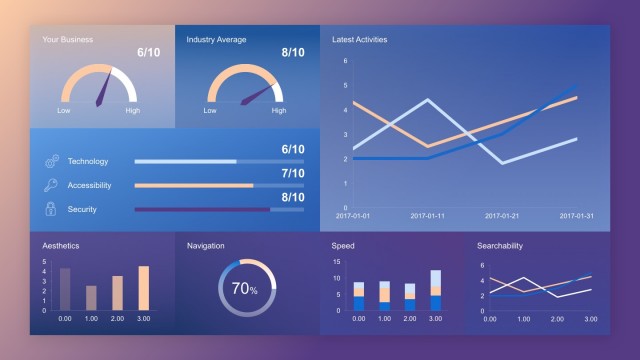
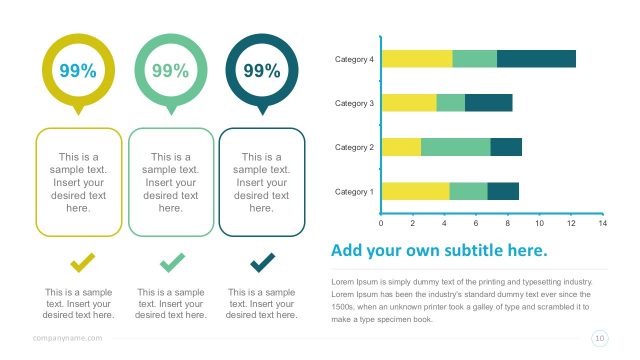
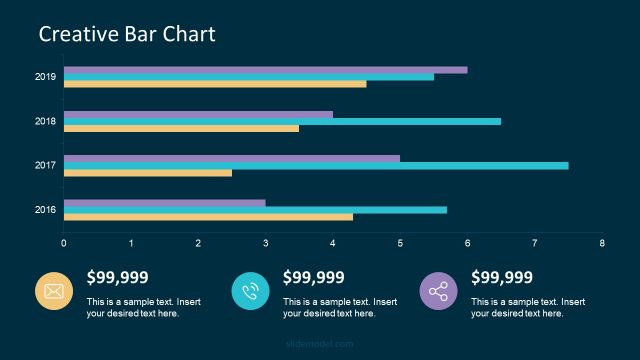
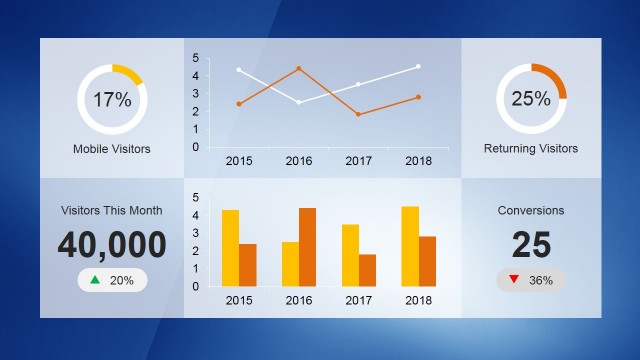
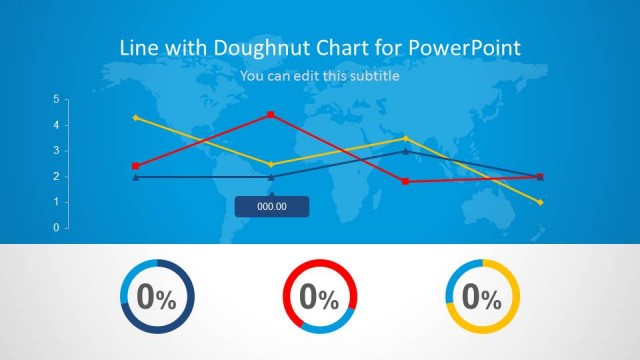
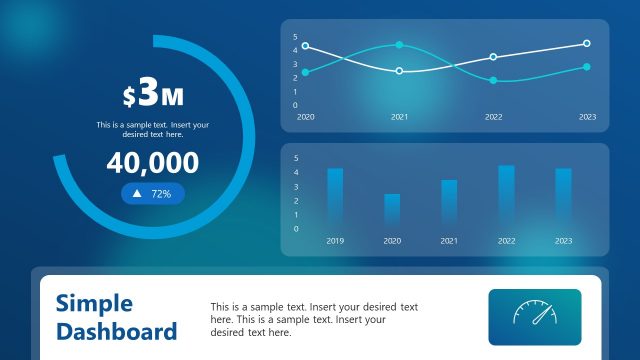
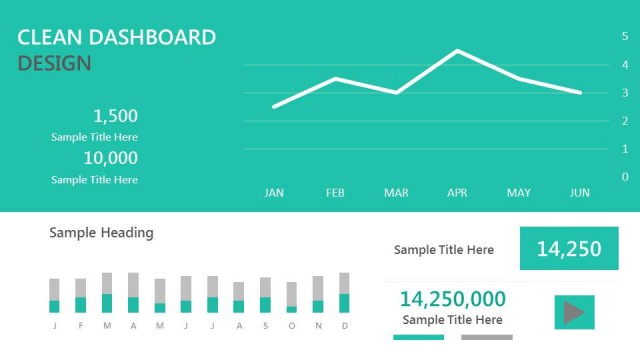
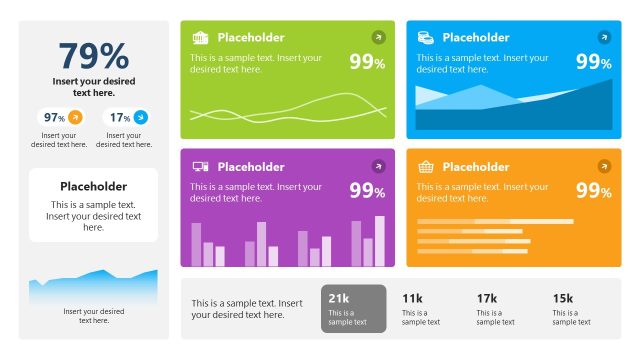
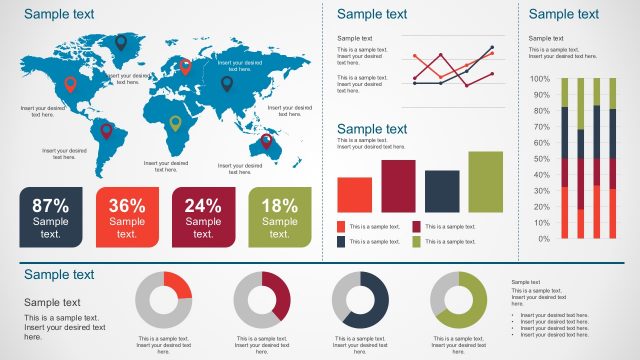
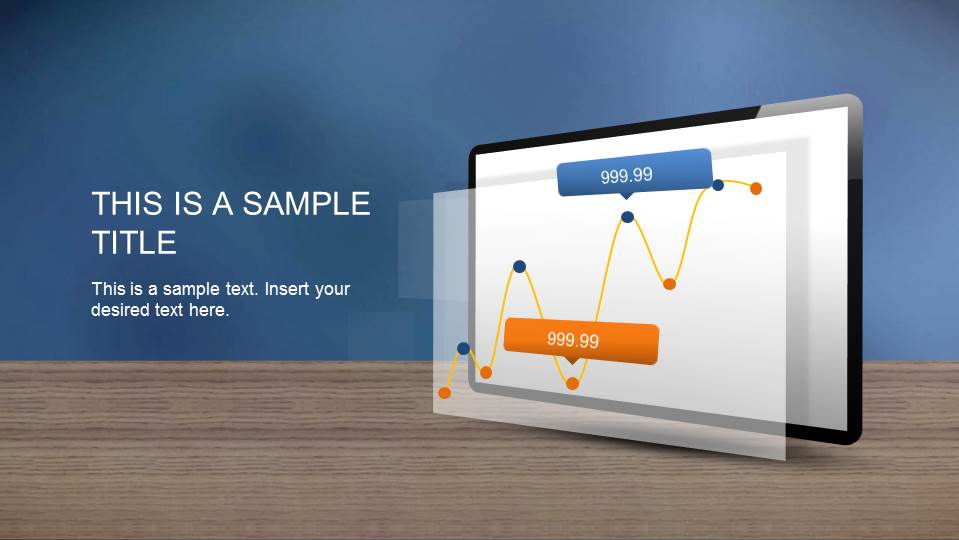
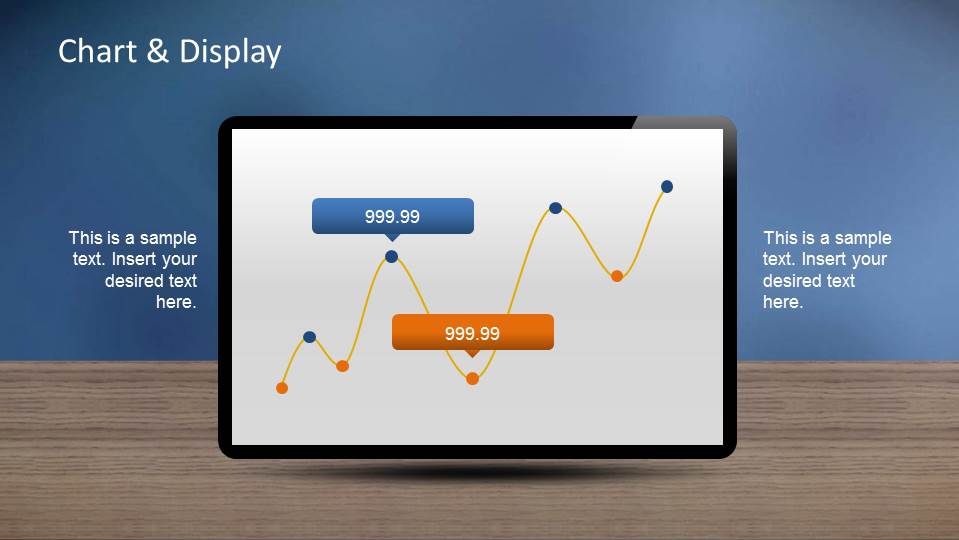
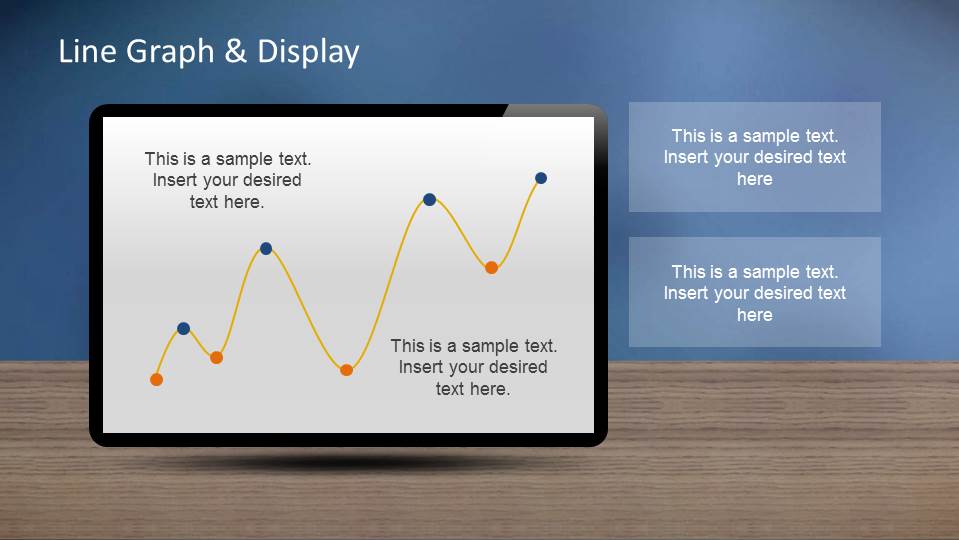
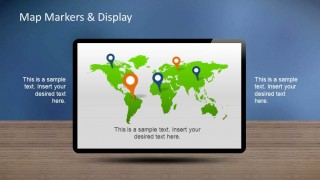
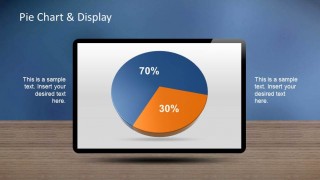
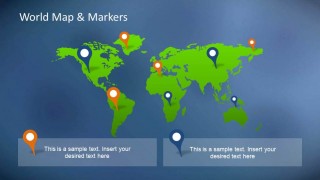
Creative Chart Dashboards PowerPoint Template is a presentation containing a set of screen monitors showing line charts and pie charts with value markers. The initial splash page is created generating the effect that the chart is floating in front of the monitor. Also a world map slide is included with several GPS marker icons, and a couple of donuts charts. The Line chart is editable as a PowerPoint shape. The PowerPoint Pie Chart, and the PowerPoint Donuts Charts are data-driven charts, that means, that their representation can be edited with a table data of the excel integration, without the need to work with shape re-sizing. Even though the charts are data driven, the user can customize colors and 3D effects as every PowerPoint object.
Ideal for quick summary presentations or simple dashboards, the Creative Chart Dashboards PowerPoint Template can be combined with several of our PowerPoint Diagrams for complementing the presentation, or with additional PowerPoint Charts from our catalog.
What’s inside this template
Example presentation scenarios
- A sales manager can use the world map marker slide to report regional coverage and highlight priority territories during a quarterly pipeline update.
- A business analyst can use the line graph display and value callouts to explain performance movement, trend peaks, and exceptions in an executive metrics briefing.
- A marketing lead can use the pie chart display to compare campaign split, budget share, or audience composition in a short stakeholder meeting.
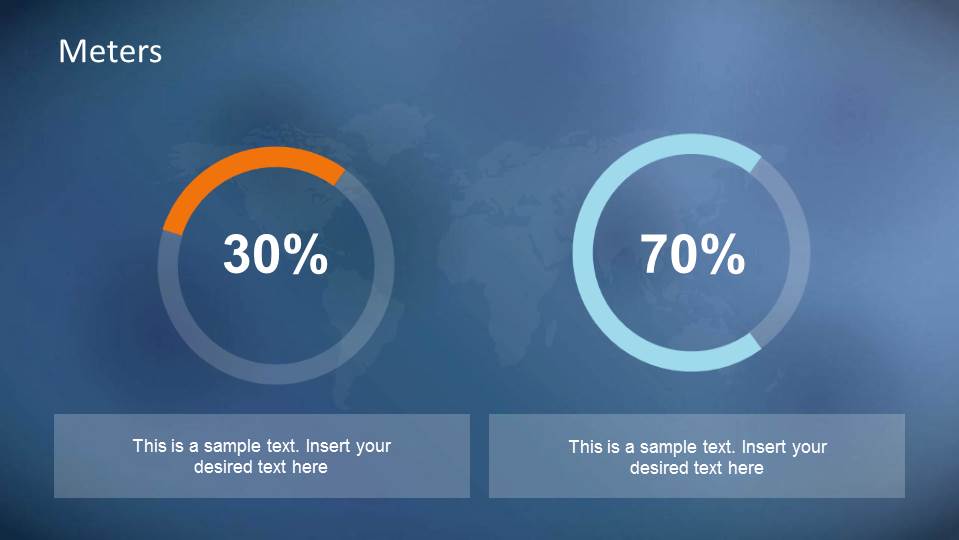
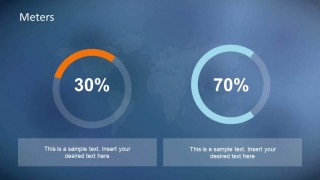
- An operations presenter can use the circular meter slide to show progress against two targets, such as completion rate and capacity use, in a status report.
Features
- 100% editable presentation template
- Compatible with Microsoft PowerPoint and Google Slides
- 16:9 aspect ratio slides
- Scalable vector shapes, icons and illustrations
- Data-driven charts, editable in Microsoft Excel
- AI-Ready for Microsoft Copilot and Claude
- Instant access and download
Frequently asked questions
Q: How should a presenter build a clear metrics story with these dashboard slides?
A: Start with the title monitor to frame the key question, then move to the line graph display for the main trend. Use the pie chart or meters only after the trend is clear, so proportions and progress feel like evidence rather than decoration. Close with the map if geography explains where the numbers are changing.
Q: Who is this template best suited for?
A: This template fits managers and analysts who need to report a small set of visible metrics quickly. It works well for sales territory reviews, marketing performance summaries, and operations updates because the line graph, pie chart, map pins, and meter gauges each answer a different business question without forcing a long report structure.
Q: Why use monitor frames and GPS markers for a data presentation?
A: The monitor frame signals a dashboard view, so the audience reads each slide as a live status snapshot. GPS pins turn location data into an immediate visual cue, while circular meters simplify progress tracking. These metaphors reduce explanation time and help viewers sort trend, share, location, and target information quickly.


Creative Chart Dashboards PowerPoint Template
8-slide dashboard presentation template with monitor charts, world maps, and KPI meter visuals
Creative Chart Dashboards PowerPoint Template is an 8-slide data dashboard slide template with monitor mockups, line graph displays, a pie chart display, world map marker slides, and circular meter gauges. It supports quick metric reporting for business presenters in Microsoft PowerPoint and Google Slides. Data-driven chart values can be edited through Excel in PowerPoint.
- Category
- Data & Charts
- Rating


 Loading...
- Aspect ratio
- 16:9
- Item ID
- 6492-01
- Colors
 Microsoft PowerPoint
  Microsoft Copilot
  Claude for PowerPoint
 Other formats supported
Subscribe today and get immediate
access to download our PowerPoint templates.