The Go-To Market PowerPoint Template encapsulates models and diagrams for marketing strategies. These slides will assist organizations in demonstrating their customer target approach and business plans. Go-to-market involves the use of available resources to create a value proposition and gain a competitive advantage.
All the diagrams and marketing strategy models will help present action plans to reach target customers. These models aid marketing professionals in building assets for customers. GTM strategy also describes the responsibilities of all stakeholders in the sales process. The Go-To Market Strategy Template for PowerPoint will assist in choosing and demonstrating market plans.
The Go-To-Market PowerPoint template is an essential strategic planning toolkit for all sales & marketing presentations. The 30 go-to-market slides included in this presentation template will help companies discuss new strategies for launching services and products.
These Go-To-Market diagrams include:
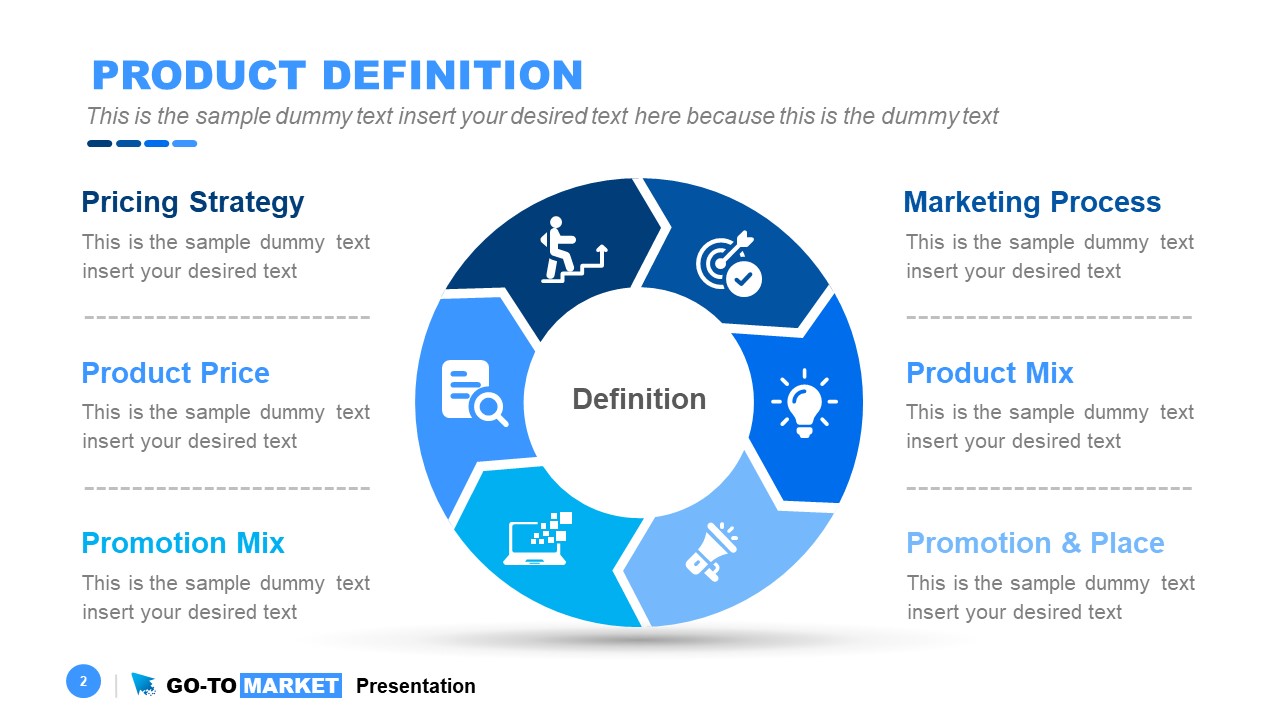
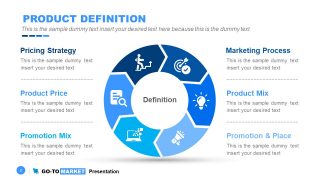
- Product Definition – 6 steps chevron process cycle for product approach
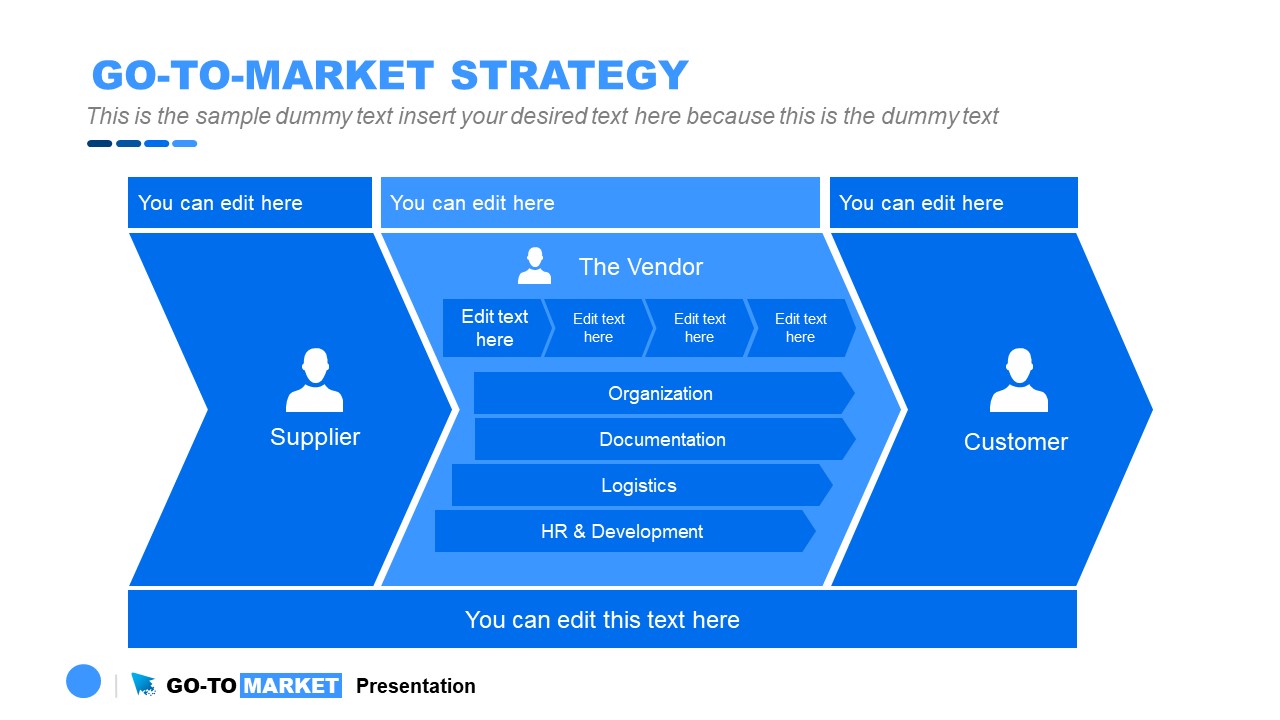
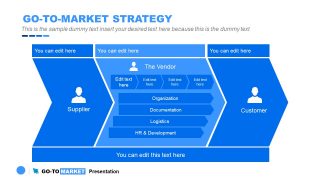
- Go-To-Market Strategy slide diagram – 3 steps process diagram to describe vendor activities
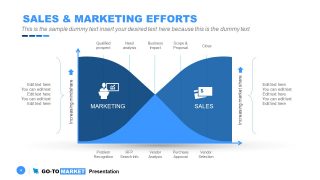
- Sales & Marketing Effort – Graph chart displaying mindshare and mindshare
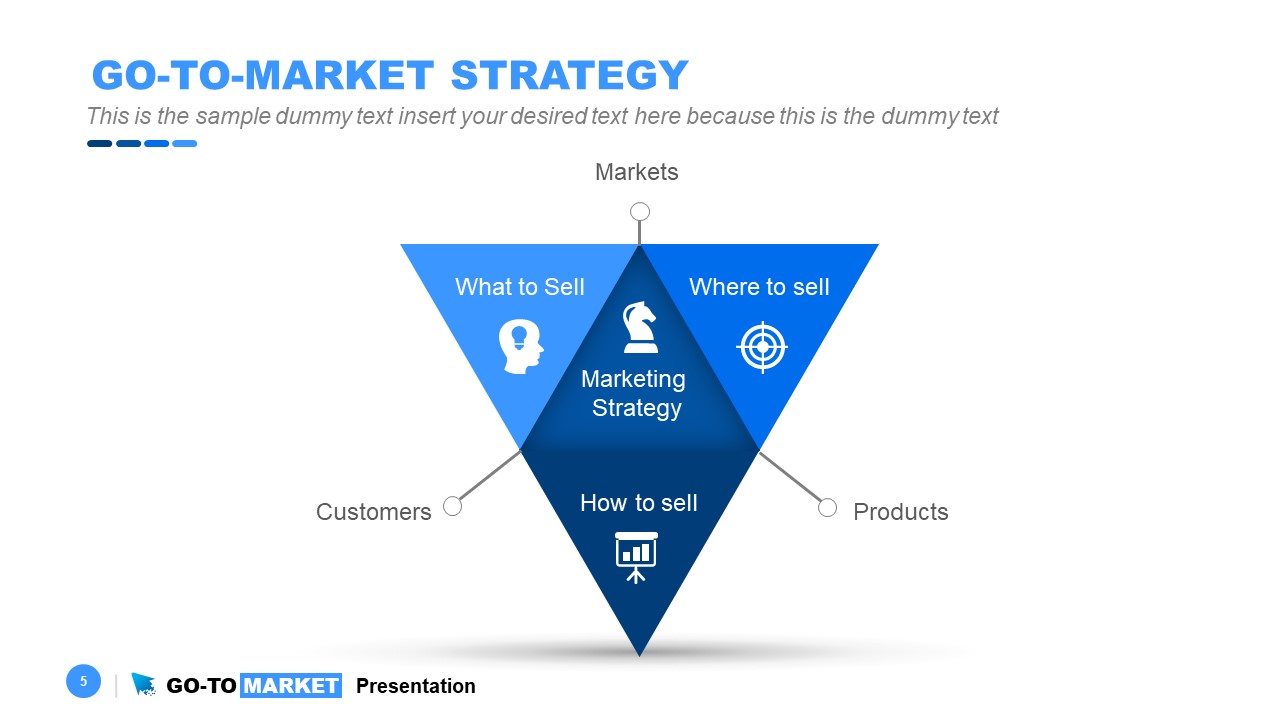
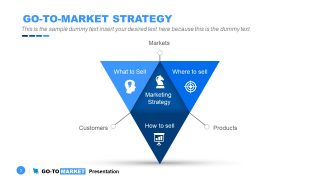
- Go-To-Market Strategy – Triangular 3 steps diagram of market, products, and customer relation
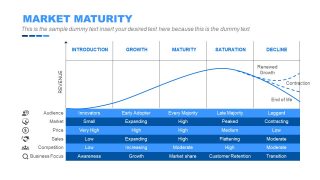
- Market Maturity – 5 column maturity model graph
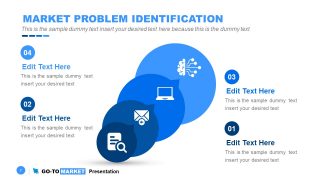
- Market Problem Identification – 4 steps circular segments with clipart icons
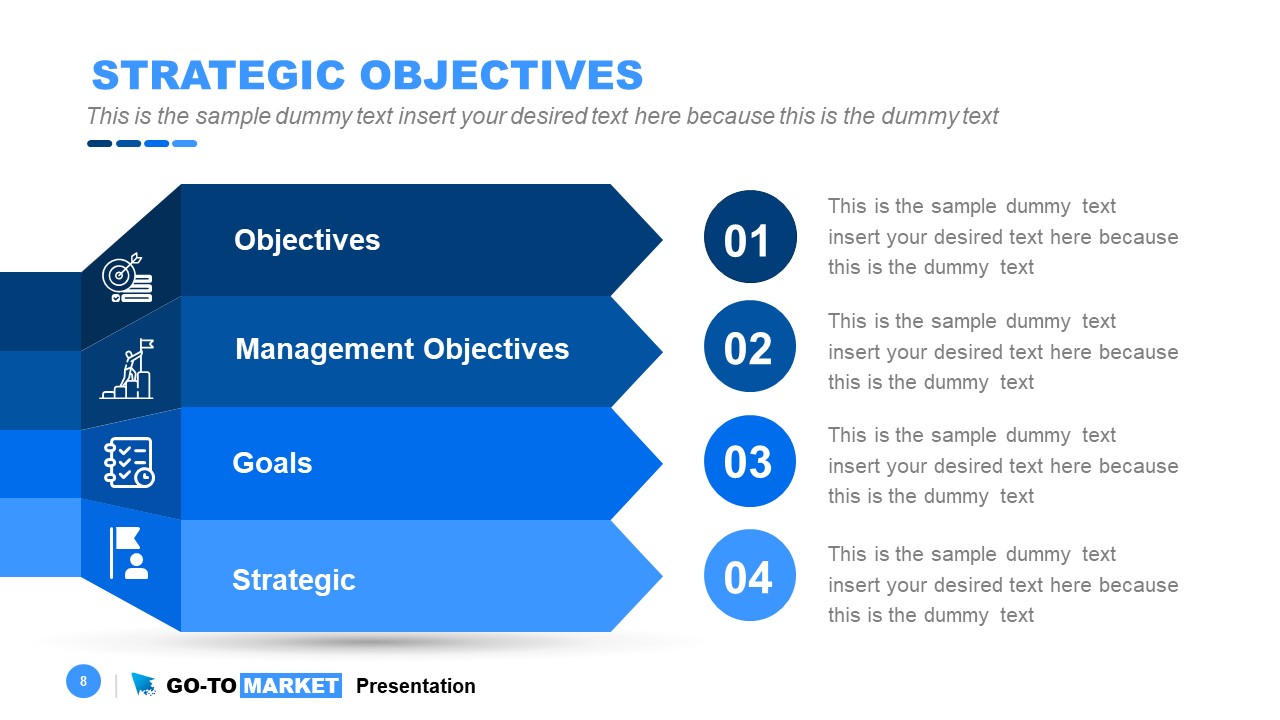
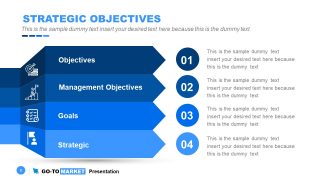
- Strategic Objectives – 4 Level agenda style for objectives, goals, and sales strategies
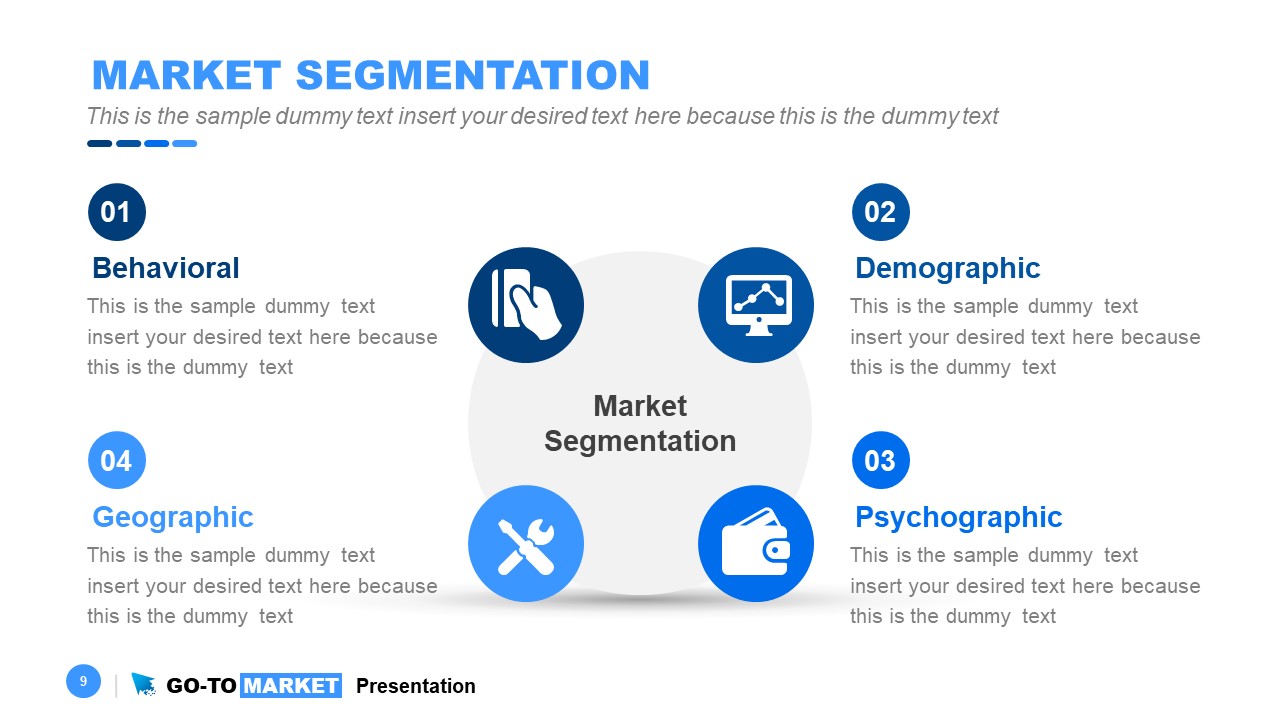
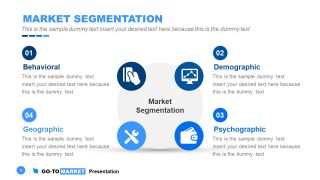
- Market Segmentation – Behavioral, Demographic, Geographic, and Psychographic segments
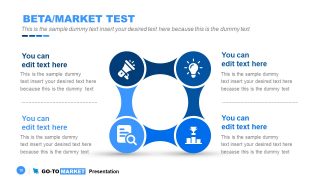
- Beta/Market Segment – 4 Steps connecting processes
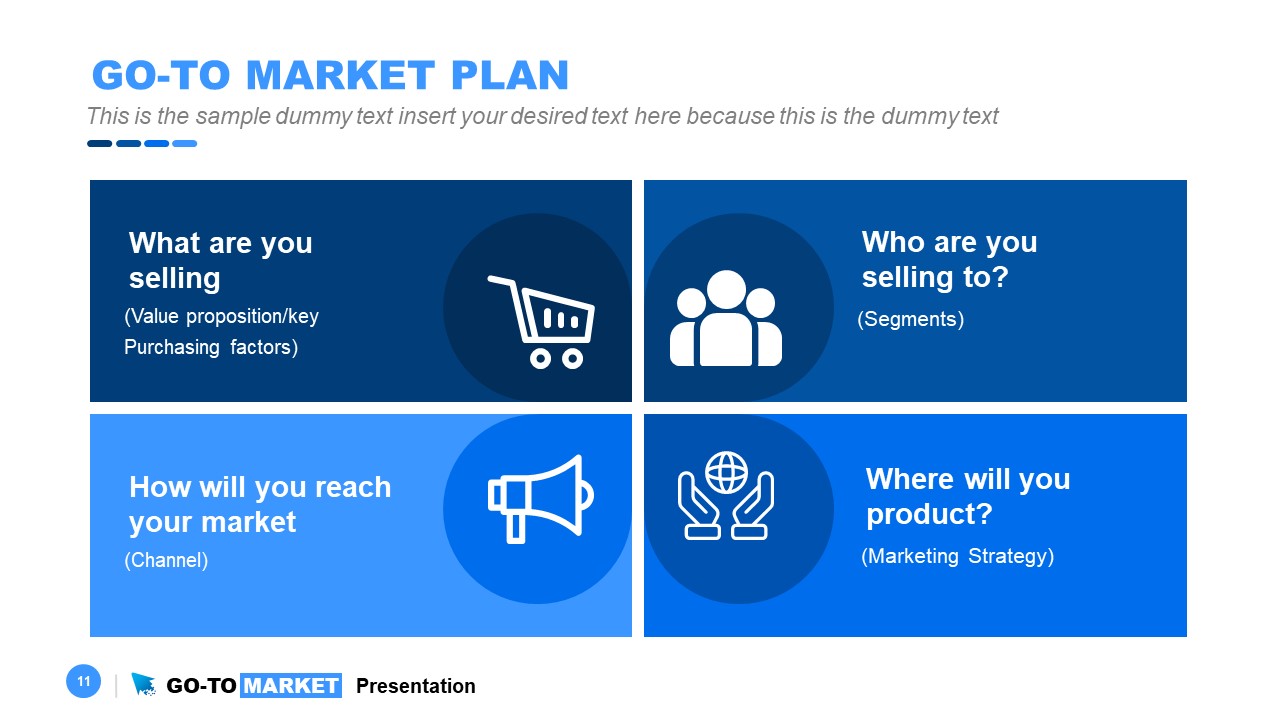
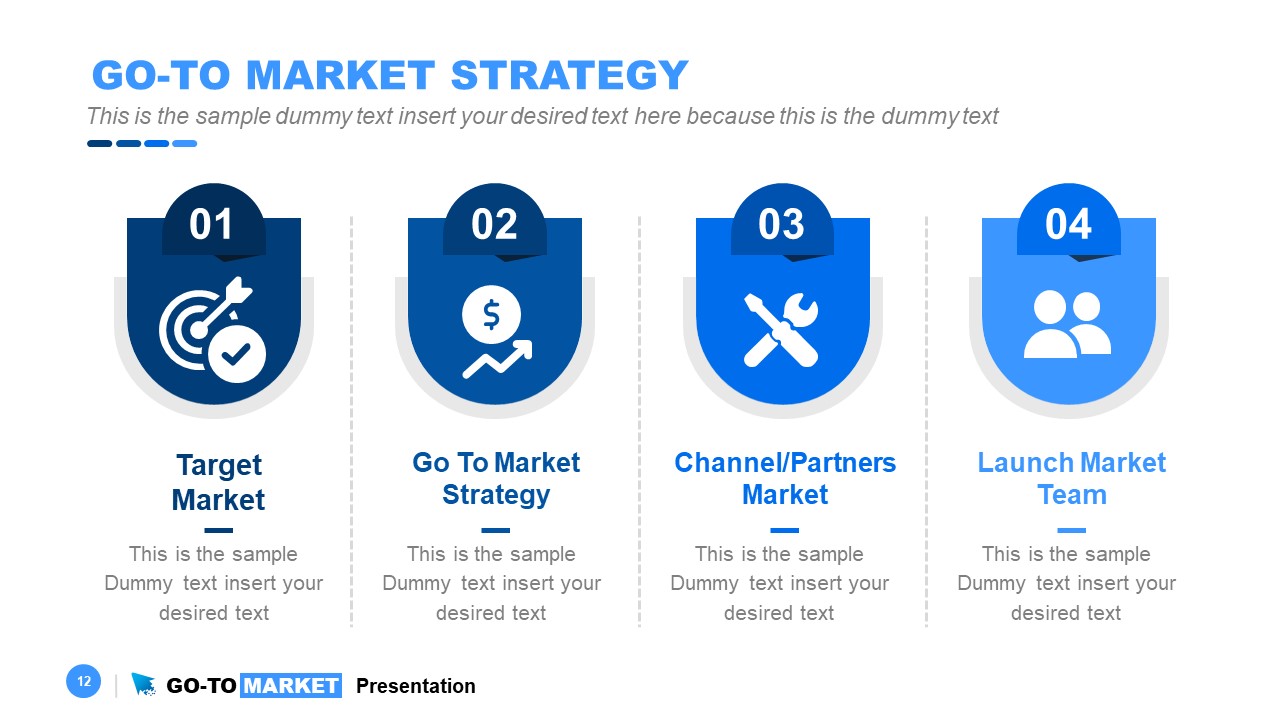
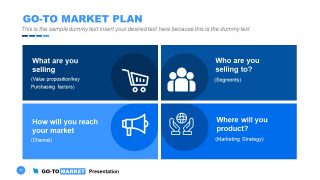
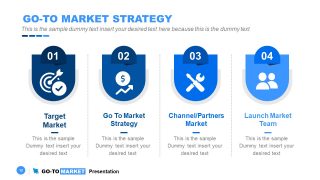
- Go-To-Market Plan and Strategy – Two slides of 4 segments to display relevant information
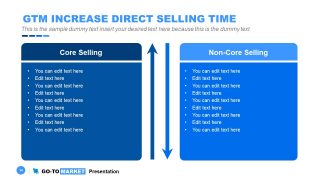
- GTM Increase Direct Selling Time – Core selling and Non-core selling comparison
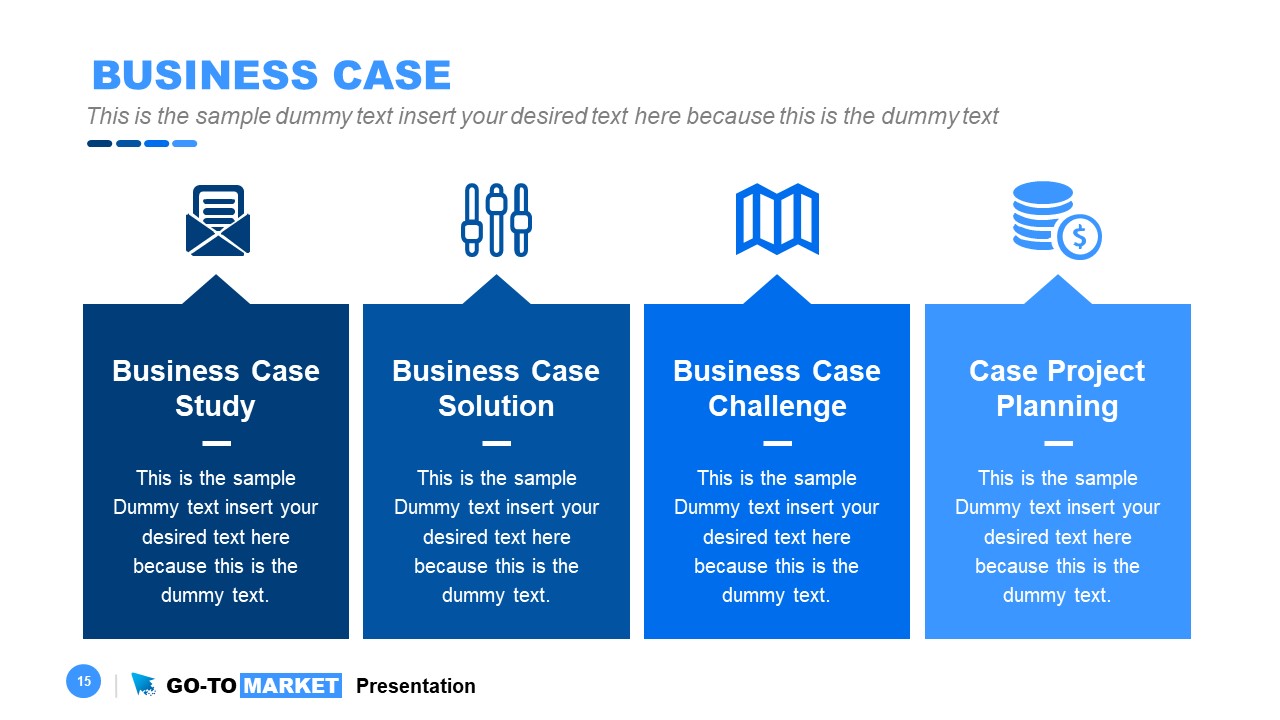
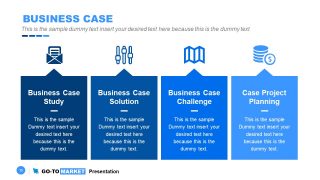
- Business Case – Case study, solutions, challenges, and project planning
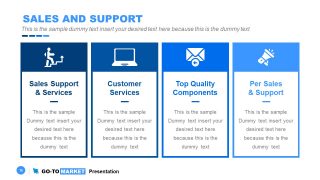
- Sales and Support – 4 Sections with text placeholders and clipart icon
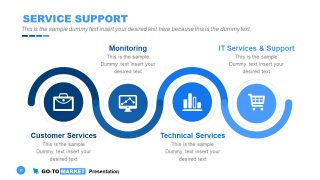
- Service Support – Curved sequence diagram to present customer support channels
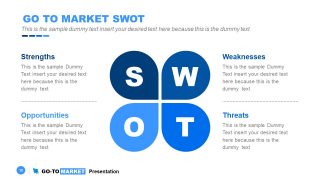
- Go-To-Market SWOT – SWOT analysis diagram
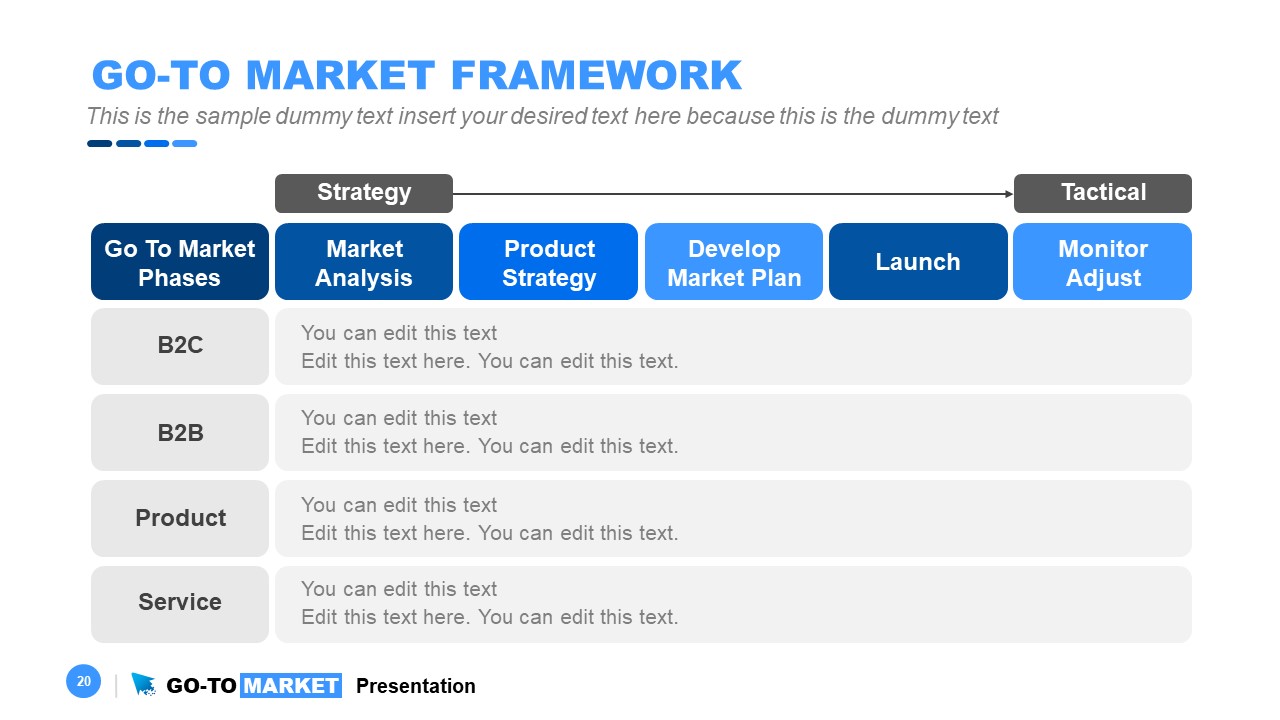
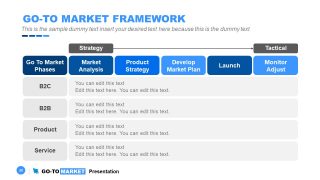
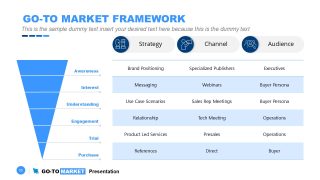
- Go-To-Market Framework – strategy to tactical data analysis sheet
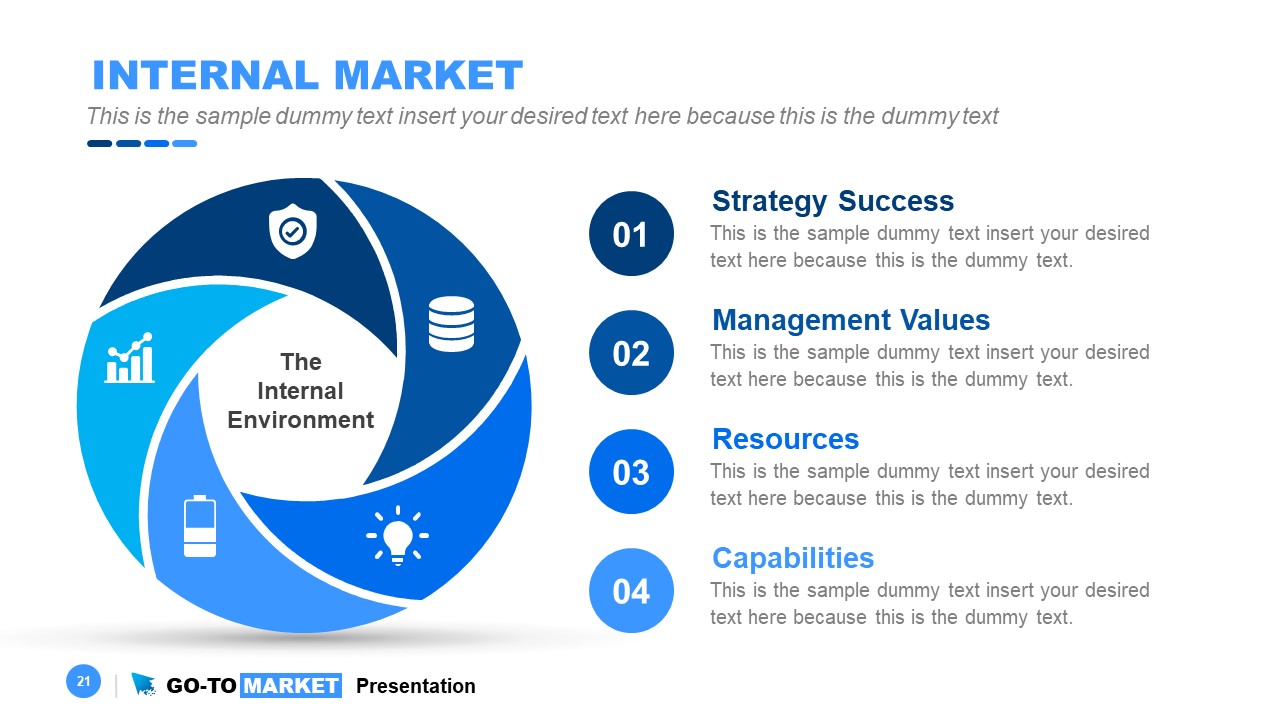
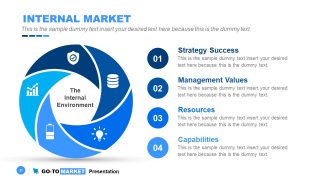
- Internal Market – Folding circular diagram template
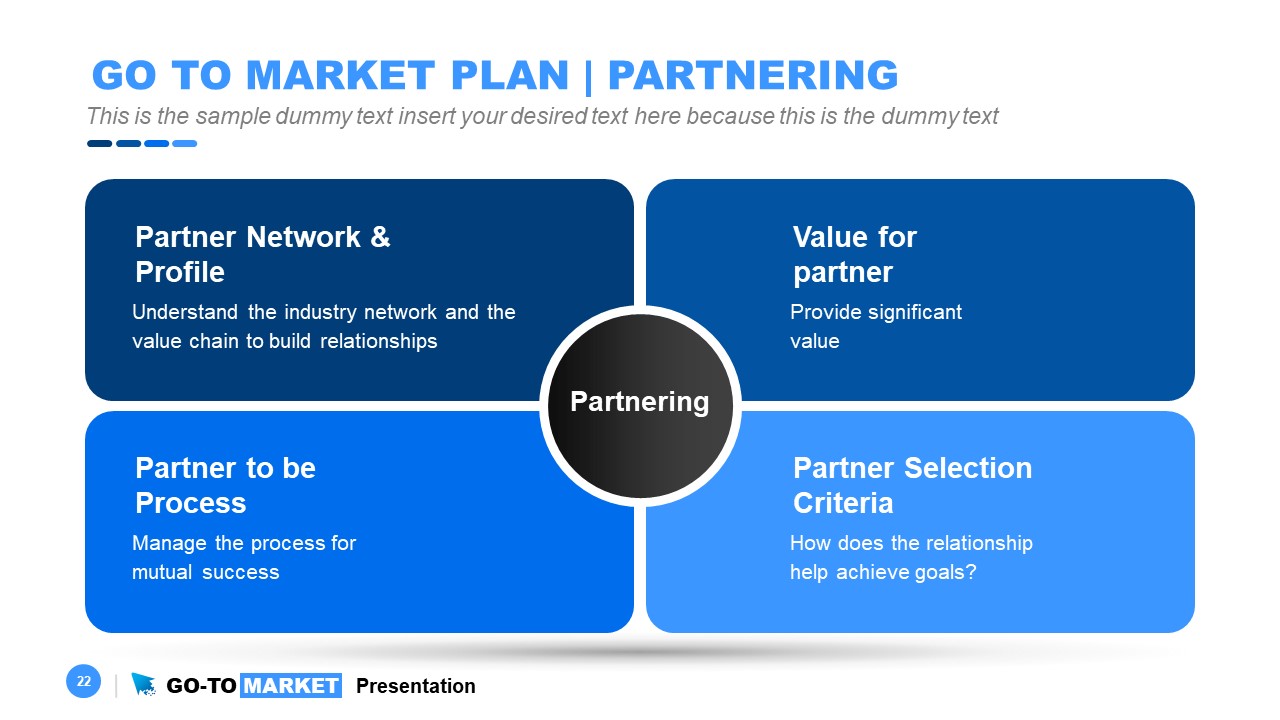
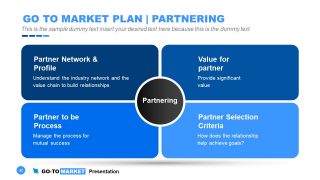
- Go-To-Market Plan | Partnering – Business components related to partnering
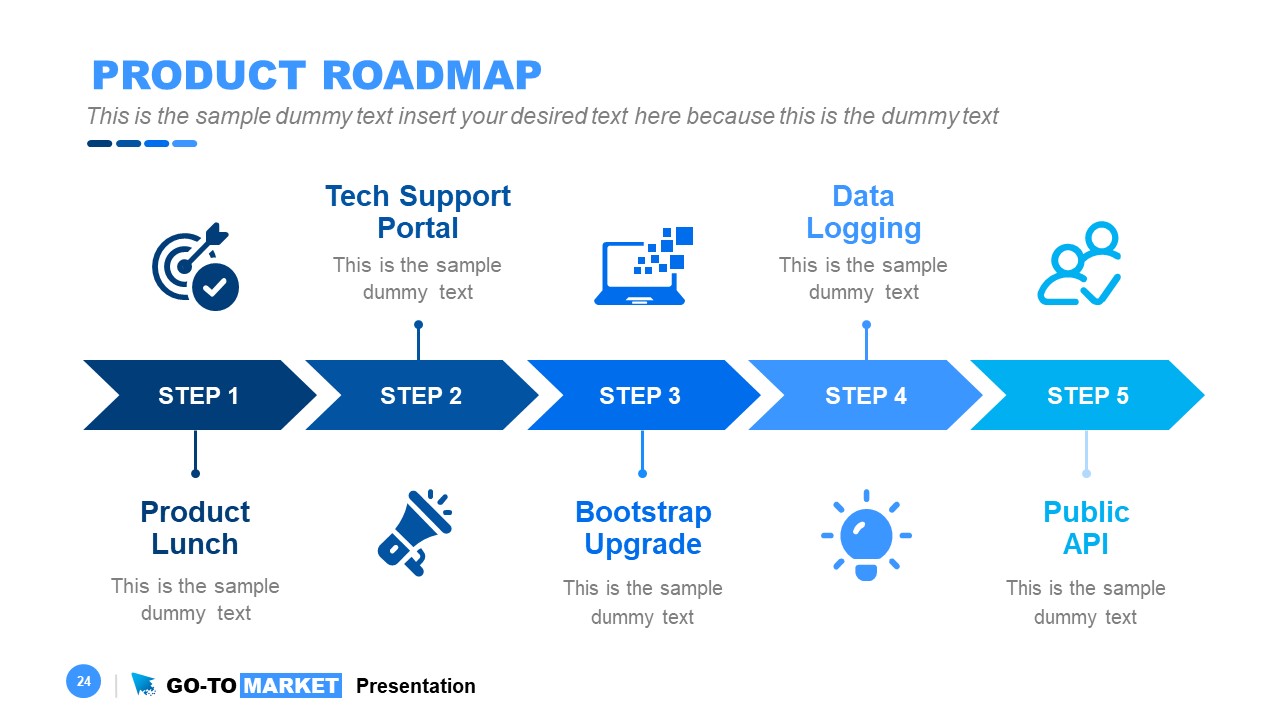
- Product Roadmap – 5 Steps horizontal timeline template
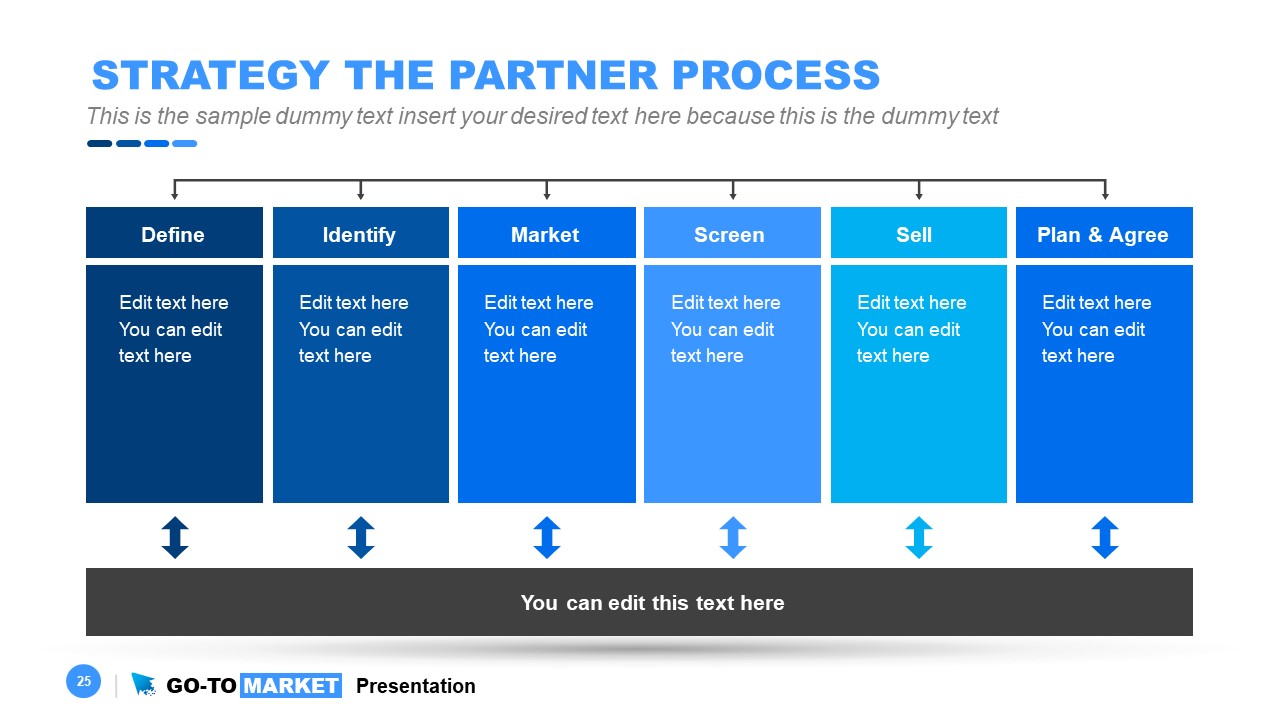
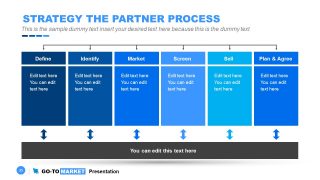
- Partner Process – Table and hierarchical diagram slides of technical and business criteria
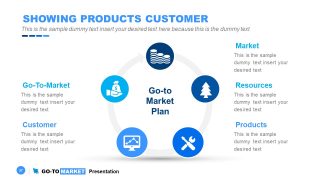
- Product Customers and Channels – Circular diagram with icons representing each term
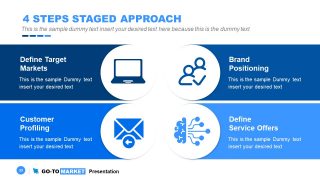
- 4 Steps Staged Approach – Target market, brand, customer profiling, services.
- Go-To-Market Framework Slide, through the funnel steps.
This Go-to-Market presentation template contains blue and white colors in the PowerPoint background. Users can easily alter color themes from PowerPoint’s Design menu bar (Theme Colors). Similarly, a Go to market slide template will assist companies to explain partnering strategies such as mergers.
With this Go To Market template you can prepare presentations on Go-to-Market Strategy. Impress your audience and capture their attention from beginning to end using this professional Go To Market Strategy Template for PowerPoint. A Go To Market Strategy is a crucial concept in the world of business since this serves as the blueprint to guide companies in delivering effectively and efficiently their product or service to the end consumers. Also, we recommend you to read our step-by-step guide on how to make a PowerPoint presentation and our article about how to create a strategy presentation.
What’s inside this template
Example presentation scenarios
- A product manager can present a launch readiness plan to executives using the product definition wheel, go-to-market plan quadrants, and product roadmap to show scope, timing, and ownership.
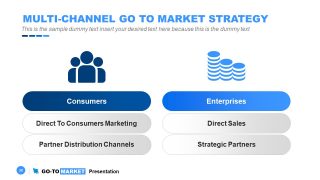
- A marketing leader can align campaign teams around customer targets by using the market segmentation slide, market problem identification diagram, and multi-channel strategy comparison.
- A sales leader can brief account teams on channel priorities using the sales and marketing efforts chart, direct selling time comparison, and sales support service cards.
- A strategy consultant can guide a client workshop with the maturity model, SWOT analysis, and go-to-market framework matrix to diagnose gaps and select execution priorities.
- A business development team can prepare partner discussions using the partnering quadrant, partner process columns, and partner criteria table to define selection rules and joint responsibilities.
Features
- 100% editable presentation template
- Compatible with Microsoft PowerPoint and Google Slides
- 16:9 aspect ratio slides
- Scalable vector shapes, icons and illustrations
- AI-Ready for Microsoft Copilot and Claude
- Instant access and download
Frequently asked questions
Q: How should a presenter organize a clear go-to-market story with these slides?
A: Start with the product definition and market problem slides to set context, then move into segmentation, channel strategy, and launch team responsibilities. Use the SWOT and framework matrix as decision points, not as standalone decoration. Close the working section with the roadmap so the audience sees how analysis turns into timed execution.
Q: Who benefits most from using this go-to-market template?
A: This template fits teams that must align product, marketing, sales, and partner stakeholders before a launch or market expansion. It is especially useful for product managers, marketing leaders, sales operations teams, and consultants because the visible slides cover customer segments, partner criteria, support models, and roadmap milestones in one planning structure.
Q: Why do the circular diagrams, matrices, and roadmap layouts help communicate the strategy?
A: The deck uses different visual metaphors for different decisions: circles show ecosystems and support loops, matrices show tradeoffs and maturity levels, and the horizontal roadmap shows sequence. That mix helps prevent a strategy discussion from becoming a long list. Each layout gives the audience a specific way to compare, prioritize, or act.

















Go-To-Market PowerPoint Template
30-slide go-to-market presentation template with SWOT, roadmap, segmentation, and partner strategy layouts
The Go-To-Market PowerPoint Template is a 30-slide strategy presentation for product launch and market entry planning. It includes market segmentation, SWOT analysis, product roadmap, partner process, maturity model, funnel-style framework, and sales support layouts for marketing, sales, and leadership teams using Microsoft PowerPoint or Google Slides.
- Category
- Strategy
- Rating


 Loading...
- Aspect ratio
- 16:9
- Item ID
- 30075-01
- Colors
 Microsoft PowerPoint
  Microsoft Copilot
  Claude for PowerPoint
 Other formats supported
Subscribe today and get immediate
access to download our PowerPoint templates.