Slide 15 of 31 from Go-To-Market PowerPoint Template
Business Case Marketing Diagram PowerPoint
Business Case Overview Slide
- Text Layout
- List Blocks
- Concept Explanation Slide
- 16:9
- 100% Editable
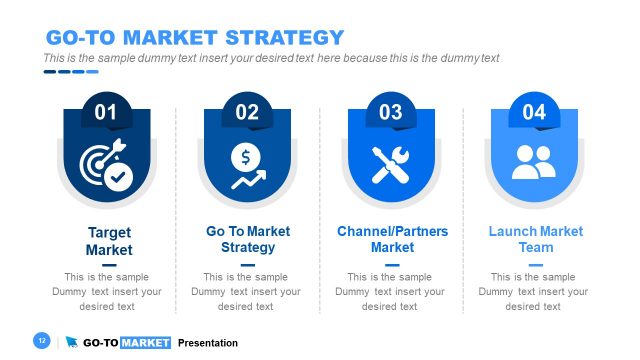
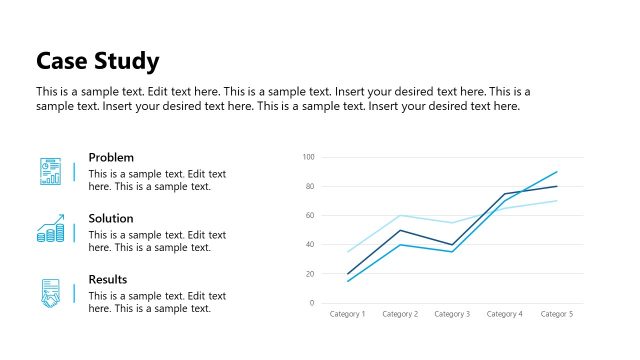
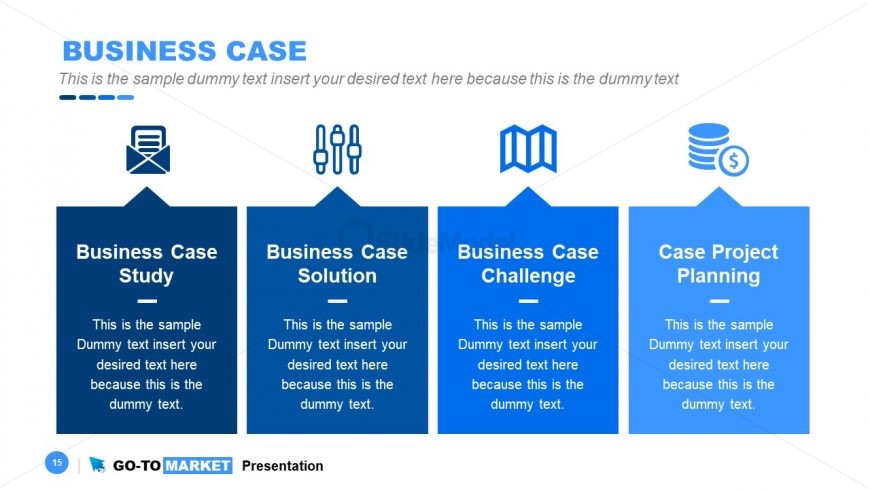
The Business Case Overview slide from the Go-To-Market PowerPoint Template offers a clear and organized layout ideal for business presentations and strategy meetings. Featuring four horizontally aligned sections with icons and editable text placeholders, this slide supports effective communication of case studies, challenges, and project planning within a corporate presentation or pitch deck template.
What’s on This Slide
The layout features four rectangular sections aligned horizontally. Each section contains a title and a placeholder for text, with a consistent blue background. The sections are visually separated by light blue lines. Each section has an icon above the title, representing different business concepts, such as a letter, tools, a map, and a dollar sign. The text placeholders are centrally aligned within each section, allowing for clear visibility. The overall composition is balanced, with equal spacing between sections, creating a structured appearance.
How to Use It
This layout serves as a structured overview for presenting a business case, suitable for discussions on case studies, solutions, challenges, and project planning. It fits well in a presentation sequence after introducing a problem or opportunity and before detailing specific strategies or actions. This format is applicable in business meetings, strategy sessions, or project kick-offs where clarity and organization of ideas are essential.
Text Placeholders & Capacity
Keep your copy within these limits so it fits without resizing. Node body slots can hold roughly 25-30 words each.
| Placeholder | Count | Max characters (approx.) |
|---|---|---|
| Slide title | 1 | 40 |
| Item heading | 4 | 30 |
| Item body | 4 | 150 |
Slide Keywords
Download unlimited PowerPoint templates, charts and graphics for your presentations with our annual plan.
DOWNLOADReturn to Go-To-Market PowerPoint Template.