Impress professional audiences with the Professional Business Slides Template for PowerPoint. Take advantage of the lively, eye-catching colors and be assured of a memorable presentation that appeals to executive audiences. Presenters can customize the presentation using PowerPoint’s theming tools. All PowerPoint shapes are created as 100% editable PowerPoint objects. The 3D effects are created through PowerPoint effects.
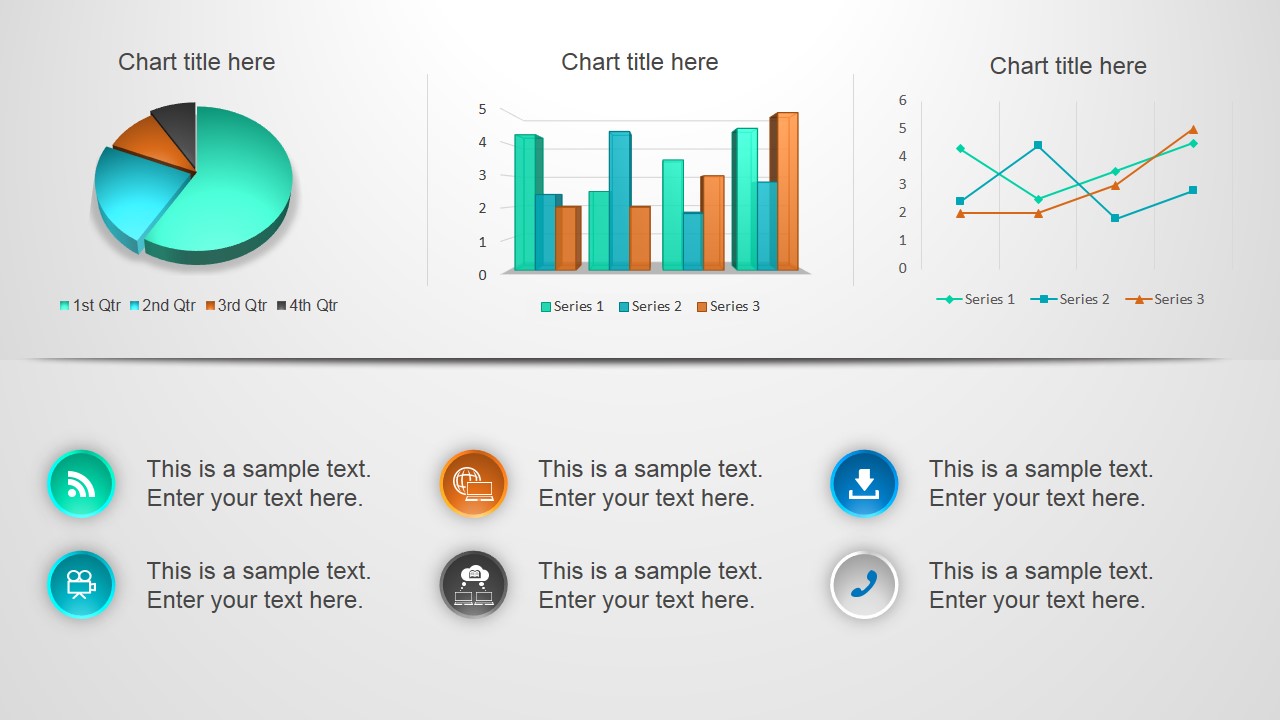
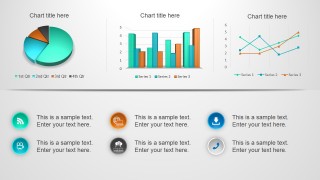
The template features several tools and instruments for showcasing statistical and financial data. These include variations of the traditional bar graph and pie charts. Bar graphs are traditionally used to compare numerical data across different aspects of the same element, such as comparing the sales of various company products. The pie chart, on the other hand, is used to show the composition of a particular element as percentages, represented as slices of a pie. This can be used, for example, to show the composition of sales, that is, the product demographic. All data charts in this business slide template are data-driven; users can edit them using Microsoft Excel data.
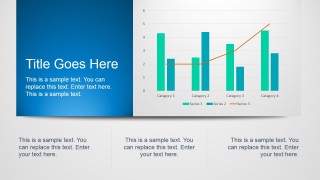
The default bar chart in this professional business chart template shows a trend line. This graphical tool allows the presenter to show a specific trend in annual sales. This can also be presented as a line graph, which is included in the template.
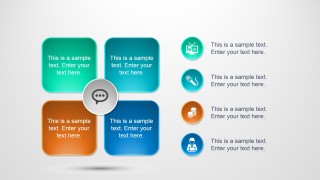
The overall layout focuses on four key elements, arranged in a square divided into quadrants. Each of these divisions is colored differently from the others to provide distinction. This design makes it easier for the readers to relate the elements and to remember the content of the presentation.
The Professional Business Slides Template for PowerPoint features creative slide layouts that can be reused in other business presentations. These help the presenter showcase the most important details of his report, artistically and genuinely, bringing life to an otherwise dull presentation. Alternatively you can download other slide PPT templates for PowerPoint or free presentation slides to try out our designs becoming upgrading to a paid plan.
What’s inside this template
Example presentation scenarios
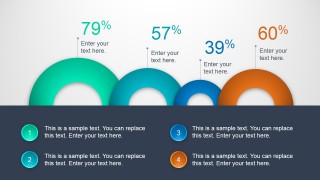
- A sales manager can present quarterly performance by opening with the dashboard charts, then using the percentage arc slide to compare attainment across four priorities.
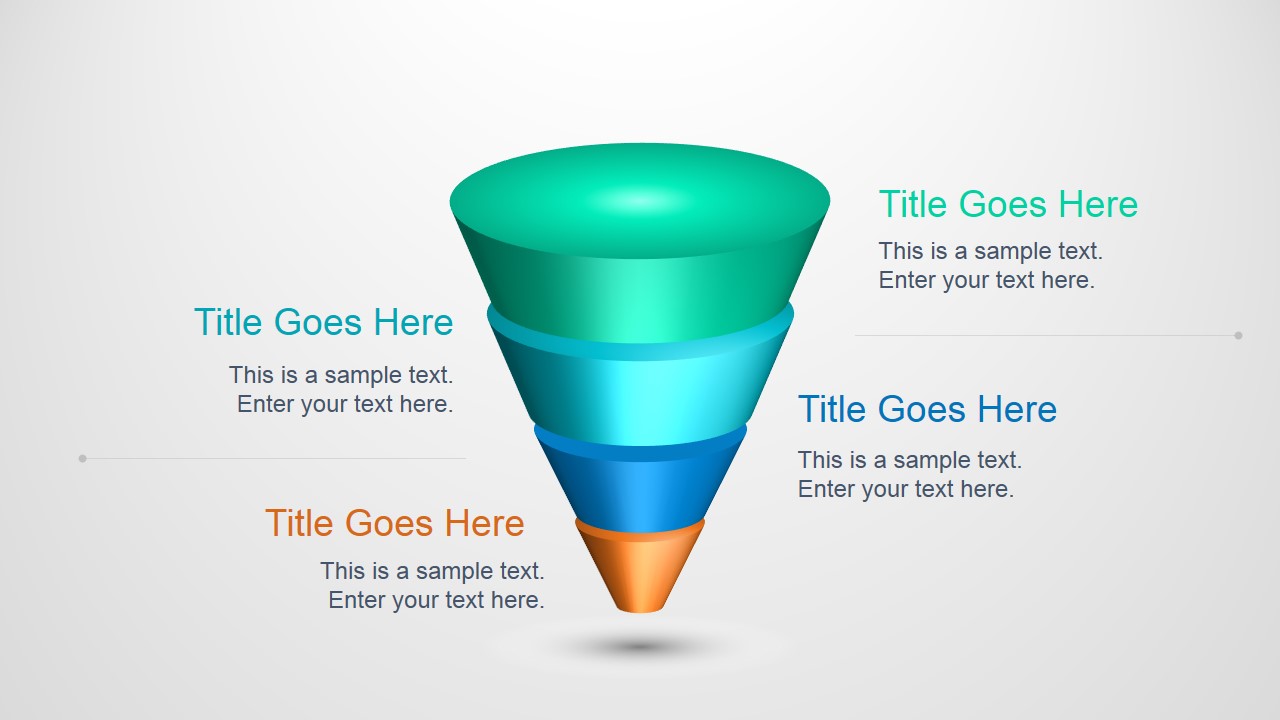
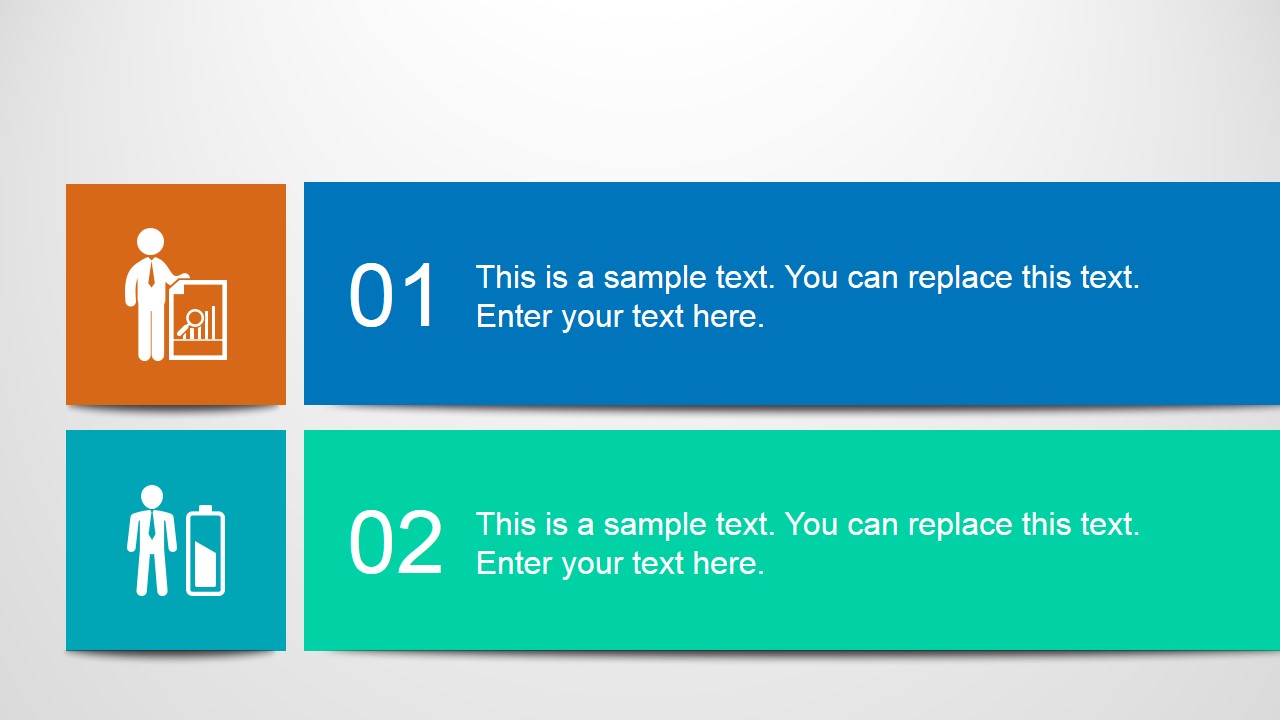
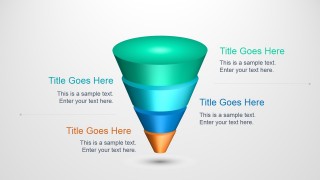
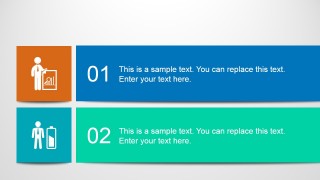
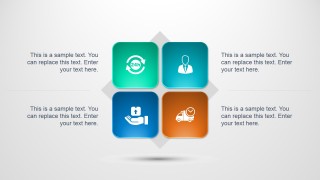
- A consultant can explain a client improvement plan with the funnel diagram for prioritization, the two-step process slide for actions, and the quadrant tile diagram for decision categories.
- A finance analyst can report revenue or cost patterns with the pie chart, grouped bar chart, and bar-plus-line trend chart before summarizing implications in the icon callout layouts.
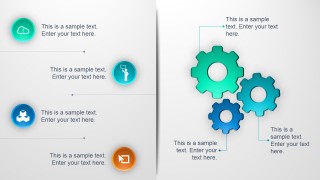
- An operations lead can brief executives on service capabilities by using the four-card title slide, the gear process diagram, and the four-tile service matrix.
Features
- 100% editable presentation template
- Compatible with Microsoft PowerPoint and Google Slides
- 16:9 aspect ratio slides
- Scalable vector shapes, icons and illustrations
- AI-Ready for Microsoft Copilot and Claude
- Instant access and download
Frequently asked questions
Q: How should a presenter organize a business update with this template?
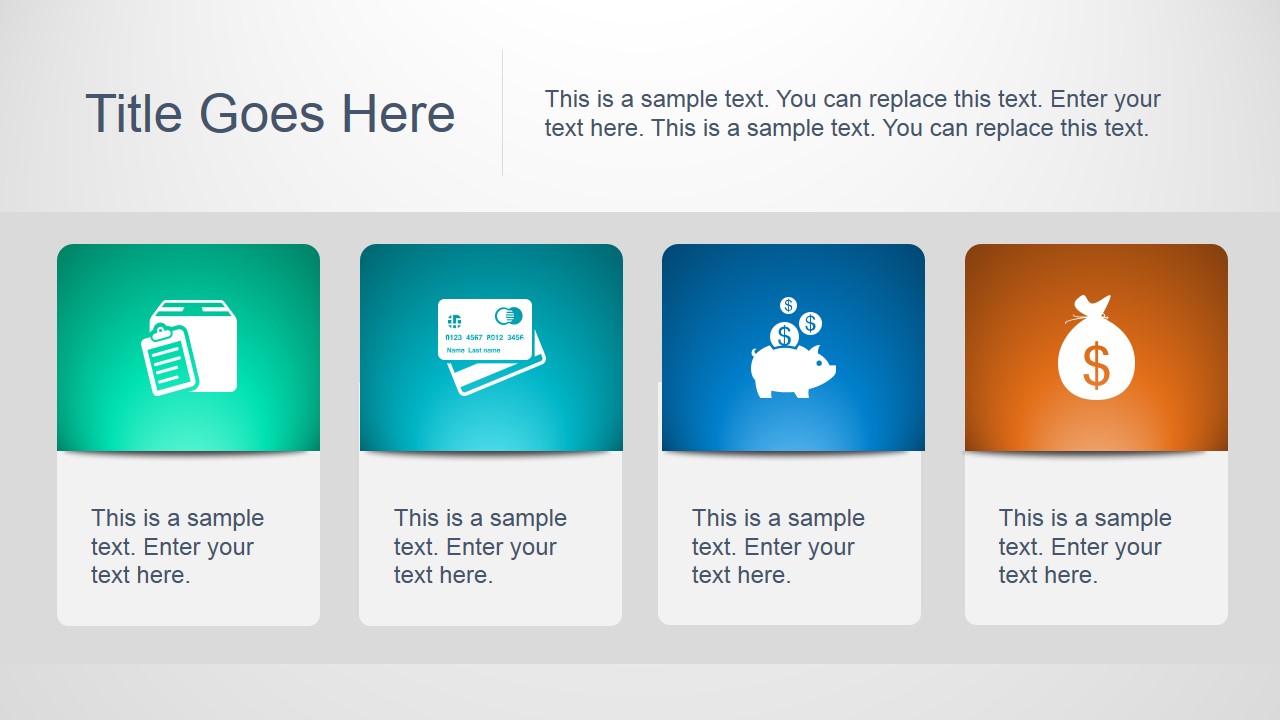
A: Start with the four-card overview to name the main topics, then move to the dashboard chart slide for evidence. Use the percentage arc slide to spotlight headline metrics and the funnel or two-step process slide to explain what changes next. Keep each icon callout to one idea so the visuals support the spoken analysis.
Q: Who is this template best suited for?
A: This template works best for managers, consultants, analysts, and team leads who need to turn performance data into an executive-ready update. The visible bar, line, and pie charts support metric reporting, while the funnel, gear diagram, and quadrant tiles help explain operational priorities without building a custom deck from scratch.
Q: Why do the rounded tiles, gears, bubbles, and funnel improve communication?
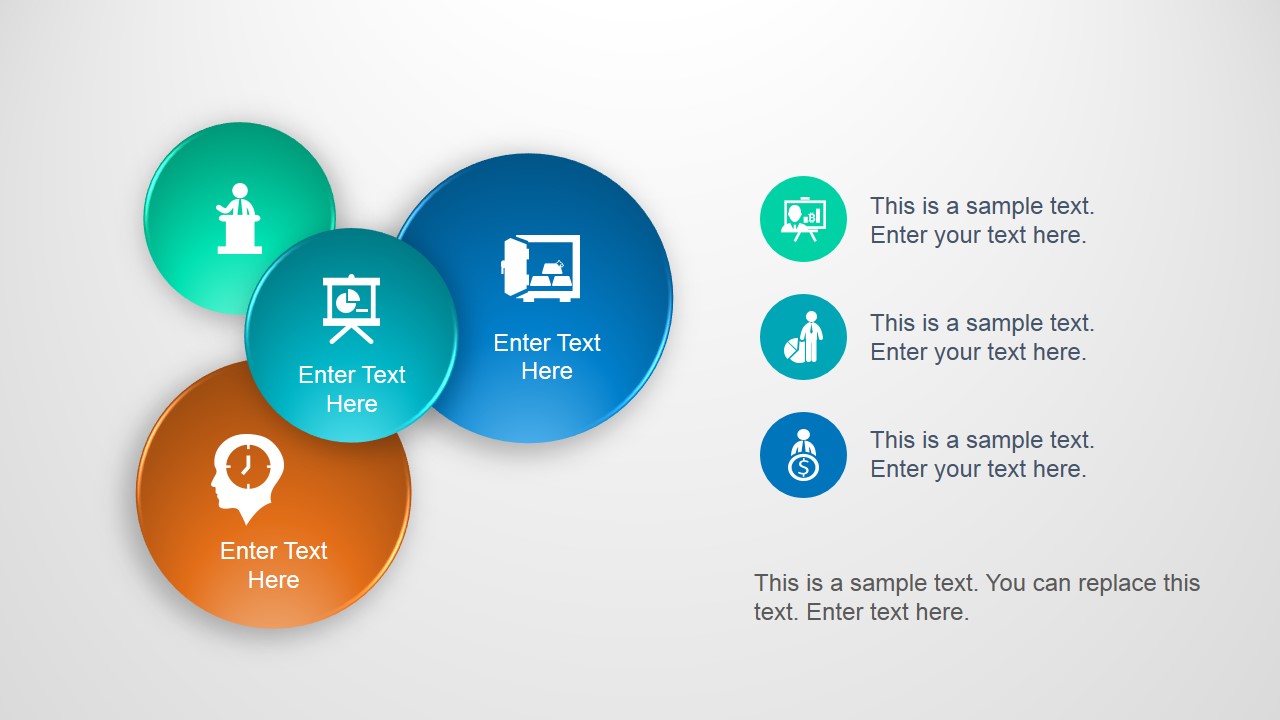
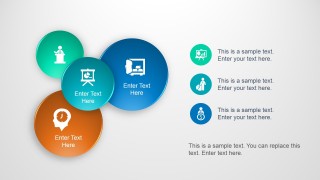
A: The layouts give different business messages distinct visual metaphors. Gears suggest operational coordination, the funnel suggests narrowing choices or stages, and bubble clusters suggest related ideas. Because the deck separates metrics, processes, and concepts into different slide structures, audiences can read the purpose of each slide before absorbing the details.




Professional Business Slides Template for PowerPoint
10-slide presentation template with business charts, funnel diagrams, quadrants, and icon cards
Professional Business Slides Template for PowerPoint is a 10-slide business presentation template for reporting metrics and explaining ideas with charts and diagrams. Visible layouts include a pie-chart dashboard, bar and line combo charts, a funnel, numbered process bands, quadrant tiles, and icon callouts. Chart data can be edited as an Excel spreadsheet in PowerPoint.
- Category
- Business PowerPoint Templates
- Rating


 Loading...
- Aspect ratio
- 16:9, 4:3
- Item ID
- 4071-01
- Colors
 Microsoft PowerPoint
  Microsoft Copilot
  Claude for PowerPoint
 Other formats supported
Subscribe today and get immediate
access to download our PowerPoint templates.