Slide 2 of 2 from Global Sales Bar Chart Template for PowerPoint
8044-global-sales-bar-chart-2
How to Edit Data-Driven Bar Chart
- Text Layout
- Definition Block
- Concept Explanation Slide
- 16:9
- 100% Editable
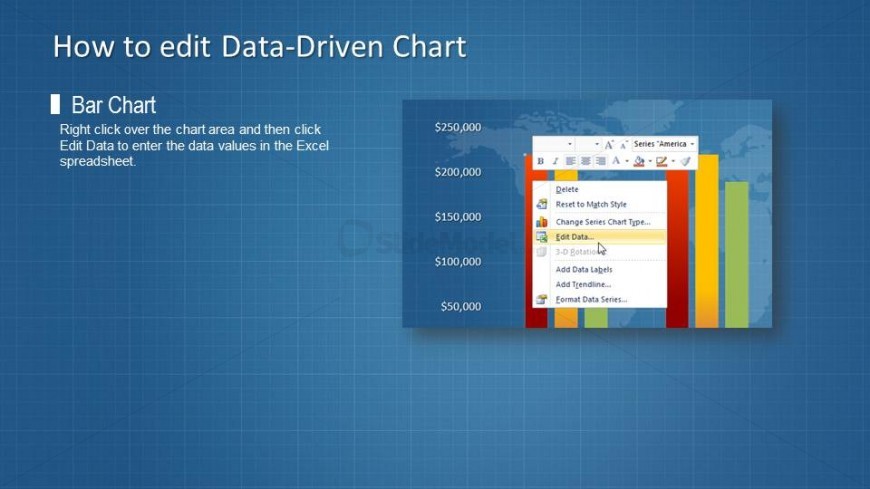
The Editing Data-Driven Bar Chart slide from the Global Sales Bar Chart Template for PowerPoint offers clear guidance on modifying bar chart data within a business presentation. This slide layout supports effective communication of sales figures by combining instructional text with editable shapes and vector icons, making it suitable for software training and sales report clarification in professional slide decks.
What’s on This Slide
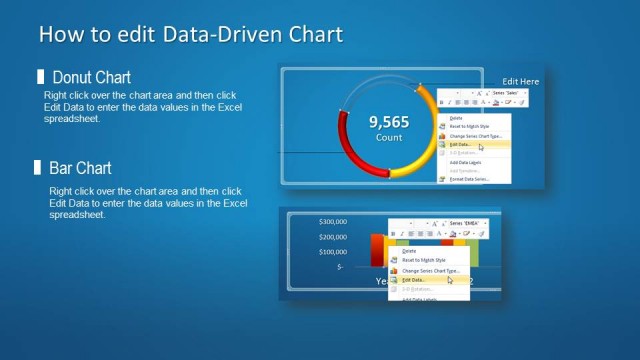
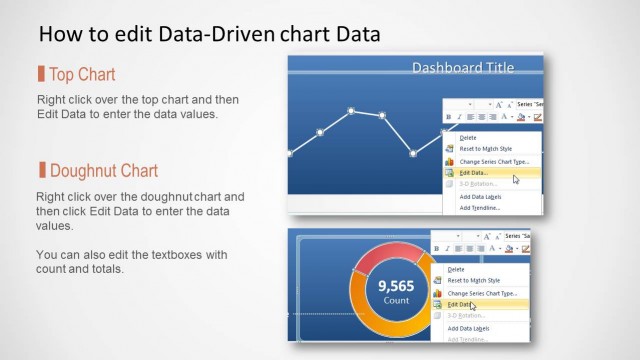
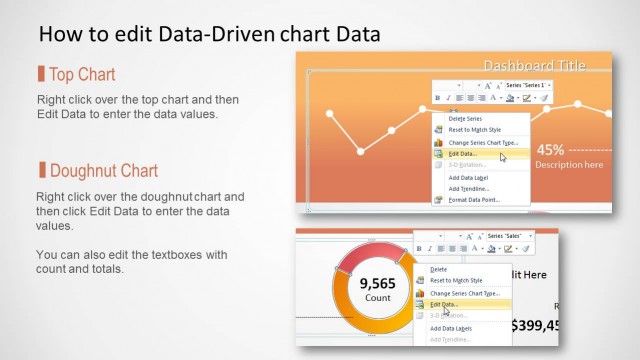
The layout features a title at the top center stating 'How to edit Data-Driven Chart.' Below, a left-aligned text box contains instructions about editing a bar chart, with a placeholder for the chart itself positioned on the right. The chart displays a vertical bar graph with labeled values ranging from $50,000 to $250,000. The background is a blue gradient with a grid pattern, enhancing the visual hierarchy. There are no images or media placeholders, and the text is organized in a clear, structured manner.
How to Use It
This layout serves as a guide for editing data-driven charts, specifically bar charts, in presentations. It fits well after a data visualization slide, providing instructions for users on how to manipulate chart data. This structure is useful in business contexts where data presentation needs clarification, such as sales reports or management meetings. It can be used to instruct users on software functionalities or to enhance understanding of data interpretation.
Text Placeholders & Capacity
Keep your copy within these limits so it fits without resizing. Body slots can accommodate roughly 20-25 words each.
| Placeholder | Count | Max characters (approx.) |
|---|---|---|
| Slide title | 1 | 30 |
| Body paragraph | 1 | 150 |
Slide Keywords
Download unlimited PowerPoint templates, charts and graphics for your presentations with our annual plan.
DOWNLOAD