Create a colorful, attractive set of slides with the Flat Finger Counting Shapes for PowerPoint. The featured graphics can lend a helpful, lively vibe to any type of presentation. Aid the report with these accommodating PowerPoint clipart.
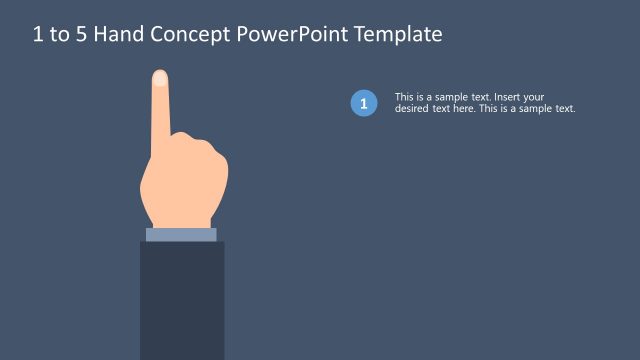
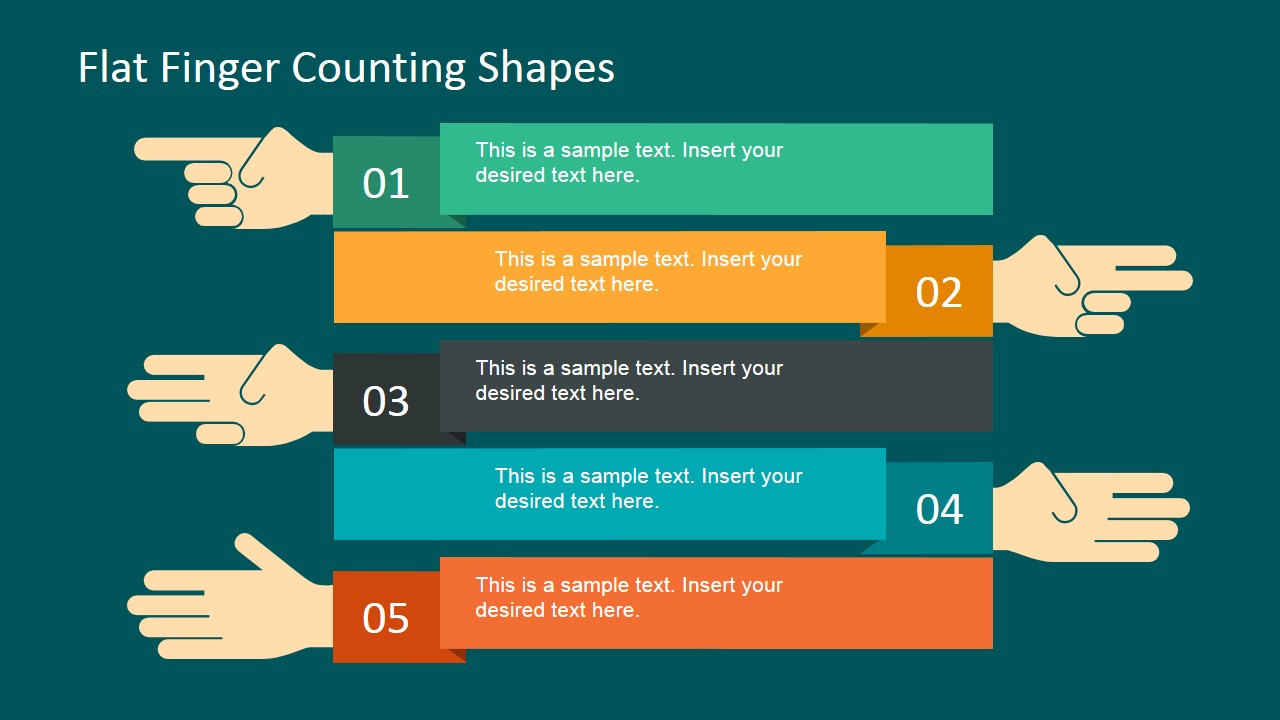
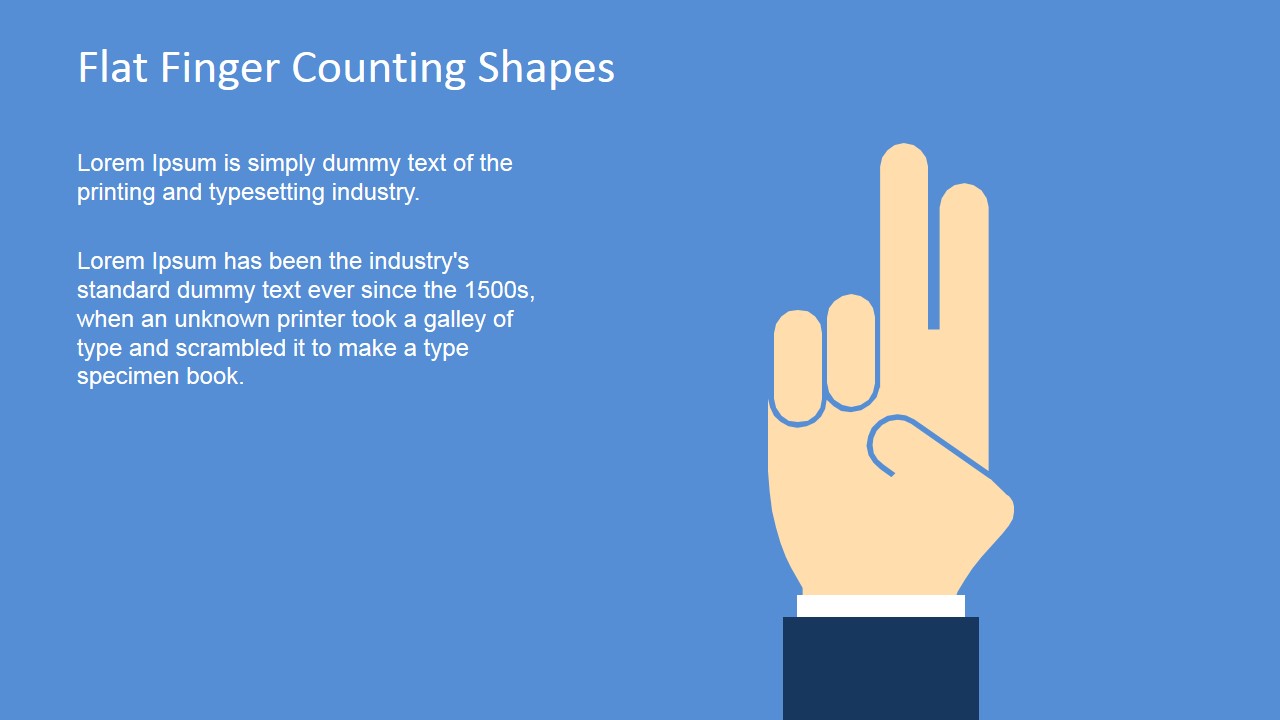
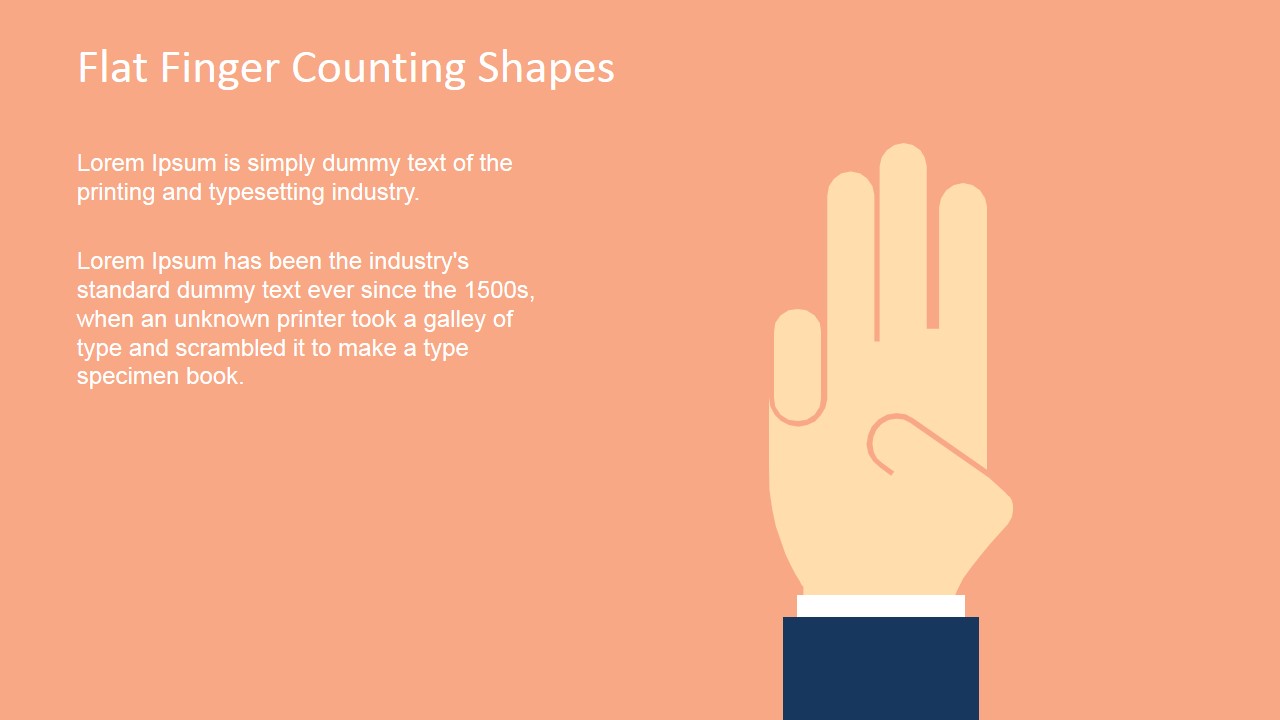
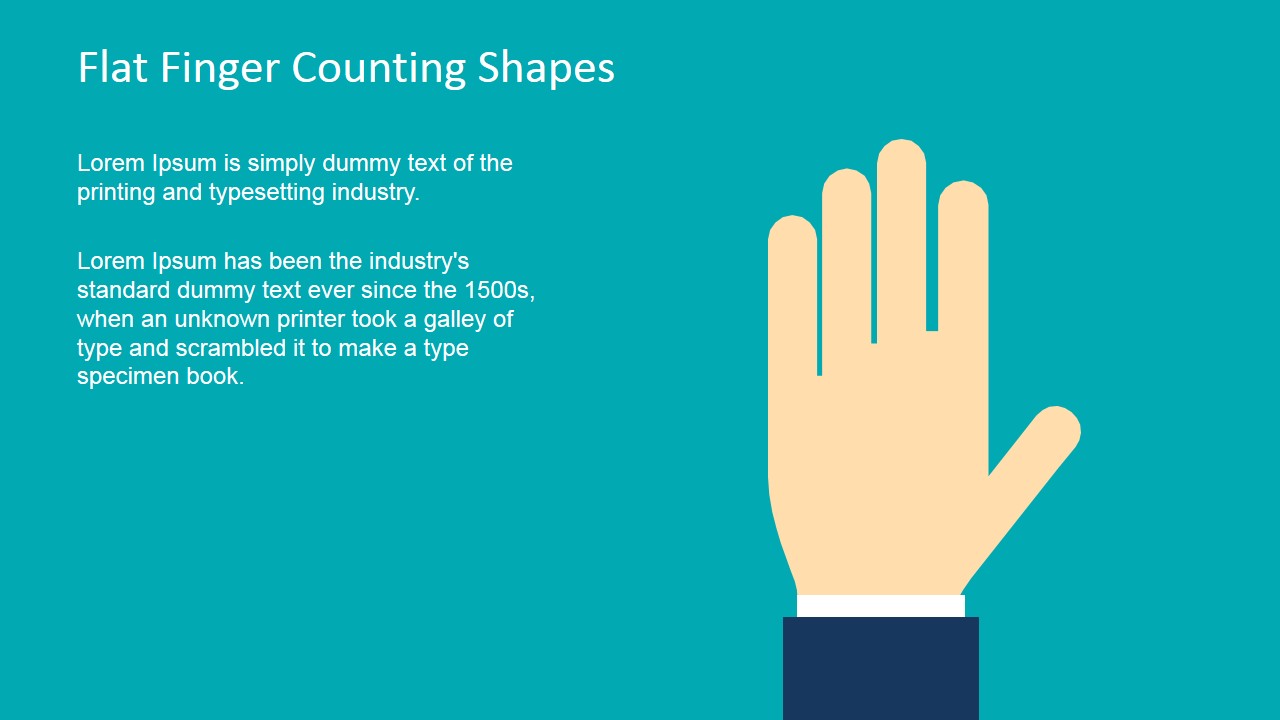
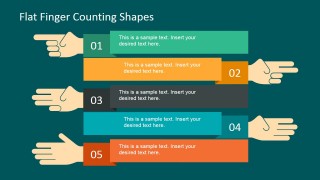
The PowerPoint Shapes use the visual aesthetic of raised fingers to represent numbers. These can be substituted for conventional presentations of procedures with five steps. Each of the fingers can be used to represent a specific part of the sequence, corresponding to the number it represents.
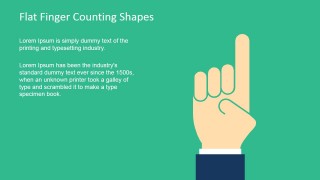
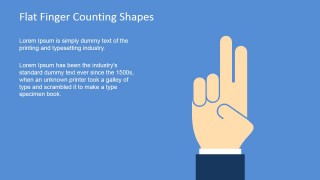
The clipart can be used as a helpful presentation background to mark slides referring to a specific part of a sequence. For example, the slide showing the number one finger drawing can be used in a set of slides elaborating the first step. The clipart is used as a sort of label that reminds both the audience and the presenter as to which stage is being discussed currently.
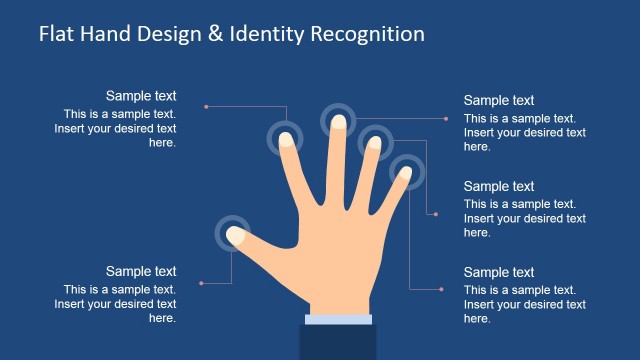
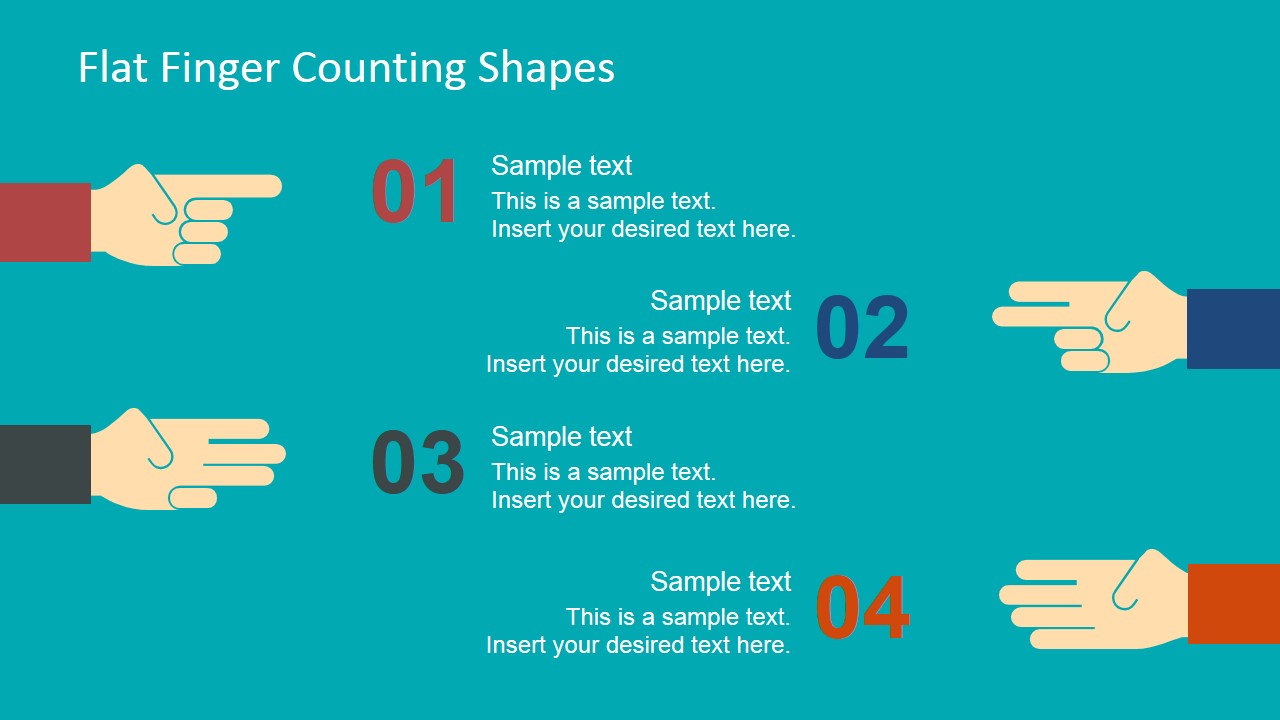
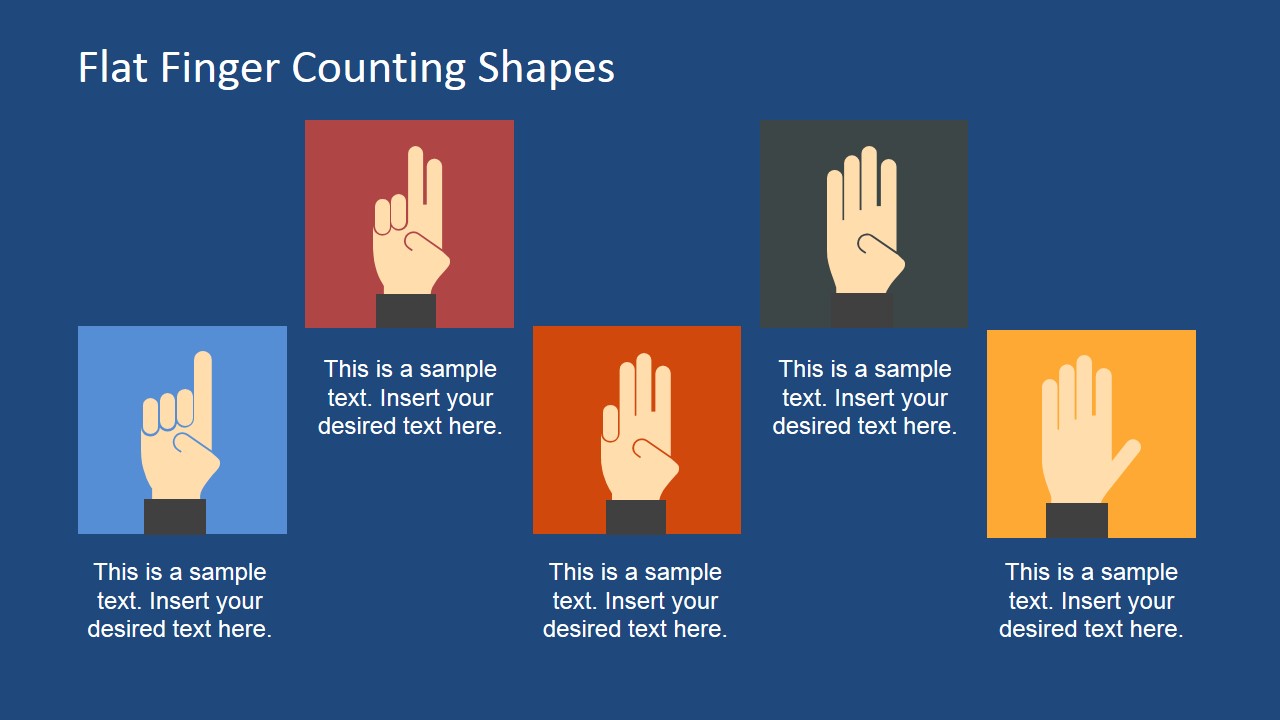
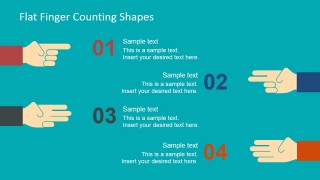
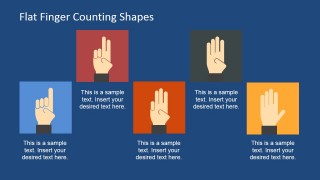
Also included in the PowerPoint template is a slide, showing an overview of all four hand shapes. This can be used as a summary, or as a preview of the presentation. The user can include short descriptions for each step of the plan, picking out the most important parts to connect the parts of the process. These also aid the audience gain a gist of what is being discussed, making the information easier to digest and to understand.
The different colors assigned to the slides make identification easy. The specific color can be quickly related to a particular slide. This assignment and correlation tactic makes the slides easier to differentiate. This particular feature also make the slides and their content easier to remember.
The presenter can use the Flat Finger Counting Shapes for PowerPoint for describing an agenda or to separate sections of the deck. The PowerPoint graphics are specifically designed to enhance the presentation, a trait which can be greatly enhanced by taking advantage of the fully customizable design. The user can also download other PowerPoint templates from the Gallery, like the Numbered List Template for PowerPoint.
What’s inside this template
Example presentation scenarios
- A trainer can introduce a five-part lesson by using the overview slide, then repeat the single-number divider slides to keep participants oriented during each module.
- A project manager can explain a simple implementation sequence with the five-step horizontal list and use the matching hand-number slides as section breaks.
- A consultant can present workshop rules, decision criteria, or recommended actions with the four-step callout slide and the numbered hand icons.
- An educator can turn a short classroom explanation into a clear sequence by assigning each concept to one of the hand-counting divider slides.
Features
- 100% editable presentation template
- Compatible with Microsoft PowerPoint and Google Slides
- 16:9 aspect ratio slides
- Scalable vector shapes, icons and illustrations
- AI-Ready for Microsoft Copilot and Claude
- Instant access and download
Frequently asked questions
Q: How should a presenter communicate a numbered process with this template?
A: Start with the five-item overview slide to set expectations, then use the single-number divider slides as visual anchors for each part of the discussion. Keep each step label short and make the spoken explanation carry the detail. The hand-counting motif works best when the audience can quickly connect each finger count with one clear idea.
Q: Who is this template best suited for?
A: This template fits trainers, facilitators, educators, and project leads who need to explain a short sequence without heavy data. It is especially useful for agendas, workshop stages, onboarding checklists, or simple action plans. The finger-counting shapes make the format approachable while still fitting a business presentation setting.
Q: Why use hand-counting illustrations instead of plain numbered bullets?
A: The raised-finger metaphor gives each number a physical cue, which can help audiences remember where they are in the sequence. Compared with a plain list, the recurring hand shapes create continuity across the five-step list, divider slides, and overview slide. This makes the structure easier to follow during a live explanation.




Flat Finger Counting Shapes for PowerPoint
9-slide presentation template with finger-counting shapes for agendas, step labels, and section dividers
Flat Finger Counting Shapes for PowerPoint is a 9-slide presentation template of editable hand-counting illustrations for step labels, agendas, and section dividers. It includes a cover, five-step list, four-step callout layout, single-number divider slides, and a five-item overview. Built for Microsoft PowerPoint and Google Slides.
- Category
- Shapes
- Rating


 Loading...
- Aspect ratio
- 16:9, 4:3
- Item ID
- 6858-01
- Colors
 Microsoft PowerPoint
  Microsoft Copilot
  Claude for PowerPoint
 Other formats supported
Subscribe today and get immediate
access to download our PowerPoint templates.