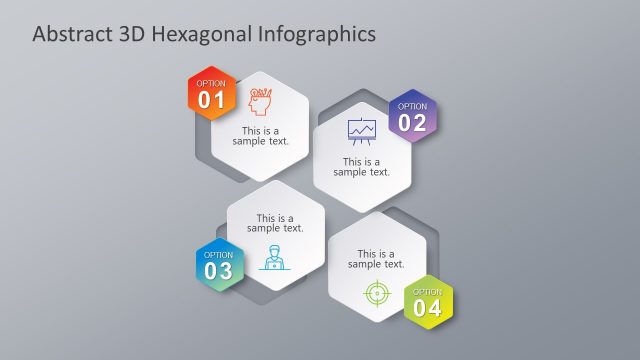
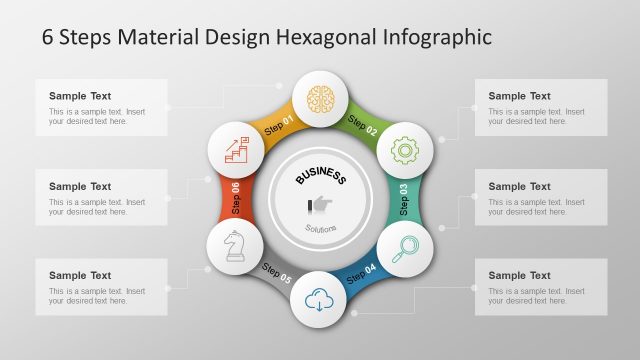
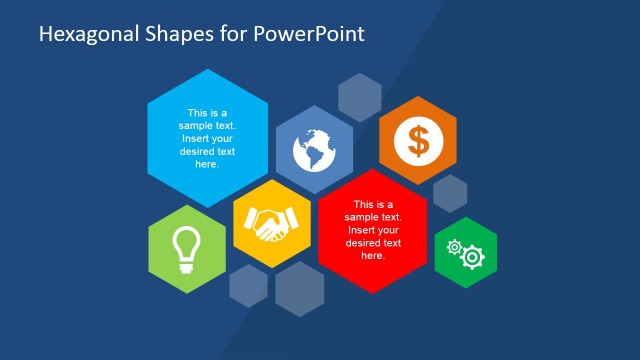
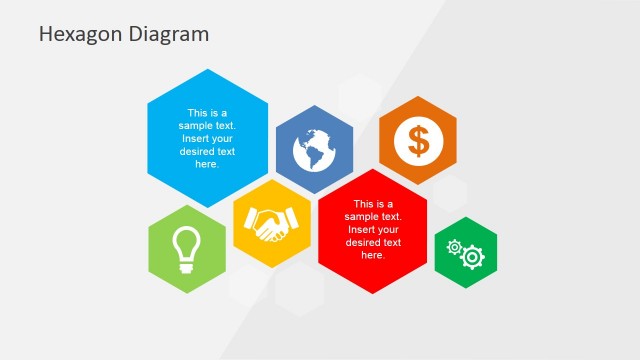
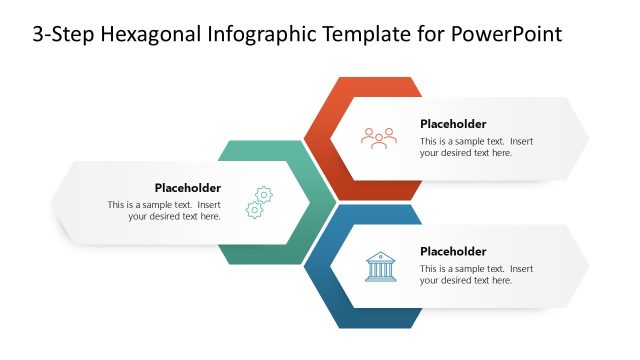
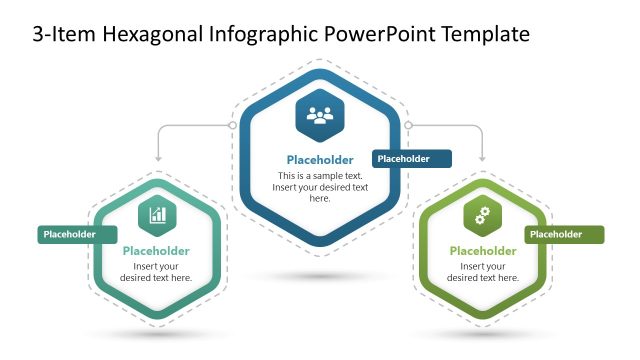
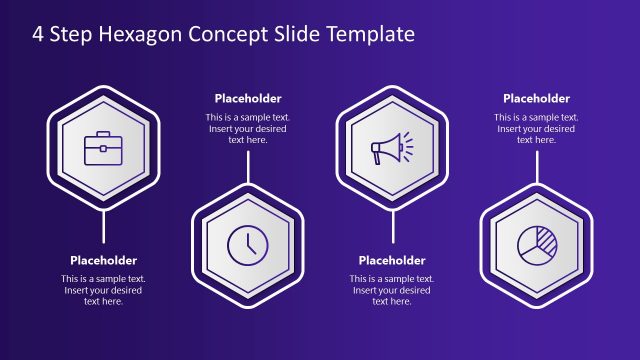
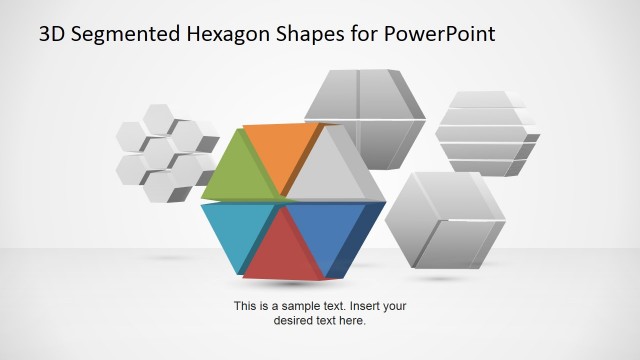
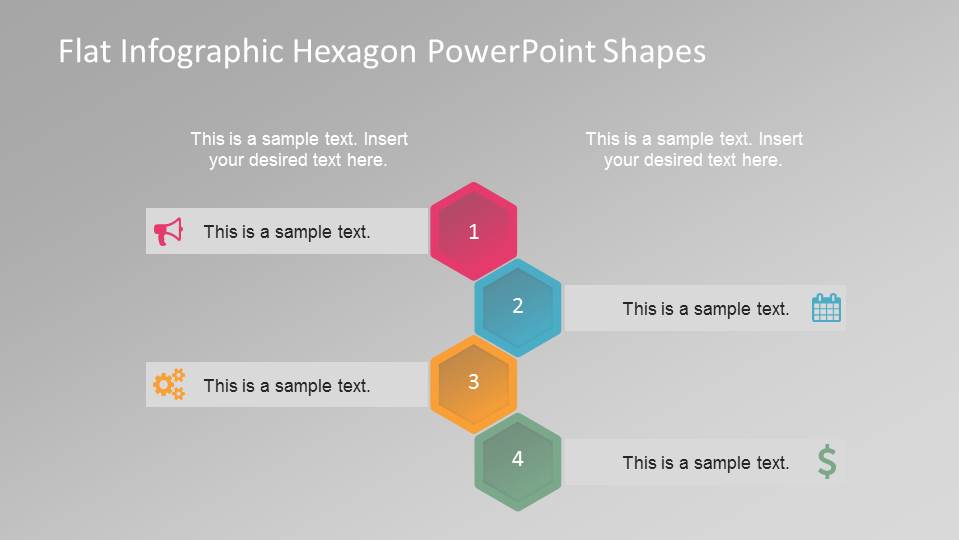
Flat Infographic Hexagonal PowerPoint Shapes is a professional presentation created with infographic style in modern flat design. The Template contains an initial 4 Steps Hexagonal Diagram with icons and a flat design. The following slides contains 5, 4, 3, steps diagrams with reference to the initial icon sets. The color palette and shapes are delicate, preserving the style. The presenter can include this diagram in new infographics or edit the presentation and include additional shapes from our PowerPoint Shapes catalog.
Each of the shapes and icons are created as PowerPoint Shapes. The user can edit 100% of the shapes properties and customize the presentations as needed. Icons can be replaced with any of our Business Icons for PowerPoint and change the message with a different visual.
Impress your audience with this 4 Steps Flat Infographic Hexagonal PowerPoint Shapes and engage your audience with your message.
What’s inside this template
Example presentation scenarios
- A consultant can use the four-step honeycomb cluster to explain a framework where each phase connects to a central idea and supporting icon callouts.
- A project manager can use the five-step vertical chain to present a workflow, with each numbered hexagon tied to a brief action label.
- A marketing presenter can use the three-step alternating label diagram to show campaign stages, pairing each step with an icon and concise message.
- A trainer can use the dark-background honeycomb slide to recap a process at the end of a lesson while keeping the same four numbered parts visible.
Features
- 100% editable presentation template
- Compatible with Microsoft PowerPoint and Google Slides
- 16:9 aspect ratio slides
- Scalable vector shapes, icons and illustrations
- AI-Ready for Microsoft Copilot and Claude
- Instant access and download
Frequently asked questions
Q: How should a presenter structure the message with these hexagon diagrams?
A: Start by assigning one clear claim or action to each numbered hexagon, then use the icon callouts only as supporting evidence or examples. The honeycomb layout works best for related parts of a model, while the vertical chains fit sequential steps. Keep text short so the audience follows the numbers first.
Q: Who is this template best suited for in a business presentation?
A: This template fits presenters who need to explain a short process, service model, feature set, or priority list without building a full report deck. Consultants, project managers, trainers, and marketers can use the three-step, four-step, or five-step layouts to make a compact explanation easier to scan.
Q: Why use hexagons instead of a standard bullet list?
A: Hexagons create a modular metaphor: each idea is a separate cell, but the shapes visually connect into a system. That makes the honeycomb slide suitable for connected pillars, while the vertical spine slides preserve sequence. Icons add quick category cues, helping viewers remember the role of each step.




Flat Infographic Hexagonal PowerPoint Shapes
7-slide presentation template with hexagon process diagrams, vertical step chains, and icon callouts
Flat Infographic Hexagonal PowerPoint Shapes is a 7-slide presentation template for numbered process communication. It includes a four-step honeycomb cluster, five-step vertical chain, three-step alternating label diagram, and dark-background variant. Business teams can edit vector PowerPoint shapes and icons in Microsoft PowerPoint or Google Slides.
- Category
- Shapes
- Rating


 Loading...
- Aspect ratio
- 16:9, 4:3
- Item ID
- 8118-01
- Colors
 Microsoft PowerPoint
 Microsoft Copilot
 Claude for PowerPoint
Other formats supported
Subscribe today and get immediate
access to download our PowerPoint templates.