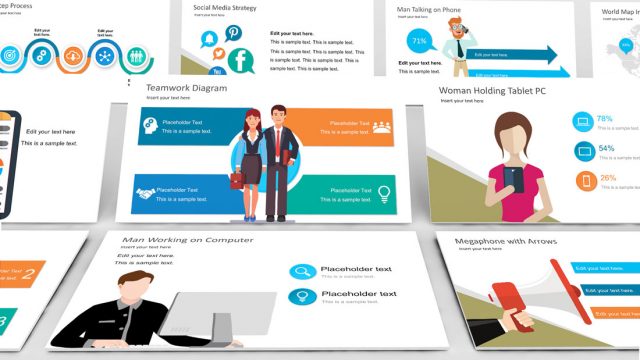
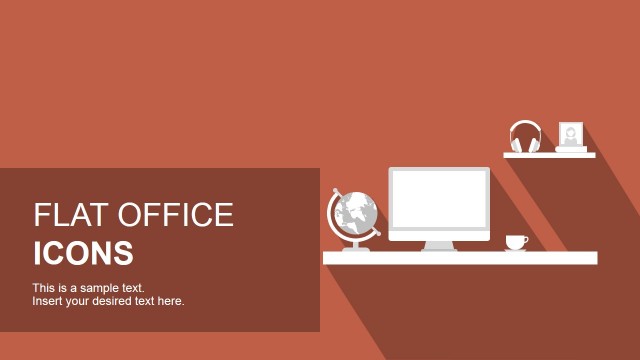
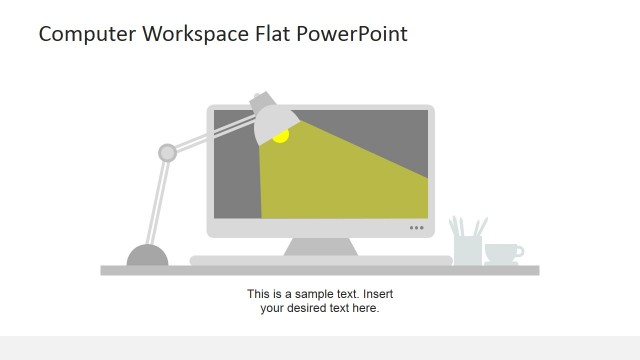
Flat Design Office PowerPoint Templates is a selection of Microsoft Office PowerPoint shapes. The objects are relevant to workspace ideas or concepts and include gadgets and accessories. The visuals are in flat styles which make an artsy effect on screen. They appear casual and smart. The user can surely enhance any work-related presentation using the slide designs.
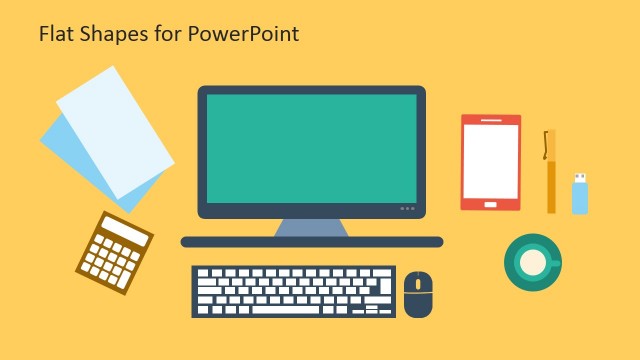
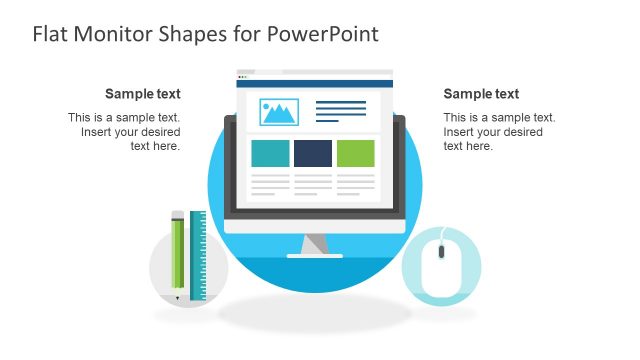
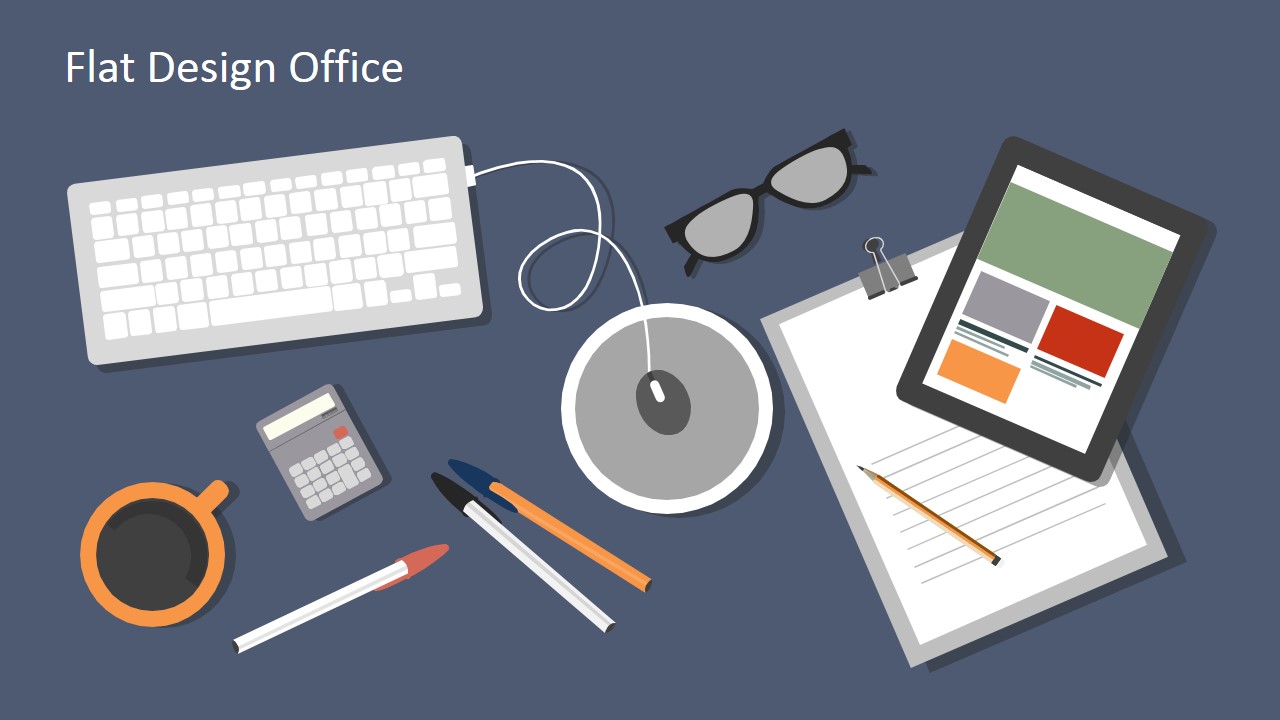
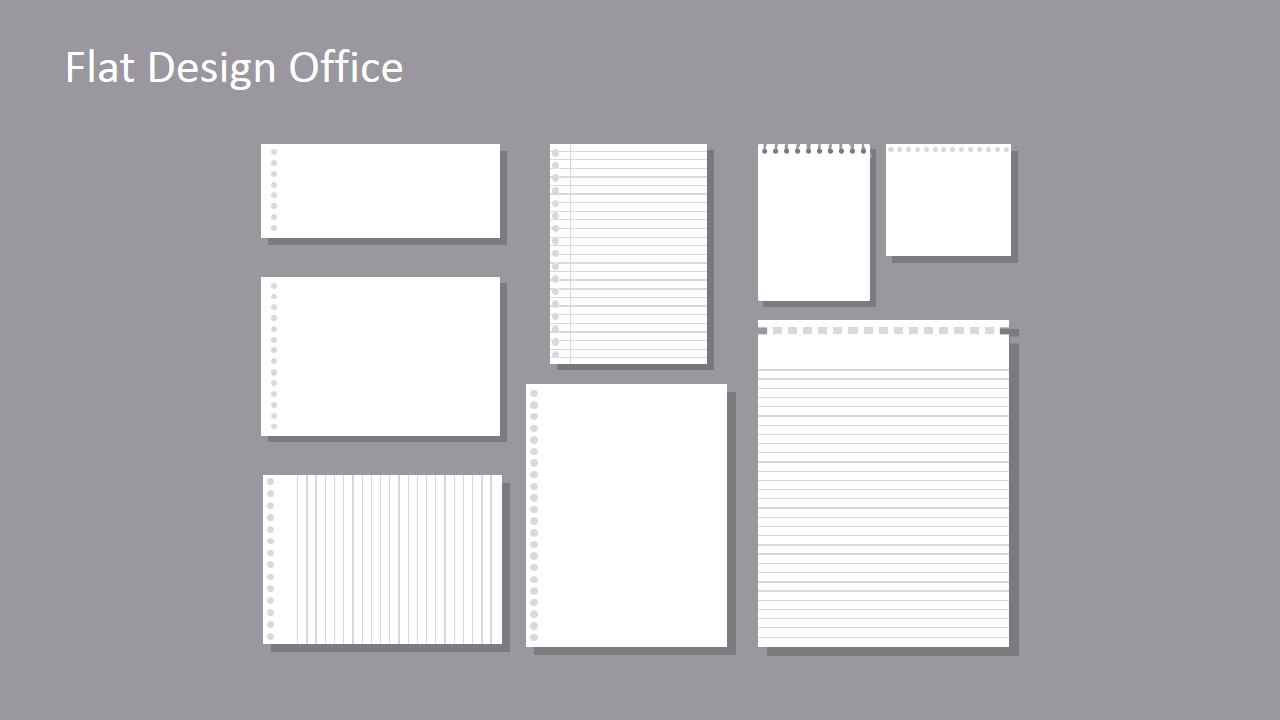
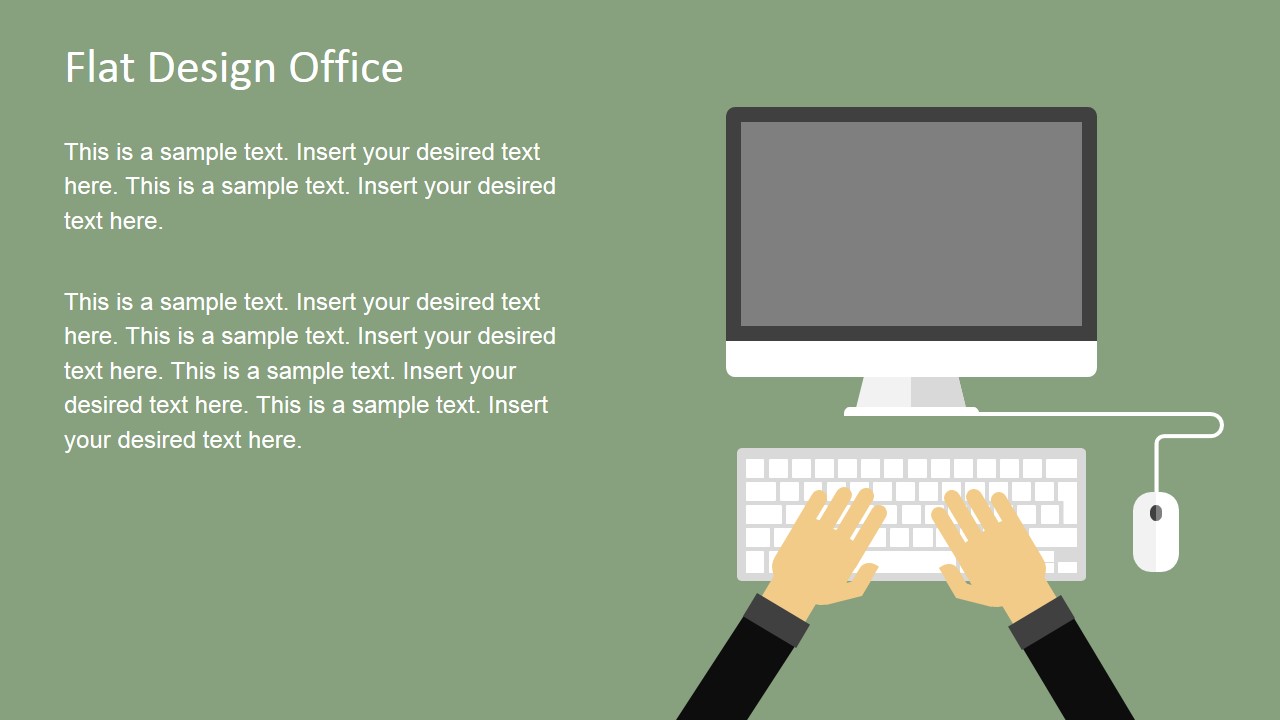
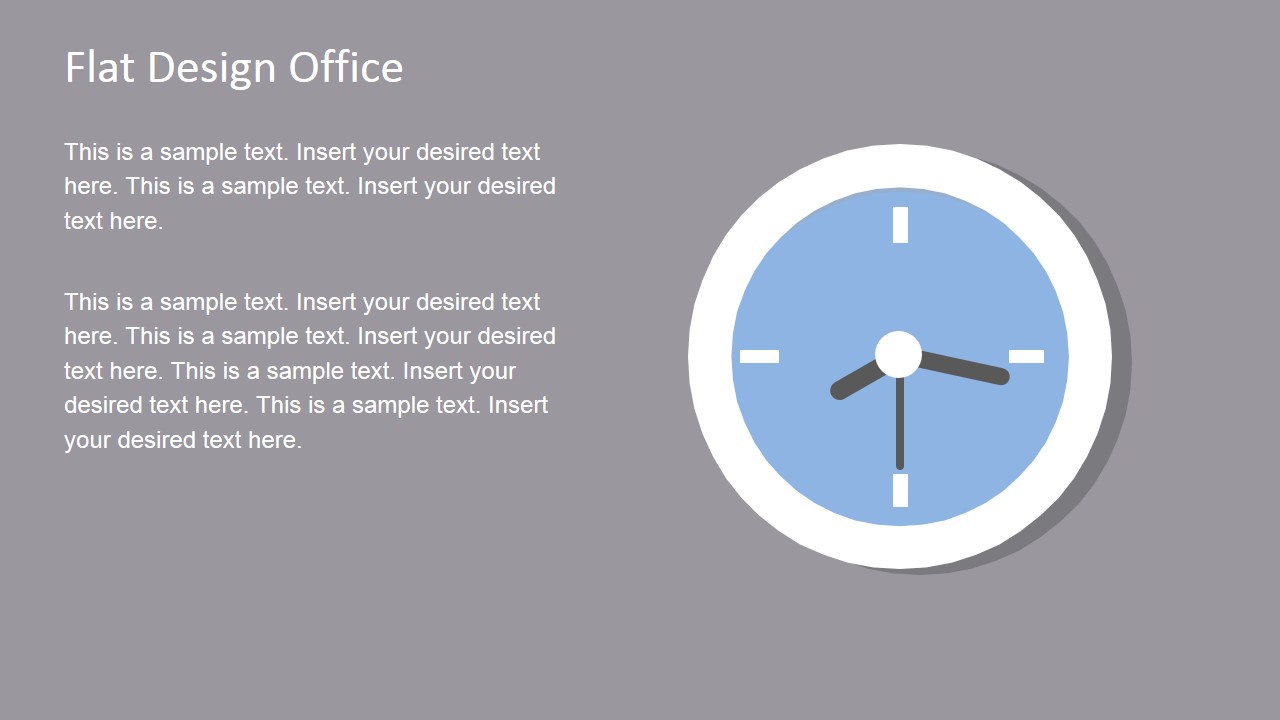
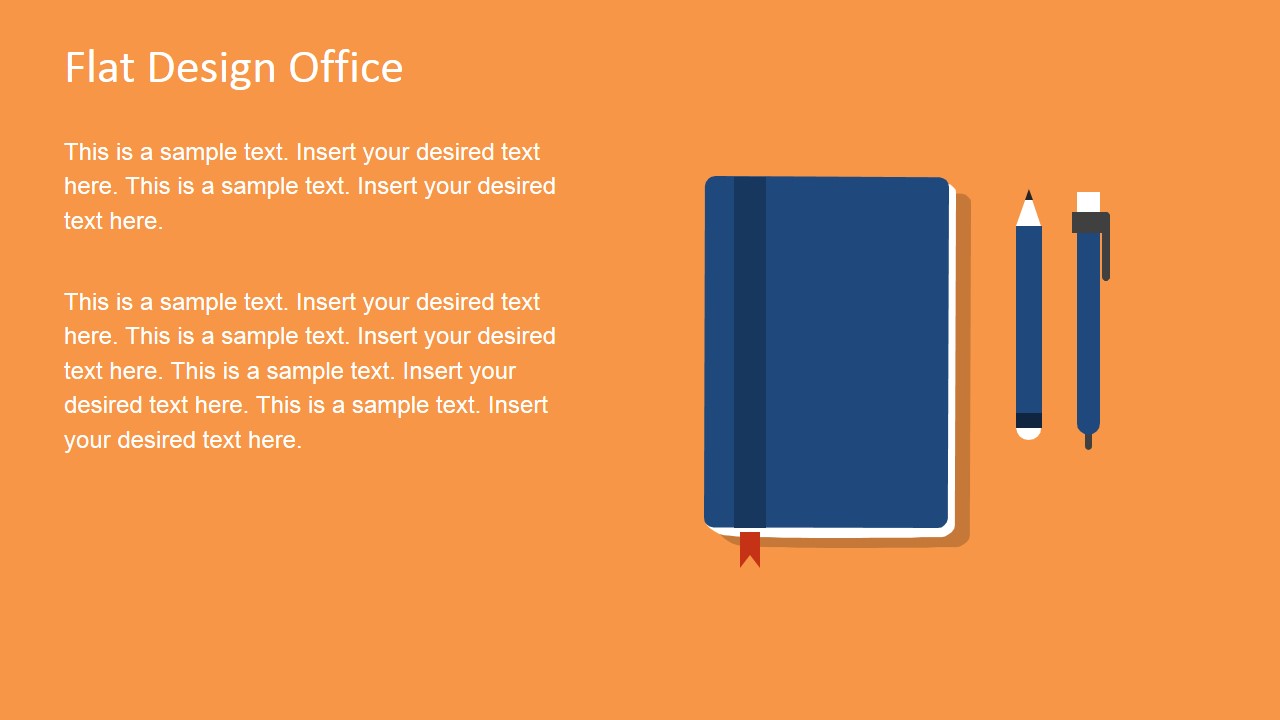
Seventeen slides make up the smart collection of useful shapes in the template. The user can choose to use them as a single presentation. They can be copy and pasted to a larger compilation to highlight on a specific subject matter. The objects can be easily personalized using the PowerPoint shapes menu options. The presenter can opt to modify the colors and move the text placeholders around. Background colors can be altered as well. These features make the PowerPoint template entirely flexible. In the first slide, the user can find a keyboard, tablet, glasses, calculator, mouse, mouse pad, eyeglasses, mug and notepad. Here are some of the shapes that can be seen on the next set of slides: Computer monitor, Hand shapes, Pencil, Ruler, Papers, Notebook, USB flash drive, Headphones, CD, Magnifying glass, Envelop, Globe, Calendar, and Clock.
Graphical flat shapes represent the subjects associated to workspace in a virtual manner. They can metaphor an implied meaning or highlight the literal functions of the object. It is easier for people to remember infographics than a fully textual content.
The template is ideal for business reports. It is very helpful to academic presentations. In organization, it can relate the shapes to numerous concepts. Topics like human resource, job description and work environment are perfect for the layout, too.
Produce quality and colorful presentations with Flat Design Office PowerPoint Templates. A wide array of choices can be found at the SlideModel gallery Download Shapes for PowerPoint section ().
What’s inside this template
Example presentation scenarios
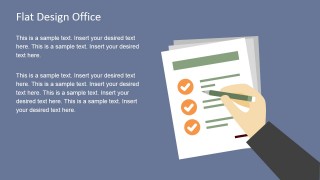
- An HR manager can explain workplace expectations by pairing policy text with the checklist, document, calendar, and clock layouts.
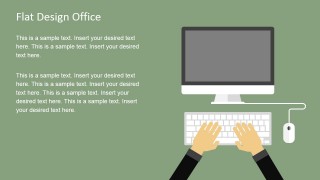
- A consultant can make an operations update easier to follow by using the workstation, document stack, and mail slides as visual section cues.
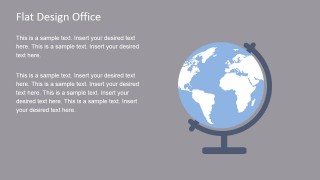
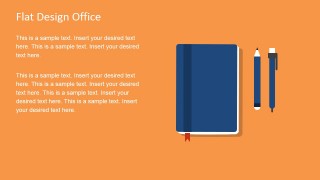
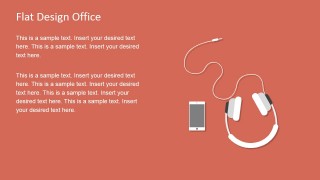
- An educator can introduce office technology or administrative tools with the desktop flat lays, notebook slide, globe slide, and headphone slide.
- A team lead can present task status or recognition by using the checklist slide for action items and the trophy slide for achieved goals.
Features
- 100% editable presentation template
- Compatible with Microsoft PowerPoint and Google Slides
- 16:9 aspect ratio slides
- Scalable vector shapes, icons and illustrations
- AI-Ready for Microsoft Copilot and Claude
- Instant access and download
Frequently asked questions
Q: How should a presenter choose the right office illustration for each message?
A: Start with the business idea, then select the closest object metaphor. Use the checklist for decisions or requirements, the envelope for outreach, the calendar for schedules, and the trophy for results. Keep one large illustration per slide so the audience reads the object as a cue, not decoration.
Q: Who is this template best suited for, and in what situations?
A: This template is best for managers, HR teams, instructors, and consultants who need to make office topics more concrete without building custom diagrams. It works well for onboarding, work environment discussions, administrative process updates, or internal reports where document, workstation, time, communication, and goal symbols clarify the message.
Q: Why do the flat office metaphors improve communication?
A: The flat design keeps attention on shape, color, and scale instead of realistic detail. That makes each object act like a visual shorthand: the clock signals deadlines, the globe signals reach, and the document stack signals records. The repeated left-text, right-illustration layouts also create a predictable reading path.













Flat Design Office PowerPoint Templates
17-slide office presentation template with flat desktop, mail, calendar, and work tools illustrations
Flat Design Office PowerPoint Templates is a 17-slide 16:9 presentation template of flat office and work visuals. It includes desktop flat lays, workstation scenes, document and mail slides, calendar and clock slides, plus globe, trophy, notebook, and headphone illustrations for business, HR, education, or office process presentations in Microsoft PowerPoint and Google Slides.
- Category
- Shapes
- Rating


 Loading...
- Aspect ratio
- 16:9
- Item ID
- 6869-01
- Colors
 Microsoft PowerPoint
  Microsoft Copilot
  Claude for PowerPoint
 Other formats supported
Subscribe today and get immediate
access to download our PowerPoint templates.