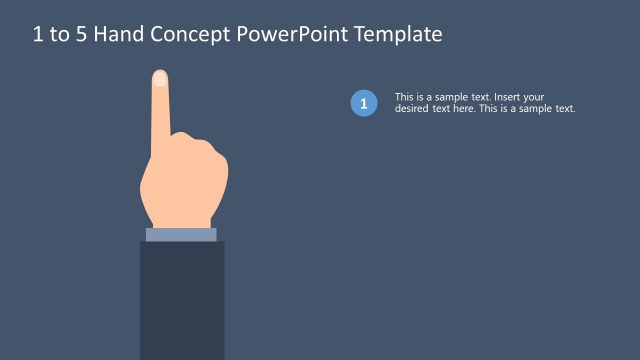
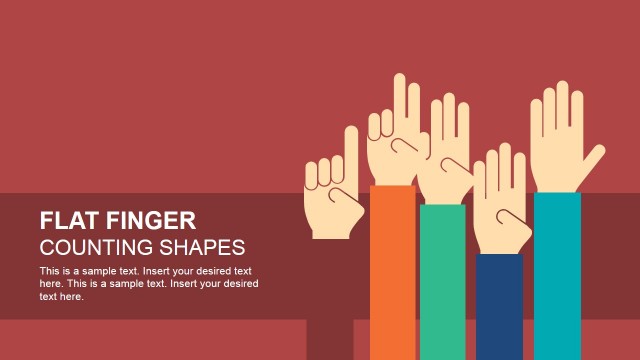
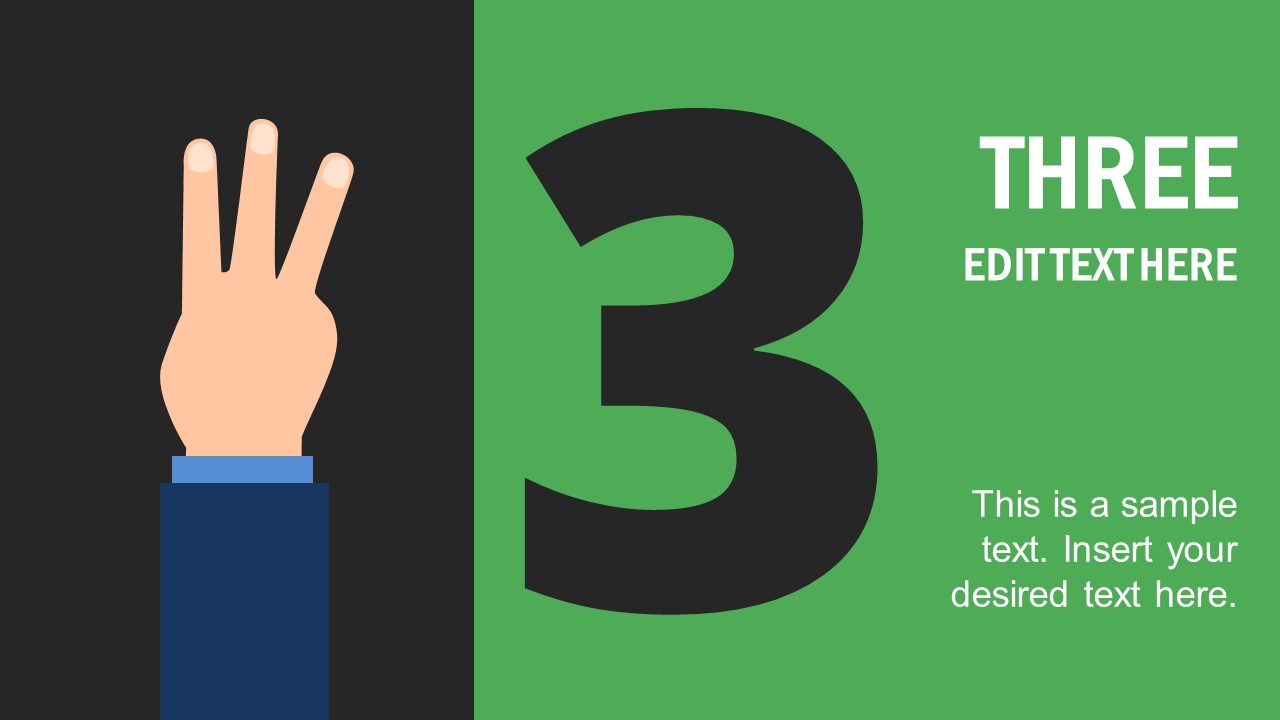
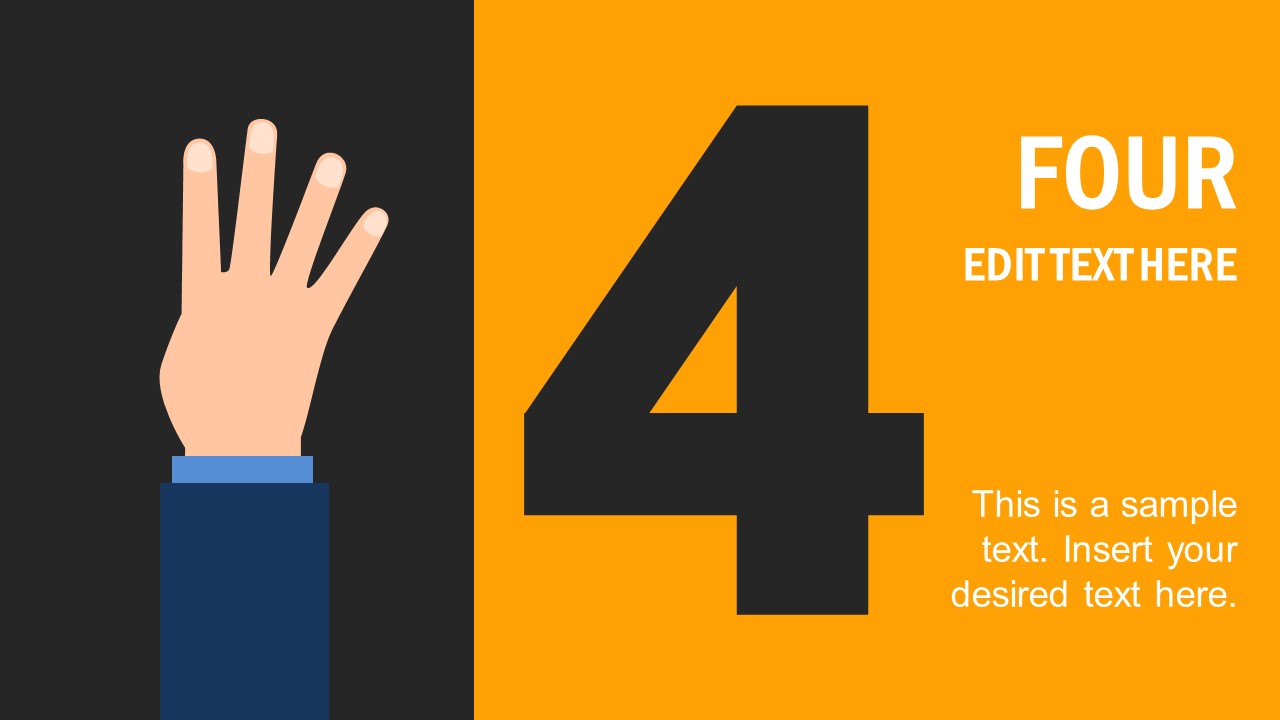
The Counting 1 to 5 PowerPoint Template presents editable divider slides use in business meetings and lecture presentations. 5 slide PowerPoint templates offer section breaks with numerics 1 to 5 using hand signals as their graphic representation. These hand signals as sub-topic separators let users organize their thoughts well and help audience grasp the concept. Starting from point one, each slide illustrates the numbers using finger points.
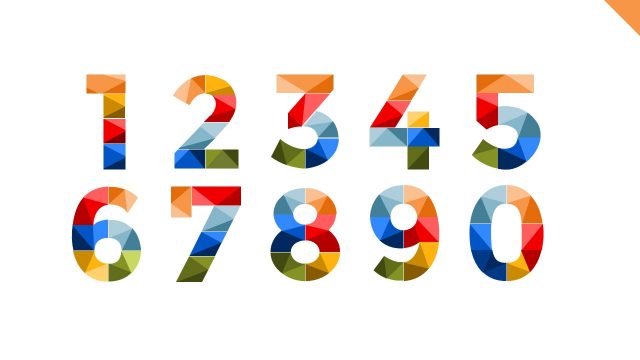
The cutout images of numeric separators in best PowerPoint backgrounds get the viewer’s attention. These slides separate main ideas, sub-topics, or talking points into manageable segments. Teachers can use these chapter dividers school themed PowerPoint templates to take questions or assess students’ knowledge about the topic before moving to the next chapter.
The Counting 1 to 5 PowerPoint Template helps segment any topic presentations of sizable details. It is also a creative alternative to bullet points. Download presentation templates of finger-counting hand signals to demonstrate five critical points of the presentation. Apart from bullet points, you can share several ideas like presentation agenda, scores, process sequence, and instructions. The cutout numeric separators are colorful PowerPoint templates on dark PowerPoint backgrounds that give an esthetic look of divider slides. Users can change colors of cool PowerPoint presentation templates according to their presentation PowerPoint theme.
The handshapes for numbers 1 to five are editable design PowerPoint templates graphics. Users can change shades of skin color from solid fill options. The counting 1 to 5 PowerPoint is ideal to give an overview of an upcoming topic in presentation.
What’s inside this template
Example presentation scenarios
- A corporate trainer can use the numbered divider slides to separate a five-step learning module and signal progress before each new lesson begins.
- A teacher can use the finger-count hand signal illustrations to introduce five classroom topics, questions, or review checkpoints during a lecture.
- A consultant can use the large numerals and short body text areas to organize five recommendations in a client meeting without building a dense bullet list.
- A workshop facilitator can use each color-coded section divider to move participants through five activities, rules, or discussion prompts.
Features
- 100% editable presentation template
- Compatible with Microsoft PowerPoint and Google Slides
- 16:9 aspect ratio slides
- Scalable vector shapes, icons and illustrations
- AI-Ready for Microsoft Copilot and Claude
- Instant access and download
Frequently asked questions
Q: How should a presenter use these divider slides without making the talk feel repetitive?
A: Use each divider as a short verbal reset, not as a full content slide. State the section number, name the point, and preview why it matters before moving to supporting material. The large numeral and hand signal should help the audience regain orientation, while the small text area stays limited to one concise cue.
Q: Who is this template best suited for?
A: It fits presenters who need to organize a message into exactly five parts, such as trainers, teachers, facilitators, and consultants. The hand-count metaphor is especially useful for lessons, agenda reviews, instructions, and recommendation lists where the audience benefits from a simple progress marker between sections.
Q: Why use finger-count visuals instead of standard section title slides?
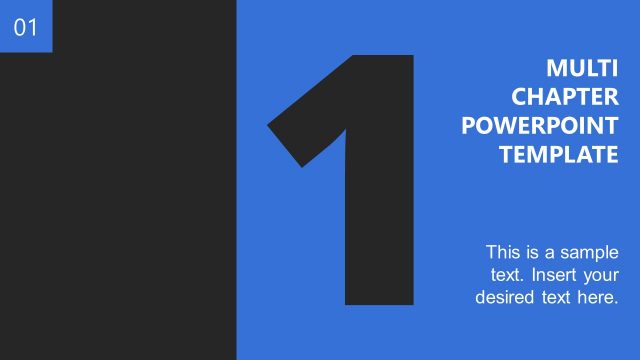
A: The finger-count metaphor turns numbering into a human visual cue, so the audience can understand progression quickly without reading much text. The dark side panel separates the illustration from the color field, while the oversized numeral creates a strong hierarchy for section changes and chapter breaks.




Counting 1 to 5 PowerPoint Template
5-slide presentation template with numbered divider slides, finger-count illustrations, and chapter text blocks.
Counting 1 to 5 PowerPoint Template is a 5-slide 16:9 divider deck for organizing presentations into five points or chapters. It shows large numerals, finger-count hand illustrations, color panels, and editable title and body text areas for presenters using Microsoft PowerPoint or Google Slides.
- Category
- Shapes
- Rating

 Loading...
- Aspect ratio
- 16:9
- Item ID
- 20869-02
- Colors
 Microsoft PowerPoint
 Microsoft Copilot
 Claude for PowerPoint
Other formats supported
Subscribe today and get immediate
access to download our PowerPoint templates.