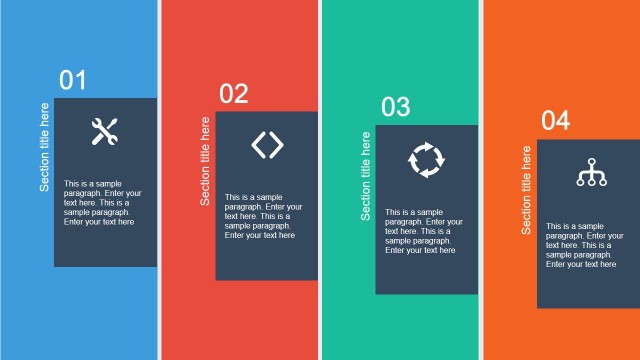
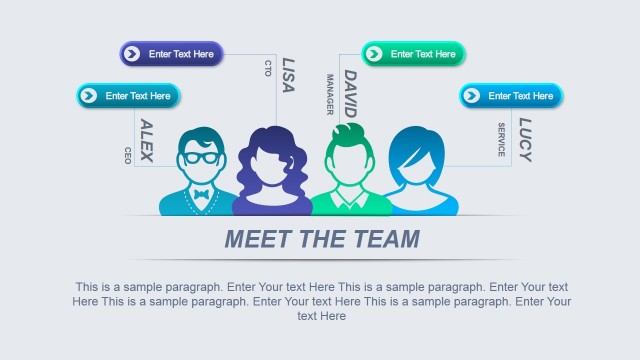
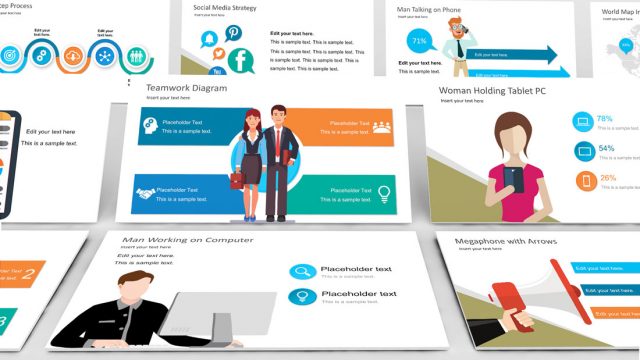
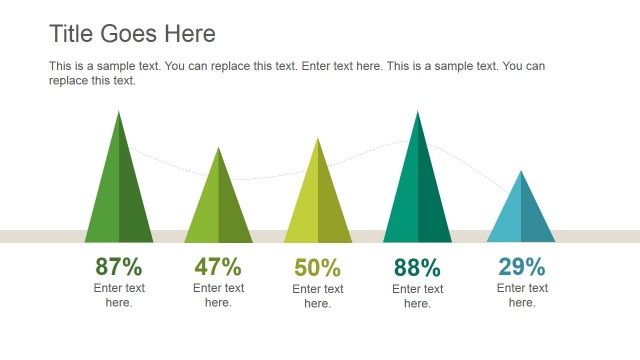
Flat Shapes for PowerPoint is a creative presentation template for Microsoft PowerPoint with flat slide designs and shapes that you can use to decorate your own presentations. The flat shapes that you can find inside this PPT template can be used in any business or marketing PowerPoint presentation or to make engaging slides for PowerPoint using modern flat icons including computers, a blackboard, pen illustrations, etc.
What’s inside this template
Example presentation scenarios
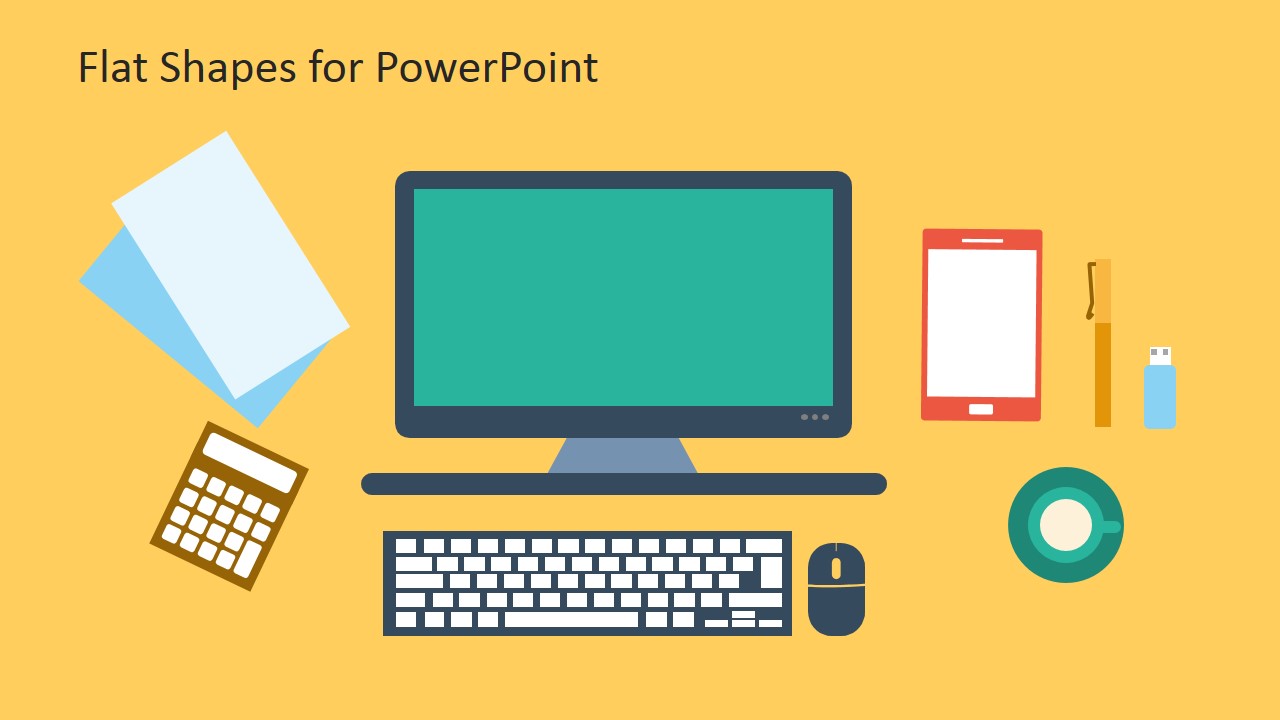
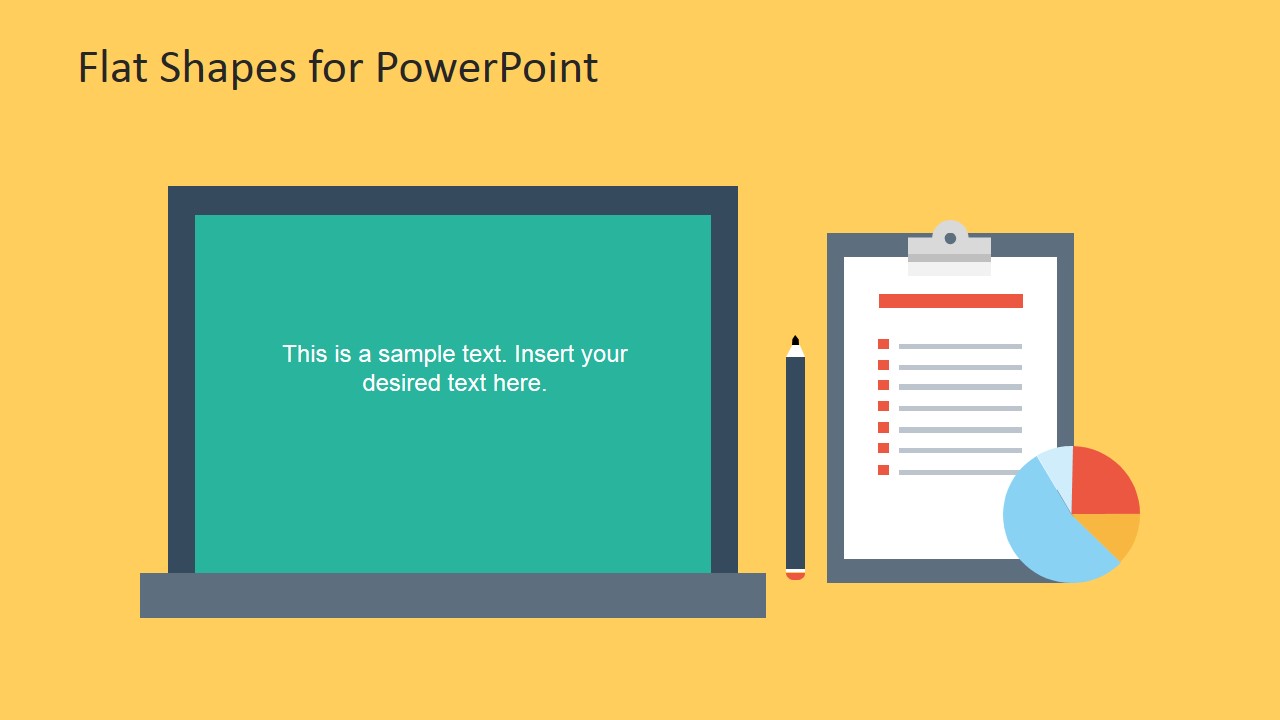
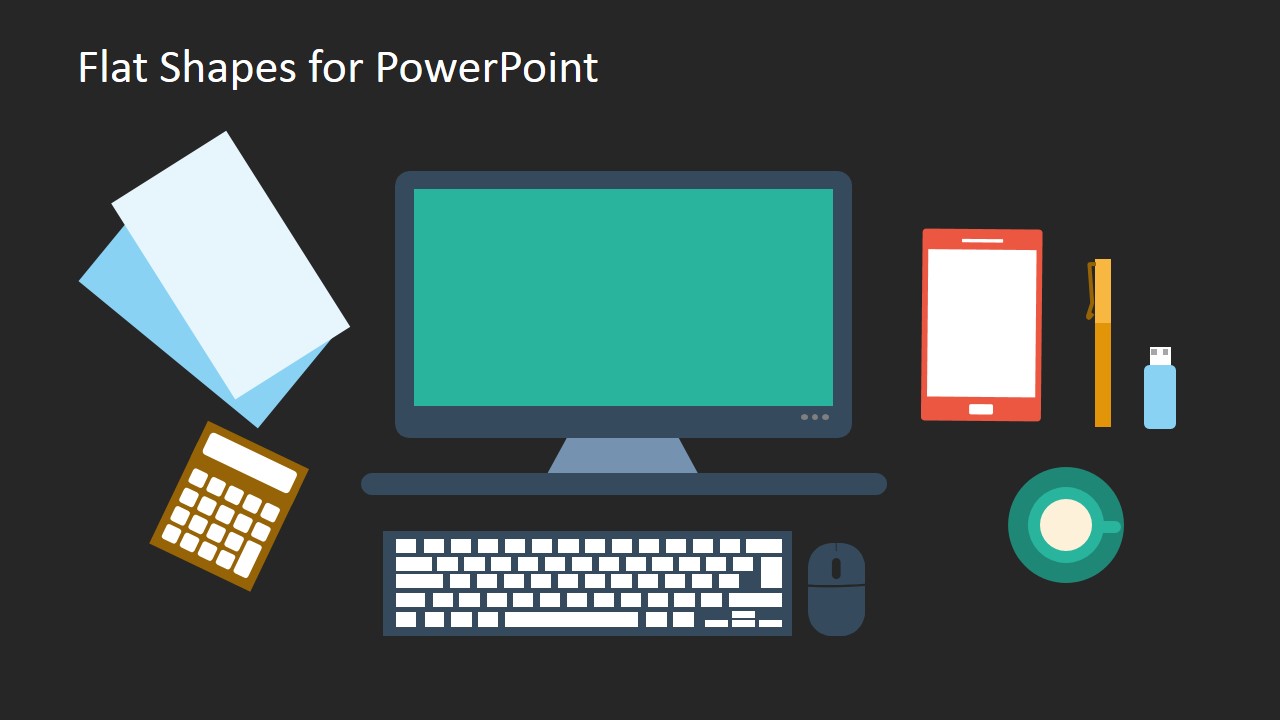
- A technology consultant can introduce a digital workplace topic by using the desktop workstation scene as a visual opener before discussing tools, devices, or user workflows.
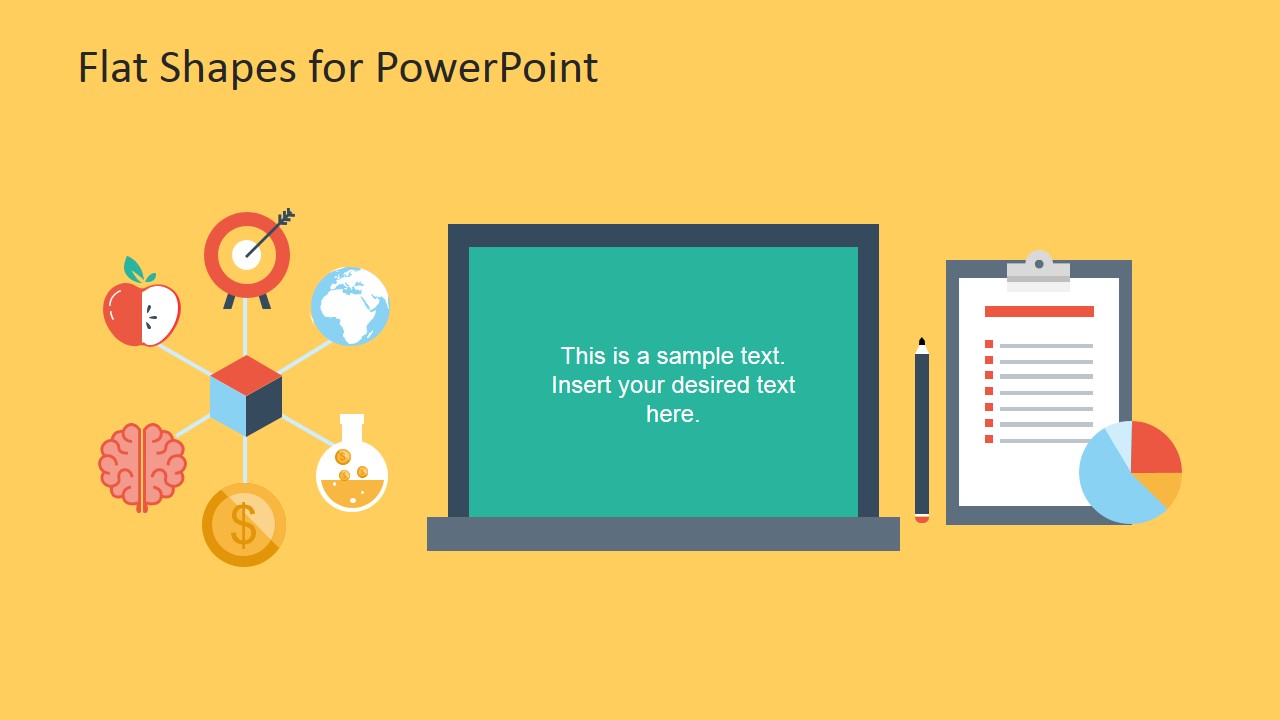
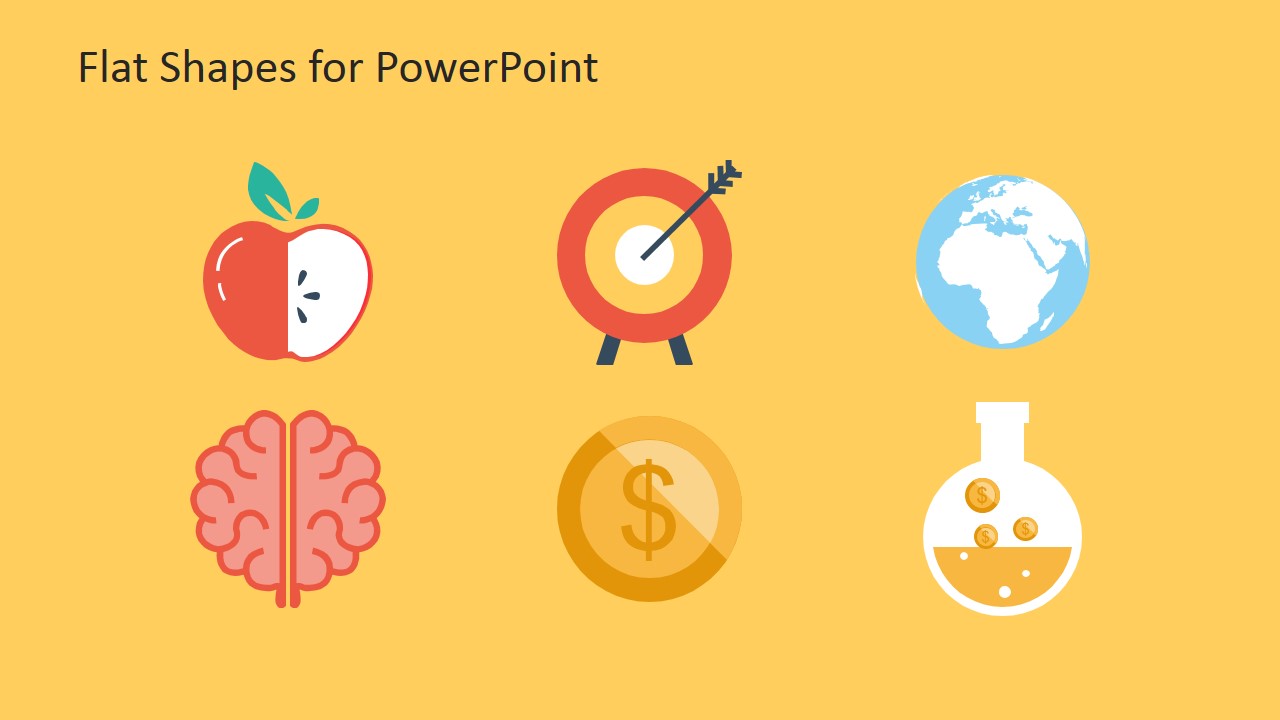
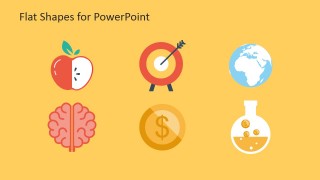
- A marketing presenter can explain campaign themes with the connected icon hub, assigning each radial icon to a concept such as audience, target, budget, geography, learning, or testing.
- An educator can build a short lesson or workshop slide by using the three-icon explanation rows to compare ideas, define terms, or group learning objectives.
- A startup team can decorate an investor or product update deck with the monitor, laptop, globe, target, and finance icons to make abstract business points easier to scan.
Features
- 100% editable presentation template
- Compatible with Microsoft PowerPoint and Google Slides
- 16:9 aspect ratio slides
- Scalable vector shapes, icons and illustrations
- AI-Ready for Microsoft Copilot and Claude
- Instant access and download
Frequently asked questions
Q: How should a presenter organize a message with this flat shape template?
A: Start with one of the workstation or laptop scenes to set the business or technology context, then move to the connected icon hub for the main ideas. Use the three-icon rows only for points that can be compared or grouped. Keep captions short so the icons carry the structure instead of becoming decoration.
Q: Who gets the most value from these slides?
A: This template is best for presenters who need quick visual metaphors rather than a full report framework. Trainers, marketers, consultants, and technology teams can use the monitor scenes, globe, target, brain, coin, and flask icons to explain digital work, learning, finance, testing, or global reach in a concise way.
Q: Why do the flat icon metaphors work for business communication?
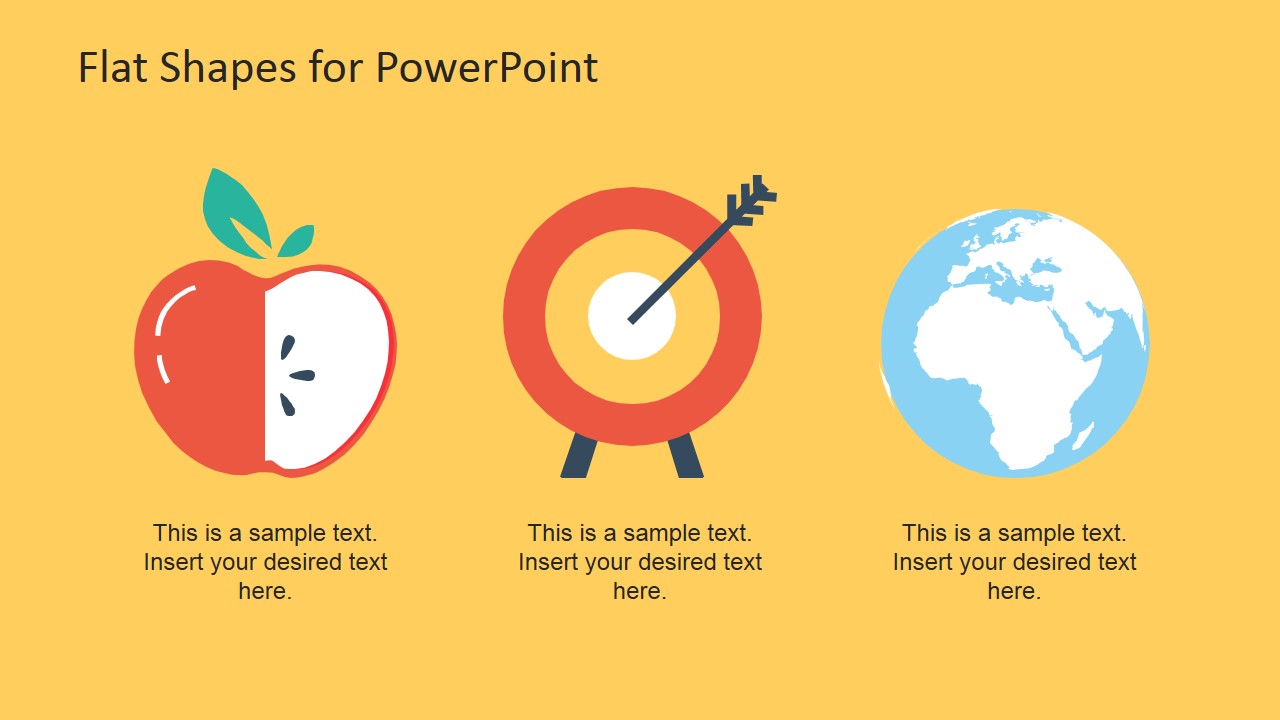
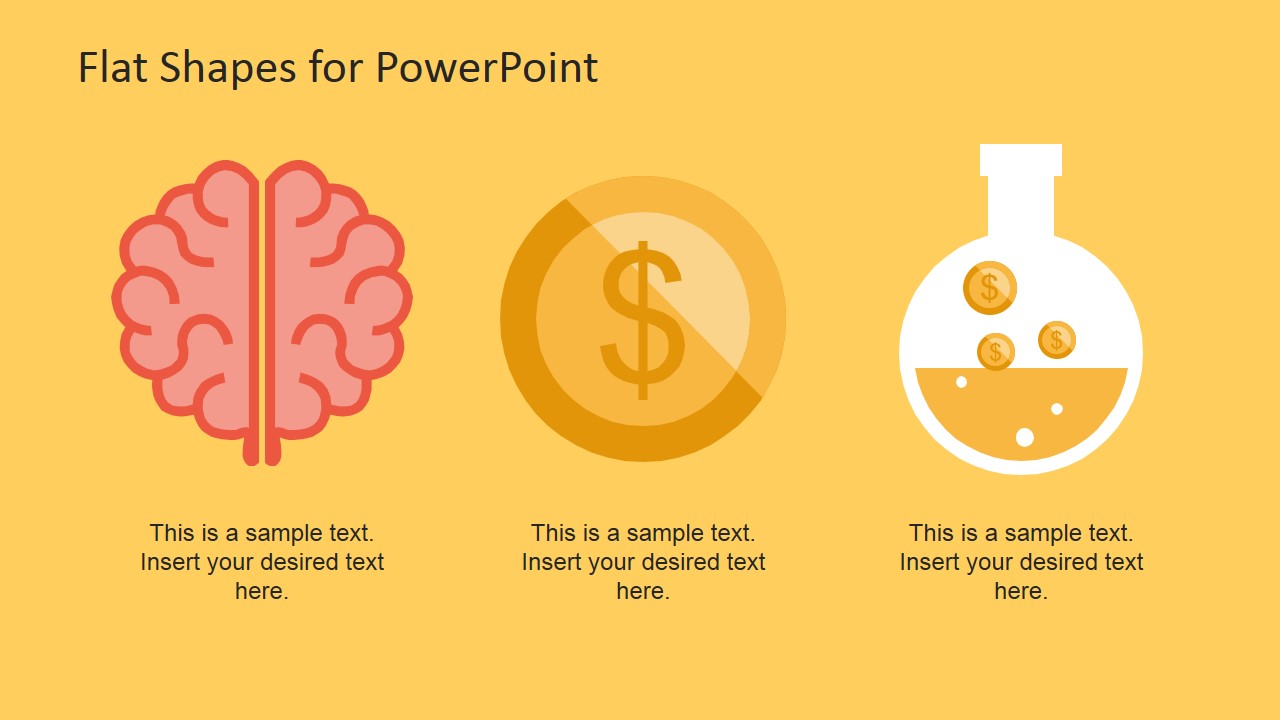
A: The icon set turns abstract ideas into recognizable symbols: a target for goals, a globe for reach, a brain for knowledge, a coin for money, and a flask for experimentation. The flat style keeps detail low, so audiences can read meaning quickly while the presenter explains the specific business point.


Creative Flat Shapes for PowerPoint
8-slide presentation template with flat vector icons, monitor scenes, and technology illustration shapes
Creative Flat Shapes for PowerPoint is an 8-slide presentation template built around editable flat vector illustrations. It includes a desktop workstation scene, laptop work slide, connected icon hub, and three-icon explanation rows for business, marketing, education, or technology presentations in Microsoft PowerPoint and Google Slides.
- Category
- Shapes
- Rating

 Loading...
- Aspect ratio
- 16:9
- Item ID
- 6769-02
- Colors
 Microsoft PowerPoint
  Microsoft Copilot
  Claude for PowerPoint
 Other formats supported
Subscribe today and get immediate
access to download our PowerPoint templates.