Slide 4 of 6 from Data Elements for PowerPoint Presentations
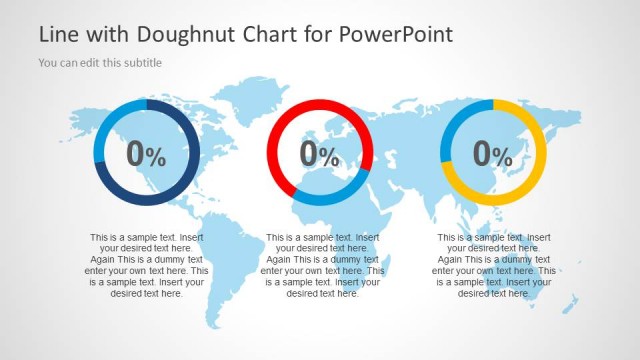
3 KPI Indicators over a World Map for PowerPoint
Data Elements for PowerPoint - Circles with Percentage
- Chart
- Other
- Evaluation Slide
- 16:9
- 100% Editable
The Circles with Percentage slide from the Data Elements for PowerPoint Presentations template offers a clear way to display comparative metrics such as performance data or market share. This slide layout uses editable shapes and vector icons to highlight percentage values within colored circles, making it suitable for business presentations and pitch deck templates that require concise visual evaluation of survey results or key statistics.
About This Slide
3 KPI Indicators over a World Map for PowerPoint
What’s on This Slide
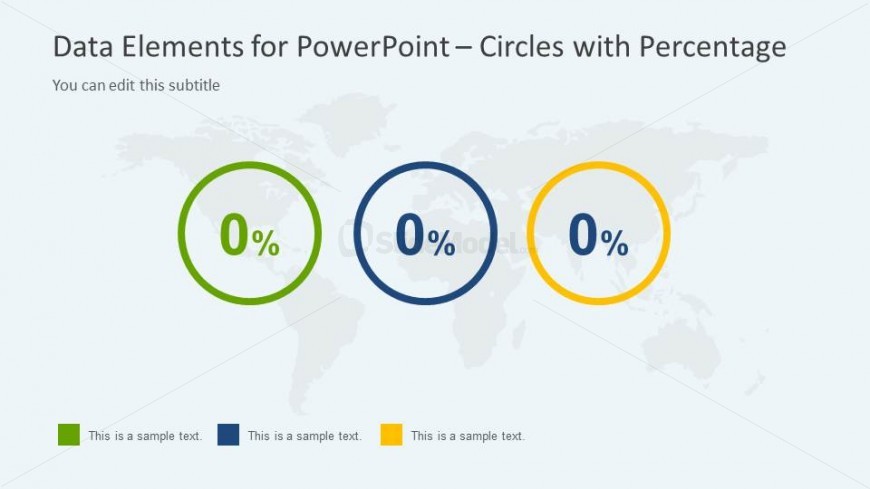
The layout features three large circles positioned horizontally across the center of the slide. Each circle displays a percentage value of '0%' in the center, with a distinct color for each: green, blue, and yellow. Below each circle, there are text placeholders aligned centrally, labeled as 'This is a sample text.' The background is a light gray with a subtle world map graphic, providing context without overpowering the main elements. The visual hierarchy emphasizes the circles and their percentages, making them the focal point of the design.
How to Use It
This layout is suitable for presenting comparative data or metrics, particularly when showcasing percentage values. It fits well in a presentation sequence after introductory slides and before detailed analysis. This structure can be used in business scenarios such as performance metrics, survey results, or market share comparisons. The clear visual representation aids in quickly conveying data insights to the audience, making it effective for reports and updates.
Text Placeholders & Capacity
Keep your copy within these limits so it fits without resizing. Node body slots can hold roughly 5 characters each.
| Placeholder | Count | Max characters (approx.) |
|---|---|---|
| Item body | 3 | 5 |
| Body paragraph | 3 | 20 |
| Slide title | 1 | 50 |
| Subtitle | 1 | 50 |
Slide Keywords
Download unlimited PowerPoint templates, charts and graphics for your presentations with our annual plan.
DOWNLOADReturn to Data Elements for PowerPoint Presentations.