Slide 6 of 6 from Data Elements for PowerPoint Presentations
6063-01-data-elements-6
Bar Chart with Data Labels for Presentations
- Chart
- Bar Horizontal
- Evaluation Slide
- 16:9
- 100% Editable
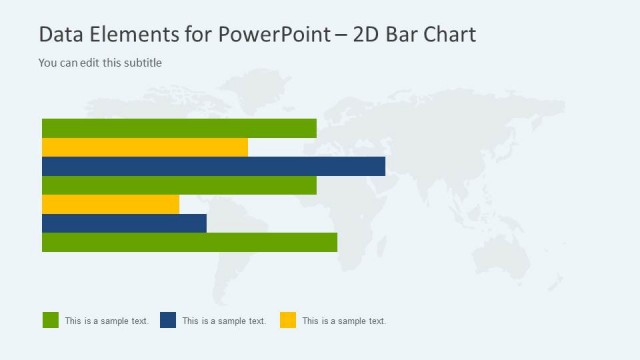
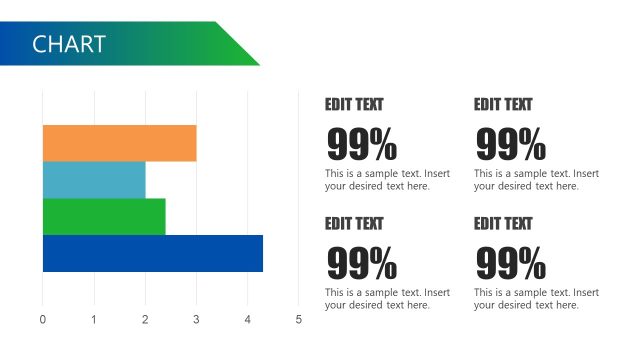
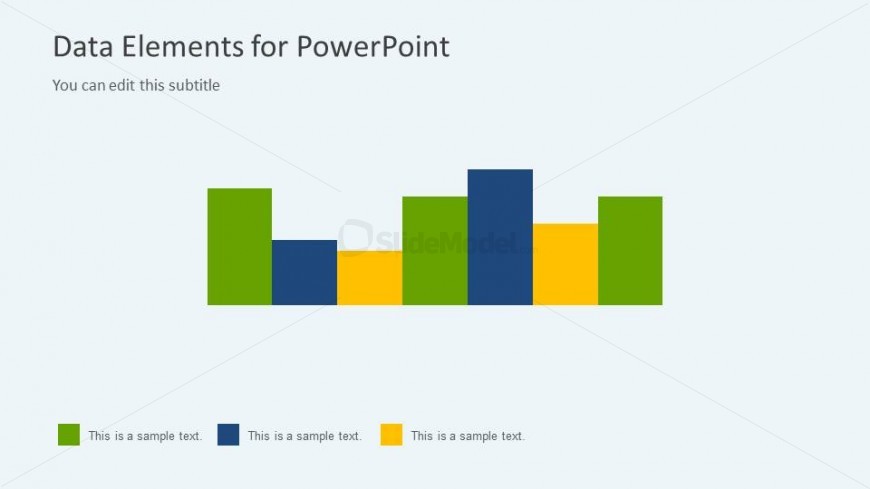
The Bar Chart with Data Labels slide from the Data Elements for PowerPoint Presentations template offers a clear visual format for comparing data and analyzing performance metrics. This slide layout features editable shapes and color-coded bars that facilitate trend analysis, making it a practical choice for business presentations and slide decks requiring precise data visualization. Its design supports effective communication of key insights within professional PowerPoint templates and Google Slides templates.
What’s on This Slide
The layout features a horizontal bar chart positioned centrally on a light gray background. The chart consists of five bars of varying heights, each represented in distinct colors: green, blue, yellow, and dark green. Below the chart, there are four text placeholders aligned horizontally, each corresponding to a color in the chart. The title is located at the top center, with a subtitle directly beneath it. The overall composition emphasizes the chart, with ample space around it to enhance clarity.
How to Use It
This layout serves as a visual representation of data comparisons, ideal for displaying trends or performance metrics. It fits well in a presentation sequence after a problem statement or analysis section, providing a clear visual summary. Common scenarios include showcasing sales figures, survey results, or project timelines. This structure allows for easy interpretation of data points, making it suitable for business presentations, reports, or educational contexts.
Text Placeholders & Capacity
Keep your copy within these limits so it fits without resizing. Text slots for labels are tight, roughly 5 words each.
| Placeholder | Count | Max characters (approx.) |
|---|---|---|
| Slide title | 1 | 30 |
| Subtitle | 1 | 50 |
| Item heading | 4 | 20 |
Slide Keywords
Download unlimited PowerPoint templates, charts and graphics for your presentations with our annual plan.
DOWNLOADReturn to Data Elements for PowerPoint Presentations.