Slide 3 of 6 from Data Elements for PowerPoint Presentations
Editable Horizontal Line Chart Template for PowerPoint
2D Bar Chart for PowerPoint Presentations
- Chart
- Bar Horizontal
- Evaluation Slide
- 16:9
- 100% Editable
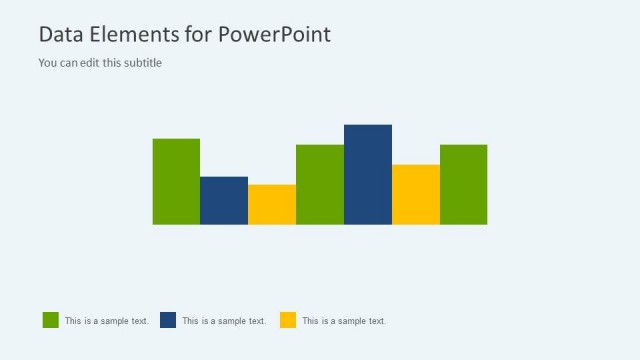
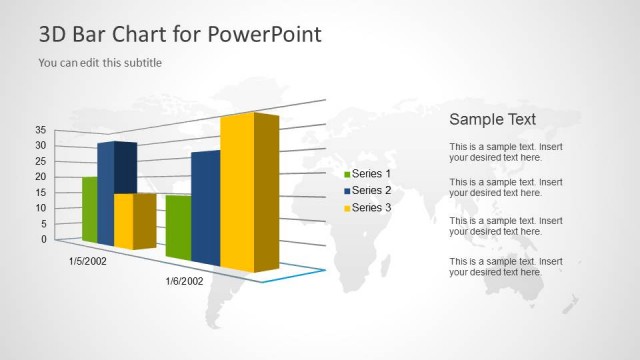
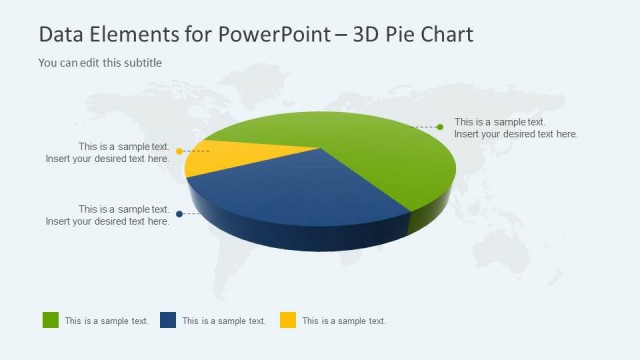
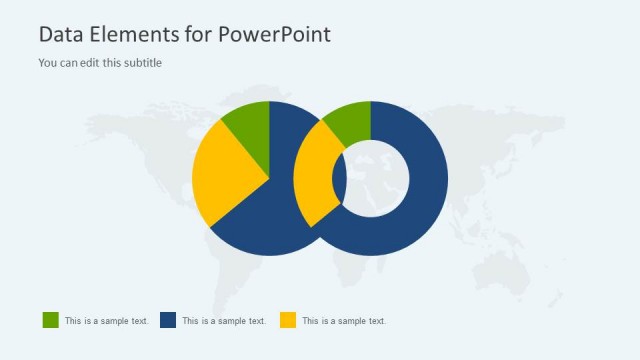
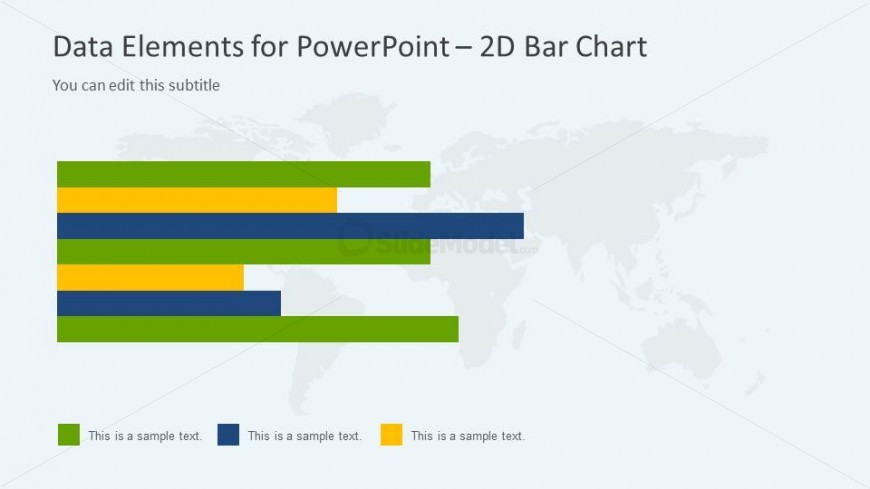
The 2D Bar Chart slide from the Data Elements for PowerPoint Presentations template offers a clear and editable slide layout ideal for visualizing performance metrics and comparative analysis. Featuring horizontal bars with distinct colors and a subtle background, this slide supports effective data communication in business presentations and pitch deck templates.
About This Slide
Editable Horizontal Line Chart Template for PowerPoint
What’s on This Slide
The slide features a 2D bar chart positioned centrally, with horizontal bars representing data values. The bars are colored in green, blue, and yellow, each corresponding to a legend at the bottom left. Above the chart, there is a title area stating 'Data Elements for PowerPoint' and a subtitle placeholder for editing. The background is light gray with a faint world map graphic, providing context without overwhelming the chart. Text placeholders for sample data are aligned to the left of each bar, maintaining a clear visual hierarchy.
How to Use It
This layout serves as a data visualization tool, specifically for presenting comparative data through a bar chart format. It fits well in a presentation sequence after introducing data concepts or analysis, providing a clear visual representation of data trends. This slide is suitable for business scenarios such as performance metrics, survey results, or any comparative analysis where clear visual differentiation is needed. It can be used individually to highlight specific data points effectively.
Text Placeholders & Capacity
Keep your copy within these limits so it fits without resizing. Node labels can accommodate roughly 3-5 words each.
| Placeholder | Count | Max characters (approx.) |
|---|---|---|
| Slide title | 1 | 30 |
| Subtitle | 1 | 50 |
| Item heading | 5 | 20 |
Slide Keywords
Download unlimited PowerPoint templates, charts and graphics for your presentations with our annual plan.
DOWNLOADReturn to Data Elements for PowerPoint Presentations.