Slide 5 of 6 from Data Elements for PowerPoint Presentations
Two Pie Charts in the Same Slide Design for PowerPoint
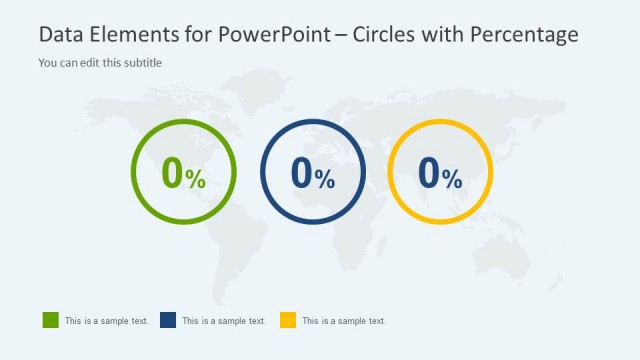
Circles with Percentage for Presentations
- Diagram
- Overlapping Circles
- Comparison Slide
- 16:9
- 100% Editable
The Circles with Percentage slide from the Data Elements for PowerPoint Presentations template offers a clear visual comparison using overlapping circles, ideal for market analysis and performance metrics. This slide layout supports business presentations by effectively illustrating relationships between datasets with editable shapes and text placeholders, enhancing data clarity in corporate slide decks.
About This Slide
Two Pie Charts in the Same Slide Design for PowerPoint
What’s on This Slide
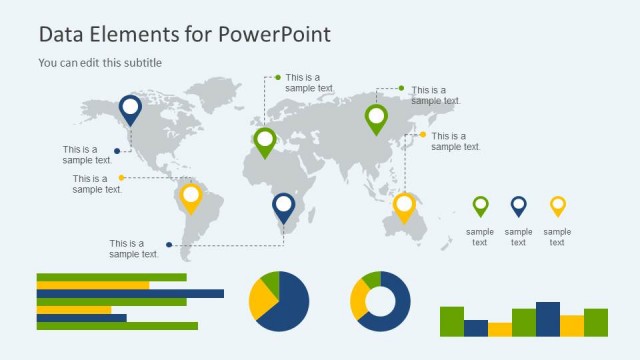
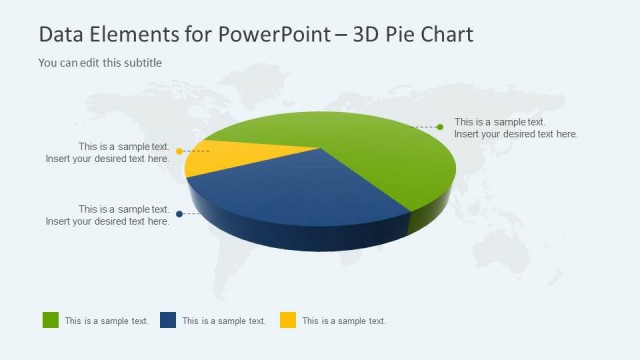
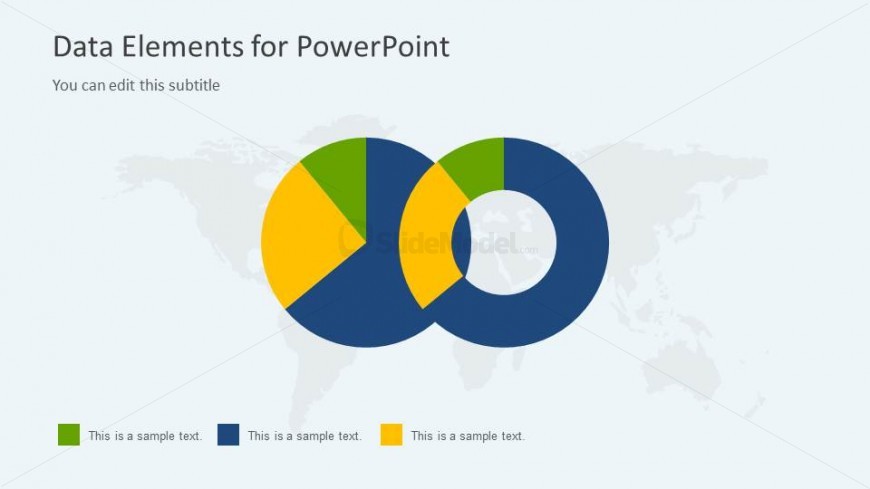
The layout features two overlapping circles positioned centrally, with a light background. The left circle is segmented into three colored sections: green, yellow, and blue, while the right circle is a solid blue with a hollow center. Below the circles, there are four text placeholders aligned horizontally, each labeled with sample text. The title is positioned at the top, with a subtitle placeholder directly beneath it. The overall composition emphasizes the circles, creating a clear visual hierarchy.
How to Use It
This layout serves as a visual representation of comparative data, suitable for illustrating relationships or proportions between two datasets. It fits well in a presentation sequence following an analysis or introduction of data. This structure is useful in business contexts such as performance comparisons, market share analysis, or survey results, where visual clarity enhances understanding.
Text Placeholders & Capacity
Keep your copy within these limits so it fits without resizing. Text slots are moderate, roughly 5-7 words each.
| Placeholder | Count | Max characters (approx.) |
|---|---|---|
| Slide title | 1 | 40 |
| Subtitle | 1 | 40 |
| Item body | 4 | 30 |
Slide Keywords
Download unlimited PowerPoint templates, charts and graphics for your presentations with our annual plan.
DOWNLOADReturn to Data Elements for PowerPoint Presentations.