Slide 1 of 6 from Data Elements for PowerPoint Presentations
6063-01-data-elements-1
Data Elements Overview for Presentations
- Map
- World Map
- Context Slide
- 16:9
- 100% Editable
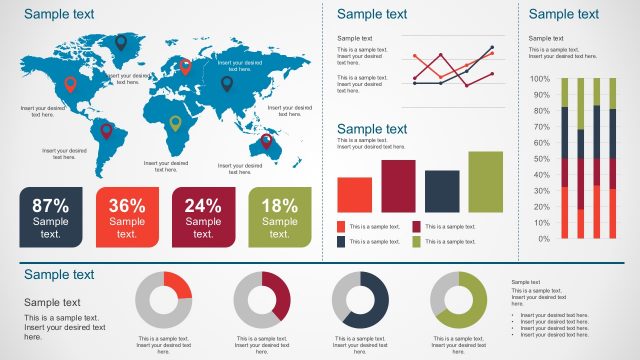
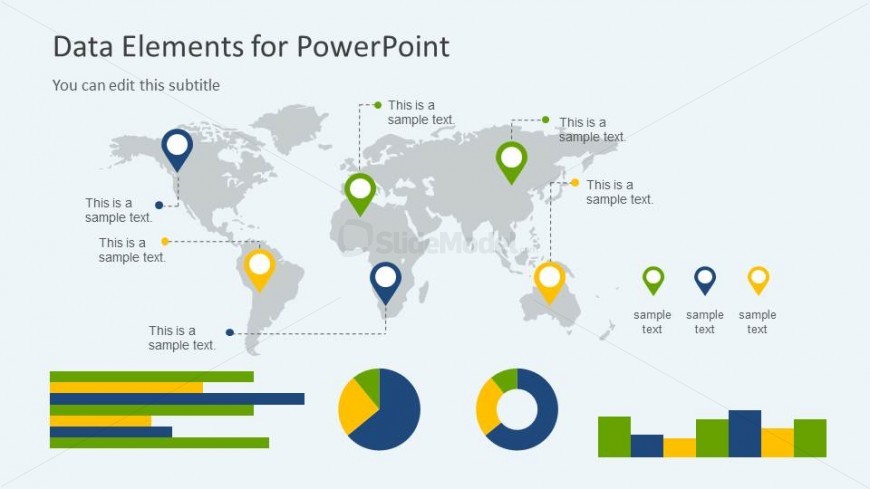
The Data Elements Overview slide from the Data Elements for PowerPoint Presentations template offers a structured layout combining a world map with colorful location markers and various charts. This slide is ideal for business presentations focusing on market analysis or performance metrics, utilizing editable shapes and vector icons to clearly communicate complex geographical and comparative data within a professional slide deck.
What’s on This Slide
The layout features a world map centered on the slide, with location markers in various colors indicating specific points. Text placeholders are positioned near each marker, providing space for descriptions. To the left, there are horizontal bar charts in green and blue, with text placeholders for labels. On the right, there are pie charts and a stacked bar chart, each with accompanying text placeholders for titles and data labels. The overall composition is balanced, with visual elements grouped by type and color scheme emphasizing data representation.
How to Use It
This layout serves as an overview of data elements, suitable for introducing key metrics or analysis in a presentation. It fits well at the beginning of a data-focused presentation, providing context for subsequent slides. Use this structure when presenting geographical data, performance metrics, or comparative analysis. It is effective for business scenarios such as market analysis, project updates, or data-driven decision-making, allowing for clear communication of complex information.
Text Placeholders & Capacity
Keep your copy within these limits so it fits without resizing. Node body slots can accommodate roughly 5-7 words each.
| Placeholder | Count | Max characters (approx.) |
|---|---|---|
| Slide title | 1 | 30 |
| Subtitle | 1 | 30 |
| Item body | 5 | 25 |
| Chart title | 2 | 25 |
Slide Keywords
Download unlimited PowerPoint templates, charts and graphics for your presentations with our annual plan.
DOWNLOADReturn to Data Elements for PowerPoint Presentations.